


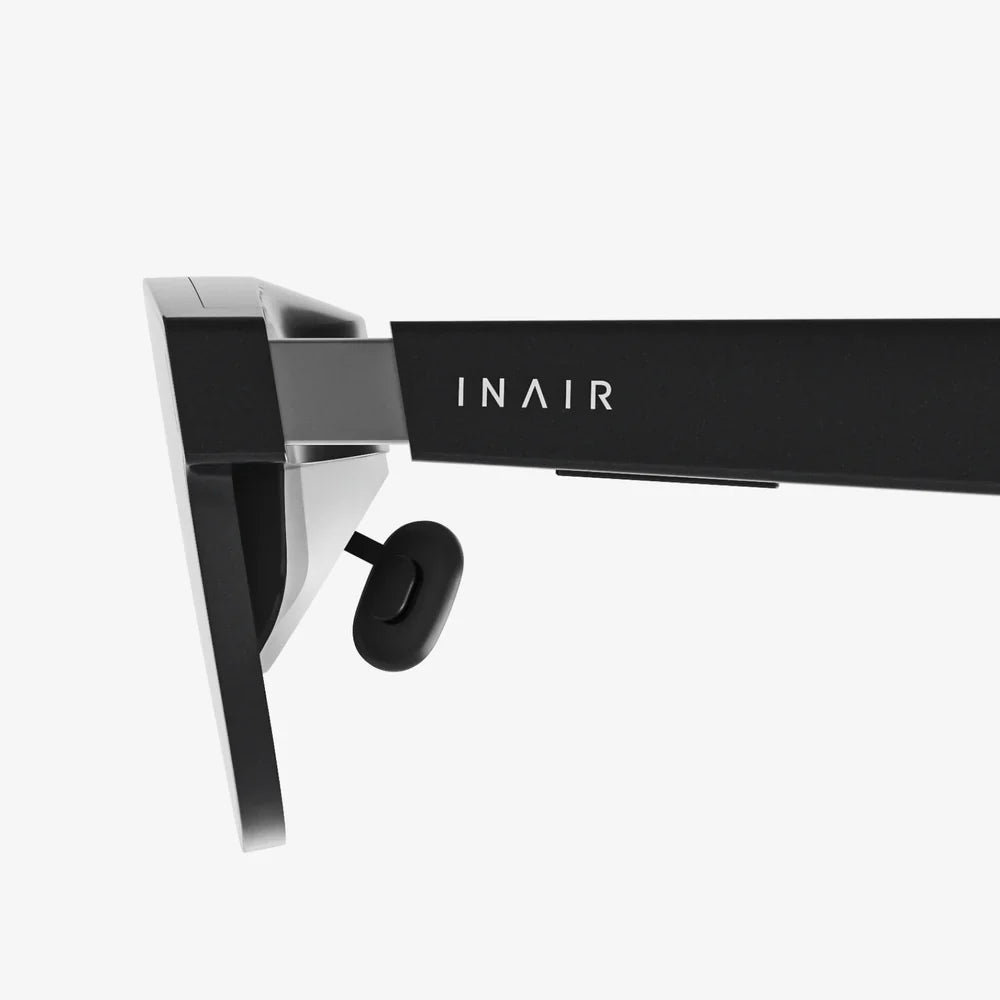
You've just unboxed your shiny new portal to other worlds, your hands trembling with anticipation as you lift the visor for the first time. But the journey from a sleek piece of hardware to a seamless escape into virtual dimensions hinges on one critical, often overlooked element: comprehensive VR headset support. This isn't just about troubleshooting a glitch; it's the foundational bedrock upon which every breathtaking adventure, every heart-pounding game, and every transformative professional application is built. Mastering it is the key to unlocking the true, staggering potential of your device and ensuring your forays into the metaverse are nothing short of extraordinary.
Laying the Groundwork: Pre-Setup and Initial Configuration
Before you even plug in a single cable, the first pillar of robust VR headset support begins with understanding your environment and system. Rushing this stage is the primary cause of countless frustrations that are easily avoidable.
The Digital Foundation: System Requirements and Software
Diving into VR without verifying your system's capabilities is like trying to launch a rocket with firewood. True support starts with your computer or mobile device.
- GPU and CPU: This is the heart of your VR experience. Exceeding the minimum specifications is not a suggestion; it is a requirement for a smooth, nausea-free experience. Stuttering graphics and lag are not just immersion-breaking—they are the quickest path to motion sickness.
- RAM and Storage: Modern VR applications are vast. Ample RAM ensures assets load seamlessly, while a fast Solid State Drive (SSD) drastically reduces loading times, keeping you in the experience and out of waiting screens.
- Platform Software: Whether it's a first-party platform or a universal hub, ensure this core software is fully updated. These updates frequently include critical performance enhancements, new features, and crucial security patches that form the software bedrock of your headset's operation.
The Physical Playground: Defining Your Space
Your physical space is as important as your digital one. Proper environmental setup is a non-negotiable aspect of safety and functionality support.
- Play Area: Meticulously measure your designated play space. There are generally two modes: Stationary, for seated or standing experiences with minimal movement, and Room-Scale, which requires a clear, defined area, typically a minimum of 2m x 1.5m (6.5ft x 5ft). Always err on the side of more space.
- Safety First: This is paramount. Clear the area of all tripping hazards like loose rugs, cables, toys, or low coffee tables. Define your boundaries physically, if possible, and always use the provided digital Guardian, Chaperone, or Boundary system. This virtual wall is your most vital safety feature—respect it and set it conservatively.
- Lighting and Reflections: For headsets utilizing external tracking cameras, lighting is key. Avoid direct sunlight on your play area, as it can damage the headset's lenses and interfere with infrared sensors. Similarly, cover or remove large mirrors and reflective surfaces, which can confuse the tracking systems and cause controllers to jitter or fly away.
The First Steps: Calibration and Comfort Optimization
With the groundwork laid, you now enter the crucial phase of personalizing the hardware to your body—a step that dramatically impacts comfort and visual clarity.
Finding Optical Perfection: The Interpupillary Distance (IPD)
This is arguably the single most important setting for visual comfort. IPD is the distance between the centers of your pupils, measured in millimeters. If this setting is incorrect, the virtual world can appear blurry, cause eye strain, or induce headaches. Most headsets offer either a software-adjustable slider (via an on-screen guide) or a physical slider on the headset itself. Take your time with this adjustment. Move the slider slowly while looking at text in the virtual environment until it achieves maximum sharpness and comfort.
Mastering the Fit: Straps and Weight Distribution
A poorly fitted headset is a heavy headset. Proper support here is about physics, not just comfort.
- The Top Strap: This is the primary load-bearer. Loosen all straps, place the headset on your face, and then secure the top strap first. It should cradle the back of your head, taking about 80% of the weight.
- The Side Straps: Tighten these next to pull the visor snug against your face, but not so tight that it creates excessive pressure on your cheeks or forehead. The goal is a secure seal that blocks out external light without causing discomfort.
- Counterweights (Optional): For extended play sessions, especially with front-heavy devices, a small counterweight attached to the rear strap can perfectly balance the load, eliminating neck strain and making the headset feel significantly lighter.
Navigating Common Technical Hurdles
Even with perfect setup, issues can arise. Effective troubleshooting is a core component of self-support.
The Dreaded Tracking Problems
When your virtual hands start drifting or the world judders, it breaks immersion instantly. The solution often lies in your environment.
- Inside-Out Tracking: For headsets with built-in cameras, ensure the cameras on the outside of the visor are clean and unobstructed. Re-run the room setup if you've significantly changed your environment.
- External Sensor Tracking: If using external base stations or sensors, ensure they are firmly mounted and cannot vibrate. They must be positioned diagonally across from each other, angled downward towards the center of your play space, and have a completely unobstructed view of the entire area.
- Controller Woes: Tracking issues isolated to a single controller are often a low battery. Replace it. If problems persist, re-pair the controller through the device's software menu.
Audio and Visual Anomalies
Problems with what you see and hear are jarring but often have simple fixes.
- Blurry Display: Revisit your IPD adjustment. If that's correct, ensure the lenses are clean (using a microfiber cloth only—no chemicals!). Also, check if the headset has a manual focus knob or if the fit is allowing the headset to sit too far from your eyes.
- Screen Door Effect: This is a hardware limitation where fine lines between pixels are visible. While you can't eliminate it on older hardware, supersampling (rendering at a higher resolution than the display) via software settings can help minimize its appearance.
- Audio Cutting Out: If using built-in audio, check the physical connection. For Bluetooth audio, be aware that latency can be an issue. For the best experience, wired headphones or the headset's native solution are often recommended.
Advanced Support: Maximizing Performance and Hygiene
Once you've mastered the basics, advanced support techniques elevate your experience from functional to exceptional.
Software Tweaks for Peak Performance
Delving into graphics settings can yield massive improvements. Key terms to understand:
- Supersampling / Resolution Per Eye: This is the most impactful setting. Increasing this forces your GPU to render a sharper image, reducing jaggies and the screen door effect. It is incredibly demanding but offers the best visual fidelity.
- Refresh Rate: A higher refresh rate (90Hz, 120Hz, etc.) provides a smoother picture, greatly reducing perceived lag and motion sickness. If your system is powerful enough, always opt for a higher rate.
- SteamVR Video Settings: For PC-based headsets, this menu offers granular control over global and per-application settings, allowing you to customize performance for each game.
The Unseen Essential: Maintenance and Hygiene
Long-term support is about preserving your hardware and health.
- Lens Care: Never use abrasive cloths or chemical cleaners. A dry, high-quality microfiber cloth is all you should use. Store the headset in a case or covered location to avoid dust settling on the lenses.
- Facial Interface Hygiene: The foam or silicone padding that touches your face absorbs sweat and oils. For hygiene and longevity, consider purchasing removable and washable interfaces. At the very least, use VR covers and clean them regularly with anti-bacterial wipes.
- Cable Management: For wired headsets, the cable is a point of failure. Use a ceiling pulley system or a retractable cable management solution to prevent tripping, tangling, and damaging the cable port.
Finding Help: Utilizing Community and Official Resources
No support guide is complete without knowing where to turn when you're stumped.
- Official Support Portals: The manufacturer's website is your first stop for warranty information, official troubleshooting guides, knowledge bases, and driver downloads. Submit a support ticket for hardware-specific issues.
- Community Power: Platforms like Reddit (e.g., r/SteamVR, r/OculusQuest), Discord servers, and dedicated forum sites are invaluable. The collective knowledge of millions of users means someone has almost certainly encountered and solved your exact problem. Search these forums before posting a new question.
- YouTube Tutorials: For visual learners, YouTube is a goldmine. From detailed setup walkthroughs and fit guides to advanced performance tuning tutorials, seeing a process done correctly is often the best solution.
Your VR headset is a marvel of modern technology, a key to unlocking experiences that were once the stuff of science fiction. Yet, its magic remains frustratingly out of reach without the invisible framework of diligent VR headset support. It’s the difference between a blurry, nausea-inducing novelty and a crystal-clear, comfortable gateway to another reality. By embracing these practices—from the meticulous first setup to advanced performance tuning and proactive maintenance—you cease to be just a user and become the master of your virtual domain. The ultimate immersive experience isn't just about the hardware you buy; it's about the expertise you build around it. Now, go on—your perfectly calibrated, buttery-smooth, and utterly captivating virtual world awaits.
Share:
VR Goggles for iPhone 7: The Ultimate Immersive Experience Guide
Best VR for iPhone 13: The Ultimate Guide to Mobile Immersion in 2024