


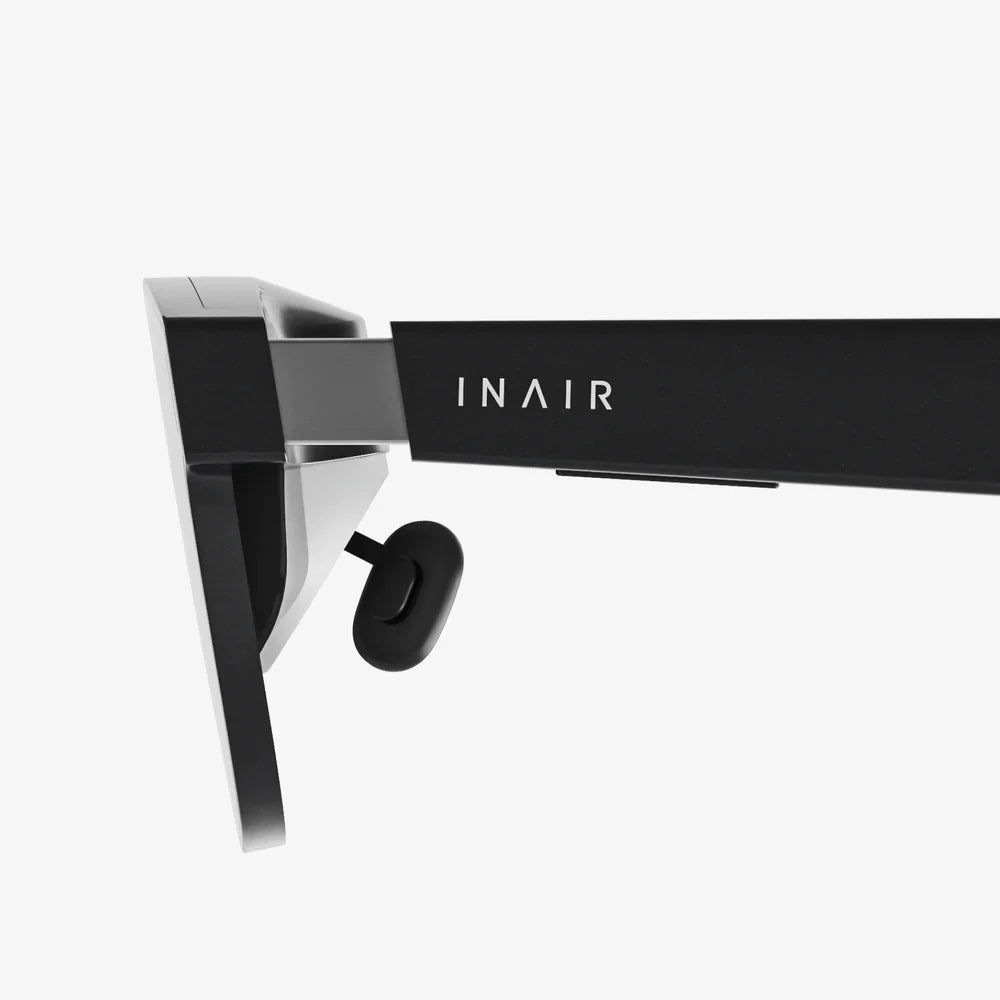
Imagine slipping your iPhone 7 into a sleek headset and instantly being transported to the edge of a volcano, the front row of a concert, or the cockpit of a starship. This isn't a glimpse into a distant future; it's the accessible, awe-inspiring reality offered by VR goggles for iPhone 7. While newer phones boast more advanced specs, the powerful A10 Fusion chip and high-resolution Retina HD display of the iPhone 7 make it a surprisingly capable vessel for virtual adventures. This guide will dive deep into the world of mobile VR, showing you how to unlock the full potential of your device and choose the perfect headset to embark on your own journeys into the digital unknown.
The Enduring Power of the iPhone 7 in a Modern VR Landscape
It's a common misconception that only the latest smartphones can handle virtual reality. While it's true that newer models offer incremental improvements, the iPhone 7 remains a formidable platform for mobile VR. Its 4.7-inch Retina HD display, with a resolution of 1334 x 750 pixels, provides a crisp and clear viewport into virtual worlds. The real workhorse, however, is the A10 Fusion chip. This processor was designed for high-performance tasks and advanced graphics, which is exactly what rendering two distinct images for a stereoscopic 3D effect requires.
When evaluating VR goggles for iPhone 7, it's crucial to understand that the headset itself is essentially a sophisticated housing—a high-tech pair of lenses. The phone is the engine, the screen, and the brain. The headset's job is to create a sealed, darkened environment, use lenses to warp and focus the image from the phone's screen to fill your entire field of view, and track your head movements. The iPhone 7's gyroscope, accelerometer, and other internal sensors perform the critical task of tracking, ensuring that when you turn your head, the virtual world responds in perfect, fluid unison. This synergy between a phone's hardware and a headset's design is what makes the magic of mobile VR possible.
Key Features to Look For in Your iPhone 7 VR Headset
Not all VR goggles are created equal. To ensure a comfortable and immersive experience, there are several key features you should prioritize when selecting a headset for your iPhone 7.
Lens Quality and Field of View (FOV)
The lenses are the soul of the headset. High-quality, precision-ground optical lenses are non-negotiable for a clear, sharp image free of distortion or a "screen door effect" (where you can see the lines between pixels). The Field of View, measured in degrees, determines how much of your vision is occupied by the virtual environment. A wider FOV (ideally 90 degrees or more) is essential for true immersion, making you feel "inside" the experience rather than simply looking at a screen.
Build Quality, Comfort, and Adjustability
You'll likely be wearing your headset for extended periods, so comfort is paramount. Look for a headset with ample padding, particularly around the forehead and nose areas, and a sturdy yet lightweight construction. A well-distributed weight and an adjustable head strap—preferably an overhead strap in addition to side straps—will prevent neck strain and keep the headset securely in place. Proper ventilation is also a subtle but important feature to prevent the lenses from fogging up during intense gaming sessions.
Compatibility and Phone Housing
This is specific to your device: ensure the headset is explicitly compatible with the 4.7-inch screen size and overall dimensions of the iPhone 7. The tray or mechanism that holds the phone should be secure and easy to use, allowing you to slide your phone in and out without fear of dropping it. It should also provide unobstructed access to the phone's screen and, crucially, its camera if you want to explore augmented reality (AR) apps or experiences that blend the digital and real worlds.
Input Methods and Additional Functionality
Since your phone is enclosed, you need a way to interact with the virtual world. Some headsets come with a simple, single-button Bluetooth remote for basic input, while others are designed to work with more advanced game controllers. A few premium models may even include additional features like built-in headphones for spatial audio or adjustable focal lengths (diopter adjustment) for users who wear glasses, allowing them to experience VR without their specs.
Setting Up and Optimizing Your iPhone 7 for VR
Once you've chosen your headset, a few simple steps will ensure you get the best possible performance from your iPhone 7.
- Close Background Apps: Before launching a VR app, double-press the Home button and swipe away all unnecessary applications. This frees up precious RAM and processing power for a smoother VR experience.
- Enable Airplane Mode (or Do Not Disturb): There's nothing more immersion-breaking than a notification popping up in the middle of a virtual landscape. Switching on Airplane Mode or enabling Do Not Disturb will prevent interruptions.
- Maximize Brightness: Because the headset blocks out all external light, you can run your screen at full brightness without it being uncomfortable. This significantly improves image quality and color vibrancy.
- Clean Your Screen: Every smudge and fingerprint on your phone's screen will be magnified by the headset's lenses. A quick wipe with a microfiber cloth makes a world of difference.
- Keep It Charged: VR applications are power-intensive. It's advisable to start your session with a battery level of at least 50% or to keep your phone plugged in during use if your headset allows for a passthrough charging cable.
A Universe of Content Awaits: What to Do in VR
The hardware is just the beginning. The true potential of your VR goggles for iPhone 7 is unlocked through the vast library of content available on the App Store. The experiences can be broadly categorized into a few exciting areas.
Gaming and Interactive Experiences
This is where VR truly shines. You are no longer just controlling a character on a screen; you are the character. You can step into the shoes of a pilot navigating a dogfight in space, a detective solving a mystery by physically examining clues, or a hero deflecting arrows with a virtual shield. The level of immersion in VR gaming is unparalleled, turning your living room into an infinite playground.
360-Degree Videos and Virtual Travel
One of the most magical applications of VR is its ability to teleport you anywhere on Earth—or beyond. Countless apps and YouTube channels offer stunning 360-degree videos. You can dive with sharks on the Great Barrier Reef, stand in the center of a bustling foreign market, watch a documentary from the heart of the action, or even experience a music video from the perspective of the artist. It's the next best thing to being there.
Educational and Cultural Exploration
Museums, educational institutions, and tech companies have created incredible VR experiences that make learning active and engaging. You can take a guided tour of ancient Roman ruins, explore the human body at a cellular level, or witness historical events unfold around you. This immersive form of education has the power to inspire and inform in ways a textbook never could.
Social VR and Virtual Meetings
The virtual world is also becoming a social space. Platforms exist where you can create an avatar and meet people from around the world in virtual environments to play games, watch movies, or simply chat. For a more professional setting, some apps offer virtual meeting rooms where colleagues can collaborate on 3D models and presentations as if they were in the same physical space.
Understanding the Limits and Looking to the Future
It's important to approach mobile VR with realistic expectations. While the experience is incredible, it is not the same as using a high-end, dedicated PC-powered VR system. These systems have external sensors, dedicated motion controllers that are tracked in 3D space, and more powerful graphics. Mobile VR, by comparison, is more accessible and convenient but has limitations in graphical fidelity and interaction complexity. You might experience a lower resolution than on a dedicated headset, and some more advanced games may cause the iPhone 7 to warm up after extended use.
However, the technology is constantly evolving. The principles explored with VR goggles for iPhone 7 are the foundation for the future of mixed reality. As augmented reality (AR) technology on smartphones becomes more sophisticated, the line between the physical world and digital overlays will continue to blur. The experiences you have today with your iPhone 7 are a thrilling and affordable entry point into a revolution in how we work, play, and connect.
Your iPhone 7 is a passport to countless realities, just waiting for you to strap in and take the leap. The perfect VR headset can breathe new life into your device, transforming it from a communication tool into a window to the extraordinary. From heart-pounding games to awe-inspiring virtual tours, the content available today offers a compelling taste of a future where our digital and physical lives are seamlessly intertwined. The journey starts with a single click—your next adventure is already waiting.
Share:
VR Headset That Does Not Need a PC: The Ultimate Guide to Untethered Freedom
VR Headset Support: The Ultimate Guide to a Flawless Immersive Experience