


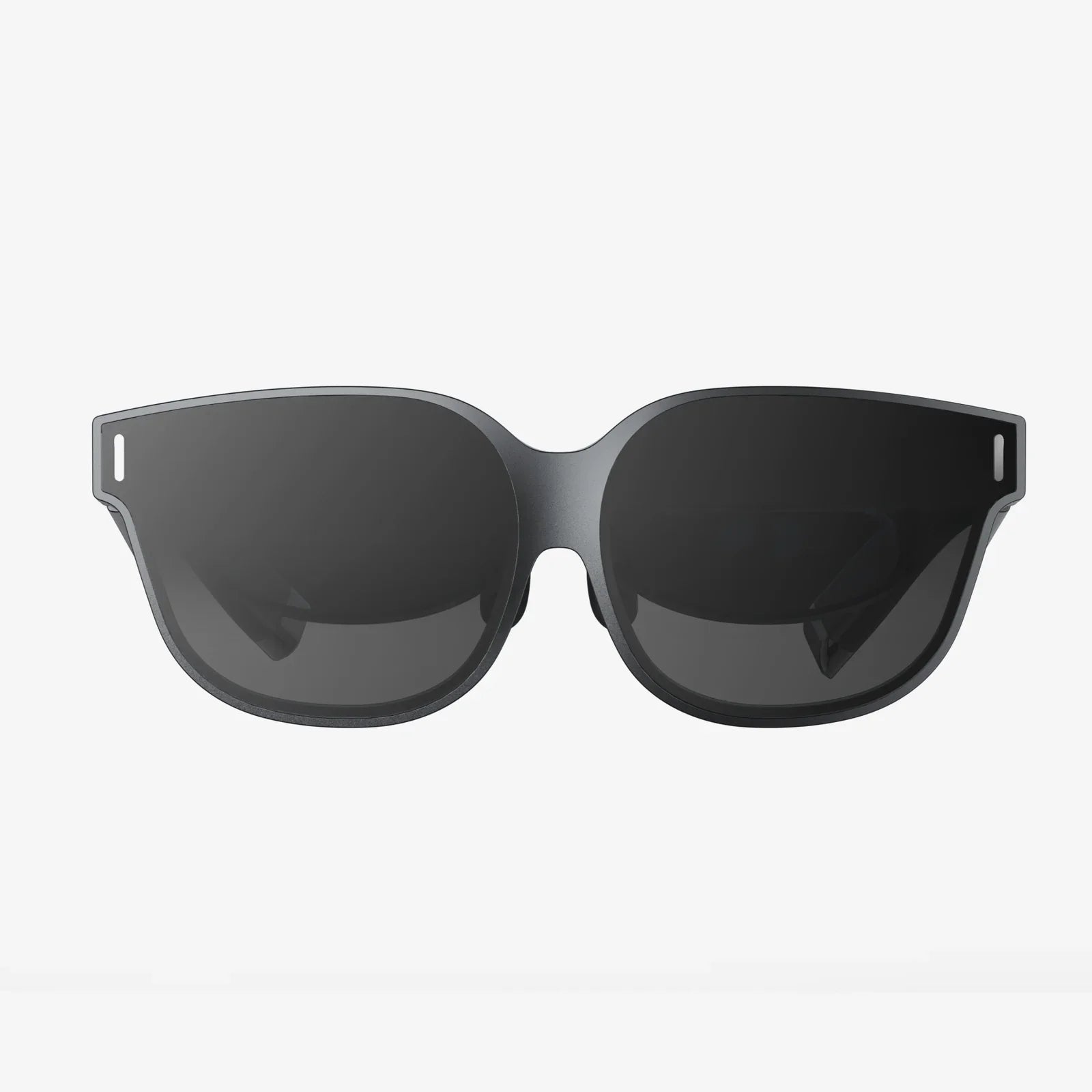
Imagine holding a window to another world in your hands, a portal limited only by the breadth of your imagination. Now, imagine sliding that powerful window—your iPad—into a sleek headset and stepping through, leaving the ordinary behind. The quest for the best VR headset for your iPad is not just about finding a piece of hardware; it's about unlocking the vast, immersive potential that's been sitting on your desk or in your bag all along. This journey will transform how you play, learn, and create, turning your familiar tablet into a gateway to the extraordinary.
The iPad: An Unlikely Powerhouse for Mobile VR
When we think of virtual reality, we often envision powerful desktop computers with dedicated graphics cards or all-in-one standalone headsets. However, the modern iPad, particularly models with the M-series chips, possesses a surprising amount of untapped potential for immersive experiences. With their high-resolution Liquid Retina displays, powerful processors capable of rendering complex visuals, and a vast library of apps, iPads are uniquely positioned to serve as the brains and display for a compelling mobile VR setup. The key is pairing it with the right headset—one that doesn't try to reinvent the wheel but instead elegantly harnesses the power Apple has already built into its tablet.
Understanding the Technology: What Makes a Great Mobile VR Headset?
Not all headsets are created equal, especially when the goal is to complement a high-end device like an iPad. The best VR headset for iPad falls into a specific category often referred to as a "mobile holder" or "shell" design. Unlike standalone VR systems that have their own built-in computer and displays, these headsets provide the optics, structure, and comfort, while your iPad provides the screen and processing power. The core components to evaluate are:
- Optical Quality: The lenses are the soul of the experience. High-quality, adjustable lenses with a wide field of view (FOV) are crucial for creating a seamless, immersive picture without blurry edges or the dreaded "screen door effect."
- Build Quality and Comfort: A headset must be a pleasure to wear. This means balanced weight distribution, ample padding, adjustable head straps, and materials that don't feel cheap. Since the iPad adds significant weight, the headset's design must counterbalance this effectively.
- Field of View (FOV): Measured in degrees, a wider FOV means a more immersive experience where the virtual world fills your vision, reducing the perception of looking through binoculars.
- IPD Adjustment: Interpupillary Distance (IPD) is the distance between your pupils. A good headset will allow you to physically or mechanically adjust the distance between the lenses to match your IPD, ensuring a clear and comfortable image.
- Controller Compatibility: While many experiences can be controlled with a Bluetooth gamepad or even head movements, support for advanced motion controllers can significantly expand the types of apps you can enjoy, from intricate games to creative tools.
- Ventilation and Fog Resistance: Extended use can lead to lens fogging. Well-designed vents allow air to circulate, keeping your view clear during longer sessions.
The Critical Factor: iPad Model Compatibility
This is perhaps the most important consideration. The landscape of iPad sizes is not uniform. The best VR headset for an 12.9-inch iPad Pro will be vastly different from one designed for a 10.2-inch standard iPad. You must ensure the headset you choose has a compartment that snugly and securely fits your specific iPad model. A poorly sized holder can lead to light leakage, which breaks immersion, or worse, an insecure fit that risks damaging your device. Always double-check the manufacturer's specifications for compatible device sizes before purchasing.
A Universe of Experiences: What Can You Actually Do?
Pairing your iPad with a capable headset opens a door to a diverse range of activities that go far beyond simple novelty.
Gaming and Interactive Entertainment
The App Store hosts a variety of VR-compatible games that range from casual roller coaster simulators to more involved adventure and puzzle games. While the library isn't as extensive as on dedicated PC VR platforms, the quality of experiences is consistently high, leveraging the iPad's excellent gyroscope and motion sensors for intuitive control. You can explore haunted houses, navigate interstellar spaceships, or solve complex environmental puzzles, all from your living room.
360-Degree Videos and Virtual Tourism
This is where the iPad truly shines. Platforms like YouTube host millions of 360-degree videos. With your headset, you can stand on the surface of Mars, dive the Great Barrier Reef, attend a live concert from the front row, or walk through the streets of Tokyo—all from a first-person perspective. The iPad's stunning display ensures these videos are vibrant and engaging, making it one of the most compelling uses for mobile VR.
Educational and Training Applications
VR is a powerful tool for learning. Imagine medical students exploring a detailed, interactive 3D model of the human heart, history students walking through a reconstructed ancient Roman city, or mechanics practicing repairs on virtual engines. Educational apps on the iPad can leverage VR to create deeply engaging and memorable lessons that are impossible to replicate in a textbook.
Productivity and Virtual Workspaces
While still an emerging field, some applications allow you to place virtual screens in a 3D environment, creating a massive, private workspace. This could be ideal for reviewing large design schematics, coding, or even just having multiple browser windows arrayed around you. The high pixel density of newer iPad Pros helps make text legible and sharp in these virtual environments.
Setting Up Your iPad VR Experience for Success
To ensure a smooth and enjoyable journey into virtual reality, a few simple steps are recommended. First, enable Do Not Disturb mode on your iPad to prevent notifications from popping up and shattering your immersion. Second, fully charge your device; powering the display and processing for VR can be demanding on the battery. Third, clear a safe, open space to use your headset. Even seated experiences can involve movement, so ensuring you won't bump into furniture or trip over cables is essential for both your safety and the safety of your iPad. Finally, take regular breaks. Experts recommend stepping out of VR every 15-30 minutes to rest your eyes and reorient yourself, especially when you're first starting out.
Weighing the Considerations: The Mobile VR Trade-Off
It's important to approach mobile VR with the right expectations. This setup will not deliver the same high-fidelity, room-scale tracking experience as a premium PC-connected system. The experiences are generally more passive (like 360 video) or less graphically intensive. Tracking is based on the iPad's internal sensors, so you can look around naturally but cannot, with the headset alone, walk around a virtual space or have your hand movements tracked. However, what it lacks in raw power, it makes up for in incredible convenience, accessibility, and affordability. It's a fantastic, low-cost entry point into the world of VR that utilizes a device you likely already own.
The Future of iPad and Immersive Technology
The line between tablets and dedicated AR/VR devices is beginning to blur. With rumors of Apple's own dedicated headset and its continued investment in ARKit for iPad, the ecosystem for immersive technology is poised for significant growth. Investing in a quality VR headset for your iPad today is not just about the current experiences; it's about positioning yourself at the start of a wave. As developers create more advanced AR and VR applications, your iPad, coupled with its headset, will be ready to serve as your gateway to the next computing revolution.
Your iPad is more than a content consumption device; it's a ticket to explore new realities, learn in groundbreaking ways, and experience entertainment that surrounds you. The perfect headset is the key that turns this potential into a palpable, breath-taking reality. Stop just watching stories unfold on a flat screen—find the headset that lets you step into them.
Share:
VR Headset No Phone Needed: The Ultimate Guide to Untethered Virtual Reality
Best Budget VR Headset India 2025: The Ultimate Buyer's Guide