


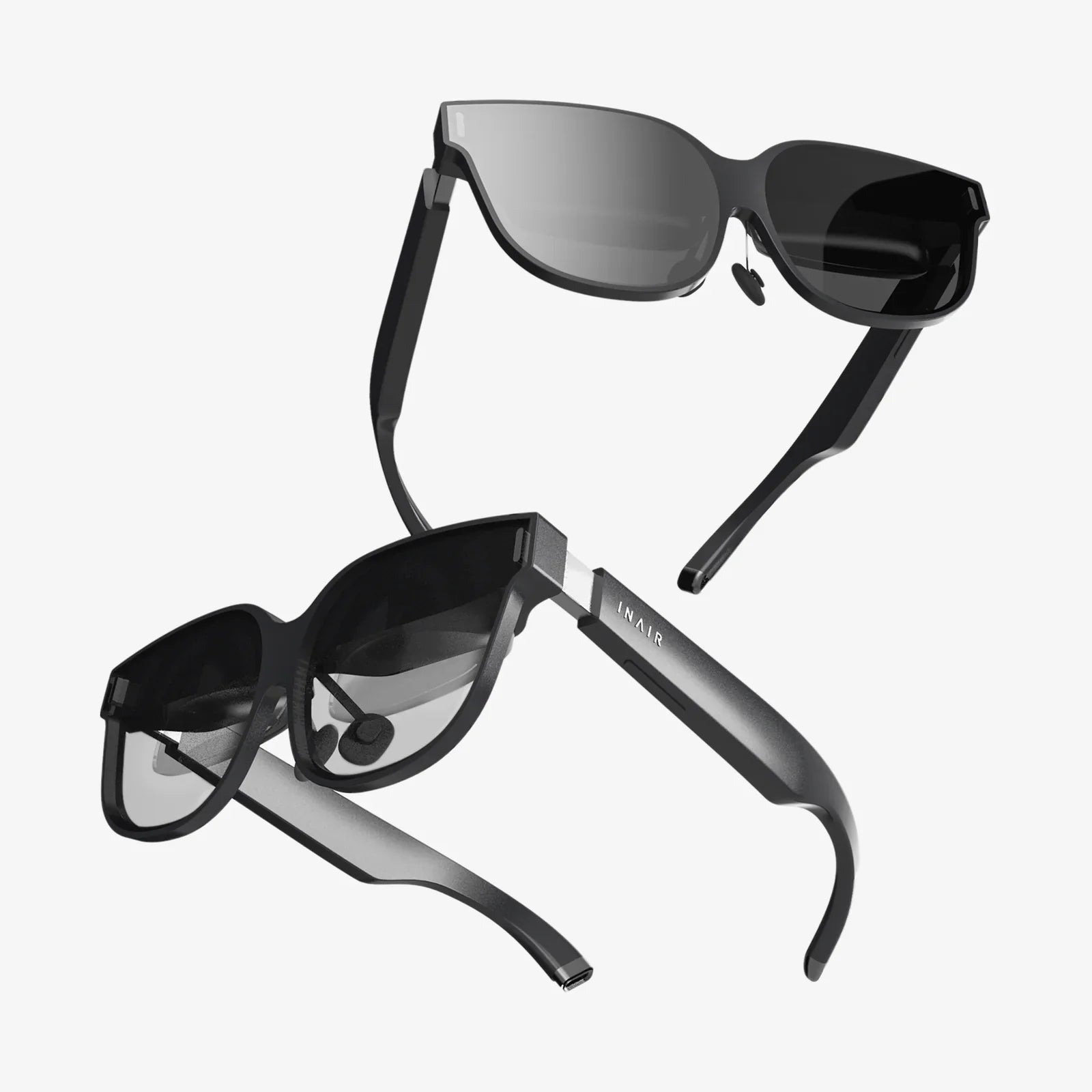
You’ve built a powerful gaming rig, a beast of a machine capable of rendering breathtaking worlds and blistering frame rates. But the flat panel on your desk is a window, a mere spectator to these digital realms. To truly step inside, to feel the scale of a towering alien city or the palpable tension of a deep-space dogfight, you need the ultimate key: the best VR headset for PC VR. This isn't just about playing games; it's about unlocking the full, staggering potential of your hardware and experiencing computing's most revolutionary frontier firsthand. The journey to find your perfect portal to virtuality starts here.
The Pillars of PC Virtual Reality: What Truly Matters
Unlike standalone headsets that are complete, self-contained systems, a PC VR headset is the high-performance display for your computer's powerhouse. Choosing the right one means understanding the core specifications that directly impact your immersion and comfort. Ignore the marketing fluff; these are the metrics that count.
Resolution and Visual Fidelity: The Quest for the Crystal Clear
This is often the first spec everyone looks at, and for good reason. Resolution determines the clarity of the image and is the primary weapon against the "screen door effect" (SDE)—that faint grid-like pattern that can make it feel like you're looking through a mesh screen. For PC VR, you're looking at two key numbers: the per-eye resolution and the combined resolution.
Modern high-end headsets boast resolutions that rival 4K monitors, per eye. This means text is sharp, distant objects are discernible, and virtual environments feel real and tangible. However, resolution is a double-edged sword. Your graphics card must be powerful enough to render these complex scenes at high frame rates. Pushing pixels for two displays at once is incredibly demanding.
Refresh Rate: The Guardian of Smoothness and Comfort
If resolution is about clarity, the refresh rate (measured in Hertz, or Hz) is about smoothness and, critically, comfort. A higher refresh rate means the image updates more frequently, leading to butter-smooth motion that feels more natural and responsive. This is paramount for fast-paced action games, racing sims, and flight simulators.
Perhaps more importantly, a high refresh rate is a key factor in reducing simulator sickness, a form of motion sickness caused by a disconnect between what your eyes see and what your body feels. While 90Hz has long been the comfortable standard for VR, many headsets now offer 120Hz or even 144Hz modes, providing an incredibly fluid experience for those with the GPU horsepower to sustain it.
Field of View (FoV): Expanding Your Peripheral Vision
Field of View is how much of the virtual world you can see at any given moment without turning your head. Think of it as the difference between looking through a telescope and a wide-angle camera lens. A wider FoV significantly increases the feeling of "being there" by filling more of your peripheral vision.
Most consumer headsets sit between 90 and 110 degrees diagonally. While a wider FoV is almost universally desirable, it often comes with engineering trade-offs, such as larger, heavier optics and increased rendering demands. It's a spec worth paying attention to for maximum immersion.
Tracking: Inside-Out vs. External Sensors
How does the headset know where you are in the room and where you're looking? This is the job of the tracking system, and there are two primary philosophies.
Outside-In Tracking: This traditional method uses external sensors or base stations placed around your play area. These devices emit lasers or infrared light that is picked up by sensors on the headset and controllers, providing extremely precise, millimetre-accurate positional data. The advantage is unparalleled accuracy and stability, especially for competitive play or full-body tracking. The disadvantage is the need to set up and calibrate external hardware, which can be cumbersome and limits portability.
Inside-Out Tracking: This newer method builds the sensors directly into the headset itself. Using a series of cameras, the headset visually maps your room and tracks its own position relative to your environment. The advantages are huge: drastically simplified setup (no external sensors), portability, and a generally more user-friendly experience. Early inside-out systems had issues with tracking controllers when they were out of the headset's camera view, but modern implementations have largely closed this gap, offering fantastic performance for the vast majority of users.
Lenses and Display Technology: OLED vs. LCD
The type of display panel and the quality of the lenses between your eyes and that panel are crucial for the final visual experience.
OLED (Organic Light-Emitting Diode) panels are renowned for their perfect blacks and incredibly high contrast ratios. In a dark space scene, the blackness of space is truly black, making stars and ship lights pop with vibrant intensity. However, some OLED panels of the past were susceptible to a slight "mura" effect (uneven brightness) and had a slower pixel response time, which could cause faint smearing.
LCD (Liquid Crystal Display) panels have become the standard for most modern headsets. They typically use a full RGB stripe subpixel layout that helps eliminate the screen door effect more effectively than older OLED designs. While their black levels are more of a dark grey due to the constant backlight, they offer higher sustained brightness, better overall clarity, and no risk of mura. The choice often comes down to a preference for perfect blacks (OLED) versus higher clarity and no SDE (LCD).
Lens quality is equally important. Fresnel lenses, which use concentric ridges to be thin and light, are common but can cause "god rays"—glare and scattering around high-contrast elements. Aspherical and pancake lenses are newer, more advanced options that provide a edge-to-edge clarity and eliminate these optical artifacts, representing a significant leap in visual comfort.
Comfort and Ergonomics: The Marathon Session Test
A headset can have the best specs on paper, but if it's uncomfortable to wear, you won't want to use it. Comfort is a holistic quality defined by several factors:
Weight Distribution: Is the weight front-heavy? A good counterweight at the back or a well-designed head strap can make a heavy headset feel surprisingly light.
Head Strap Design: The standard elastic straps of older headsets have largely been replaced by rigid, halo-style or elite-style straps that better distribute weight across your head and often feature integrated, higher-quality audio.
Facial Interface:
Material: The foam or silicone that rests against your face is vital. Plush, breathable materials that are easy to clean or replace are a must for hygiene and comfort, especially during long sessions.
IPD (Interpupillary Distance) Adjustment: This is the distance between your pupils. Headsets must have a mechanical or software method to adjust the lens spacing to match your specific IPD. A proper match is essential for a clear image and avoiding eye strain. Mechanical adjustment is generally preferred for its precision.
Navigating the Ecosystem: Wires, Audio, and Controllers
The Tether Dilemma: Wired vs. Wireless
The classic PC VR experience involves a physical cable tethering the headset to your computer. This provides a direct, uncompressed video signal with zero latency, ensuring the highest possible fidelity. However, the cable can be a constant reminder of the real world, a potential tripping hazard, and can tangling, breaking immersion.
Wireless PC VR, achieved through dedicated wireless adapters or Wi-Fi streaming, offers an unparalleled sense of freedom. The ability to spin, crouch, and move without a second thought is transformative. The trade-offs are the added cost of the adapter, the need to manage battery life for both the headset and the adapter, and the potential for very slight visual compression or latency, though modern solutions have minimized this to near-imperceptible levels for most users.
Audio: Built-in vs. Your Own Headset
Good audio is half the immersion. Many modern headsets feature off-ear speakers that hover just beside your ears. This design allows you to hear your real-world environment slightly, which is great for safety and convenience, while still delivering immersive, directional spatial audio directly into your ears. Others opt for high-quality built-in headphones that provide noise isolation. Some premium headsets forego audio entirely, providing a standard 3.5mm jack for you to use your own preferred headphones, offering the highest potential audio quality.
Controllers: Your Hands in the Virtual World
Controllers are your primary interface with the virtual world. The best PC VR headsets come with motion controllers that feature precise analog sticks, buttons, triggers, and haptic feedback. The ergonomics can vary significantly—some are designed to feel like natural extensions of your hands, while others might mimic specific in-game tools. The quality of the haptics (from simple rumble to precise, nuanced vibrations) and the implementation of finger tracking (the ability to detect individual finger positions) can dramatically increase the sense of presence and allow for more expressive interactions.
The Future is Now: Eye-Tracking and Foveated Rendering
We are on the cusp of the next major revolution in VR technology: eye-tracking. This technology uses internal cameras to precisely track where your eyes are looking at any given moment.
This isn't just for menu navigation or creating more expressive avatars. Its killer app is foveated rendering. The human eye only sees a small central area (the fovea) in high detail; our peripheral vision is much lower resolution. Eye-tracking allows the system to know exactly where you are looking. It can then render only that specific spot in full, high-detail resolution, while intelligently reducing the rendering quality in your peripheral vision. Since you won't consciously notice the difference, this technique can massively reduce the GPU workload, sometimes by 50% or more, allowing for higher resolutions, higher frame rates, and more complex visual effects without needing a more powerful graphics card. This is arguably the most important emerging technology for the future of high-fidelity PC VR.
Making the Choice: Aligning Your Headset with Your Needs
There is no single "best" headset for everyone. The best choice is the one that best aligns with your priorities, your PC's capabilities, and your budget.
- The Competitive Enthusiast: Prioritizes flawless tracking, high refresh rates (120Hz+), and minimal latency above all else. A wide Field of View is also a key advantage.
- The Simulator Aficionado (Flight, Racing, Space): Values supreme visual clarity (high resolution), comfort for long sessions, and often prefers the unrestricted freedom of a wireless solution to avoid cable issues while seated.
- The Immersion Seeker: Wants the most "real" experience possible. This user will prioritize a wide Field of View, high resolution, advanced features like eye-tracking, and high-quality audio to be completely absorbed in the virtual world.
- The Value-Conscious User: Seeks the best balance of features and performance without breaking the bank. This user might prioritize a great visual experience while being more flexible on cutting-edge features like wireless or eye-tracking.
Your journey doesn't end with the headset itself. The software platform you choose—whether it's a longstanding, feature-rich ecosystem or a newer, more open environment—will be your gateway to content, social features, and storefronts. Consider the library of exclusive titles and the overall user experience each platform offers, as this will be your daily interface for diving into VR. Your powerful PC is the engine, but the right headset is the vehicle that will transport you. It’s the final, crucial component that transforms raw computational power into pure, palpable experience, letting you not just see, but live the game. The virtual frontier has never looked more real, and your ticket to it is waiting.
Share:
Android VR: The Accessible Portal to Immersive Digital Worlds
How Do You Connect a VR Headset to Your Phone: The Ultimate Guide to Mobile Immersion