


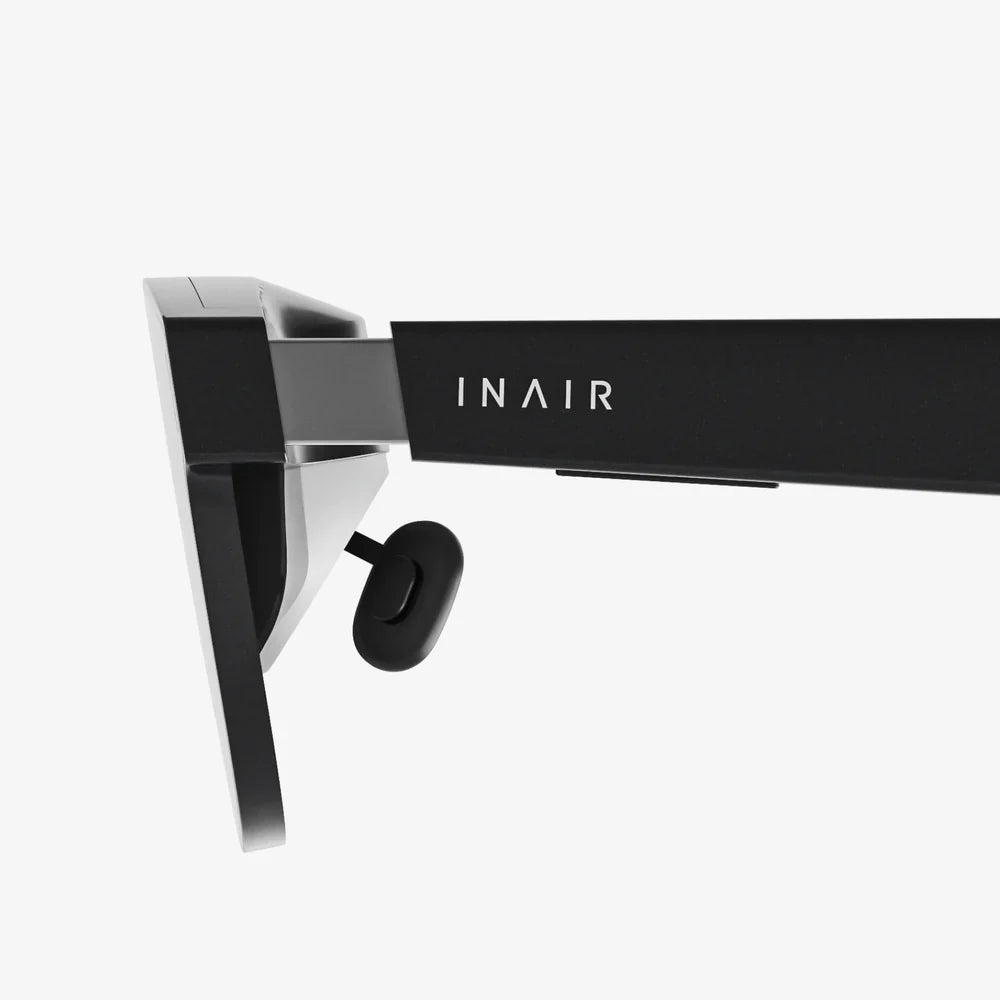
Imagine stepping through a portal into another world, a universe of limitless possibility rendered in breathtaking detail, all from the comfort of your own home. This is the promise of high-fidelity virtual reality, a promise that is most powerfully fulfilled when paired with the raw computational might of a Windows PC. The quest for the perfect portal, the best VR headset for Windows, is a journey into the cutting edge of consumer technology, and this guide is your essential map.
The Pillars of Windows PC VR: What Truly Matters
Not all VR experiences are created equal. The mobile-based or standalone experiences, while convenient, simply cannot compete with the sensory fidelity offered by a headset tethered to a powerful Windows machine. This superiority rests on three fundamental pillars that define the high-end PC VR experience.
Visual Fidelity: The Window to Your Soul (and the Virtual World)
This is arguably the most critical aspect. Your PC's graphics card does the heavy lifting, but the headset's displays are the canvas.
- Resolution and Pixels-Per-Degree (PPD): Higher resolution panels (often 2K per eye or more) drastically reduce the "screen door effect," making the virtual world appear solid and real. PPD is a more accurate measure, indicating how many pixels are packed into each degree of your field of view.
- Refresh Rate: Measured in Hertz (Hz), a higher refresh rate (90Hz, 120Hz, and even 144Hz) makes motion incredibly smooth, which is crucial for both immersion and preventing motion sickness. Your PC must be powerful enough to render frames at this rate consistently.
- Field of View (FoV): A wider FoV (above 100 degrees is desirable) increases the sense of presence, making you feel like you're looking at a world, not through a pair of binoculars.
- Lens Technology: Advanced lens designs, like Fresnel or pancake lenses, are crucial for edge-to-edge clarity, minimizing god rays and glare, and ensuring a sweet spot that's easy to find and comfortable to use.
Tracking: Pinpoint Precision in a Digital Space
How does the headset know where you are and what you're doing? There are two primary methods, each with its strengths.
- Outside-In Tracking: This method uses external sensors or base stations placed around your room. These devices constantly beam signals to the headset and controllers, providing incredibly precise, millimeter-accurate positional data. It's considered the gold standard for competitive gaming and professional applications but requires more setup.
- Inside-Out Tracking: Cameras mounted on the headset itself look outward to track your position relative to the room and the controllers. This method is far more convenient, requiring no external hardware, and makes setup a breeze. The technology has advanced tremendously, offering tracking that is now excellent for the vast majority of users and scenarios.
Comfort and Ergonomics: The Long-Haul Experience
A headset can have the best specs on paper, but if it's uncomfortable to wear, you won't use it. Comfort is a feature.
- Weight Distribution: A well-designed headset uses counterweights or a balanced design to avoid putting excessive pressure on your cheeks or the bridge of your nose. The goal is to have the weight supported by the crown of your head.
- Headstrap Design: Basic elastic straps are a relic of the past. Modern deluxe straps are rigid, often with a dial at the back for a secure and personalized fit. This is a critical upgrade for longer sessions.
- Interface and Materials: The foam or silicone interface that touches your face should be soft, breathable, and ideally, replaceable and washable. This is vital for hygiene, especially in shared or active environments.
Navigating the Ecosystem: Wired, Wireless, and the Tether Dilemma
The connection between your headset and your Windows PC is a key differentiator in the market, presenting a classic trade-off between performance and freedom.
The Wired Connection: Uncompromised Performance
A physical tether, typically a high-speed DisplayPort or HDMI cable combined with USB, provides a direct, high-bandwidth pipeline to your graphics card. This allows for the highest possible resolutions, the fastest refresh rates, and absolutely zero latency or compression artifacts. For sim racing, flight simulators, and graphically intensive titles, a wired connection remains the undisputed champion of performance. The primary drawback is the physical cable itself, which can be a tripping hazard and a constant reminder of the real world, slightly breaking immersion.
The Wireless Freedom: Untethered Immersion
Wireless PC VR is achieved through dedicated adapters or sophisticated software that compresses the video signal from your PC and transmits it to the headset over a high-bandwidth Wi-Fi connection (often Wi-Fi 6E). The feeling of being completely untethered is transformative. You can turn, spin, and move without a second thought, achieving a new level of physical presence. The technology has improved dramatically, with modern solutions offering visual quality that is remarkably close to a wired experience for most users. The trade-offs include a slight potential for latency (though often imperceptible), the need to manage battery life for the headset and wireless adapter, and the requirement of a robust, uncongested Wi-Fi network.
The Software Backbone: SteamVR and Windows Mixed Reality
Your hardware is nothing without the software that brings it to life. The Windows VR landscape is primarily served by two platforms.
- SteamVR: The colossal marketplace and runtime from Valve. It is the de facto standard for PC VR gaming, hosting thousands of titles, from indie gems to AAA blockbusters. Its open nature means it supports a wide array of headsets and hardware, and it includes advanced features like custom home environments and workshop support. For most PC VR users, SteamVR is the heart of their experience.
- Windows Mixed Reality (WMR): Microsoft's own VR platform. While its future roadmap has shifted, the existing WMR platform provides a streamlined interface for launching apps and games, a cliff house virtual environment, and crucially, the inside-out tracking drivers for compatible headsets. Many headsets use the WMR platform for their core tracking and system software before launching into SteamVR for gaming.
Most users will find themselves interacting with both ecosystems, using WMR for initial setup and system management before diving into the vast library of SteamVR.
Preparing Your Windows PC for the Virtual Leap
Before you invest in a high-end headset, you must ensure your PC is ready for the task. This is not like installing a new monitor.
- The Graphics Card (GPU): This is the single most important component. You will need a powerful, modern dedicated GPU. While entry-level VR is possible with less, for a truly "best" experience targeting high resolutions and refresh rates, a higher-tier card is non-negotiable. It is responsible for rendering two high-resolution displays at a very high frame rate.
- Processing Power (CPU): A modern multi-core processor is essential for handling the physics, audio, and background tasks of a complex virtual world. It ensures the world responds to your actions without stutter.
- Ports and Connectivity: Check your PC's available ports. You will need a compatible video port (DisplayPort is most common, sometimes HDMI 2.0+) and spare USB ports (often USB 3.0). For wireless VR, a capable Wi-Fi 6/6E router connected via Ethernet to your PC is essential.
- RAM and Storage: 16GB of RAM is the recommended sweet spot for a smooth experience. An SSD, preferably an NVMe drive, will drastically reduce load times, keeping you immersed in the experience rather than staring at loading screens.
The Human Factor: Finding Your Perfect Fit
Technical specifications are only part of the story. The "best" headset is, to a large degree, the one that best fits you.
- IPD Adjustment: The Inter-Pupillary Distance, the distance between your pupils, varies from person to person. A headset with a physical or software IPD adjustment is crucial. An incorrect IPD setting can lead to eye strain, headaches, and a blurry image. A physical slider adjustment is generally preferred for its precision.
- Content You Crave: Are you a hardcore flight simmer who needs absolute graphical fidelity above all else? Or a social VR user who values convenience and freedom of movement? Your preferred content should guide your prioritization of specs like resolution versus wireless capability.
- The Play Space: Do you have a dedicated, clear room-scale area, or are you playing seated at a desk? This will influence how important inside-out tracking is versus the ultimate precision of external base stations.
The Future is Already Here: What's Next for Windows VR?
The landscape of VR is evolving at a breakneck pace. The headsets available today are already incorporating technology that points to the future of the medium.
- Pancake Lenses: These new lens designs allow for dramatically thinner and lighter headset form factors without sacrificing optical quality, making devices more comfortable for extended wear.
- Eye-Tracking and Foveated Rendering: This is the true game-changer. By tracking where your eyes are looking, the system can render the center of your vision in full detail while intelligently reducing the detail in your peripheral vision. This massive reduction in processing load allows for incredibly complex scenes and higher effective resolutions without requiring a quantum computer in your PC.
- Mixed Reality Passthrough: High-resolution, color cameras are moving beyond simple tracking to offer rich video passthrough of your real environment. This blurs the line between VR and AR, enabling new experiences that blend digital objects with your physical space for productivity and new forms of gameplay.
These technologies are no longer sci-fi concepts; they are features in current-generation hardware, making the investment in a modern Windows VR headset a step into the next computing paradigm.
The journey to find the best VR headset for your Windows setup is an exciting exploration of technology's potential. It's about more than just specs on a page; it's about unlocking new worlds of play, creativity, and connection. By understanding the core pillars of performance, the trade-offs of different designs, and the capabilities of your own PC, you are equipped to make a choice that doesn't just meet a standard, but shatters your expectations of what is possible. The gateway to these unparalleled experiences awaits—your next adventure is just a headset away.
Share:
What Can AI Sunglasses Do? Exploring the Future of Wearable Intelligence on Your Face
How to Create 3D Models for VR: The Ultimate Guide to Immersive Asset Development