


Imagine your desk, but without borders. Your applications, browser windows, and creative canvases aren't confined to a 27 or 32-inch rectangle of glass; they float around you in a serene, infinite void or a meticulously recreated digital office high above a virtual city. This is the tantalizing promise of using the best VR headset to replace your monitor, a concept rapidly evolving from science fiction into a tangible, powerful tool for productivity, coding, and immersive focus. The quest for the ultimate virtual workspace is on, and it promises to shatter the physical limitations of our traditional screens forever.
The Allure of the Infinite Desktop: Why Consider a VR Headset?
The fundamental appeal is simple: space. Physical monitors are constrained by cost, desk real estate, and the literal limits of your peripheral vision. A high-quality VR headset, however, can project the equivalent of multiple massive, high-resolution screens into your field of view, all without requiring a single additional square inch on your desk. For professionals like software developers, stock traders, data scientists, and digital artists, this means an unprecedented ability to contextualize information. Code, a live preview, documentation, and communication tools can all be visible simultaneously without the jarring act of alt-tabbing or physically turning your head.
Beyond mere multitasking, a VR workspace offers profound immersion. By donning a headset, you effectively create a personal focus bubble, shutting out the visual distractions of a busy office, a cluttered home environment, or even a distracting second monitor. It’s just you and your work, enveloped in a custom environment of your choosing—be it a minimalist void, a cozy library, or the bridge of a starship. This level of controlled immersion can significantly boost deep work sessions and creative flow states.
Key Specifications: What Truly Makes a VR Headset "The Best" for This Task?
Not all VR headsets are created equal, especially when the primary use case shifts from gaming to reading text and interacting with desktop applications for hours on end. The criteria for judgment change dramatically.
Visual Fidelity: Resolution and Clarity Are King
This is the single most important factor. The goal is to eliminate the "screen door effect" (seeing the fine lines between pixels) and achieve a level of clarity where text appears as sharp and readable as on a physical 1080p or, ideally, a 4K monitor. Two metrics are crucial here:
- Per-Eye Resolution: Look for headsets with a high combined resolution (often quoted as something like 2880 x 1600 or higher). The higher the number, the denser the pixels, and the sharper the image.
- Pixels Per Degree (PPD): A more holistic metric that factors in the field of view. A higher PPD means more pixels are packed into the area your eye sees, directly correlating to text clarity. For comfortable long-term reading, a PPD of over 25 is a good starting point, with newer devices pushing into the 30s.
Lens Technology: Avoiding the Blur
The type of lenses used is paramount. Fresnel lenses, common in older headsets, can cause god rays, glare, and a small "sweet spot" of perfect clarity, requiring you to hold your head perfectly still. The latest generation of headsets often use pancake lenses or similar advanced optics. These provide a much larger sweet spot, edge-to-edge clarity, and significantly reduced glare, making them far superior for productivity where your eyes need to scan across a large virtual screen.
Comfort: The Marathon Runner's Requirement
You might wear a gaming headset for an hour; you'll need to wear a productivity headset for eight. Comfort is not a luxury—it is a necessity. A good productivity headset must have:
- Ergonomic Design: Even weight distribution is critical. Front-heavy designs will strain your neck and face over time.
- Quality Straps: A rigid, top-of-the-head strap (like a halo design) is often better than simple side straps, as it takes pressure off the face.
- Lightweight Build: Every gram counts. The best devices prioritize lightweight materials without sacrificing build quality.
- Interchangeable Facial Interfaces: The ability to swap out the foam or silicone interface that touches your face is vital for hygiene and finding the perfect fit.
Tracking and Controllers: How Will You Interact?
For pure productivity, you'll likely be using your physical Bluetooth keyboard and mouse. However, intuitive and reliable tracking is still essential for maneuvering windows and interacting with the VR environment. Inside-out tracking (where cameras on the headset track the environment and controllers) is convenient and effective. Some users even find hand-tracking technology—navigating the interface with just your bare hands—to be a revolutionary way to interact, eliminating the need to pick up a controller altogether.
The Software That Makes It Possible: Building Your Virtual Office
The hardware is just a window; the software is the view. Several dedicated applications have emerged as the standard for virtual desktop productivity.
These powerful programs stream your physical desktop(s) into VR, allowing you to pin application windows anywhere in your 3D space. They offer a plethora of customization options:
- Custom Environments: Work on the surface of Mars, a peaceful beach, or a sound-dampened virtual room.
- Multiple Screen Emulation: Create virtual monitors that your computer recognizes as real displays, even if you only own one physical monitor.
- Curved Screens: Wrap your virtual monitors around you for a more natural viewing experience.
- Super Sampling: Render the virtual screens at a higher resolution than the headset's native display to enhance text clarity.
These applications are constantly evolving, adding features like passthrough blending (seeing your real keyboard in your virtual world) and better multi-monitor support, making the experience smoother and more integrated.
The Practical Reality: Weighing the Pros and Cons
The Undeniable Advantages
- Boundless Screen Real Estate: The primary benefit. Your workspace is limited only by your computer's GPU power.
- Portability: Your entire multi-monitor setup is contained within the headset and a laptop. Work from anywhere with a new level of meaning.
- Immersive Focus: The ability to block out distractions and enter a deep state of concentration.
- Future-Proofing: You are investing in the early stages of spatial computing, the likely future of human-computer interaction.
The Current Challenges
- Visual Fidelity Hurdle: Even the best headsets are not quite at the perfect pixel density of a high-end monitor for text clarity, though they are getting very close.
- Comfort for Extended Use: While improving, wearing any device on your head for a full workday remains a hurdle for some.
- Learning Curve: Setting up the environment, learning the controls, and troubleshooting initial issues takes time.
- Isolation: You are visually cut off from your immediate surroundings, which can be a negative in collaborative environments or for those who need situational awareness.
The Verdict: Is It Time to Ditch Your Monitors?
For the majority of users today, a VR headset serves as a phenomenal supplement to a traditional monitor, not a full replacement. It is the ultimate tool for specific, deep-work tasks, travel, or when you simply need to block out the world and focus. It is perfect for the developer who needs to simulate a multi-screen setup on the go or the writer seeking absolute solitude.
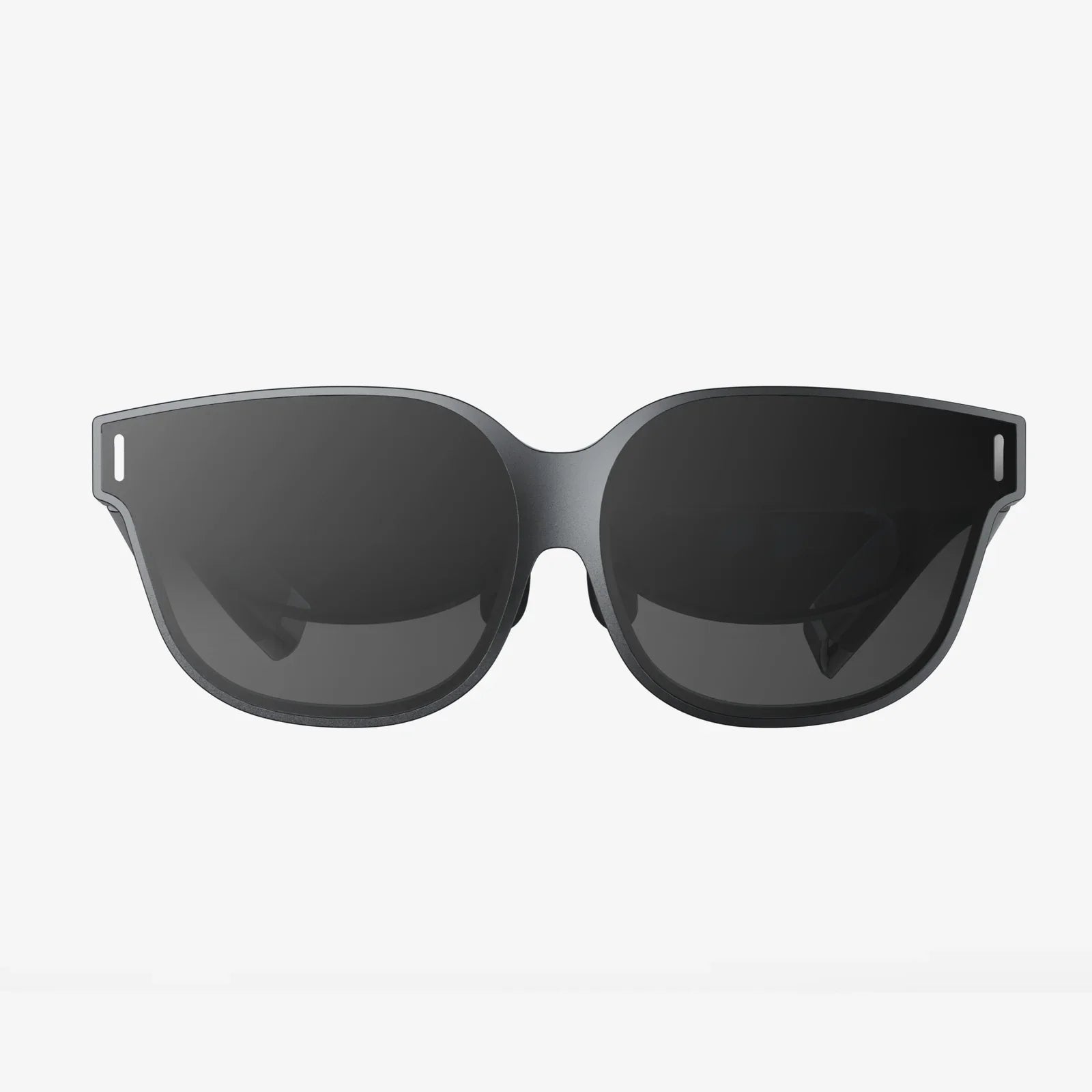
However, we are on the precipice of this technology becoming mainstream for daily driving. The next generation of headsets, focusing on even higher resolution, miniaturization (potentially resembling large sunglasses), and seamless augmented reality (AR) passthrough, will blur the line between physical and virtual until it disappears entirely. The best VR headset to replace your monitor today is the one that balances the highest clarity with the greatest comfort, acting as a gateway to the future of work.
The era of being physically tethered to a desk and limited by the size of your monitor is drawing to a close. The most powerful productivity setup isn't on your desk; it's being built in the virtual space right in front of your eyes, offering a glimpse into a world where your workspace is as limitless as your ambition. The question is no longer if you'll make the switch, but when you'll be ready to step into your own infinite office.
Share:
Augmented Reality (AR) Displays: The Invisible Revolution Reshaping Our World
How Much VR Headset Cost: A Complete Price Breakdown Guide