


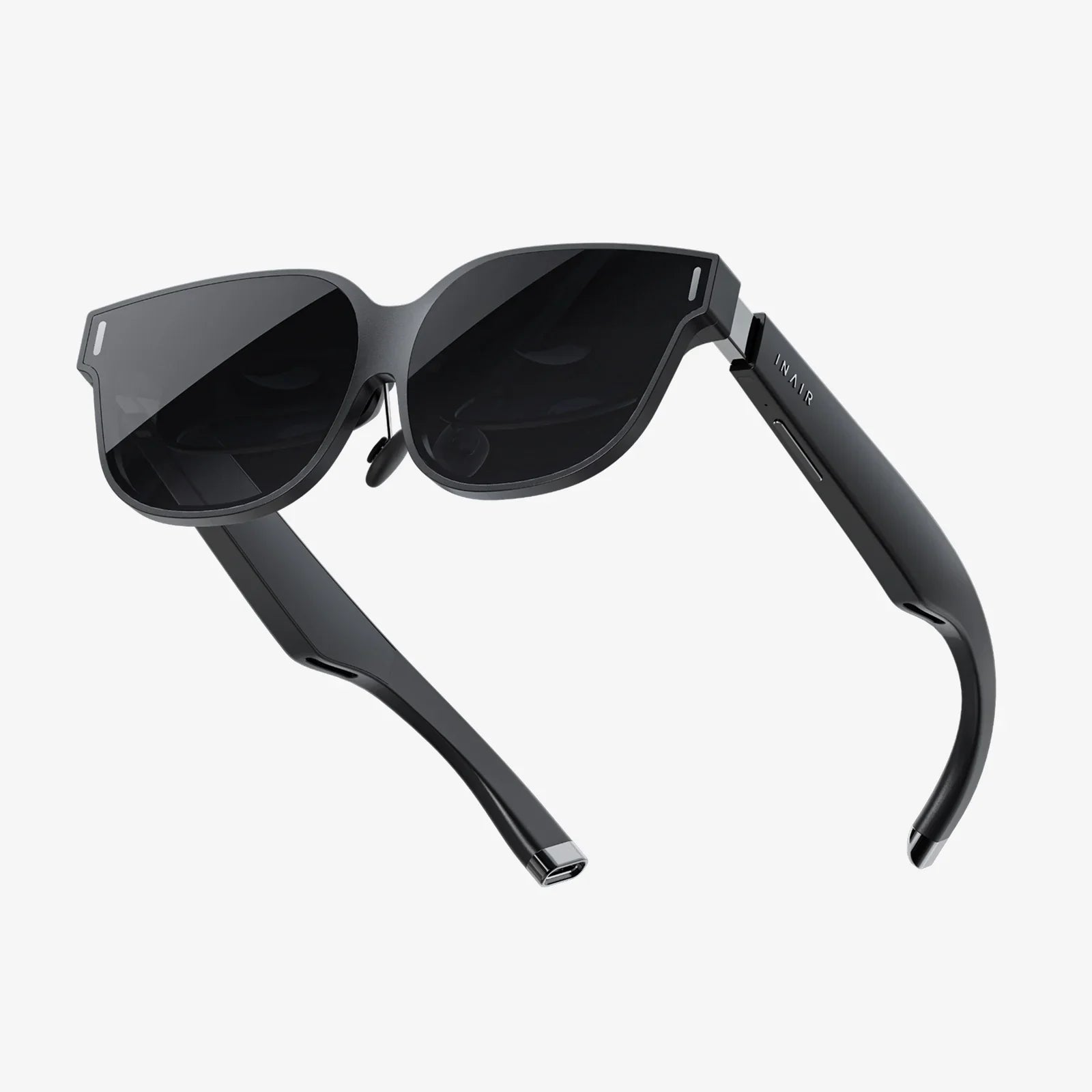
Imagine a world where digital information doesn't live trapped behind a screen but is seamlessly woven into the fabric of your reality. This is the promise of augmented reality (AR), and the gateway to this experience is a pair of smart glasses. For the curious, the makers, and the pioneers, the ultimate challenge isn't just to use this technology but to understand it, to tear it down to its fundamental principles, and to build augmented reality glasses with your own hands. This endeavor is a complex symphony of optics, electronics, and software, but the reward is an intimate understanding of the next great computing platform. This guide will walk you through the intricate process, demystifying the components and code required to bring a digital layer to your physical world.
The Core Components: Deconstructing the AR Glasses
To build augmented reality glasses, you must first understand the anatomy of the device. It is a system of interconnected parts, each playing a critical role in creating a convincing and functional AR experience.
The Optical System: The Heart of the Experience
The most crucial and challenging aspect is the optical engine—the mechanism that projects images onto your retina. This isn't a simple miniature screen. The goal is to overlay digital graphics onto the real world, which requires sophisticated solutions.
- Waveguide Displays: Often considered the gold standard, waveguides use a process of in-coupling and out-coupling to pipe light from a micro-display to the eye. They allow for sleek, glasses-like designs but are incredibly difficult to manufacture and source for hobbyists.
- Birdbath Optics: A more accessible option for prototyping. This design uses a beamsplitter (a semi-transparent mirror) and a spherical mirror to reflect the image from a micro-display into the user's eye while allowing real-world light to pass through. It offers a good field of view but results in a bulkier form factor.
- Retinal Projection (Scanning Displays): This advanced method uses lasers to scan images directly onto the retina. It can create incredibly bright and high-contrast images visible even in direct sunlight, but it involves complex, precise, and potentially hazardous components.
The Processing Unit: The Brain of the Operation
AR is computationally intensive. The device must simultaneously understand the environment and render complex graphics in real-time. This requires significant processing power.
- On-Board Compute: This involves using a compact, powerful single-board computer (SBC) or a system-on-a-chip (SoC) designed for mobile applications. The challenge is balancing performance with power consumption and thermal management. These processors handle sensor data, run tracking algorithms, and render the graphics.
- Tethered Processing: A highly practical approach for prototypes is to offload the heavy computation to an external device, like a powerful laptop or desktop computer. The glasses themselves contain the displays, sensors, and a basic controller, communicating with the host machine via a cable (e.g., USB-C, DisplayPort) for power and data. This drastically simplifies the design of the glasses but sacrifices mobility.
- Smartphone Tethering: Leveraging a modern smartphone's processor, sensors, and battery is another excellent prototyping strategy. The phone acts as the brain, while the glasses act as a dumb display and sensor peripheral.
Sensors and Tracking: Perceiving the World
For digital objects to stay locked in place in the real world, the glasses must continuously understand their own position and orientation (6 degrees of freedom tracking) and map the environment.
- IMU (Inertial Measurement Unit): A combination of accelerometers, gyroscopes, and magnetometers that provides high-frequency data on movement and rotation. It's fast but prone to drift over time.
-
Cameras: Monocular, stereo, or depth-sensing (e.g., time-of-flight) cameras are used for two key tasks:
- Visual Inertial Odometry (VIO): Fusing camera data with IMU data to accurately track the device's movement through space and correct for IMU drift.
- Spatial Mapping: Creating a 3D mesh of the surrounding environment so digital objects can interact with real-world surfaces (e.g., a virtual robot hiding behind a real couch).
- Other Sensors: Microphones for voice commands, ambient light sensors to adjust display brightness, and eye-tracking cameras for advanced interaction.
Power and Connectivity: The Lifelines
All this technology is useless without power. A high-density battery is essential for untethered operation, but it adds weight and bulk. Efficient power management circuitry is non-negotiable. For communication, Wi-Fi and Bluetooth are standard for connecting to other devices and the internet.
The Software Stack: Where the Magic Happens
Hardware is just a shell without the software to bring it to life. The software stack for AR is multi-layered and complex.
Choosing a Development Platform
You don't need to write a full operating system from scratch. Several powerful platforms provide the foundation:
- Open-Source Frameworks: Projects like OpenXR offer a vendor-agnostic, open standard for accessing AR/VR devices. This is ideal for building a custom driver layer for your hardware.
- Game Engines: Unity and Unreal Engine are the workhorses of AR development. They provide robust, high-level frameworks for building AR experiences. Their AR Foundation (Unity) and ARKit/ARCore plugins (Unreal) handle the complex tasks of surface detection, tracking, and lighting estimation, allowing you to focus on the application logic and 3D content.
- Mobile AR SDKs: If you're tethering to a smartphone, platforms like ARCore (Android) and ARKit (iOS) provide incredibly mature and powerful tracking and environmental understanding out-of-the-box. Your glasses would essentially function as a head-mounted display for the phone's AR capabilities.
Core Software Challenges
When you build augmented reality glasses, you'll face several key software hurdles:
- Calibration: Precisely calibrating the cameras and aligning the virtual display with the real world (a process often called "display calibration" or "camera-to-display transformation") is critical. A miscalibration of even a few pixels can break the illusion and cause eye strain.
- Sensor Fusion: Writing the algorithms (or configuring existing ones) to fuse the data from the IMU and cameras into a stable, low-latency pose estimation is perhaps the single most important task for a good AR experience.
- Low-Level Driver Development: You will need to write code to interface with your specific hardware components—reading data from your chosen IMU, controlling the display, managing power states, etc. This is often done in C++ or C.
The Prototyping Workflow: From Concept to Reality
Turning this theoretical knowledge into a physical device requires a methodical, iterative approach.
- Define Your Goals and Constraints: Are you building a tethered proof-of-concept or aiming for a wireless device? What field of view and resolution are you targeting? Your answers will dictate your component choices and budget.
- Assemble a "Bench-top" Prototype: Before you try to miniaturize anything, assemble all your components on a breadboard or a bench. Connect your display, your chosen SBC (like a Raspberry Pi or NVIDIA Jetson), your IMU, and cameras. Get the basic software stack running and ensure you can display an image and read sensor data. This is the "ugly" but functional stage.
- Develop the Core Tracking: Focus on the software challenge of sensor fusion. Use open-source VIO libraries or develop your own algorithms to get a stable pose. This is the foundation of everything else.
- Design the Enclosure and Ergonomics: Once the core tech works, move to mechanical design. Use 3D modeling software to design frames that can house your optics, electronics, and batteries. Consider weight distribution, comfort, and adjustability. 3D printing is perfect for iterative prototyping of these parts.
- Integrate and Miniaturize: This is the most demanding phase. Move from benchtop wires to custom-designed printed circuit boards (PCBs) that combine all your components into a single, compact board. This requires knowledge of PCB design software (like KiCad or Eagle) and soldering skills for surface-mount components.
- Test, Iterate, and Refine: AR is highly subjective. Test constantly with users. Is the image clear? Is the tracking stable? Does it cause nausea? Use this feedback to refine your optics, algorithms, and form factor.
The Future is Transparent
The journey to build augmented reality glasses today is akin to the early days of personal computing—a realm for hobbyists and researchers pushing the boundaries of what's possible. The components are becoming more accessible, the software tools more powerful, and the community knowledge more vast. While the path is fraught with technical challenges spanning physics, electrical engineering, and computer science, the process itself is the ultimate education. You will gain a deep, systems-level understanding of a technology poised to redefine human-computer interaction. The knowledge you gain from piecing together displays, sensors, and code is invaluable, whether you aim to launch a startup or simply stand in awe of the engineering behind future consumer devices. This isn't just about building a gadget; it's about grasping the very architecture of the mixed-reality future, one component at a time.
Your perception of reality is about to get a permanent upgrade—the only question left is, what will you build to see it?
Share:
Easy AR Augmented Reality: The Effortless Gateway to a World Enhanced
Best Wireless Headset for Virtual Meetings: The Ultimate Guide to Flawless Audio