


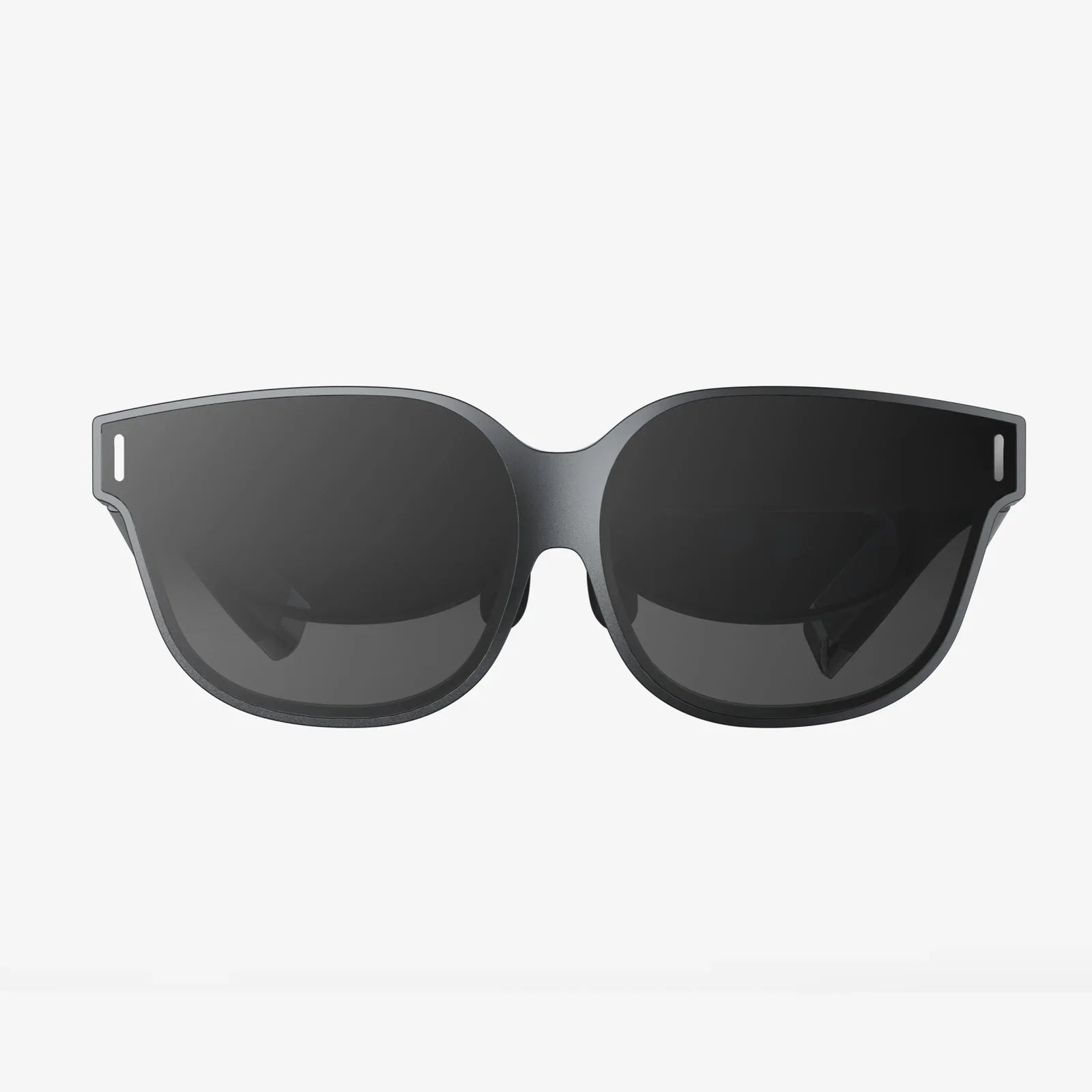
Imagine a world where digital information doesn't just live on a screen but is seamlessly woven into the fabric of your reality, where virtual worlds are as tangible as the room you're sitting in, and where the line between the physical and the digital finally blurs into irrelevance. This is the promise of Extended Reality, and it all starts with a single, pivotal decision: to buy XR glasses. This isn't just about purchasing a gadget; it's about acquiring a key to a new dimension of work, play, and human connection. The journey is thrilling, but the market is a labyrinth of technical jargon and competing visions. This definitive guide is your map, designed to cut through the noise and equip you with everything you need to know before you take the plunge into the immersive future.
Demystifying the XR Spectrum: AR, VR, and MR Explained
Before you can confidently buy XR glasses, you must first understand the landscape. "XR" or "Extended Reality" is an umbrella term that encompasses several technologies, each with distinct capabilities and purposes.
Virtual Reality (VR): Total Immersion
VR headsets are designed to fully immerse you in a completely digital environment. When you use a VR device, your physical surroundings are replaced by a computer-generated world. This is typically achieved through a headset that blocks out external light and features high-resolution displays for each eye, creating a convincing sense of presence. These are primarily used for gaming, simulation training (like for pilots or surgeons), and immersive storytelling experiences.
Augmented Reality (AR): Digital Overlays on the Real World
AR glasses, on the other hand, are designed to keep you grounded in the real world while superimposing digital information onto it. Think of navigation arrows painted onto the street in front of you, a virtual recipe hovering next to your mixing bowl, or a digital character sitting on your real-world sofa. The goal is augmentation, not replacement. These can range from simple smart glasses that display notifications to more advanced systems with broader capabilities.
Mixed Reality (MR): The Best of Both Worlds
Mixed Reality is often considered the most advanced segment of the XR spectrum. MR headsets blend the real and virtual worlds to create environments where physical and digital objects coexist and interact in real-time. This requires sophisticated sensors and cameras to map your physical space so that digital content can be anchored to it convincingly—a virtual television mounted on your real wall, or a virtual robot that hides behind your real couch. The line between high-end AR and MR is often blurred, with many devices now boasting MR features.
Understanding this spectrum is the first critical step. Your primary use case will determine which type of device you should ultimately buy.
Critical Considerations Before You Buy XR Glasses
Diving into the XR market without a checklist is a recipe for disappointment. Here are the essential factors to weigh before making your purchase.
1. Intended Use Case: Why Do You Want This?
This is the most important question. Are you a hardcore gamer seeking unparalleled immersion? A professional architect wanting to visualize 3D models at scale? A remote worker looking for a multi-monitor setup anywhere? Or a consumer interested in watching immersive movies? Your answer will dramatically narrow your options and dictate the required performance, features, and budget.
2. Processing Power: Standalone vs. Tethered
How does the device compute?
- Standalone: These all-in-one units have the computer built directly into the headset. They offer unparalleled freedom and ease of use—no wires, no external PC required. They are perfect for media consumption, social apps, and less graphically intensive games, but may have less processing power than tethered alternatives.
- Tethered/PC-Powered: These headsets must be connected via a cable to a powerful computer or console. They deliver the highest-fidelity graphics and most immersive experiences, making them the go-to choice for serious gamers and professionals. The trade-off is a loss of mobility and a higher overall cost when factoring in the PC.
- Smartphone-Powered: A less common category now, these rely on a smartphone slotted into the headset to act as both the display and the brain. They offer a low-cost entry point but are severely limited in power and experience quality.
3. Display and Visual Fidelity
The window to virtual worlds is the display. Key metrics include:
- Resolution: Higher resolutions (like 4K per eye) reduce the "screen-door effect" and make text sharper and worlds more realistic.
- Refresh Rate: Measured in Hz, a higher refresh rate (90Hz, 120Hz, and beyond) leads to smoother motion, which is crucial for comfort and immersion, especially in fast-paced games.
- Field of View (FoV): This is how much of the virtual world you can see at once. A wider FoV (110 degrees or more) feels more natural and immersive than a narrow, binocular-like view.
- Lens Technology: Pancake lenses allow for a slimmer form factor, while Fresnel lenses are older and bulkier. Good lenses ensure edge-to-edge clarity.
4. Tracking and Controllers
How does the device understand your movement?
- Inside-Out Tracking: Cameras on the headset itself track your movement and the controllers' positions relative to the world. This is the modern standard, requiring no external sensors.
- Outside-In Tracking: External sensors placed around the room track the headset and controllers. This can be more precise but is less convenient to set up.
Controller design is also vital. Ergonomic, intuitive controllers with good haptic feedback significantly enhance the experience.
5. Comfort and Form Factor
You can have the most powerful device on the planet, but if it's uncomfortable to wear, you won't use it. Consider weight distribution, padding materials, and adjustability. The form factor is also evolving rapidly, with a strong push towards sleek, glasses-like designs for all-day wear, as opposed to larger, helmet-like headsets designed for shorter sessions.
6. Audio
Immersive spatial audio is half of the experience. Some devices have built-in speakers that provide decent directional sound, while others require or recommend a separate pair of headphones for the full effect.
7. Battery Life
For standalone devices, battery life is a major constraint. Most offer 2-3 hours of intensive use, which is enough for a gaming session but may fall short for a full workday or watching a long movie. Understanding real-world battery performance is key.
8. Software Ecosystem and Content Library
A device is only as good as the software it runs. Investigate the platform's store. Does it have the apps and games you want? Is there a healthy pipeline of new content? For professionals, check for compatibility with industry-standard software. A closed ecosystem can be a significant limitation.
The Evolving Use Cases: More Than Just Games
While gaming is a massive driver, the reasons to buy XR glasses extend far into the professional and social realms.
Enterprise and Productivity
Businesses are rapidly adopting XR to revolutionize workflows:
- Remote Collaboration: Teams distributed across the globe can meet in a shared virtual space, interacting with 3D models as if they were in the same physical room.
- Design and Prototyping: Architects, engineers, and designers can create and iterate on life-size 3D models, identifying issues long before physical prototypes are built.
- Training and Simulation: From training surgeons on virtual procedures to preparing warehouse workers for complex tasks, XR provides a safe, repeatable, and cost-effective training environment.
Social Connection and Telepresence
XR is redefining what it means to "be together." Social platforms in VR allow you to meet friends, attend concerts, or watch movies together, all represented by expressive avatars. The sense of shared presence is profoundly different from a standard video call.
Health and Wellness
Applications range from guided meditation in serene virtual environments to physical therapy programs that use motion tracking to ensure exercises are performed correctly. VR is also being used effectively for exposure therapy and pain management.
Navigating the Purchase: A Practical Checklist
Ready to make a decision? Run through this final checklist:
- Define Your "Why": Re-affirm your primary use case.
- Set a Realistic Budget: Include the cost of any necessary accessories, software, or a gaming PC if required.
- Research the Ecosystem: Ensure the device supports the apps you need.
- Check System Requirements: For tethered headsets, meticulously compare your PC's specs (GPU, CPU, ports) against the manufacturer's minimum and recommended requirements.
- Read Recent User Reviews: Look for patterns in feedback regarding comfort, software bugs, and real-world battery life.
- Consider Future-Proofing: While technology evolves quickly, opting for a device with a strong roadmap and developer support can extend its relevance.
The decision to buy XR glasses is an investment in a technology that is fundamentally reshaping our interaction with computing and with each other. It’s a portal to new forms of creativity, productivity, and entertainment that are only just beginning to be imagined. By arming yourself with knowledge about the different types of devices, key technical features, and your own needs, you can move beyond the hype and select a tool that truly unlocks a new layer of reality. The future is putting on a headset, and it’s waiting for you to step inside.
Share:
Cheap Augmented Reality Headset: The Dawn of Mainstream AR Accessibility
Where to Buy Augmented Reality: Your Ultimate Guide to Sourcing the Future