


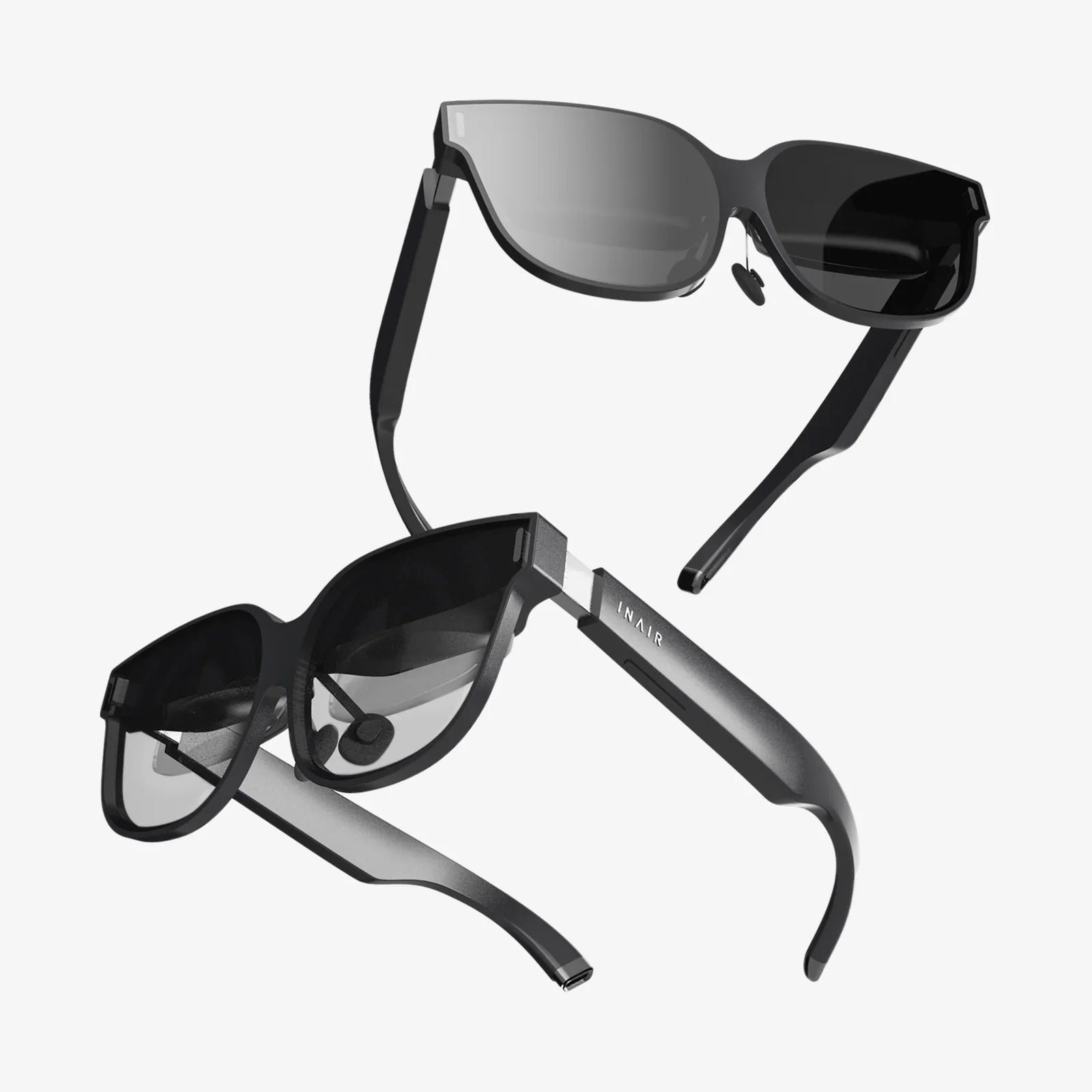
Imagine a workspace unbounded by physical dimensions, a cinema screen that stretches beyond your peripheral vision, or a gaming experience that truly envelops you. The question isn't just a technical curiosity—it's a gateway to reimagining our entire relationship with digital content. The allure of replacing a wall of expensive physical monitors with a single, infinitely customizable virtual space is powerful, promising a future of decluttered desks and limitless screen real estate. But is this vision a practical reality for today, or a promise for tomorrow? The journey to answer this is as fascinating as the destination itself.
The Core Technology: How a VR Headset Transforms into a Screen
At its most fundamental level, a VR headset is already a monitor, or more accurately, two incredibly high-density monitors (one for each eye) placed inside a darkened box strapped to your face. The core concept of using it as a traditional computer monitor involves projecting your computer's desktop into this virtual space. This is achieved not through magic, but through sophisticated software that acts as a bridge between your computer's operating system and the headset's display system.
The software creates one or more virtual screens within a simulated environment. It captures your computer's video output and renders it onto these virtual surfaces. Your headset's tracking technology—a combination of internal and external sensors—then allows you to position these screens wherever you like in your virtual space. You can look around them naturally, just as you would turn your head to look at a second monitor on your physical desk. Meanwhile, input mirroring ensures that your physical keyboard, mouse, and game controller actions are passed through to the computer, allowing you to interact with the virtual screens seamlessly.
Weighing the Virtual: A Deep Dive into the Pros and Cons
Before diving headfirst into a virtual workspace, it's crucial to understand the tangible benefits and the significant hurdles you might encounter.
The Compelling Advantages
- Boundless Screen Real Estate: This is the killer feature. You are no longer limited by the size of your desk or your wallet. You can have a main screen for your active task, flanked by reference material, communication apps, and a video player—all without the bezels and physical constraints of multiple monitors.
- Total Immersion and Focus: With the physical world blocked out, distractions fade away. For deep work sessions, coding marathons, or intense study periods, this tunnel vision can dramatically boost productivity and concentration.
- A Portable Multi-Monitor Powerhouse: For digital nomads or those who frequently travel, a VR headset and a laptop can instantly recreate a multi-screen command center in any hotel room or coffee shop. Your entire workspace becomes as portable as the headset itself.
- Next-Level Media Consumption: Watching movies, sports events, or playing non-VR games on a virtual screen that feels 100 feet wide is an experience a physical television simply cannot match. It's your personal IMAX theater, anywhere.
- Customization and Environment: Tired of your dull office wall? Your virtual background can be a serene beach, a space station overlooking the Earth, or a minimalist void. The ambience of your work environment is entirely up to you.
The Significant Challenges
- Visual Fidelity and Resolution: This is the single biggest hurdle. Despite rapid improvements, the effective resolution per eye in most consumer headsets is still lower than a modern 4K monitor. Text can appear slightly soft or have faint color fringing (a chromatic aberration effect), which can lead to eye strain during long periods of reading. This is often referred to as the "screen door effect," though it has been greatly reduced in newer models.
- Comfort and Ergonomics: Even the best headsets today have noticeable weight and bulk. Wearing one for an eight-hour workday is a test of endurance for your neck and face. Pressure on the cheeks and forehead, heat buildup, and general fatigue are common complaints that make sustained use challenging.
- The Input Problem: While you can see your virtual screens, you cannot see your physical keyboard. This forces most users to rely on touch-typing skills, which can be a barrier for many. The solution often involves using a headset's passthrough camera to see your hands, but the video quality is usually low and laggy, making precise typing difficult.
- Potential for Motion Sickness: If the virtual environment or screens are not perfectly stable relative to your head movements, it can induce discomfort or nausea in some users. Good software provides a "locked" screen that stays in a fixed position in your virtual space to mitigate this.
- Battery Life: Standalone headsets have limited battery life, often lasting only 2-3 hours under heavy processing load. This necessitates being tethered to a power outlet for all-day use, negating some of the wireless freedom.
Making It Work: A Practical Setup Guide
If the pros outweigh the cons for your use case, setting up your headset as a monitor is a straightforward process. The requirements are generally consistent across different headset brands.
What You'll Need
- A Compatible VR Headset: PC-connected models generally offer the highest fidelity for this use case, but many standalone models with video input capabilities work well.
- A Sufficiently Powerful Computer: Your GPU needs to render both the virtual environment and the content on your virtual screens. A mid-range modern graphics card is typically the minimum requirement for a smooth experience.
- The Right Software: This is the most important piece. Several dedicated applications exist solely for this purpose. They offer features like curved screens, adjustable screen size and distance, multiple virtual monitor support, and customizable environments. Some are paid, while others are free with more basic features.
- A Connection Method: For PC-connected headsets, a high-speed USB-C or DisplayPort cable is used. For a wireless experience, your computer and headset must be on the same high-quality Wi-Fi 6 network to ensure low latency and high bandwidth.
Optimizing for Clarity and Comfort
To get the best experience, you must tweak the settings. Start by adjusting the IPD (Interpupillary Distance) on your headset. This physically moves the lenses to match the distance between your eyes, which is critical for visual clarity and comfort. Within your chosen software, increase the supersampling or render resolution if possible. This forces the system to render the virtual screens at a higher resolution than native, which can significantly sharpen text. Finally, experiment with the virtual screen size and distance. A larger, slightly farther-away screen can often be more comfortable to read from than a small, close one.
Ideal Use Cases: Where a Virtual Monitor Truly Shines
While it may not be perfect for a full-time Excel-and-email grind, the technology excels in specific scenarios.
- The Traveling Professional: As mentioned, the ability to create a multi-screen setup anywhere is a game-changer for productivity on the go.
- Developers and Coders: Having an entire codebase open on one massive virtual screen or across several arranged panels can provide an unparalleled overview of a project.
- Content Consumption: For watching movies, YouTube, or reviewing video edits on a massive scale, the experience is truly immersive and superior to most physical setups.
- Simulation and Visualization: Architects, engineers, and designers can benefit from having 3D models and their design tools open simultaneously in an immersive space.
- Privacy: In a crowded office or public space, a VR headset offers complete visual privacy for your work.
The Horizon of Possibility: What Does the Future Hold?
The trajectory of this technology is incredibly promising. We are moving rapidly towards headsets that are lighter, more comfortable, and equipped with micro-OLED displays that offer pixel densities rivaling high-end monitors. The emergence of passthrough AR and Mixed Reality (MR) is perhaps the most exciting development. Instead of being fully immersed in a virtual world, future headsets will allow you to anchor crisp, high-resolution virtual screens seamlessly into your physical environment. You'll be able to sit at your real desk, see your real hands and keyboard in high fidelity, and interact with virtual screens placed perfectly between your physical monitor and your wall. This hybrid approach solves the input and isolation problems, merging the best of both the physical and virtual worlds.
The dream of a universal, personal computing display worn on your face is no longer science fiction. While the technology today asks for compromises in comfort and clarity, it already delivers breathtaking experiences for specific tasks and offers a compelling glimpse into the future of computing. The question is no longer if you can use your VR headset as a monitor, but how you will use it to redefine your own digital reality. The virtual canvas is waiting; all you have to do is put on the headset and paint your perfect workspace.
Share:
Augmented Reality Eyewear News: The Invisible Revolution Reshaping Our Reality
Best VR Headset for iPhone 15 Pro: The Ultimate Guide to Unleashing Your Smartphone's Immersive Potential