


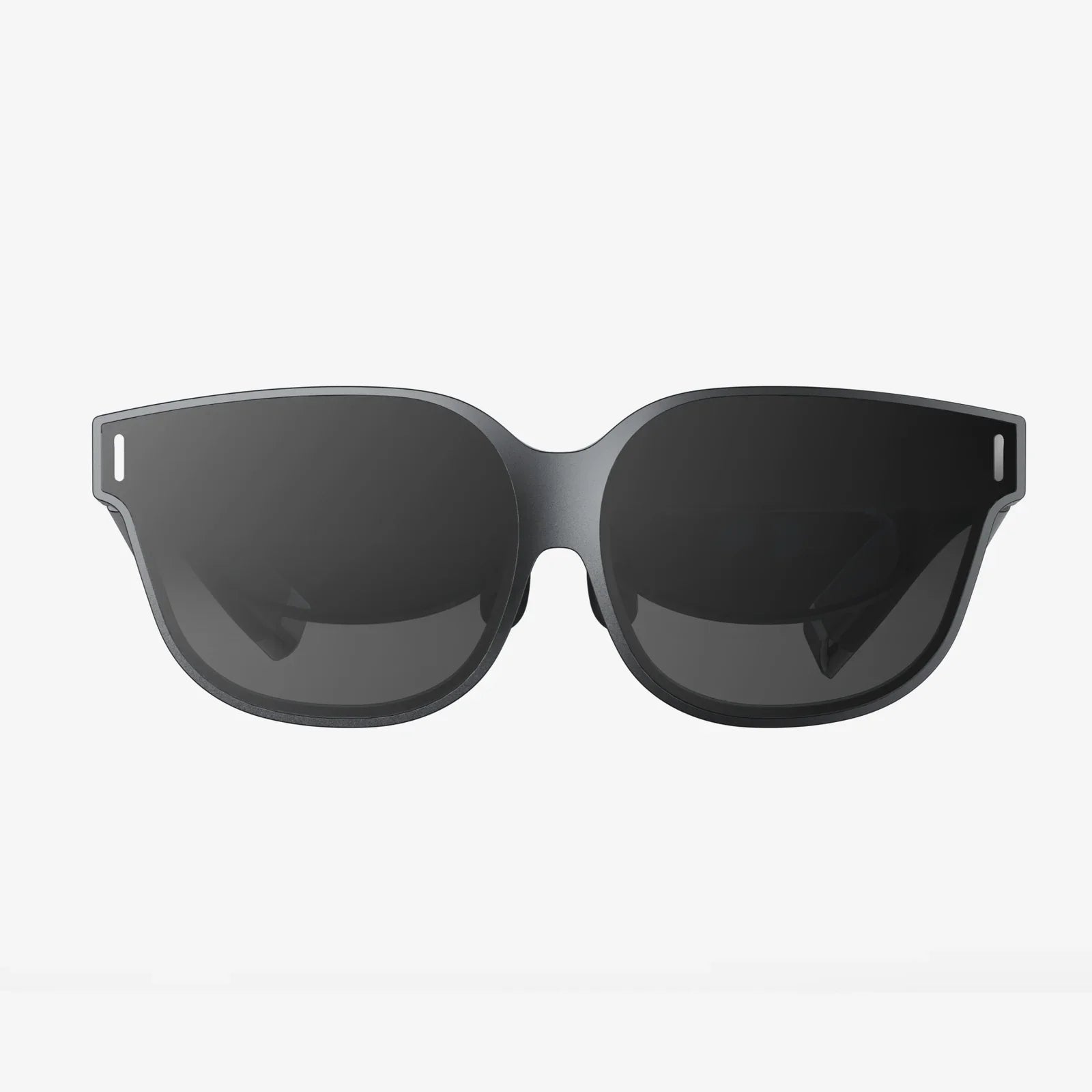
Imagine slipping on a headset and instantly being transported to a virtual concert, a distant planet, or the cockpit of a fighter jet, all powered by the device already in your pocket. The allure of virtual reality is undeniable, and for owners of a classic piece of hardware, the question is a compelling one: can your trusty iPhone X truly serve as a gateway to these digital realms? The answer is a resounding yes, but with important nuances that define the experience. The journey from holding a smartphone to experiencing immersive VR is one of technology, compatibility, and a bit of user know-how.
The Hardware Foundation: iPhone X's VR Capabilities
To understand the iPhone X's viability for VR, we must first dissect its technological core. Launched in 2017, the iPhone X was a monumental leap forward in smartphone design and capability. For VR, three components are critical: the display, the processor, and the sensors.
The iPhone X boasts a stunning 5.8-inch Super Retina HD display with a resolution of 2436 x 1125 pixels. This results in a pixel density of 458 pixels per inch (PPI). For VR, a high PPI is crucial as the screen is magnified significantly by the headset's lenses. A lower density would make the "screen door effect"—where users can discern the gaps between pixels—more pronounced, shattering immersion. The iPhone X's display, while not the absolute highest resolution available today, provides a sufficiently dense and vibrant canvas for convincing virtual environments.
Driving everything is the A11 Bionic chip with its neural engine. This processor was a beast in its time and remains remarkably capable. VR applications demand significant graphical and computational power to render two different perspectives (one for each eye) at a high, stable frame rate to prevent motion sickness. The A11 Bionic is more than equipped to handle the vast majority of mobile VR content available, ensuring smooth and responsive interactions.
Finally, the iPhone X is packed with a sophisticated array of sensors, including a gyroscope, accelerometer, and proximity sensor. These are the unsung heroes of mobile VR. The gyroscope and accelerometer track the precise rotation and movement of your head, allowing you to look around naturally within the virtual space. This is known as 3 Degrees of Freedom (3DoF) tracking, covering pitch, yaw, and roll. The proximity sensor detects when the phone is placed in a headset, automatically launching the VR experience.
The Gateway: Choosing the Right Headset
Your iPhone X is the engine, but the VR headset is the vehicle. There are primarily two categories of headsets compatible with the iPhone X: standalone viewers and tethered systems.
Standalone Viewers (Universal Mobile VR Headsets)
These are the most accessible and affordable entry points. They are essentially sophisticated holders for your smartphone, featuring high-quality lenses and a comfortable strap system. You manually insert your iPhone X into the compartment, launch a VR app, and close the lid. Popular models in this category are designed to be universal, accommodating a range of smartphone sizes, and the iPhone X fits perfectly within these parameters. They rely entirely on the phone's processing power, display, and sensors.
These headsets often include a basic input mechanism, like a single button on the headset itself that interacts with the phone's screen via a capacitive touch bridge, or they may come with a simple Bluetooth remote for more nuanced control. For casual users interested in 360-degree videos, simple games, and virtual tours, these headsets offer an excellent and cost-effective solution.
Tethered Systems (Powered by External Sensors)
This category represents a more advanced, though less common, approach for iPhone users. These systems use external cameras or sensors placed in the room to track the position of the headset and, often, handheld controllers. This enables 6 Degrees of Freedom (6DoF), meaning you can not only rotate your head but also move your body physically through the virtual space—leaning, crouching, and walking around. This dramatically enhances immersion.
While some older systems were designed for iPhone compatibility, the market for high-end, sensor-based mobile VR has largely consolidated around other platforms. Using such a system with an iPhone X today would require significant technical effort, driver compatibility, and is generally not recommended for the average user. The primary path for a high-quality iPhone VR experience remains the standalone viewer.
The Software Soul: Apps and Content Ecosystem
Hardware is nothing without software. The App Store is home to a vast library of VR content specifically designed for the iPhone. The experience can be broadly divided into two types: video-based and interactive.
VR Video Applications
This is the most straightforward use case. Apps dedicated to VR video allow you to watch immersive 360-degree films and documentaries. You can be in the center of the action, looking around in any direction as the scene unfolds. Major video platforms have dedicated VR apps that host a wealth of content, from music videos and travelogues to short narrative films. The iPhone X's OLED screen, with its deep blacks and high contrast ratio, is particularly well-suited for these experiences, providing a rich and engaging viewing platform.
Interactive VR Games and Experiences
This is where the A11 Bionic chip flexes its muscles. The App Store features a plethora of games and interactive applications built for VR. These range from thrilling roller coaster simulators and puzzle games where you manipulate the environment with your gaze, to more complex titles that support Bluetooth game controllers for a more traditional gaming feel. You can explore ancient Egyptian tombs, defend your castle from a dragon, or even create 3D sculptures in a virtual space. The processing power of the iPhone X ensures that these experiences run smoothly, maintaining immersion and preventing the disorientation that can come from lag or low frame rates.
Limitations and Considerations
While the iPhone X is fully capable of delivering a genuine VR experience, it is important to set realistic expectations. This is not a dedicated, high-end VR system with external tracking and cutting-edge controllers. The experience is defined by the limitations of mobile hardware.
The primary constraint is thermal throttling. VR is incredibly demanding and can cause the iPhone X to heat up significantly. To protect its components, the phone will eventually reduce processor performance, which can lead to a drop in frame rates and a less smooth experience. Sessions are best kept to reasonable lengths, perhaps 30-45 minutes at a time.
Furthermore, as a 3DoF system, your movement is limited to looking around. You cannot walk through the virtual world; locomotion is typically handled by a controller or a gaze-based teleportation mechanic. This is less immersive than 6DoF systems but is still incredibly effective for a vast range of content.
Finally, battery life will drain rapidly. Engaging the display, processors, and sensors at full tilt consumes power quickly. It is highly advisable to start your VR sessions with a fully charged battery or to keep the phone plugged in during use.
Optimizing Your iPhone X VR Experience
To get the most out of your virtual adventures, follow these simple tips:
- Close Background Apps: Before launching a VR app, close all other applications. This frees up precious RAM and CPU cycles, ensuring maximum performance for your VR experience.
- Enable Do Not Disturb: There are few things more immersion-breaking than a notification alert popping up in the middle of a virtual world. Enable Do Not Disturb mode to ensure uninterrupted exploration.
- Adjust the Headset Properly: Take time to adjust the headset straps and the distance between the lenses (interpupillary distance, or IPD) if your headset allows it. A clear, comfortable fit is essential for enjoyment.
- Start with High-Quality Content: Seek out apps and videos that are well-reviewed and known for their high production values. A poorly optimized app can sour the entire experience.
- Ensure Adequate Lighting: If your headset or app uses any form of controller tracking that relies on the phone's camera, make sure you are in a well-lit (but not overly bright) space.
The world of VR is no longer a distant future; it's a present-day reality accessible through the powerful hardware of the iPhone X. While it may not represent the absolute zenith of virtual reality technology, it provides a stunningly effective and remarkably accessible portal into immersive digital worlds. From the comfort of your living room, you can dive into games, explore far-flung locations, and experience stories in a way that was once the stuff of science fiction. The journey begins by simply slotting your phone into a headset—your ticket to adventure is already in your hand.
Share:
Android Virtual VR: The Pocket-Sized Portal to Immersive Realities
What Is The Best Affordable VR Headset? A 2024 Buyer's Guide