


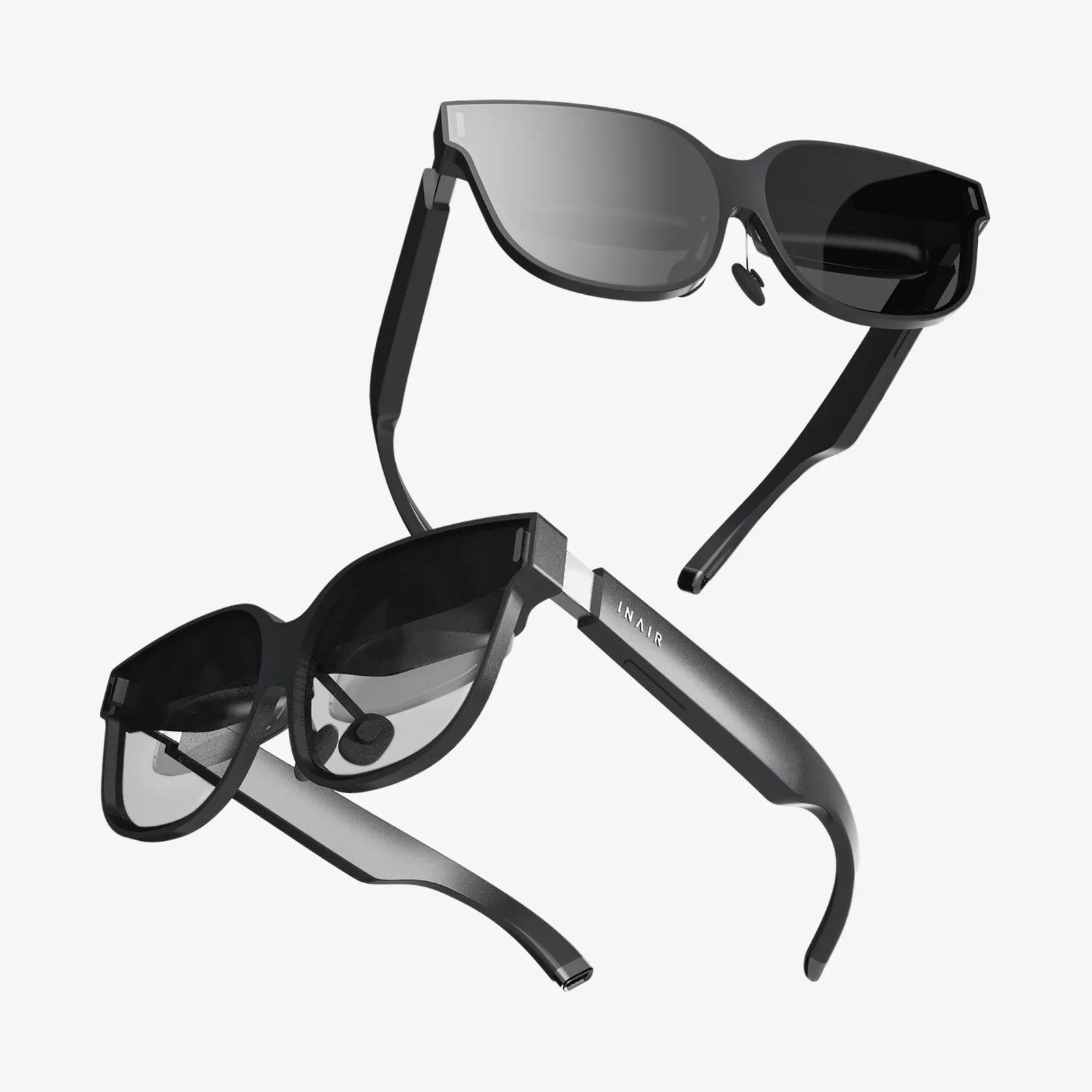
Imagine being sealed inside a metal tube for hours, crammed into a seat that barely reclines, with the distant wail of a toddler providing the soundtrack to your journey. Now, imagine replacing all of that with a front-row seat at a concert, a private screening of the latest blockbuster, or a serene, immersive meditation session in a digital zen garden. This is the tantalizing promise of using a VR headset on a plane—a portal to another dimension, opened at 30,000 feet. But is this futuristic travel dream a practical reality, or does it crash land before takeoff? The answer is a resounding yes, but it requires careful planning and consideration. Unpacking your headset is not as simple as putting on headphones; it's an exercise in logistics, etiquette, and technical preparation. This definitive guide will navigate the turbulence of in-flight VR, ensuring your journey into the metaverse is as smooth as the air in the stratosphere.
The Allure of Virtual Reality in the Sky
Air travel, for all its wonders, is often a monotonous experience. The limited legroom, the recycled air, and the constrained entertainment options on the seatback screen can make long-haul flights feel interminable. Virtual reality offers a powerful antidote to this modern form of travel ennui. It is the ultimate personal entertainment bubble. While your physical body remains in 12C, your mind can be transported anywhere. You can explore the depths of the ocean, walk on the surface of Mars, or get lost in a narrative-driven game, all while completely oblivious to the person snoring next to you. It transforms your cramped seat into a private theater, a gaming den, or a relaxation spa. For frequent flyers, this isn't just a novelty; it's a paradigm shift in how they experience travel time, converting dead hours into engaging, productive, or profoundly relaxing moments.
The Technical Hurdles: Power and Processing
The first and most significant obstacle between you and in-flight VR is power. Most modern standalone VR headsets have a battery life ranging from two to three hours on a single charge. A transcontinental or international flight can easily last six, eight, or even sixteen hours. This simple math presents the primary challenge. Without a reliable power source, your VR adventure will be cut brutally short.
The Power Bank Solution
The most common and effective solution is a high-capacity external power bank. This is non-negotiable for any serious in-flight VR user. You will need to connect a USB-C cable from your power bank to the headset, allowing you to play and charge simultaneously. However, this introduces a crucial pre-flight checklist item: verifying airline policies. While most airlines permit the use of power banks in-flight (they are typically considered portable electronic devices), there are often strict rules about their watt-hour (Wh) rating. Most airlines adhere to international regulations that limit power banks to a maximum of 100Wh. Many common power banks fall well below this limit (e.g., a 20,000mAh bank at 3.7V is 74Wh), but it is essential to check your specific airline's policy before you pack. Never pack a power bank in your checked luggage; it must be in your carry-on.
Standalone vs. Tethered Headsets
This power dilemma highlights the inherent advantage of standalone VR headsets. These all-in-one devices have the computer built directly into the headset. They are completely self-contained and only need the power bank to extend their session time. They are the undisputed champions of in-flight VR.
On the other end of the spectrum are tethered PC-powered VR headsets. These devices are essentially sophisticated displays that rely on a powerful desktop computer to render the complex virtual environments. The idea of lugging a gaming desktop and its massive power supply onto a plane is, frankly, absurd and almost certainly prohibited. Therefore, tethered headsets are entirely impractical and unsuitable for air travel.
Content is King: Pre-Loading Your Adventures
At 30,000 feet, you are utterly disconnected from the high-speed internet required to stream VR content or download new games. This means every experience you wish to have must be downloaded and stored directly on your headset's internal storage before you leave your home Wi-Fi. This is a critical step that is often overlooked until it's too late.
Take an evening before your flight to meticulously curate your in-flight VR playlist. Consider a variety of experiences to match your mood:
- Movies and Shows: Many VR platforms have virtual theater applications. Download a few movies or episodes of a show you've been meaning to watch. The sense of presence in a giant, private cinema is unparalleled.
- Immersive Games: Choose games that are engaging but not overly frantic. A deep role-playing game, a puzzle adventure, or a creative sandbox game can make hours vanish.
- 360-Degree Videos: Explore travel documentaries, music performances, or educational content. It's the next best thing to a window seat with a perfect view.
- Meditation and Relaxation: Applications designed to reduce stress and anxiety through guided meditation in tranquil environments can be particularly valuable for nervous flyers.
Remember to check that all your chosen content is fully updated and functional before you head to the airport to avoid any frustrating surprises.
The Etiquette of a Shared Space
You may be in your own virtual world, but your physical body is sharing a very tight, public space with dozens of other people. Being a conscientious VR user is paramount to ensuring you don't become that passenger.
The Space Issue
VR experiences are broadly divided into two types: stationary and room-scale. Room-scale experiences, which require you to physically walk around and duck and weave, are completely off the table on a plane. Your entire VR session must be conducted from a seated position. Thankfully, a vast library of content is designed for this. When browsing your library, look for experiences labeled as "stationary," "seated," or "front-facing." Avoid any game that requires you to swing your arms wildly or make large, sweeping gestures. Stick to content that uses controllers subtly or relies on gaze-based interaction. This is not the time for an intense boxing or tennis simulation; your seatmate will thank you.
The Noise Issue
While the visual spectacle is contained within your headset, the audio often is not. The built-in speakers on some headsets can leak sound, disturbing those around you. The solution is simple: use headphones. Most standalone headsets have a standard 3.5mm audio jack or support Bluetooth audio (though Bluetooth should be enabled in airplane mode). Using a good pair of noise-isolating or active noise-cancelling headphones serves a dual purpose: it contains your game's audio, preventing noise pollution, and it also blocks out the ambient noise of the aircraft, deepening your immersion. It's a win-win.
The Social Issue
You will look a little strange. There's no getting around it. Wearing a large, futuristic visor and occasionally making small, precise hand movements will draw curious glances. The key is to be confident and comfortable in your choice. Most people will simply be intrigued. However, be prepared to briefly explain what you're doing to the flight crew during safety checks or meal service. A quick, polite "I'm just watching a movie" is usually sufficient.
Safety and Comfort: Your Physical Well-Being
Straping a screen to your face in a moving vehicle introduces unique comfort and safety considerations.
Motion Sickness
This is the biggest potential barrier to entry. VR-induced motion sickness, or cybersickness, occurs when your eyes perceive movement in the virtual world (like walking or flying) but your inner ear feels the stationary reality of your airplane seat. This sensory conflict can quickly lead to dizziness, nausea, and sweating. To combat this:
- Start Simple: Begin your session with a stable, comfortable experience like a movie in a virtual theater.
- Use Comfort Settings: Most games offer comfort options like "vignetting" (reducing the field of view during movement) or "teleportation" instead of smooth locomotion. Use them.
- Know Your Limits: At the first sign of discomfort, stop immediately. Look away, take deep breaths, and drink some water. Do not try to push through it.
- Choose Your Content Wisely: Avoid experiences with erratic camera movements, flying, or driving, especially when you are new to in-flight VR.
Physical Comfort
VR headsets can be heavy and generate heat. Wearing one for an extended period can cause pressure on your face and neck. To improve comfort:
- Adjust the head strap for a secure but not overly tight fit.
- Take regular breaks every 45-60 minutes. Remove the headset, stretch your neck, look around the cabin, and rehydrate.
- Use a silicone cover for the facial interface for easier cleaning and to manage sweat.
- Ensure your seat is in the upright position during takeoff and landing, as you will need to stow the headset.
Takeoff and Landing Regulations
You must follow all crew instructions. During takeoff and landing, all electronic devices must be stowed. This includes your VR headset. Do not attempt to use it during these critical phases of flight. Wait until the crew announces that it is safe to use portable electronic devices.
A Step-by-Step Pre-Flight Checklist
To ensure a seamless experience, follow this checklist before you fly:
- Charge Everything: Fully charge your VR headset and your external power bank.
- Download Content: Pre-load all movies, games, and experiences onto your headset's internal storage.
- Check Airline Policy: Confirm the rules for power banks and electronic device usage.
- Pack Smart: Headset, controllers, power bank, cable, and headphones go in your carry-on, not checked luggage.
- Comfort Prep: Have a bottle of water and any other comfort items easily accessible.
- Seat Selection: If possible, choose a window seat. This minimizes the chance of your elbows bothering a neighbor and gives you a wall to orient yourself against.
The hum of the jet engines fades into the soundtrack of your chosen universe, the cramped seat vanishes, and for a few glorious hours, you are free. The challenges of power, space, and social grace are not insignificant, but they are surmountable with a bit of foresight. They are the price of admission to the greatest show off—and above—Earth. The world of in-flight entertainment is on the cusp of a revolution, and it’s not on the screen embedded in the seat in front of you; it’s in the headset in your bag. Mastering the art of aerial immersion doesn’t just make your flight more bearable; it transforms travel time into your own personal oasis of exploration and escape, turning a long journey into the shortest part of your trip.
Share:
How Augmented Reality Helps Business: A Strategic Guide to Unlocking Growth and Innovation
What Is a Good VR Headset for PC: The Ultimate Buyer's Guide