


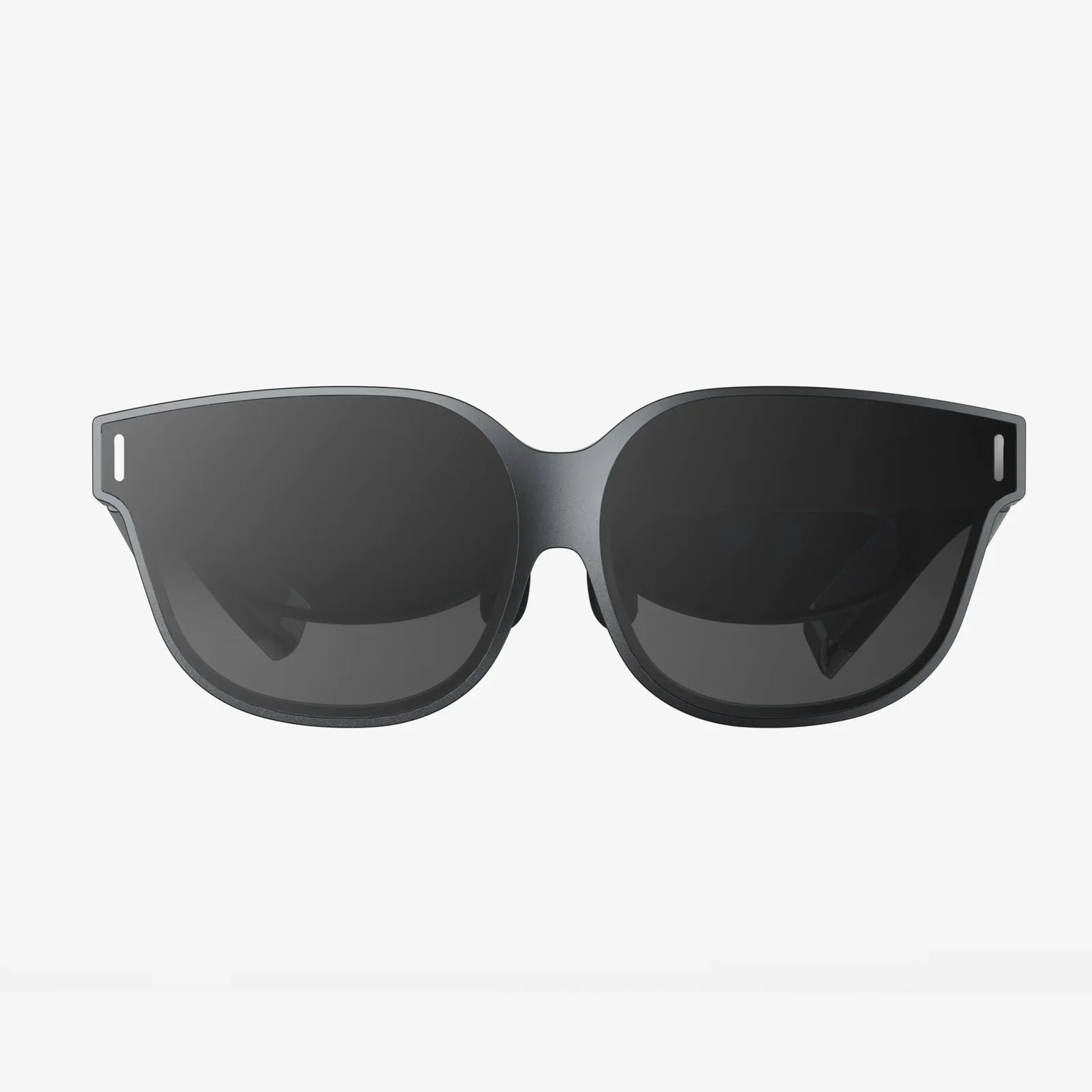
Stepping into the virtual reality arena can feel like crossing a threshold into a new dimension of entertainment, productivity, and social connection. The promise of total immersion is intoxicating, but the path to finding your perfect portal to these digital worlds is fraught with technical jargon, competing platforms, and a dizzying array of choices. The decision is more nuanced than simply picking the most expensive option; it's about aligning cutting-edge technology with your personal reality—your available space, your computing power, your budget, and your dreams of what you want to experience. This ultimate guide is designed to demystify the process, cutting through the complexity to provide you with the clarity and confidence needed for choosing the right VR headset for you.
The Foundation: Understanding the Three Main Types of VR Headsets
Before diving into resolution specs and field-of-view metrics, the most critical first step is to understand the fundamental categories of headsets available today. This choice will dictate everything from your initial cost to your ongoing experience.
Standalone VR Headsets: The All-in-One Solution
These devices are the most accessible entry point into virtual reality. As the name implies, a standalone headset is a completely self-contained system. It has its own processor, memory, battery, and sensors built directly into the unit. There are no wires tethering you to a powerful computer and no need to insert your smartphone into a head-mounted holder.
Pros:
- Unmatched Convenience and Portability: Pick it up, put it on, and you're inside VR within seconds. This ease of use eliminates the single biggest barrier to regular VR sessions.
- Wireless Freedom: Without a cable anchoring you to one spot, you can turn, crouch, and move naturally without the constant fear of tripping or tangling yourself.
- Lower Barrier to Entry: The upfront cost is typically significantly lower than other options because you aren't required to own a high-end gaming computer.
- User-Friendly: The setup process is generally streamlined and designed for the average consumer, not a tech enthusiast.
Cons:
- Limited Processing Power: The graphics and computational power are equivalent to a mobile device, which means visuals are less detailed and complex than what a tethered headset can produce.
- Graphics Fidelity: While improving rapidly, the graphical quality in most standalone titles cannot match the photorealistic potential of PC-driven experiences.
- Battery Life: Sessions are limited to typically two to three hours before requiring a recharge.
Ideal For: Newcomers to VR, families, those who value convenience and wireless play, users without a powerful gaming PC, and social or fitness applications where movement is key.
PC-Connected (Tethered) VR Headsets: The Powerhouse Experience
These headsets act as high-resolution displays and sensors but offload all the heavy computational lifting to a nearby desktop or laptop computer, to which they are connected via a cable. This external connection is the source of both their greatest strength and their most notable limitation.
Pros:
- Top-Tier Visuals and Performance: By leveraging the immense power of a dedicated graphics card and CPU, tethered headsets deliver the most stunning, high-fidelity, and immersive visuals available to consumers.
- Largest and Most Complex Library: They provide access to vast, graphically intensive games and sophisticated professional applications for design, architecture, and simulation that are impossible to run on mobile chipsets.
- No Battery Anxiety: Since they draw power from the PC, you can enjoy marathon sessions without interruption.
- Advanced Features: Often feature higher refresh rates for smoother motion, better tracking fidelity, and more premium build materials.
Cons:
- High Total Cost: The required investment is the highest, as you must purchase both the expensive headset and a capable gaming computer (if you don't already own one).
- The Tether Cable: The physical wire can break immersion and poses a constant risk of tripping, tangling, or getting wrapped around the user during active experiences.
- Limited Play Space: You are physically constrained by the length of the cable, usually limiting movement to a relatively small area around your computer.
- Complex Setup: The initial setup involves connecting multiple sensors or base stations and configuring software, which can be daunting for some.
Ideal For: Hardcore gamers, tech enthusiasts, professionals in creative or technical fields, and anyone who prioritizes absolute visual fidelity and performance above all else.
Console-Based VR Headsets: The Plug-and-Play Ecosystem
This category functions similarly to a PC-tethered headset but is designed to work exclusively with a specific video game console. It offers a middle ground between the plug-and-play simplicity of standalone and the high-powered performance of a PC setup.
Pros:
- Optimized and Curated Experience: Games are meticulously optimized for the fixed hardware of the console, ensuring a stable, high-quality experience with minimal technical hiccups.
- Ease of Use: Setup is typically very straightforward—connect the headset to the console and you're largely good to go.
- Strong Exclusive Titles: Often features high-quality games developed or funded by the console manufacturer that are unavailable on other platforms.
- Cost-Effective Power: If you already own the console, the headset provides a powerful VR experience without the need for a thousand-dollar computer.
Cons:
- Ecosystem Lock-In: You are entirely dependent on a single company's hardware and software ecosystem.
- Limited Hardware Upgrades: The performance is fixed to the capabilities of the console generation. You cannot upgrade your graphics card for a better experience.
- Smaller (but High-Quality) Library: The catalog of available games, while excellent, is smaller than what's available on open platforms like PC.
Ideal For: Owners of the specific console who want a premium, hassle-free VR gaming experience with strong first-party titles.
Decoding the Specs: What Really Matters on the Tech Sheet
Once you've narrowed your focus to a headset type, the next step is to compare the technical specifications. Don't be intimidated; only a few key metrics truly define the quality of your experience.
Resolution and Display Quality
This is often the first spec consumers look at, and for good reason. Resolution refers to the number of pixels on the display(s) inside the headset. A higher resolution means a sharper, clearer image with less visible "screen door effect" (the faint grid lines between pixels). However, resolution isn't the whole story. The type of display panel (OLED vs. LCD) affects color vibrancy and black levels, and the quality of the lenses is paramount for edge-to-edge clarity.
Field of View (FoV)
Measured in degrees, the FoV is how much of the virtual world you can see at once when looking straight ahead. A narrow FoV can feel like looking through binoculars or a scuba mask, breaking immersion. A wider FoV feels more natural and encompassing. Most consumer headsets range from about 90 to 120 degrees.
Refresh Rate
Measured in Hertz (Hz), the refresh rate is how many times per second the image on the screen is updated. A higher refresh rate (90Hz and above is standard for VR) results in smoother motion, which is critical for comfort. Jerky, low-frame-rate content is a primary cause of VR-induced motion sickness. High-end headsets now push 120Hz or even 144Hz for exceptionally fluid gameplay.
Tracking: Inside-Out vs. Outside-In
How does the headset know where it is in your room and where your controllers are? There are two main methods:
- Inside-Out Tracking: Cameras on the headset itself look outward to map the room and track the controllers. This is the standard for standalone headsets and newer PC headsets. It requires no external sensors, making setup easier and more portable, but tracking can be lost if controllers are held directly behind your back or occluded from the headset's view.
- Outside-In Tracking: External sensors or base stations placed around the room emit signals (lasers or light) that are picked up by sensors on the headset and controllers. This method is renowned for its millimetric precision and robust tracking, even behind the user's back. The trade-off is a more complex setup and being confined to a pre-calibrated play space.
Controllers and Haptics
The controllers are your hands in the virtual world. Their design, ergonomics, and feature set are crucial. Look for controllers that feel natural to hold and offer a full suite of inputs: analog sticks, buttons, triggers, and grip inputs. Advanced haptic feedback goes beyond simple vibration, providing nuanced sensations that can simulate the feeling of touching different surfaces, drawing a bowstring, or feeling a virtual object's weight.
Beyond the Hardware: The Intangible Factors
The best specs on paper mean little if the overall ecosystem doesn't suit your life.
The Software Ecosystem and Content Library
A headset is a doorway, but the experiences are what's on the other side. Research the platform's store. Does it have the games you want to play? Is there a healthy mix of genres? Look beyond games—are there compelling social apps, creative tools, fitness programs, or cinematic experiences? Some platforms are walled gardens, while others are more open. Consider where your friends are playing, as social VR is a rapidly growing and incredibly engaging segment.
Comfort and Ergonomics
You can have the highest-resolution headset in the world, but if it's a pain to wear, it will gather dust. Comfort is highly subjective and depends on factors like head shape, whether you wear glasses, and preferred play duration. Key aspects to consider are weight distribution (does it press on your cheeks or forehead?), the quality of the facial interface (foam material, breathability), and adjustability. A good headset should feel secure but not like a vise grip, allowing you to forget you're wearing it and lose yourself in the experience.
The Future-Proofing Question
VR technology is advancing at a breakneck pace. While you can't future-proof completely, you can make a savvy decision. Consider the company's track record with supporting older hardware through software updates. Does the platform have a history of releasing exclusive, must-have titles? Some standalone headsets are part of a broader ecosystem that allows you to eventually use them as a wireless PC VR headset, effectively giving you two devices in one and extending its longevity and utility.
Matching the Headset to the User
Armed with this knowledge, the final step is personalization.
- For the VR Newcomer: A standalone headset is almost always the best recommendation. It's the safest, most affordable, and least complicated way to discover if VR is for you.
- For the Hardcore Gamer with a Powerful PC: A tethered PC VR headset is the only choice. The pursuit of the highest graphical fidelity and access to sim-racing, flight-sim, and modded content demands it.
- For the Fitness Enthusiast: A lightweight, comfortable standalone headset with a strong library of rhythm and fitness games is ideal. Wireless freedom is non-negotiable for a good workout.
- For the Creative Professional or Educator: This depends on the required applications. Powerful 3D design tools often require a PC VR setup, while educational and architectural visualization tools are increasingly available on standalone platforms for client presentations.
- For the Console Gamer: If you are deeply invested in a console ecosystem and its exclusive games, the matching VR headset is a fantastic and integrated option.
The journey to your perfect VR headset is a personal one, a balancing act between dreams and practicalities. It's about seeing past the marketing hype and understanding that the "best" headset is a deeply subjective title, earned only by the one that best disappears on your head, transporting you seamlessly into the experiences you crave most. Forget chasing raw numbers on a spec sheet; true immersion is measured in moments of wonder, not megapixels. Your perfect gateway to new realities is waiting, not on a store shelf, but at the perfect intersection of your space, your budget, and your imagination.
Share:
How to Charge Your VR Headset Controllers: The Ultimate Guide to Powering Up Your Play
5.5 Inch VR Headset: The Unseen Revolution in Mobile Virtual Reality