


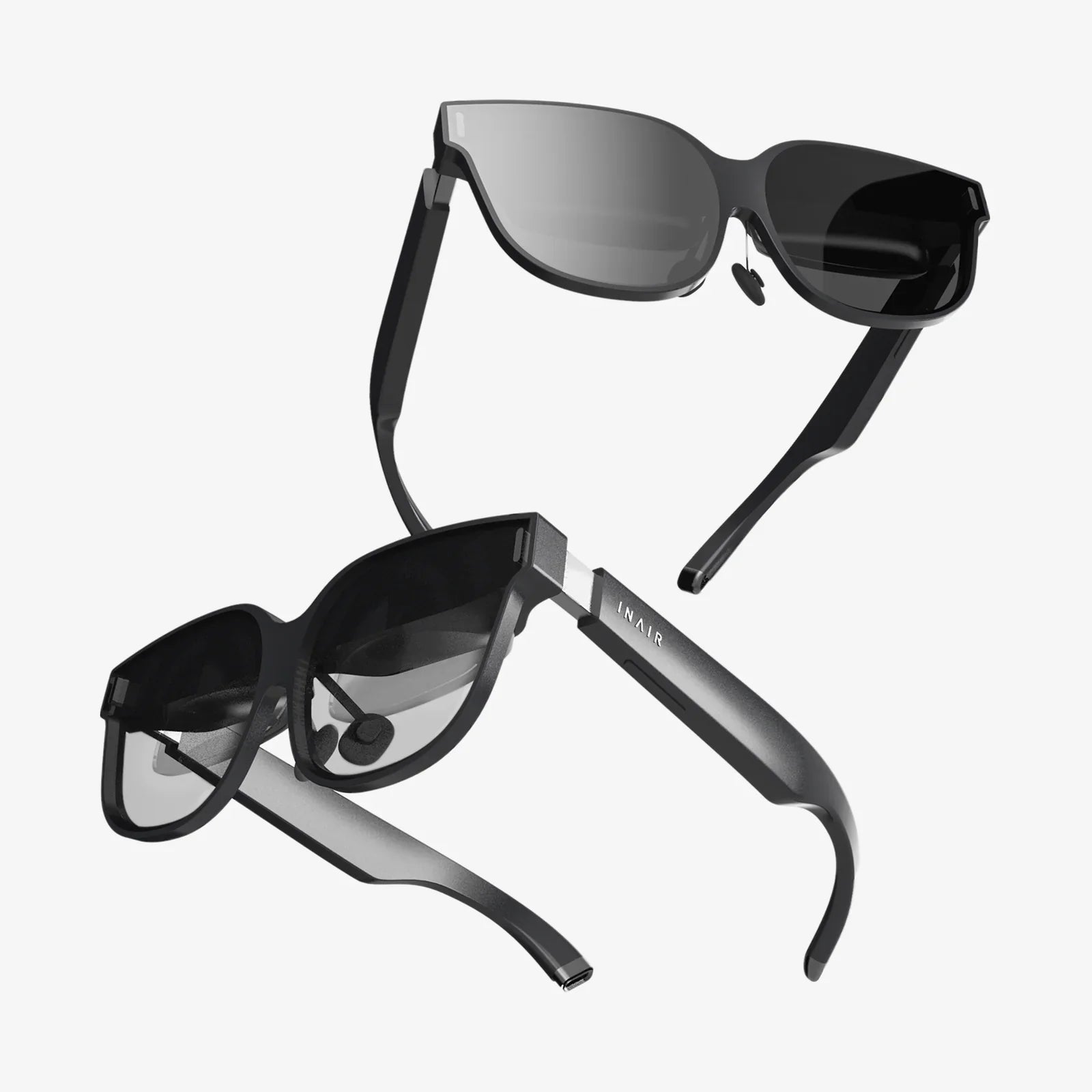
You put on a headset, and the digital world springs to life before your eyes—but is it a crisp, seamless overlay or a pixelated, distracting mess? The race for visual supremacy in augmented reality is heating up, and the battlefield is resolution quality. For developers, enterprise users, and tech enthusiasts alike, understanding the nuances of AR resolution is the key to unlocking the technology's true potential, moving beyond marketing specs to grasp what truly creates a believable and effective blended reality.
The Foundation: Understanding Pixels in 3D Space
At its most basic, resolution refers to the number of pixels a display uses to create an image. In traditional screens, we measure this with static numbers like 1920x1080 (Full HD). However, in the world of AR headsets, the conversation is immediately more complex and cannot be distilled into a single number. A display with a high pixel count might still offer a poor visual experience if other factors are not aligned.
The first and most advertised metric is native display resolution. This is the physical number of pixels on the micro-displays, often tiny OLED or LCD screens, that generate the image. A higher number here generally means more detail, allowing for sharper text and smoother curves on virtual objects. However, this is just the starting point.
A far more meaningful metric, and the one savvy consumers should prioritize, is pixels-per-degree (PPD). This measures the angular density of pixels within a user's field of view. Think of it as the resolution of your own vision. The human eye is estimated to have a resolution of about 60 PPD (or 20/20 vision). Therefore, for a virtual object to appear "retina" quality and indistinguishable from reality, an AR headset must approach this number. A device might boast a 4K display, but if that image is stretched across an extremely wide field of view, the PPD will be low, and the "screen door effect"—where users can see the gaps between pixels—becomes noticeable.
The Trade-Off: The Intricate Dance of Resolution and Field of View
This brings us to the most significant engineering compromise in AR design: Field of View (FoV) versus Resolution. FoV is the extent of the observable environment, measured diagonally in degrees, that a user can see the augmented content. A narrow FoV feels like looking through a small window or a postage stamp, severely limiting immersion. A wide FoV allows digital content to fill your vision, creating a much more compelling experience.
Here lies the conflict. Given current display and waveguide technology, there is a fixed number of pixels available. Designers must choose to either:
- Use those pixels to create a very high-resolution image but within a very small, window-like FoV.
- Spread those same number of pixels across a wide FoV, resulting in a lower PPD and a less sharp image.
Most current-generation devices are grappling with this balance. Achieving both a wide FoV and a high PPD simultaneously requires breakthroughs in display density, brightness, and optical systems that are incredibly challenging to manufacture at scale. This is why simply comparing the native resolution numbers of two headsets is a futile exercise; one might have chosen a high-resolution, narrow-FoV approach for specific tasks like data visualization, while another might prioritize a wider, albeit less sharp, FoV for immersive gaming.
Beyond the Display: The Optical Stack and Perceived Clarity
The display panel is only one part of the equation. The optical system—the lenses and combiners that sit between the display and the user's eye—is arguably just as important for final image quality. These systems are responsible for projecting the image onto the retina and blending it with the real world. Their design has a profound impact on perceived resolution.
Two primary optical architectures dominate modern AR headsets:
- Birdbath Optics: This design uses a combination of a beamsplitter and a concave mirror to fold the light path from the display into the user's eye. While effective and often more affordable, these systems can sometimes introduce artifacts like glare or a slight dimming of the real world, which can affect the contrast and clarity of the virtual image.
- Waveguides: This is the technology favored by most high-end and enterprise-focused devices. Waveguides use microscopic gratings to "pipe" light from a projector on the temple of the frame into the eye. They allow for sleek, glasses-like form factors. However, waveguides can present their own challenges for resolution. Issues like ghosting (faint duplicates of images), color uniformity problems (where colors shift across the FoV), and light efficiency can degrade the final image. A high-resolution display can be hamstrung by a low-quality waveguide that diffuses or distorts the light.
Furthermore, the concept of MTF (Modulation Transfer Function) comes into play. This is a measure of the optical system's ability to transfer contrast from the display to the eye at various levels of detail. A perfect lens would have an MTF of 1.0, meaning 100% contrast transfer. In reality, all optical systems lose some contrast, and this loss is more pronounced at higher spatial frequencies (finer details). A system with a poor MTF will make even a high-resolution display look soft and blurry.
The Human Element: Pupil Swim, Eye Tracking, and Varifocal Displays
Human physiology adds another layer of complexity to the resolution discussion. A fixed-focus optical system, common in many headsets, presents all virtual content at a single focal plane, say two meters away. This creates a conflict known as the Vergence-Accommodation Conflict (VAC). Your eyes may converge on a virtual object that appears close, but they must still focus at the fixed optical distance. This disconnect is a major source of eye strain and can also impact the perceived stability and sharpness of the image.
Advanced headsets are now incorporating eye-tracking and varifocal displays to solve this. Eye-tracking allows the system to know precisely where you are looking. It can then use this data for foveated rendering—a technique that renders the area of the image you are directly looking at in full resolution, while dynamically reducing the rendering load on the peripheral areas of the FoV. This allows a headset to dedicate maximum graphical processing power to where it matters most, dramatically improving perceived quality without requiring a universally higher-resolution display.
Varifocal systems take this a step further by physically or electronically adjusting the focal distance of the optics to match where your eyes are looking, eliminating VAC and making virtual objects feel truly solid and sharp at any distance. These human-centric technologies are becoming critical differentiators in high-fidelity AR experiences.
The Benchmarking Challenge: How to Truly Compare
With so many variables at play, how can one possibly compare the resolution quality of different AR headsets? Looking at a spec sheet is nearly useless. The only way to truly compare is through direct, side-by-side testing with a critical eye. Evaluators should look for:
- Text Legibility: Can you read small font text clearly across the entire field of view, or does it blur at the edges?
- Image Stability: Do virtual objects stay locked in place and solid when you move your head, or do they jitter, swim, or shift?
- Color Fidelity and Brightness: Are colors vibrant and consistent? Is the image bright enough to be seen clearly in a variety of lighting conditions, including outdoors?
- Artifacts: Do you notice any glare, ghosting, smearing, or a visible "screen door" grid between pixels?
- Comfort and Eye Strain: After 15-20 minutes of use, do your eyes feel tired? This can be a direct result of poor optical alignment and VAC.
Ultimately, the "best" resolution quality is highly subjective and application-dependent. A technician repairing complex machinery needs crystal-clear text and diagrams, favoring high PPD even with a narrower FoV. A designer collaborating in a shared AR space might prioritize a wide FoV for immersion, accepting a slightly lower PPD.
The Future: Where Are We Headed?
The trajectory for AR resolution is incredibly exciting. We are moving towards displays with PPDs that meet or exceed human visual acuity, effectively making pixels imperceptible. Technologies like microLED displays promise unprecedented pixel densities and brightness levels in tiny form factors. Advances in holographic waveguides and laser beam scanning aim to create more efficient and artifact-free optical systems.
Furthermore, the fusion of hardware and software through AI-driven upscaling and real-time distortion correction will continue to enhance perceived resolution beyond the raw capabilities of the physical hardware. The goal is no longer just to add more pixels, but to smarter, creating a visual experience that is so seamless and high-fidelity that the technology itself disappears, leaving only the magic of augmented reality.
Imagine a world where digital instructions float effortlessly on your machinery, pin-sharp and stable, or where a historical monument is rebuilt before your eyes with photorealistic detail. The journey to perfect visual fidelity is what will transform AR from a novel gadget into an indispensable tool for work, learning, and connection, seamlessly weaving the digital and physical into one coherent tapestry of experience.
Share:
3D and AR Platform: The Next Frontier in Digital Interaction and Immersive Experience
3D and AR Platform: The Next Frontier in Digital Interaction and Immersive Experience