


Imagine a world where digital information doesn't just live on a screen but is seamlessly woven into the fabric of your physical reality—a world where your morning run is guided by virtual checkpoints, your furniture shopping happens in your living room before you buy, and complex machinery repairs are illuminated with step-by-step holographic instructions. This is no longer the stuff of science fiction; it is the present and future being built by developers today through the power of augmented reality apps. The journey of developing augmented reality apps is one of the most exciting and challenging frontiers in technology, blending the digital and physical to create experiences that are as intuitive as they are magical. For those ready to embark on this path, the potential is limitless, but the technical landscape is vast and complex. This comprehensive guide will serve as your roadmap, demystifying the process and equipping you with the knowledge to turn visionary ideas into functional, engaging, and transformative AR applications.
The Foundation: Understanding Augmented Reality
Before writing a single line of code, it's crucial to grasp what augmented reality truly is. At its core, AR is a technology that superimposes a computer-generated image, video, or 3D model onto a user's view of the real world, thus providing a composite view. Unlike Virtual Reality (VR), which creates a completely artificial environment, AR enhances the real world with digital overlays. This fundamental difference dictates everything from design philosophy to hardware requirements.
Key AR Concepts and Methodologies
Developing a successful app requires a firm understanding of how AR systems perceive and interact with the environment.
Tracking and Registration
This is the heart of any AR experience. Precise tracking ensures digital content stays locked to a specific point in the real world. There are several primary methods:
- Marker-Based Tracking: Uses a predefined visual marker (like a QR code or image target) to anchor digital content. It's highly reliable and accurate but requires the user to have and scan the physical marker.
- Markerless Tracking (or Location-Based): Utilizes GPS, digital compass, and accelerometer data to place content based on a user's geographic location. This is ideal for outdoor, large-scale experiences like navigation or geocaching games.
- Projection-Based Tracking: Projects artificial light onto real-world surfaces and interprets the interaction. It's less common in consumer mobile apps.
- Superimposition-Based AR: Replaces the original view of an object with an augmented one, often using object recognition.
- SLAM (Simultaneous Localization and Mapping): This is the advanced technology powering most modern markerless AR. SLAM allows a device to simultaneously map an unknown environment and localize itself within that map in real-time. This is what enables furniture to stay in place as you walk around it or digital characters to hide behind your real-world sofa.
Environmental Understanding
For digital objects to interact believably with the real world, the AR system must understand the environment. This involves:
- Plane Detection: Identifying horizontal (tables, floors) and vertical (walls) surfaces to place objects upon.
- Light Estimation: Analyzing the ambient light in a scene to light digital objects correctly, casting shadows and matching highlights to blend seamlessly.
- Occlusion: The ability for real-world objects to pass in front of and block digital objects, a key factor in achieving immersion.
- 3D Object Recognition: Identifying specific objects (e.g., a toy, a machine part) to trigger associated AR content.
The AR Technology Stack: Tools of the Trade
The ecosystem for developing augmented reality apps has matured significantly, offering developers a range of powerful tools and platforms. The choice depends heavily on the project's goals, target audience, and required features.
Software Development Kits (SDKs)
SDKs provide the core frameworks and APIs that handle the heavy lifting of computer vision, tracking, and rendering. They are the essential building blocks.
- Platform-Native SDKs: Major mobile operating systems offer their own robust AR development platforms. These are deeply integrated with the OS, offering excellent performance, stability, and access to the latest device features. They are the default choice for many developers due to their widespread adoption and reliable documentation.
- Cross-Platform SDKs & Game Engines: For teams wanting to deploy an app on multiple operating systems from a single codebase, cross-platform solutions are ideal. The most powerful options are advanced game engines. These engines provide unparalleled graphical fidelity, physics simulation, and animation control, making them perfect for high-end gaming, complex visualizations, and enterprise applications. They also often feature visual editors that can streamline development.
- WebAR Frameworks: These frameworks allow you to create AR experiences that run directly in a mobile web browser, eliminating the need to download a dedicated app. This drastically lowers the barrier to entry for users. WebAR is perfect for marketing campaigns, product visualizations, and simple interactive experiences. The trade-off is typically reduced performance and more limited access to advanced device sensors compared to native apps.
Hardware Considerations
The device is the window to the AR experience, and its capabilities define the boundaries of what you can build.
- Smartphones and Tablets: The most accessible AR platform, with a massive installed base. They use a combination of cameras, gyroscopes, accelerometers, and increasingly, LiDAR scanners to enable AR. Development for these devices allows you to reach the largest audience.
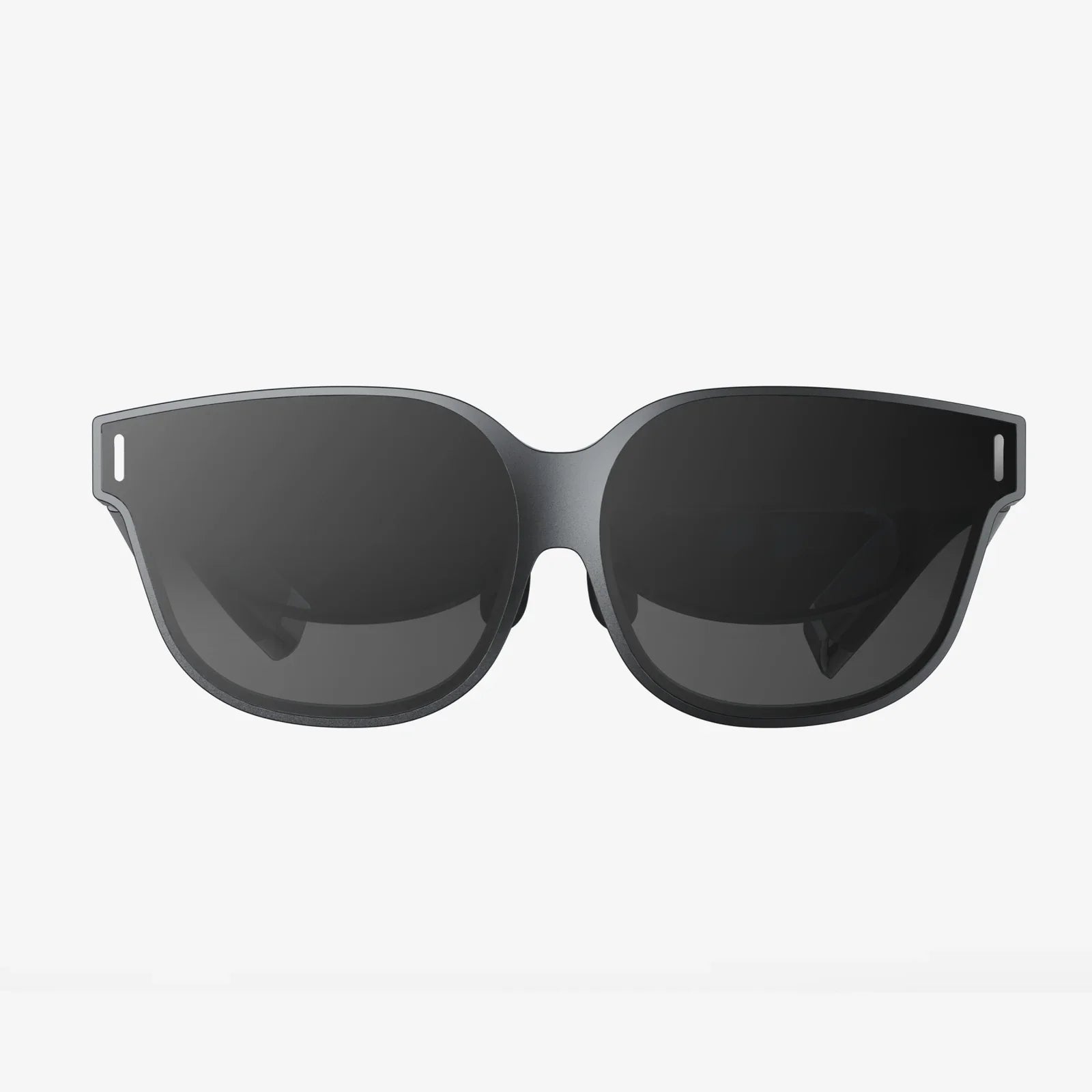
- AR Glasses and Smart Glasses: This is the future of truly hands-free, immersive AR. While consumer adoption is still growing, enterprise use is booming for field service, logistics, and manufacturing. Developing for glasses requires a different design approach focused on a heads-up display, voice commands, and gesture control.
- Specialized Sensors: Depth-sensing cameras (like LiDAR and Time-of-Flight sensors) are becoming more common on mobile devices. They create a detailed depth map of the environment instantly, greatly improving occlusion, surface detection, and the overall stability of AR content.
The Development Lifecycle: From Idea to App Store
Developing augmented reality apps follows a structured process that blends traditional software development with unique, spatially-aware design challenges.
1. Ideation and Use Case Definition
The first question is not "Can we build it?" but "Should we build it?" AR is a solution, not a feature. Successful apps solve a real problem or provide unique entertainment value in a way that is only possible through augmentation. Define the core user journey and how AR enhances it. Is it for visualization, education, navigation, or gaming?
2. Prototyping and Storyboarding
Before deep investment, create low-fidelity prototypes. Use simple shapes and basic interactions to test the core concept. Paper prototypes and wireframes that map the user's physical movement and digital interactions are invaluable. Storyboard the entire experience, frame by frame, considering the user's changing perspective.
3. 3D Asset Creation and Management
Unless your app is purely based on 2D images and text, you will need 3D models. This involves:
- Modeling: Creating the 3D mesh geometry.
- Texturing: Applying color, surface details, and material properties.
- Rigging and Animation: Adding a skeleton to characters for movement and creating animations.
- Optimization: This is critical for mobile performance. Models must have a low polygon count, compressed textures, and efficient animations to ensure a smooth frame rate and avoid draining the battery.
4. Coding and Implementation
This phase involves integrating the chosen SDK, importing assets, and writing the logic that drives the experience. Key development tasks include:
- Initializing the AR session and checking for device support. >li>Handling camera access and permissions.
- Implementing hit tests to place objects on detected surfaces.
- Animating objects and managing user interaction (tap, drag, pinch, etc.).
- Implementing environmental effects like lighting and occlusion.
- Connecting to backend services for dynamic content loading, if needed.
5. Rigorous Testing
AR apps must be tested far more extensively than traditional apps due to the infinite variables of the real world.
- Environment Testing: Test in various lighting conditions (bright sun, low light, mixed light), on different surface types (textured, blank, glossy), and in different spaces (cluttered, open, small, large).
- Device Testing: Test on a wide range of supported devices with different screen sizes, camera qualities, and processing powers.
- Usability Testing: Observe real users interacting with the app. Where do they get confused? How intuitive are the gestures? Does the experience cause fatigue?
6. Deployment and Maintenance
Publishing an AR app follows the standard procedures of major app stores. However, the app description and marketing materials must clearly communicate the AR functionality and any environmental requirements (e.g., "requires a well-lit space"). Post-launch, maintenance involves updating content, optimizing performance, and adapting to new OS and SDK versions.
Designing for Augmented Reality: A Paradigm Shift
The principles of flat, 2D UI design do not fully apply to the spatial canvas of AR. Designing for AR is about designing for space, context, and human ergonomics.
The User is in Control (of the Camera)
The primary interface is the real world itself, viewed through the camera. The user controls the perspective by moving their device or themselves. The design must facilitate this exploration, not hinder it. UI elements should be minimal and context-aware, appearing only when needed.
Spatial UI and Comfort
Digital elements must feel like they belong. This means respecting scale, physics, and perspective. Placing a giant UI panel two feet from the user's face will be uncomfortable and disorienting. Consider ergonomics: avoid forcing users to hold their arms in an awkward position for extended periods (known as "gorilla arm").
Accessibility and Safety
An AR experience that encourages users to walk around while looking at a screen presents inherent risks. Design for awareness. Incorporate audio cues, haptic feedback, and clear warnings about environmental obstacles. Consider color blindness and other visual impairments when choosing colors and providing text feedback.
Overcoming Common Challenges in AR Development
The path of developing augmented reality apps is fraught with technical and design hurdles.
- Performance Optimization: AR is computationally expensive. Maintaining a high frame rate (60fps is ideal) is paramount for immersion. This requires efficient code, optimized assets, and careful management of thermal throttling.
- Battery Consumption: Constant camera usage, sensor data processing, and high-fidelity rendering are massive drains on battery life. Developers must aggressively optimize to provide a reasonable session length.
- Environmental Limitations: AR fails in featureless environments (blank white walls) and under poor lighting. Designing graceful failure states—helpful messages that guide the user to a better environment—is essential.
- The Onboarding Problem: Teaching users how to interact with a spatial interface can be challenging. The onboarding process must be quick, intuitive, and integrated directly into the first interaction.
The Future Horizon: Where AR Development is Headed
The technology is advancing at a breathtaking pace. The next generation of developing augmented reality apps will be shaped by several key trends.
- The Metaverse and Spatial Computing: AR is the primary interface for the nascent concept of the metaverse—a persistent network of shared digital spaces. Apps will become less isolated and more connected to a broader digital fabric.
- AI Integration: Artificial Intelligence and Machine Learning will supercharge AR. AI will enable more robust scene understanding (e.g., not just detecting a table, but knowing it's a dining table with a book on it), realistic avatar creation, and intelligent object behaviors.
- WebAR Maturation: As mobile browsers become more powerful and 5G connectivity reduces latency, WebAR will support increasingly sophisticated experiences, challenging the need for native apps in many use cases.
- Wearable AR Becoming Mainstream: The eventual mass adoption of stylish, functional AR glasses will unlock truly ubiquitous computing, moving AR interactions from a handheld screen to a always-available visual layer over reality.
The journey of developing augmented reality apps is a passport to shaping this incredible future. It demands a unique blend of skills—a programmer's logic, a 3D artist's creativity, and a designer's empathy for the human experience. It's a field where the constraints of the physical world meet the boundless potential of the digital one. The challenges are significant, but the reward is the ability to create those rare, jaw-dropping moments of magic that leave users wondering how they ever lived without it. The tools and knowledge are now at your fingertips; the next step is to look at the world around you and start building upon it.
Share:
Virtual Glasses to Android: A Comprehensive Guide to the Mobile Metaverse
True Augmented Reality: Beyond the Gimmick to a Seamless Digital Layer on Life