


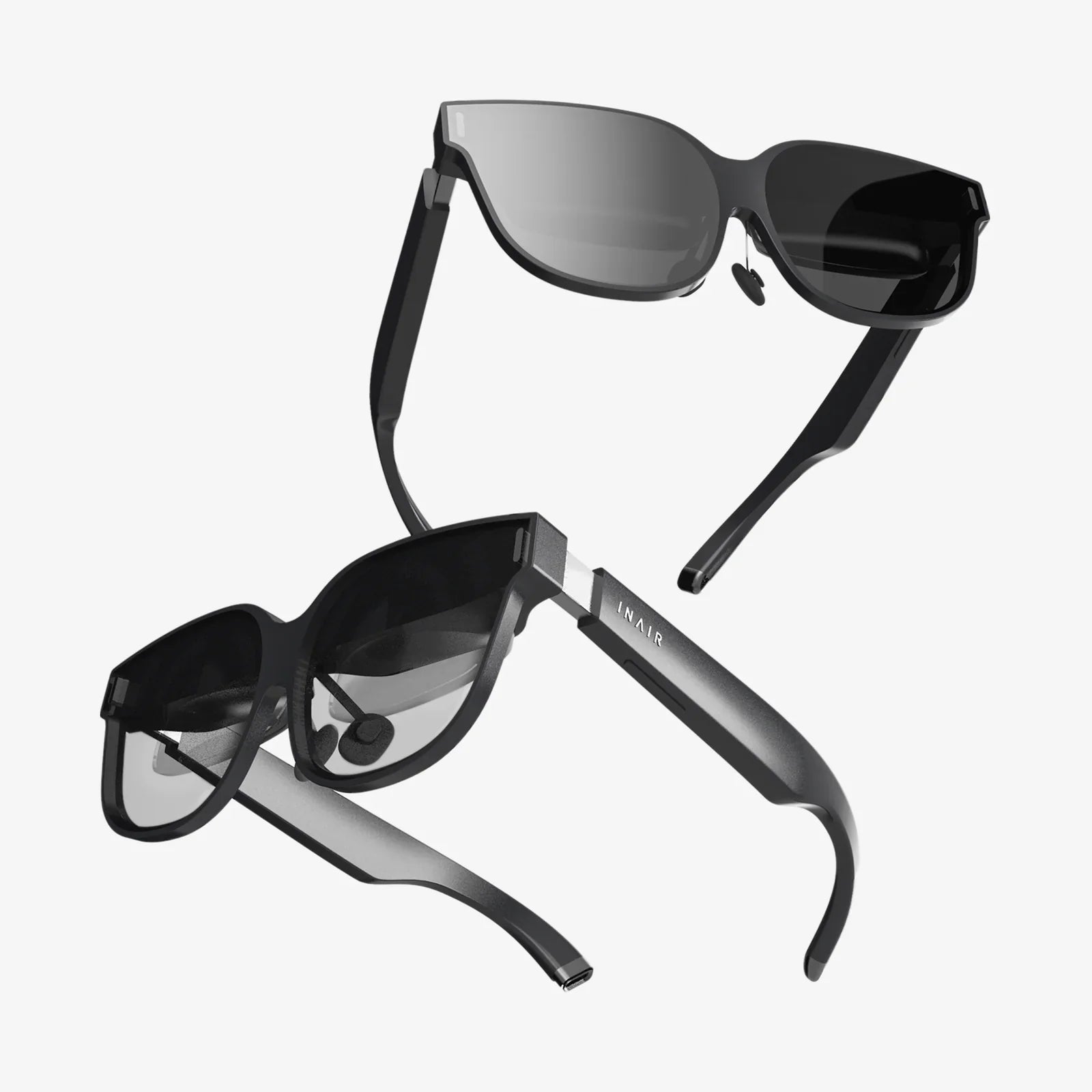
- by wangfred
Good VR Headset for iPhone: Your Ultimate Guide to Mobile Immersion
- by wangfred
Imagine holding a portal to another world in your pocket. That’s the promise of pairing a good VR headset with your iPhone, a combination that transforms the powerful computer you already own into a gateway for immersive gaming, breathtaking virtual travel, and private cinematic experiences. The quest for the right headset isn't about finding the most expensive or feature-packed model; it's about discovering the perfect bridge between the advanced technology in your hand and the digital worlds waiting to be explored. This guide will navigate you through everything you need to know to make that perfect connection and unlock experiences you never thought possible with your device.
Why choose a VR headset for an iPhone in the first place? The answer lies in convenience, accessibility, and sheer power. Modern smartphones, especially recent iPhone models, are technological marvels. They boast high-resolution displays, powerful processors, precise motion sensors, and robust graphics capabilities—all the essential ingredients for compelling virtual reality. By slotting your iPhone into a headset, you're essentially providing the brain and the eyes for the VR experience, while the headset itself provides the comfortable housing, the lenses that warp and focus the image, and the interface that blocks out the real world.
This approach offers a remarkably low barrier to entry. Instead of investing in a separate, expensive system with its own computer and sensors, you're leveraging a device you already use daily. It’s an ideal starting point for VR newcomers, a portable solution for travelers, and a fantastic way to enjoy a vast library of mobile VR content, from interactive games and 360-degree videos to educational apps and virtual tours.
Not all headsets are created equal. When searching for a good VR headset for your iPhone, several critical factors will determine the quality of your immersion.
This is arguably the most important aspect. The lenses are responsible for taking the image from your iPhone's screen and turning it into a believable, comfortable, and immersive stereoscopic 3D view. Look for headsets that use high-quality, multi-element lenses designed to minimize the "screen door effect" (where you can see the gaps between pixels) and reduce visual distortions like chromatic aberration (color fringing) and blurriness around the edges. A good field of view (typically between 90 and 110 degrees for mobile headsets) is also crucial for feeling truly "inside" the experience.
You'll likely be wearing the headset for extended periods, so comfort is non-negotiable. A good VR headset will have a balanced weight distribution, ample padding (often made from soft, breathable foam or hygienic leather-style materials), and fully adjustable straps. A well-designed headset should feel secure without applying uncomfortable pressure to your face, nose, or temples. Consider whether you wear glasses, as many models now offer adjustable focus dials or enough space to accommodate them comfortably.
This seems obvious, but it's vital to check. Ensure the headset is designed to physically accommodate your specific iPhone model. The housing should securely hold your device without risk of it falling out, and it must provide clear access to the charging port if you plan on extended use. Some more advanced headsets offer deeper integration, potentially connecting to a dedicated app for easier content launching and settings management.
While many simple VR experiences can be controlled by gazing at a button or using a single button on the headset itself, for true interactivity, you'll want a headset that supports or comes bundled with a dedicated motion controller. These Bluetooth controllers act as your virtual hands, allowing you to point, grab, shoot, and interact with the virtual environment with far greater precision and intuition than a standard gamepad or screen taps.
A common issue with VR headsets is lens fogging, caused by the difference in temperature between your face and the enclosed space. Higher-quality designs often incorporate strategic ventilation channels that allow air to circulate, significantly reducing this annoying problem and keeping you comfortable during active experiences.
The hardware is just a shell without compelling software. The iOS ecosystem is filled with a diverse and ever-growing library of VR content that showcases the potential of your iPhone and headset combination.
Accessing this content is typically done through the App Store. Searching for "VR," "virtual reality," or "cardboard" (a common legacy term) will yield hundreds of results. Many are free or low-cost, making it easy to experiment and find what you enjoy most.
In your search, you'll encounter a wide range of products. Being aware of common drawbacks will help you avoid disappointment.
Once you've chosen your headset, a few simple steps will ensure you get the best possible experience.
The landscape of mobile VR is constantly evolving. With rumors and advancements in mixed reality and more powerful chipsets in every new iPhone generation, the potential for even richer, more seamless experiences is on the horizon. Choosing a good VR headset today is not just an investment in current entertainment; it's your first step into a rapidly expanding medium that will continue to evolve alongside the device in your pocket.
Your iPhone is more than a communication device; it's a key to countless virtual worlds, waiting for the right headset to turn that key. By focusing on quality optics, a comfortable design, and seamless integration, you can elevate your device from a simple screen into a window to anywhere. The journey into virtual reality is one of wonder and discovery, and it begins with a single, simple choice: finding the perfect headset to unlock it all.
Share:
What Does a Phone VR Headset Do? Unlocking Virtual Worlds in Your Pocket
Meaning of Extended Reality: A Deep Dive Into the Blended Future of Our Digital and Physical Worlds