


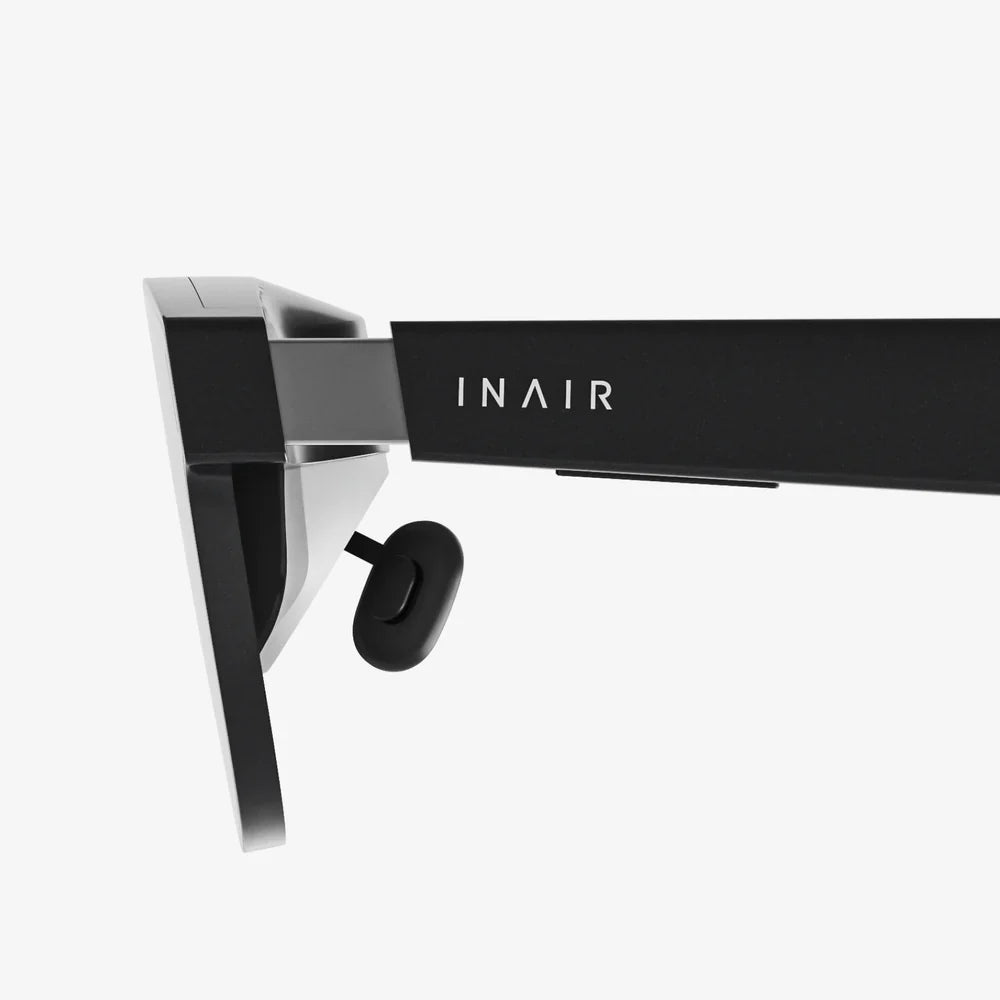
Imagine your desk, uncluttered by the bulky black rectangles of physical monitors, yet your digital workspace stretches to the horizon, limited only by your imagination. This isn't a scene from a sci-fi film; it's the reality being unlocked today by the revolutionary technology of home office virtual screens. For the millions who have transitioned to remote work, the quest for the perfect ergonomic, productive, and inspiring workspace is constant. We've upgraded our chairs, our keyboards, and our internet speeds, but the core of our digital interaction—the screen—has remained stubbornly physical, until now. Virtual screens are poised to shatter the physical limitations of the traditional monitor, offering a glimpse into a future where your office is not on your desk, but all around you.
The Physical Shackles of the Traditional Workspace
For decades, the paradigm of computer interaction has been tethered to the phosphor glow of the cathode ray tube and, later, the slim profile of the LCD and LED. This model, while effective, comes with a host of inherent limitations that we've simply learned to accept as the cost of doing business.
The Tyranny of Real Estate: Every physical monitor consumes valuable desk space. A multi-monitor setup, the holy grail for productivity, becomes an exercise in spatial engineering, leaving little room for a notebook, a cup of coffee, or anything else. This clutter is not just a visual annoyance; it contributes to cognitive load, making it harder to focus on the task at hand.
The Cable Conundrum: With each additional monitor comes a tangle of power cables, video cables, and potentially USB cables for built-in hubs. This spaghetti junction is unsightly, a dust magnet, and a nightmare for cable management. It anchors you to a specific spot and makes reconfiguring your workspace a tedious chore.
The Ergonomic Compromise: Positioning multiple physical monitors for optimal ergonomics is a challenge. You often find yourself twisting your neck or straining your eyes to see the corners of a wide setup, leading to the modern afflictions of tech neck and eye strain. The fixed nature of these screens means your body must adapt to them, not the other way around.
The Portability Problem: Your perfect three-monitor ergonomic haven is stationary. It exists in one room, in one house. The idea of taking that setup with you on a trip, to a coffee shop, or even to another room in your house is laughable. Our workspaces have become more mobile, but our screens have not kept pace.
What Exactly Are Virtual Screens?
Home office virtual screens, also known as virtual displays or software-defined screens, are a technology that decouples the visual output of your computer from a physical monitor. Instead of sending a video signal to a dedicated piece of hardware, software and sometimes additional lightweight hardware create digital screens that exist within a virtual environment.
There are two primary methodologies for achieving this:
1. Software-Based Virtual Displays
This approach uses a software application running on your primary computer to create additional virtual display outputs. Your operating system is tricked into believing there are extra monitors connected. You can then arrange these virtual screens in your system's display settings just like physical ones. The key here is how you interact with them:
- VR/AR Headsets: This is the most immersive method. You wear a headset, and the virtual screens are rendered in a 3D space around you. You can look around to see different applications, resize screens to be as large as a cinema display, and position them anywhere in your virtual room. The headset becomes the window to your boundless digital workspace.
- Tablets and Smartphones: Applications exist that allow a tablet or a high-resolution smartphone to act as a secondary virtual display for your computer. The data is typically transmitted over Wi-Fi, cutting the cord and leveraging hardware you may already own.
- Laptop Screens: Some software solutions allow you to partition your single physical laptop screen into multiple, independent virtual displays, each acting as a separate workspace for organizing applications.
2. Hardware Dongles
These are small USB-powered devices that plug into your computer. They contain a chipset that emulates a physical monitor's connection (like HDMI or DisplayPort). Your computer detects them as a real, connected display. You then use an app on another device—like a tablet, a spare laptop, or even another computer—to stream the video output from that dongle over your local network. This method often provides a smoother, more reliable experience than pure software solutions as it offloads the emulation processing to the dedicated dongle.
The Unmatched Benefits of a Virtual Workspace
Adopting a virtual screen setup is not just a neat tech trick; it delivers tangible, profound benefits that can fundamentally improve how you work.
Radical Flexibility and Infinite Real Estate
This is the cornerstone benefit. Your workspace is no longer limited by the size of your desk or your budget for monitors. In a VR-powered setup, you can have a single, curved screen that wraps 180 degrees around your field of vision, or five separate screens floating in space. You can make a screen dedicated solely to your email client as large as a poster or shrink a video feed to the size of a postage stamp. You control the dimensions and the layout, creating a truly custom environment for every task.
Enhanced Focus and Deep Work
Virtual reality setups, in particular, are unparalleled for creating a state of deep focus. By putting on a headset, you physically and mentally block out the distractions of your physical environment—the pile of laundry, the dog barking outside, the movement in the hallway. You are teleported into your digital cockpit, surrounded only by the tools you need to complete your work. This immersion can significantly reduce context-switching and minimize distractions, leading to higher quality output in less time.
Superior Ergonomics and Posture
With virtual screens, the screens conform to you. Instead of craning your neck to see a secondary physical monitor placed at a suboptimal angle, you can position your virtual screens perfectly within your natural field of view. You can place your primary screen straight ahead at the ideal height and distance, with supplementary screens just a slight glance away. This encourages a more neutral spine and neck position, reducing the risk of musculoskeletal strain over long workdays.
Ultimate Portability and a Truly Mobile Office
Your entire multi-screen workstation can now be condensed into a laptop and a headset or a small dongle. This means your perfect, productivity-optimized environment is no longer anchored to your home. You can take it to a library, a co-working space, or a hotel room across the globe. Simply set up your laptop, put on your headset, and you are instantly back in your familiar, expansive digital workspace. This seamlessly bridges the gap between the power of a desktop setup and the convenience of a laptop.
Reduced Physical Clutter and a Minimalist Aesthetic
Eliminating multiple monitors, their stands, and the rat's nest of cables leads to an incredibly clean and minimalist desk. This isn't just about aesthetics; a clean space promotes a calm and focused mind. The only physical item on your desk might be your laptop and a keyboard, creating a serene and professional backdrop for video calls.
Considerations and Navigating the Current Landscape
While the future is bright, the technology is still maturing. A savvy adopter should be aware of a few key considerations.
Technical Requirements and Investment
The most immersive experiences require capable hardware. Using a high-resolution VR/AR headset demands a computer with a powerful graphics processing unit (GPU) to render multiple high-resolution screens smoothly. While the cost of this technology has decreased significantly, there is still an upfront investment. Software-based solutions using existing tablets are more affordable but may offer a less seamless experience.
The Comfort Factor
Headsets have become lighter and more balanced, but wearing one for an entire eight-hour workday is not for everyone. Factors like heat buildup, pressure on the face, and the feeling of isolation can be drawbacks for some users. It's crucial to try before you buy or purchase from a retailer with a good return policy. The industry is rapidly innovating towards smaller, lighter, more glasses-like form factors that will eventually make all-day comfort a non-issue.
Resolution and Text Clarity
Early VR headsets suffered from a "screen door effect," where the lines between pixels were visible, making reading text a straining experience. Modern high-end headsets have largely solved this with incredibly high pixel density. However, text clarity is paramount for productivity. It is essential to choose a device known for its sharp display to avoid eye fatigue during long periods of reading and coding.
Software Ecosystem and Compatibility
The software that powers these virtual environments is crucial. It needs to be stable, intuitive, and offer features like easy screen arrangement, persistence (remembering your layout between sessions), and integration with your existing workflow. Research the available platforms to find one that aligns with your needs and operating system.
Integrating Virtual Screens Into Your Existing Workflow
Transitioning doesn't have to be an all-or-nothing proposition. Many find a hybrid approach to be the most effective strategy.
The Primary/Secondary Model: Use a single, high-quality physical monitor as your primary display for color-critical work or as a familiar anchor point. Then, use a virtual screen solution (like a headset or a tablet) to add one or two secondary displays for communication apps, reference materials, or music control. This blends the guaranteed clarity of a physical screen with the flexibility of virtual ones.
The Task-Based Approach: Reserve your virtual screen setup for deep work sessions requiring intense focus. For lighter tasks, checking email, or shorter work periods, simply use your traditional laptop screen or monitor. This allows you to leverage the benefits of immersion without feeling obligated to wear a headset for every single task.
Start Small: Begin by using an app that turns an old tablet into a second screen. Get a feel for the wireless workflow. If you find the cord-free flexibility transformative, it might be worth exploring a more immersive headset-based solution down the line.
The trajectory is clear. The home office is evolving from a physical desk with computer equipment into a personalized digital dimension. Home office virtual screens are the key to this transformation, offering a liberation from the constraints of hardware that we have tolerated for too long. This is more than an upgrade; it's a fundamental reimagining of what it means to sit down at your desk and get to work. The boundaries of your productivity are about to expand in ways you once thought impossible.
The era of being chained to a desk by thick black cables and heavy monitors is finally drawing to a close. A new standard for remote work is emerging, one defined not by the number of physical screens you can fit on a desk, but by the sheer limitless potential of the digital space you can create. The question is no longer if you'll make the shift to a virtual workspace, but when you'll be ready to unlock its power and step into your own infinite office.
Share:
Connecting Augmented Reality Glasses to Computer: The Ultimate Guide to a Seamless Digital Fusion
AR Technology Goggles: The Invisible Computer Reshaping Reality