


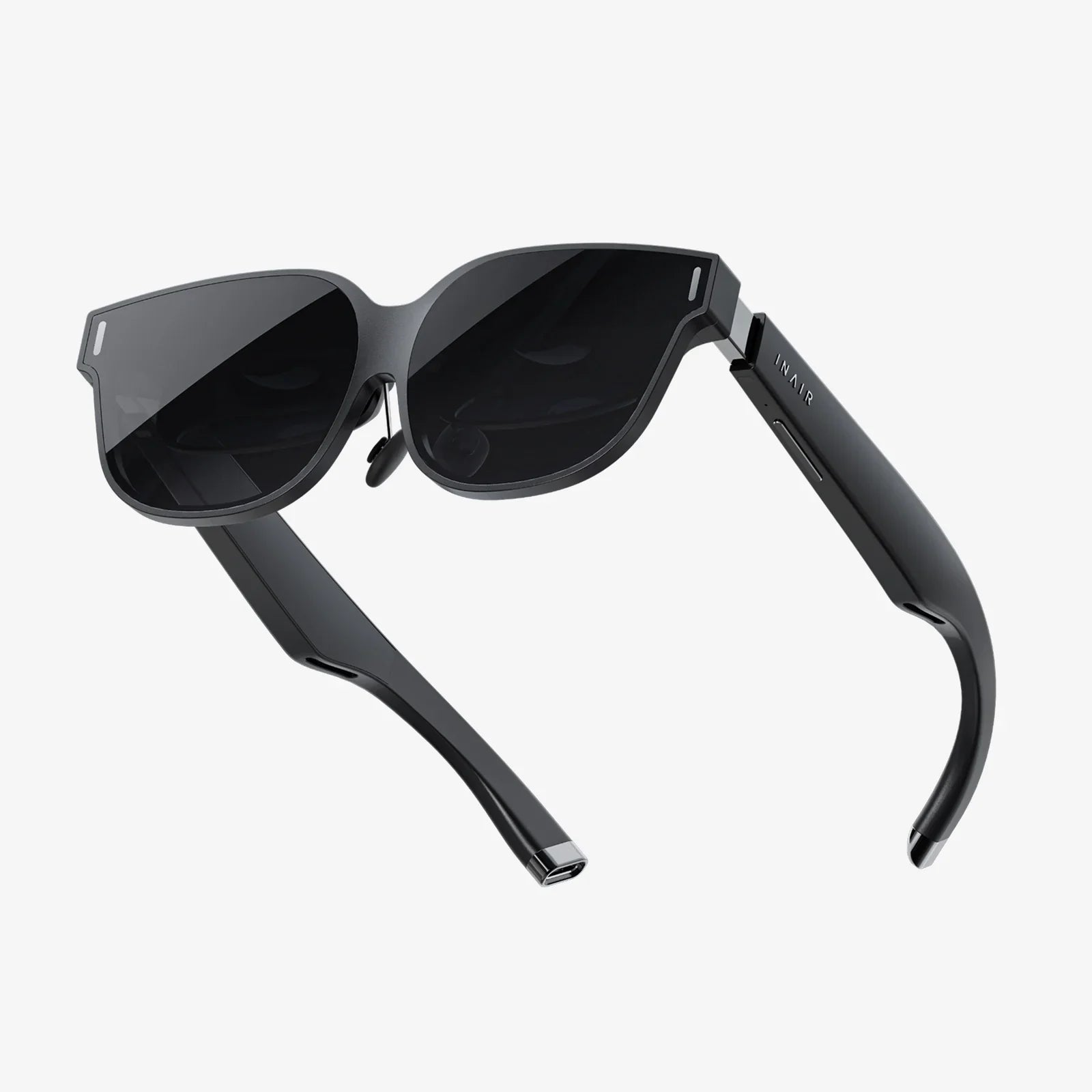
Imagine the lights dimming, a hush falling over the room, and the first notes of a film score swelling around you—not in a crowded public cinema, but in the unparalleled comfort of your own home. This is the dream that home theater 3D design makes a breathtaking reality. It’s no longer just about mounting a screen and placing a few speakers; it’s an intricate art and science that leverages three-dimensional modeling to pre-visualize, perfect, and execute a sensory experience tailored precisely to your space and soul. Before you buy a single component, the digital blueprint becomes your most powerful tool, allowing you to walk through your future sanctuary, fine-tune every detail, and avoid costly mistakes. This is the frontier of personal entertainment, where technology and design converge to create magic.
The Foundational Pillars: Why 3D Design is Non-Negotiable
Gone are the days of guesswork and hopeful approximations. Designing a home theater is a complex puzzle with pieces that must interlock perfectly: acoustics, optics, ergonomics, and aesthetics. 3D design software is the glue that holds it all together.
First, it serves as a powerful spatial analysis tool. You can input the exact dimensions of your room, right down to the irregularities—protruding walls, low ceilings, or awkward alcoves. The software then generates a precise digital twin. This allows you to experiment with different layouts long before you physically rearrange a single piece of furniture. Can that second row of seats actually fit comfortably? Is there enough space for the front speakers to breathe? The 3D model provides definitive answers.
Second, it is indispensable for acoustic planning. Sound is a physical wave that interacts with every surface in a room. A 3D model can integrate with acoustic simulation engines to predict how sound will behave. It can visualize potential problem areas like standing waves, bass nulls, and problematic reflections. This allows you to strategically place acoustic treatment panels, bass traps, and diffusers in the most effective locations within the virtual space, ensuring you invest in treatments where they are needed most, rather than carpeting the entire room haphazardly.
Finally, it is the ultimate tool for visualizing the final outcome. Choosing materials—fabric for acoustic panels, color for walls, wood for risers—is a daunting task. A 3D render can apply these materials photorealistically, letting you see how that dark charcoal wall color will look under bias lighting, or how the velvet upholstery on your seats will complement the carpet. This prevents costly and disappointing aesthetic choices and ensures the room feels cohesive and intentional.
Phase One: The Virtual Blueprint - Modeling Your Space
Every masterpiece begins with a sketch, and in home theater 3D design, this is the modeling phase. It starts with meticulous measurement. Every dimension, every angle, every architectural feature must be captured. This data is then used to construct the digital shell of your theater.
Next comes the placement of fixed elements. The screen is the heart of the room, and its size and placement are the first critical decisions. 3D design allows you to experiment with different screen sizes and types (acoustically transparent, fixed-frame, etc.), ensuring it is proportionate to the viewing distance for an immersive yet comfortable experience. You can then position your primary seating, following industry guidelines for optimal viewing angles, and build outwards, adding secondary seating, risers for tiered viewing, and even specialty seating like loveseats or chaise lounges.
The software’s library of virtual components becomes your catalog. You can drag and drop models of speakers, amplifiers, subwoofers, and media cabinets into your design. This is crucial for verifying that your chosen equipment will physically fit in the intended locations. More importantly, it allows for technical validation: ensuring sightlines from every seat are clear of obstacles, checking that a projector’s throw distance and lens shift capabilities are compatible with your desired mounting location, and confirming that speaker placement aligns with Dolby Atmos or DTS:X guidelines for object-based audio.
Phase Two: Simulating the Experience - Light and Sound
This is where the design transcends the visual and begins to simulate the sensory experience itself.
Acoustic Simulation: Hearing the Future
Advanced 3D design suites can plug into acoustic prediction software. These tools can map the sound decay (reverberation time) across different frequencies, highlighting where the room might sound too “live” (echoey) or too “dead” (muffled). They can create a heat map of bass response, vividly illustrating where those low-frequency waves will build up (creating boomy bass) and where they will cancel out (creating weak spots). Armed with this data, you can reposition subwoofers—a technique known as the subwoofer crawl, but done virtually—and place bass traps in corners and acoustic panels at first reflection points on the walls and ceiling before any construction begins.
Lighting and Visual Calibration: Setting the Mood
Lighting is the unsung hero of a home theater. A 3D model can simulate your lighting plan with astonishing accuracy. You can model the placement of sconces, cove lighting, and step lights, and set their intensity and color temperature. The software can render the room in different lighting states: brightly lit for cleaning and maintenance, dimmed for pre-show anticipation, and completely dark for the main event.
Furthermore, it can help with ambient light management. By modeling windows and potential light leaks from doors, you can design and test the efficacy of blackout solutions. It can also simulate the impact of light-absorbing dark paints and fabrics on contrast ratio, ensuring your projector or screen delivers the deepest blacks and most vibrant colors possible.
Phase Three: Materiality and Aesthetics - The Finishing Touches
A theater that sounds incredible but feels like a sterile laboratory misses half the point. The 3D model is your canvas for aesthetic experimentation.
You can apply thousands of digital materials to every surface. Want to see how shag carpeting compares to a tighter berber? Curious if that classic movie poster wall would look better with black or dark red frames? The render will show you. This process helps curate a mood. Are you aiming for a classic Art Deco vibe, a modern minimalist look, or a cozy, traditional library feel? The textures of fabrics, the sheen of paint, and the grain of wood all contribute to this atmosphere, and seeing them together in a photorealistic render is invaluable.
This phase also includes practical considerations. The model helps plan wiring and cable management routes, ensuring conduit is hidden within walls or under risers. It allows for the design of custom built-ins to house equipment neatly and efficiently, contributing to the clean, intentional look of a professional-grade space.
Beyond the Basics: Integrating Control and Comfort
A modern home theater is a symphony of technology, and 3D design plays a role in orchestrating it. The model can help plan the integration of smart home systems. It can determine the ideal placement for control pads, motion sensors, and IR blasters to ensure seamless operation. You can design a single “movie night” button that, with one press, dims the lights, lowers the motorized screen, powers on the equipment, and starts the film.
Ergonomics and comfort are also part of the equation. The software can model sightlines from every seat to ensure an unobstructed view, checking for issues like the top of a viewer’s head in the front row blocking the bottom of the screen for someone behind them. It can ensure there’s adequate legroom and that aisles are wide enough for easy passage in the dark.
The DIY Designer's Toolkit: Getting Started Yourself
While professional designers use high-end, expensive software, a passionate DIYer has a wealth of powerful tools at their disposal. Numerous user-friendly and often free software options exist that are perfectly capable of creating a detailed home theater design. These programs allow you to build your room, populate it with furniture and equipment from online libraries, and experiment with layouts. They may not have the advanced acoustic modeling of professional suites, but they provide an immense advantage over pencil and paper, allowing you to visualize space, avoid glaring errors, and build with confidence.
The key is to start simple. Begin with your room’s dimensions. Place your screen and main listening position. Then add your equipment piece by piece, constantly checking sightlines and spacing. Use online resources and community forums to learn about standard placement guidelines for speakers and projectors to inform your design decisions.
Your journey to auditory and visual bliss doesn’t start with the first speaker you wire or the first piece of drywall you hang; it starts with a single click in a 3D design program. This digital realm is your sandbox, your testing ground, and your crystal ball. It’s where you can confidently move walls, defy physics to test theories, and perfect every variable until the design is unequivocally yours. The path to a flawless home theater is now illuminated not by guesswork, but by the precise, calculated glow of a rendered masterpiece waiting to be built.
Share:
Best AR Glasses for Watching Movies: Your Ultimate Guide to a Personal Cinema
AR Glasses India: The Dawn of a New Visual Revolution