


Imagine pointing your device at a seemingly ordinary street and watching a forgotten historical battle replay before your eyes, or looking at a complex engine through smart glasses to see animated repair instructions overlaid directly onto the machinery. This is the magic of augmented reality (AR), a technology that seamlessly blends digital information with our physical environment. But have you ever stopped to wonder about the incredible technical ballet happening behind the scenes to make this possible? The journey from a blank screen to an immersive AR experience is a fascinating fusion of art, science, and engineering, and understanding how it is created unlocks a new appreciation for this transformative technology.
The Foundational Pillars: Hardware and Software
Before a single digital element can be placed in the real world, the stage must be set with the right tools. The creation of AR rests on two fundamental pillars: the hardware that captures our world and displays the augmentation, and the software that serves as the brain orchestrating the entire experience.
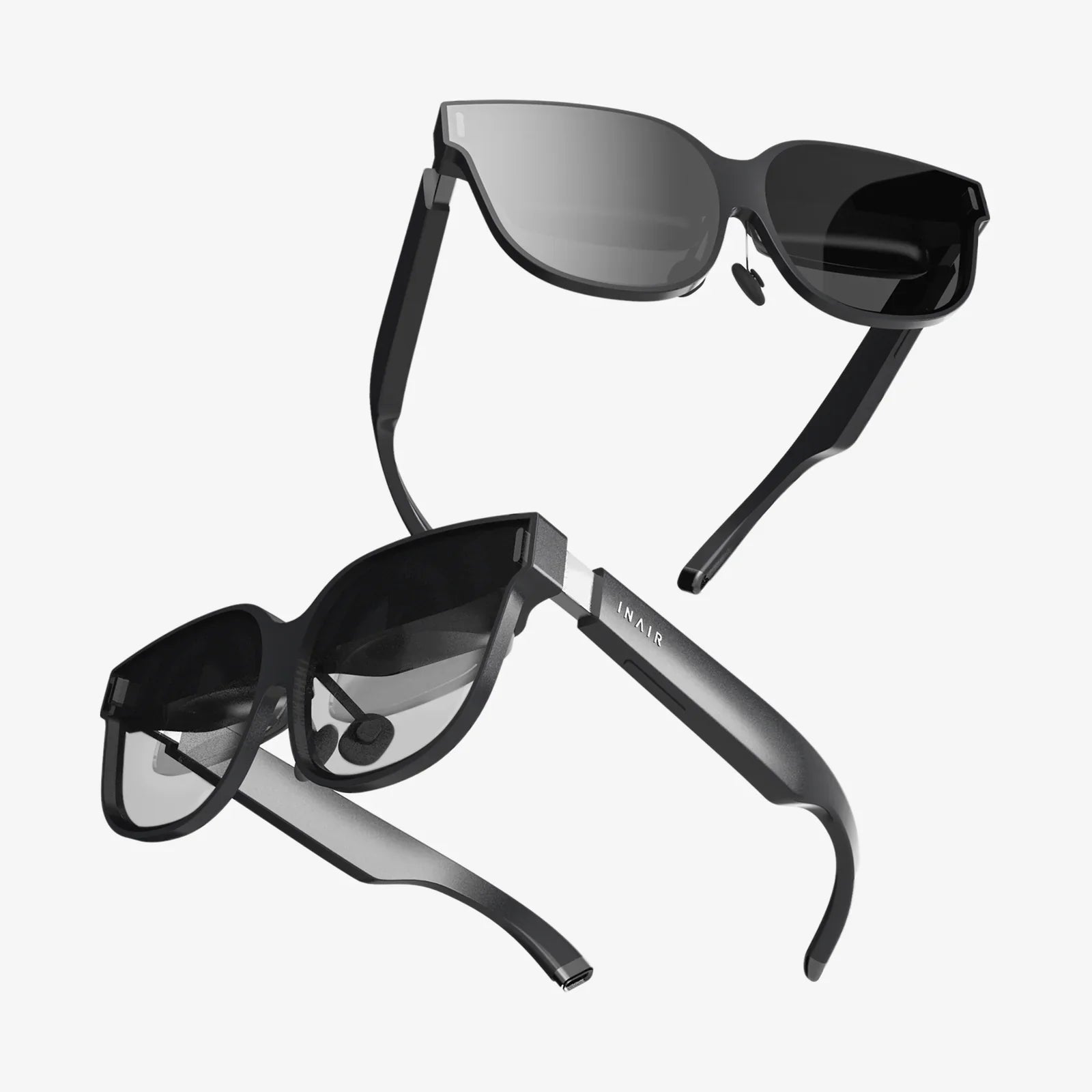
On the hardware front, creators must consider the target device. Smartphones and tablets are the most accessible AR platforms, leveraging their high-resolution cameras, powerful processors, gyroscopes, and accelerometers. These sensors are crucial—the camera sees the world, while the motion sensors understand the device's orientation and movement in space. For more immersive experiences, dedicated AR headsets or smart glasses offer a hands-free, see-through display, often incorporating more advanced depth sensors and dedicated processing units.
The software pillar is where the true magic begins. At the heart of most modern AR development are robust software development kits (SDKs) and game engines. These platforms provide developers with a pre-built toolkit of essential functions, saving them from the monumental task of coding complex computer vision algorithms from scratch. These engines are particularly powerful as they combine high-fidelity 3D rendering capabilities with physics engines and scripting environments, making them ideal for creating interactive and realistic AR content.
The First Step: Perception and World Tracking
The very first task for any AR application is to understand its environment. This process, known as tracking or perception, is the cornerstone of convincing AR. If the digital object doesn't stay locked in place or move realistically with the user's perspective, the illusion is instantly shattered.
There are several primary methods for achieving this spatial awareness:
- Marker-Based Tracking: This is one of the older and simpler methods. It uses a predefined visual marker, often a black-and-white QR-like image, which the device's camera can easily recognize. The position and orientation of the marker provide a fixed anchor point in the real world upon which digital content can be placed. While limited because it requires a specific marker to be present, it is very reliable and accurate for specific use cases like interactive print media.
- Markerless Tracking (or SLAM): This is the advanced technology that powers most contemporary AR experiences. SLAM stands for Simultaneous Localization and Mapping. It's a complex algorithm that allows a device to do two things at once: map an unknown environment and track its own location within that map in real-time. As you move your device, the SLAM system identifies unique feature points in the camera feed—corners, edges, patterns on a rug, a light switch. It uses these features to construct a sparse geometric map of the space and constantly updates the device's position relative to that map. This is what allows a virtual dinosaur to convincingly stand on your floor and stay there as you walk around it.
- Projection-Based AR: This method takes a different approach. Instead of displaying digital content on a screen, it projects artificial light onto physical surfaces, effectively drawing the augmentation directly onto the real world. This can be used for simple projections like a keyboard on a desk or for complex interactive installations. While the creation process involves projectors and sometimes depth sensors to account for surface topography, it bypasses the need for a screen altogether.
Building the Digital: 3D Modeling and Asset Creation
While the device is busy understanding the real world, the AR creator is busy building the digital one. The assets that users see—the animated character, the floating data graph, the virtual new couch in your living room—are primarily 3D models. These models are not created within the AR SDK itself but are made using specialized 3D computer graphics software.
Artists and modelers use these programs to sculpt, texture, and animate objects. The process involves creating a wireframe mesh, which is a digital skeleton made of polygons (usually triangles or quadrilaterals). This mesh defines the object's shape. Next, materials and textures are applied to give the object color, reflectivity, roughness, and other surface properties. Is it meant to look like shiny metal or rough stone? This is determined here. Finally, for objects that need to move, like a character, an internal rig (like a digital puppet skeleton) is built and animations are created.
Once completed, these 3D models are exported into a format compatible with game engines and AR platforms, where they are ready to be placed into the experience. For less complex AR, such as image overlays or simple animations, 2D assets like PNGs or video files might also be used.
The Crucible of Development: Game Engines and SDKs
This is where all the pieces come together. The game engine acts as the central hub for the entire project. Here, the developer will:
- Import Assets: Bring the 3D models, 2D images, and sound files into the project.
- Integrate the AR SDK: The SDK plugin is imported and configured within the engine. This bridges the gap between the engine's rendering power and the device's camera and sensor data.
- Create the Scene: The developer sets up the virtual scene, but instead of a static background, the camera feed from the device becomes the live background.
- Program Logic and Interactivity: This is where the experience is defined. Using scripting languages, the developer writes code to determine how the AR behaves. Where does the object appear? What happens when a user taps on it? How does it react to real-world lighting? The SDK provides the core tracking functionality, while the developer uses the engine to build the logic and interaction on top of it.
- Handle Lighting and Occlusion: To achieve true realism, digital objects must react to the real world's lighting conditions. Advanced AR uses the device's camera to estimate the environment's lighting and then applies similar light and shadows to the 3D model. Even more impressively, occlusion allows real-world objects to pass in front of digital ones. For example, if you walk between your phone and the virtual dinosaur, your body should block the view of it. This requires depth sensing, often from a dedicated LiDAR scanner or other depth camera, to create a depth map of the environment.
Refinement, Testing, and Deployment
An AR experience is rarely perfect on the first try. This phase involves rigorous testing and iteration. Developers test the application on various target devices to ensure performance is smooth and tracking is stable across different lighting conditions and environments. They optimize 3D models to ensure they look good but don't overwhelm the processor, causing lag or jittery tracking which breaks immersion.
User experience (UX) is paramount. The best AR feels intuitive and magical. Designers must carefully consider how users interact with the digital content. Is it through touch, voice commands, gaze, or gestures? The interface must be minimal and non-intrusive, enhancing the real world rather than cluttering it.
Finally, the application is built and deployed. For mobile AR, this means packaging it as an app and releasing it through an app store. For web-based AR, which is gaining massive traction, the experience is accessed directly through a web browser, requiring no app download. This lowers the barrier to entry significantly and is created using web-specific frameworks.
The Future of AR Creation
The tools and processes for creating AR are rapidly evolving. We are moving towards more democratized creation platforms that allow people with little to no coding experience to build simple AR experiences through drag-and-drop interfaces and templates. Furthermore, the integration of artificial intelligence and machine learning is opening new frontiers. AI can be used for more advanced object recognition (e.g., not just a table, but a specific model of car engine) and for generating realistic textures and animations on the fly.
The seamless blending of our digital and physical realities is no longer the stuff of science fiction; it is a meticulously engineered reality being built by a symphony of technologies. From the precise algorithms of SLAM that map a room to the artistic touch of a 3D modeler and the logical flow of a developer's code, each step is a critical link in the chain that brings augmented reality to life. This intricate dance of creation is what turns a simple camera viewfinder into a window to a richer, more interactive, and endlessly fascinating world.
Share:
Next Few Years AR VR Will Redefine Our Reality and Reshape Industries
AR VR Innovations 2025: The Future of Reality is Here