


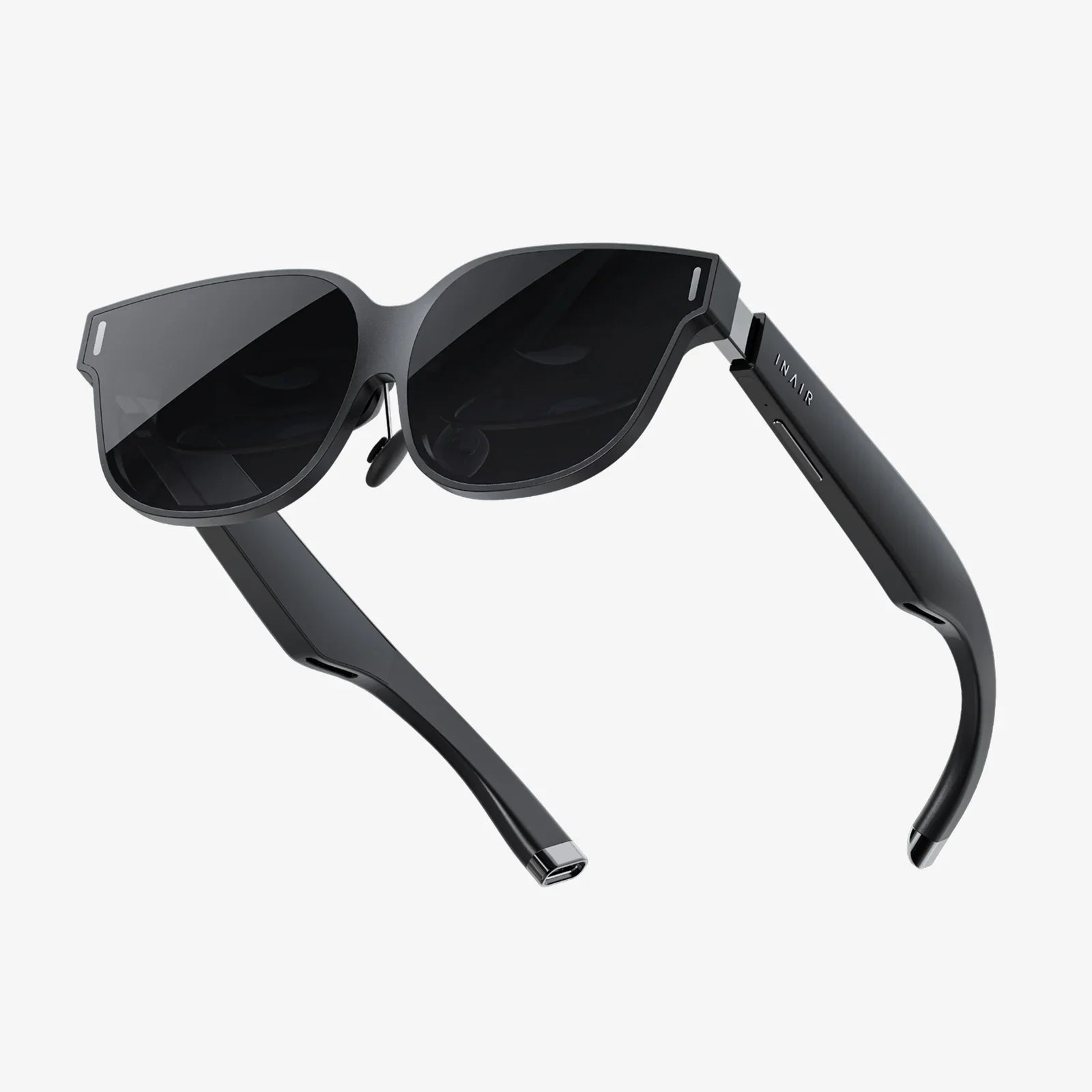
You've just unboxed your portal to new realities, but a single, frustrating question halts your journey before it even begins: just how long will you be tethered to the wall, waiting for that battery indicator to hit 100%? The anticipation of virtual exploration is palpable, yet the wait for power can feel like an eternity. Understanding the charging dynamics of your new device is the first critical step towards unbounded immersion, and it's about far more than just a simple time estimate.
The Core Factors Dictating Your Charging Time
There is no universal number that applies to every single headset on the market. The time it takes to go from a depleted battery to a full charge is a variable equation, influenced by a cocktail of hardware and environmental factors. Ignoring these variables is like trying to guess a car's fuel-up time without knowing the size of the tank or the power of the pump.
Battery Capacity: The Size of the Tank
Measured in milliamp-hours (mAh), the battery capacity is the single biggest determinant of charging duration. It's the fundamental "size" of your energy reservoir. A compact, mobile-focused headset designed for lightweight convenience might have a battery capacity in the range of 3,000 to 5,000 mAh. In contrast, a high-end, feature-rich model powering sophisticated processors and multiple high-resolution displays will require a much larger battery, often exceeding 6,000 mAh. A larger capacity directly translates to a longer required charging period, all other factors being equal. It's the difference between filling a swimming pool and filling a bathtub.
Charger Specifications: The Power of the Pump
Not all chargers are created equal. The small, white power adapter brick included with your device holds the key to another major variable: its power output, measured in watts (W) or volts/amps (V/A). A charger rated for 5W (5V/1A) will trickle charge a battery painfully slowly. Most modern headsets come with a charger that supports a faster charging standard, such as 10W, 18W, or even higher. Using the manufacturer-provided charger is always recommended, as it is specifically calibrated for the optimal balance of speed and battery health. Using an underpowered charger from an old phone will significantly prolong your wait, while using an overpowered, non-certified charger can generate excess heat and potentially damage the battery's long-term health.
The State of Charge and Battery Management Systems (BMS)
Charging is not a linear process. Modern devices use sophisticated Battery Management Systems (BMS) that intelligently regulate the flow of electricity. The charging curve typically has two distinct phases:
- Constant Current (Fast Charge) Phase: When the battery is significantly depleted (e.g., below 80%), the BMS allows the charger to pump in energy at its maximum supported rate. This is the fastest part of the cycle.
- Constant Voltage (Trickle Charge) Phase: As the battery approaches full capacity, the BMS dramatically slows the charging rate to a trickle. This careful, slow topping-off is crucial for preventing overcharging, reducing heat generation, and preserving the battery's chemical integrity. This is why the last 10-20% of a charge always feels the slowest.
Therefore, going from 0% to 80% might take only an hour, but completing the final 20% could take another 30-45 minutes. For this reason, if you're in a hurry, it's often more efficient to charge to around 80% rather than waiting for a complete 100% charge.
Environmental Conditions
Lithium-ion batteries, which power virtually all modern electronics, are sensitive to temperature. Charging a headset in a cold environment (below 50°F / 10°C) will slow down the chemical reactions within the battery, increasing charge time. Conversely, charging in a hot environment (above 95°F / 35°C) is even more detrimental. The heat compounds the natural warmth generated during charging, forcing the BMS to throttle the power input drastically to avoid dangerous overheating, which can cause permanent capacity loss. The ideal charging temperature is a cool, room temperature environment around 68°F (20°C).
General Charging Timeframes by Headset Category
While we avoid specific brands, we can categorize headsets to provide realistic expectations. Always consult your user manual for the most accurate information for your specific model.
Standalone / All-in-One Headsets
These self-contained units have their compute pack and battery integrated into the headset itself. They are the most common type for consumers.
- Typical Capacity: 3,500 - 6,000 mAh
- Typical Charger: 10W - 18W USB-C Power Delivery
- Average Full Charge Time: 2 to 3 hours. A standard model might take approximately 2.5 hours with its included charger. The charging curve means you can often get a 50% charge in about 45-60 minutes, which can be sufficient for a shorter play session.
PC-Connected / Tethered Headsets
These high-fidelity headsets offload the heavy processing to a powerful computer. Their internal battery is often smaller as it primarily powers the displays and sensors, not the main processor.
- Typical Capacity: 2,500 - 4,000 mAh
- Power Source: Often powered directly via the connection cable (USB and DisplayPort) from the PC. They may have a smaller battery for standalone tracking features or safety shutdown.
- Charging Note: When connected to a PC, the headset may charge very slowly or simply maintain its current level, as a standard PC USB port provides limited power (2.5W - 4.5W). A full charge from a wall adapter will generally be faster, often in the 1.5 to 2.5 hour range.
Smartphone-Based Holders
These platforms use your smartphone as the screen and brain. The headset itself typically contains no battery.
- Power Source: Your smartphone's internal battery.
- Consideration: The charging time discussed is for your phone, not the headset. A VR session will drain your phone's battery remarkably quickly. It is highly advisable to ensure your phone is fully charged before embarking on a mobile VR experience. Using a portable power bank connected to your phone during use is an excellent strategy for extended sessions.
Maximizing Your Playtime: Battery Life Expectations
A full charge is meaningless if it only lasts for a brief moment. Understanding what drains the battery helps you manage your expectations and session length.
- Standard Runtime: Most standalone headsets offer a usable runtime of 2 to 3 hours on a single charge. This is the sweet spot for a substantial gaming session or watching a full-length movie.
-
Major Drain Factors:
- Processor Intensity: A graphically simple puzzle game will sip power compared to a photorealistic, fast-paced action game that keeps the processor at maximum load.
- Display Brightness: The screen is a major power draw. Lowering the brightness can add precious minutes to your session.
- Volume Level: Loud audio through built-in speakers uses more energy than using low-volume speakers or headphones.
- Wireless Features: Constant use of Wi-Fi for streaming or Bluetooth for controllers contributes to drain.
- Tracking Load: Complex inside-out tracking with multiple cameras requires constant sensor and image processing, which consumes power.
Beyond the Wait: Proactive Battery Health and Maintenance
Your charging habits directly impact the long-term lifespan of your headset's battery. A well-maintained battery will hold a charge better for years to come.
- Avoid Deep Discharges: While modern batteries don't suffer from the "memory effect" of old nickel-cadmium cells, regularly draining the battery to 0% is stressful for its chemistry. Try to recharge before it completely shuts down.
- The 80/20 Rule (A Good Guideline): For optimal long-term health, experts often recommend keeping a lithium-ion battery between 20% and 80% charge. Constantly charging to 100% and holding it there, or letting it sit at 0%, accelerates degradation. Don't be afraid to unplug it before it hits 100% for daily use.
- Beware of Heat: This cannot be overstated. Heat is the number one enemy of lithium-ion batteries. Never charge your headset on a soft surface like a bed or couch that can trap heat. Charge on a hard, cool surface in a well-ventilated area. Avoid playing intensive games while plugged in and charging, as this combines two heat-generating activities.
- Long-Term Storage: If you plan to not use the headset for a month or more, do not store it fully charged or fully depleted. Power it down and store it in a cool, dry place with a charge level of around 50%.
Troubleshooting Slow or Failed Charging
If your headset is taking significantly longer to charge than it used to, or isn't charging at all, follow this diagnostic checklist:
- The Cable: Cables fail far more often than chargers or devices. Try a different high-quality USB-C cable (if applicable) that you know can handle data and power transfer.
- The Wall Adapter: Try a different charger with a similar power rating (e.g., another 18W USB-PD charger). Ensure you are plugging the adapter directly into a wall outlet, not a power strip that might be switched off or overloaded.
- The Port: Inspect the headset's USB port for any debris, lint, or damage. Carefully clean it out with a dry toothpick or compressed air if needed.
- Reboot: Power cycle the headset completely. A software glitch can sometimes interfere with the charging indicator.
- Check for Updates: Ensure your headset's operating system is up to date, as updates can include improvements to power management.
If none of these steps resolve the issue, the internal battery may be failing, and you should contact the manufacturer's support service for guidance.
The wait for a full charge is a small price to pay for a ticket to other worlds, but it doesn't have to be a mystery. By understanding the science and strategy behind your headset's power cycle, you can optimize your routine, extend the life of your device, and ensure that when you are ready to dive in, your headset is too. Stop watching the battery icon and start planning your next adventure, confident that your gear will be ready when you are.
Share:
VR Headset Keeps Restarting: A Comprehensive Troubleshooting and Prevention Guide
Can a VR Headset Work on a Laptop? A Complete Guide to Laptop Virtual Reality