


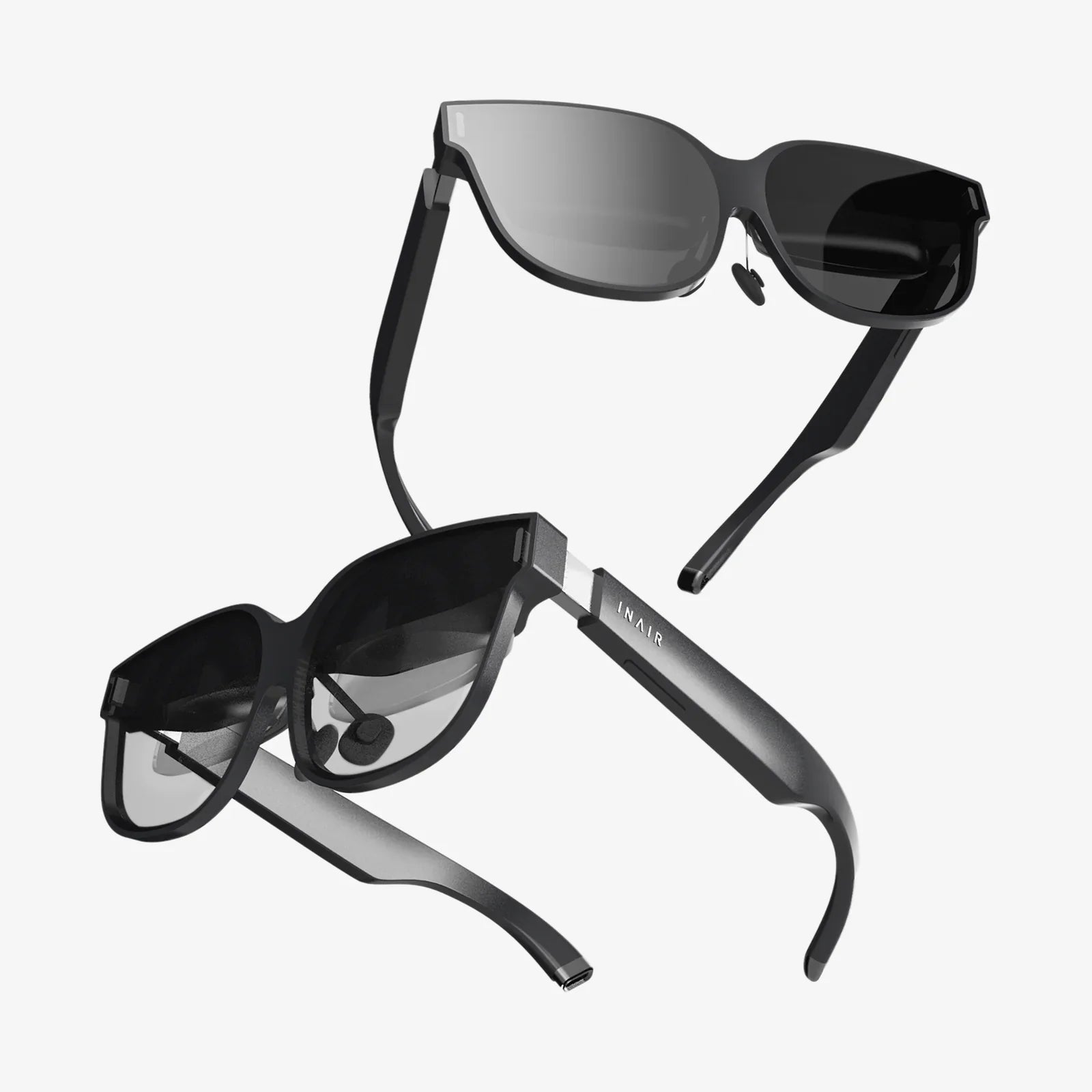
The digital and physical worlds are colliding in the most exciting ways imaginable, and at the intersection lies a universe of untapped potential for game developers. Imagine crafting experiences where dragons soar from your living room carpet, where historical battles are reenacted on your kitchen table, or where a city-wide treasure hunt unfolds on the streets of your neighborhood. This is the promise of augmented reality gaming—a medium that transforms the entire world into a playground. For creators and developers, the allure is undeniable: the chance to break free from the screen and weave interactive narratives into the very fabric of reality. But the path from a groundbreaking idea to a polished, engaging AR game is fraught with technical challenges and creative questions. This guide is your roadmap, designed to equip you with the foundational knowledge and practical steps to navigate this thrilling new frontier and build an AR game that captivates players everywhere.
Understanding the Augmented Reality Landscape
Before diving into code and assets, it's crucial to grasp the core concepts that define AR. At its simplest, Augmented Reality (AR) is a technology that superimposes a computer-generated image, interface, or 3D model onto a user's view of the real world. Unlike Virtual Reality (VR), which creates a completely artificial environment, AR enhances reality by adding digital elements to it.
There are several primary types of AR relevant to game development:
- Marker-Based AR: This approach uses a predefined visual marker (like a QR code or a specific image) to trigger the appearance and anchor the position of the digital content. The game experience is tied directly to the marker's presence and orientation.
- Markerless AR (or Location-Based AR): This is perhaps the most popular method for modern mobile AR games. It uses a device's GPS, compass, and accelerometer to place digital objects in a real-world context. The game world exists at specific geographical coordinates, encouraging exploration and movement.
- Projection-Based AR: This technique projects synthetic light onto physical surfaces, sometimes allowing for interaction through touch. It's less common for consumer mobile games but has applications in immersive installations.
- Superimposition-Based AR: This form replaces the original view of an object with an augmented view, often using object recognition. For example, a game could recognize a specific car model and replace it with a futuristic version.
Understanding these paradigms is the first step, as your choice will fundamentally shape your game's design, mechanics, and target audience.
Laying the Groundwork: Pre-Production and Design
An AR game cannot succeed on a novel technology alone. It requires a rock-solid foundation built on careful planning and player-centric design.
Conceptualizing Your AR Experience
Start by asking fundamental questions: What unique experience can only AR provide? How does the game use the player's environment? The most successful AR games are those that couldn't exist in any other format. The concept should leverage the technology's strengths—physical movement, real-world interaction, and persistent world layers.
Defining Your Target Audience and Platform
Your target audience will dictate your platform choice. Are you building for consumers with high-end smartphones, or for enterprise users with dedicated AR headsets? The vast majority of the current market is on mobile devices (iOS and Android), which means your design must account for varying levels of hardware capability, screen size, and battery life.
Storyboarding and Prototyping
Storyboarding for AR is unique. Instead of sequencing screens, you must map interactions within a physical space. Create simple prototypes using paper or basic digital tools to test core mechanics. How does the player move? How do they interact with digital objects? Rapid, iterative prototyping is essential to identify design flaws before significant development resources are spent.
Technical Considerations and Constraints
Early on, you must confront the technical constraints of AR. These include:
- Environmental Understanding: The device must be able to map surfaces (planes like floors and tables) and understand lighting conditions for realistic anchoring and occlusion (where digital objects appear behind real-world ones).
- Tracking and Persistence: How will the game maintain the position of digital objects if the user looks away and then back? Solutions like cloud anchors can allow for multi-user experiences where all players see the same object in the same place.
- Performance Optimization: AR is computationally expensive. Pushing high-fidelity 3D graphics while simultaneously processing camera feed and sensor data requires efficient code and optimized assets to avoid draining the battery or causing the app to overheat.
The Developer's Toolkit: Choosing Your Technology Stack
Selecting the right development tools is a critical decision. The landscape is dominated by a few key players and frameworks.
Game Engines: The Powerhouses of Development
Most professional AR game development is done within powerful game engines.
- Unity with AR Foundation: Unity is a immensely popular choice, largely thanks to AR Foundation. This package provides a unified, cross-platform API, allowing developers to build a single project that can deploy to both iOS (using Apple's ARKit) and Android (using Google's ARCore). Its extensive asset store, large community, and robust documentation make it an excellent starting point.
- Unreal Engine: Known for its high-fidelity graphics capabilities, Unreal Engine is a strong contender for AR experiences that demand cinematic visual quality. It also supports ARKit and ARCore for mobile deployment. The learning curve can be steeper than Unity's, but the visual payoff can be significant for certain projects.
Platform-Specific SDKs: Tapping into Native Power
For developers targeting a single platform, using the native SDKs can offer access to the latest features first.
- ARKit (Apple): ARKit provides a deeply integrated suite of tools for iOS devices, including People Occlusion (where real people can pass in front of digital objects), motion capture, and incredibly precise face tracking.
- ARCore (Google): Google's counterpart for Android offers similar core functionality, with features like depth mapping and cloud anchors for shared experiences.
WebAR: The Barrier-Free Alternative
WebAR allows users to experience AR directly through a web browser without downloading an app. Frameworks and libraries facilitate this. While currently more limited in its capabilities compared to native apps (particularly in tracking and graphics), WebAR is unparalleled for accessibility, marketing campaigns, and simple experiences where minimizing user friction is the top priority.
The Development Workflow: A Step-by-Step Process
With your tools chosen, the development process can begin. This is a iterative cycle of building, testing, and refining.
Step 1: Setting Up Your Project and Environment
Initialize your project in your chosen game engine, import the necessary AR packages (like AR Foundation), and configure your project settings for your target platform. This involves setting camera permissions, defining required features, and ensuring the build environment is correctly configured.
Step 2: Implementing AR Session and Plane Detection
The core of any markerless AR experience is the AR Session. This component manages the device's connection to the AR subsystem (ARKit/ARCore). You'll then implement plane detection, which allows the device to identify horizontal and vertical surfaces in the real world. This is the foundation upon which you will place your game objects.
Step 3: Placing and Interacting with Game Objects
Using raycasting (shooting an invisible ray from the screen into the real world based on touch input), you can determine where a user wants to place an object. Once a digital asset (a 3D model, UI element, or character) is instantiated in the scene, you need to script interactions. How does the player select, move, rotate, or otherwise engage with the object? This is where standard game development practices—writing clean, efficient C# or C++ code—come into play.
Step 4: Designing Gameplay Mechanics for the Real World
This is the heart of creative design. Mechanics must be adapted for AR. Combat might involve physically dodging projectiles. Puzzles might require walking around a digital object to see it from different angles. Resource gathering could be tied to visiting real-world locations. Always design with physical movement, safety, and environmental variety in mind.
Step 5: Crafting the User Interface (UI/UX)
AR UI is a unique challenge. You must design diegetic interfaces (UI that exists within the game world, like a holographic menu) and non-diegetic ones (traditional screen-overlay UI) that are intuitive and don't clutter the player's view of the experience. Voice commands, gesture controls, and minimalistic design are often key.
Step 6: Rigorous Testing on Target Devices
You cannot over-test an AR game. It must be tested on a wide range of devices and in a multitude of environments—different lighting conditions (bright sun, low light), on various surfaces (textured carpets, glossy tables, grass), and in different spaces (cluttered rooms, open parks). Testing for performance, stability, and, most importantly, user comfort is a continuous process.
Advanced Techniques and Future-Proofing Your Game
To create a truly standout experience, consider integrating more advanced capabilities.
- Multiplayer and Shared Experiences: Using technologies like photorealistic 3D object capture or physics-based rendering can dramatically increase immersion by making digital objects indistinguishable from real ones.
- Persistent AR: This involves anchoring content to a specific location in a way that persists over time and across multiple user sessions. This is the foundation for creating AR games that leave a lasting mark on the world.
- Machine Learning Integration: ML models can be used for advanced object recognition, allowing your game to interact with specific real-world items, or for gesture recognition, creating more natural input methods.
Publishing, Marketing, and Gathering Feedback
Once your game is polished, it's time to release it to the world. Submit your app to the Apple App Store and Google Play Store, ensuring you meet all their guidelines for AR content. Create compelling marketing materials, especially videos that show the game being played in context. The most powerful marketing tool for an AR game is a clear demonstration of its unique value. After launch, actively gather user feedback, monitor analytics to see how players are engaging with the experience, and be prepared to iterate and update your game regularly to fix bugs and add new content.
The journey to creating a captivating augmented reality game is a fusion of technical mastery and boundless creativity. It demands that you think not just as a programmer or artist, but as an architect of new realities, designing interactions that spill out of the screen and into the spaces we inhabit. While the learning curve can be steep, the tools and knowledge are more accessible than ever. The market is ripe for innovation, waiting for the next experience that will make us see our parks, our cities, and our living rooms in a completely new light. Your idea has the potential to be the catalyst for that shift. So pick up your device, fire up your engine, and start building the game that will layer wonder onto the world around us. The future of play is waiting to be written, and it’s happening right here, in the augmented space between bits and atoms.
Share:
Using VR Headset with Glasses: The Ultimate Guide to a Clear and Comfortable Experience
VR AR MR Artificial Intelligence: The Confluence Reshaping Reality