


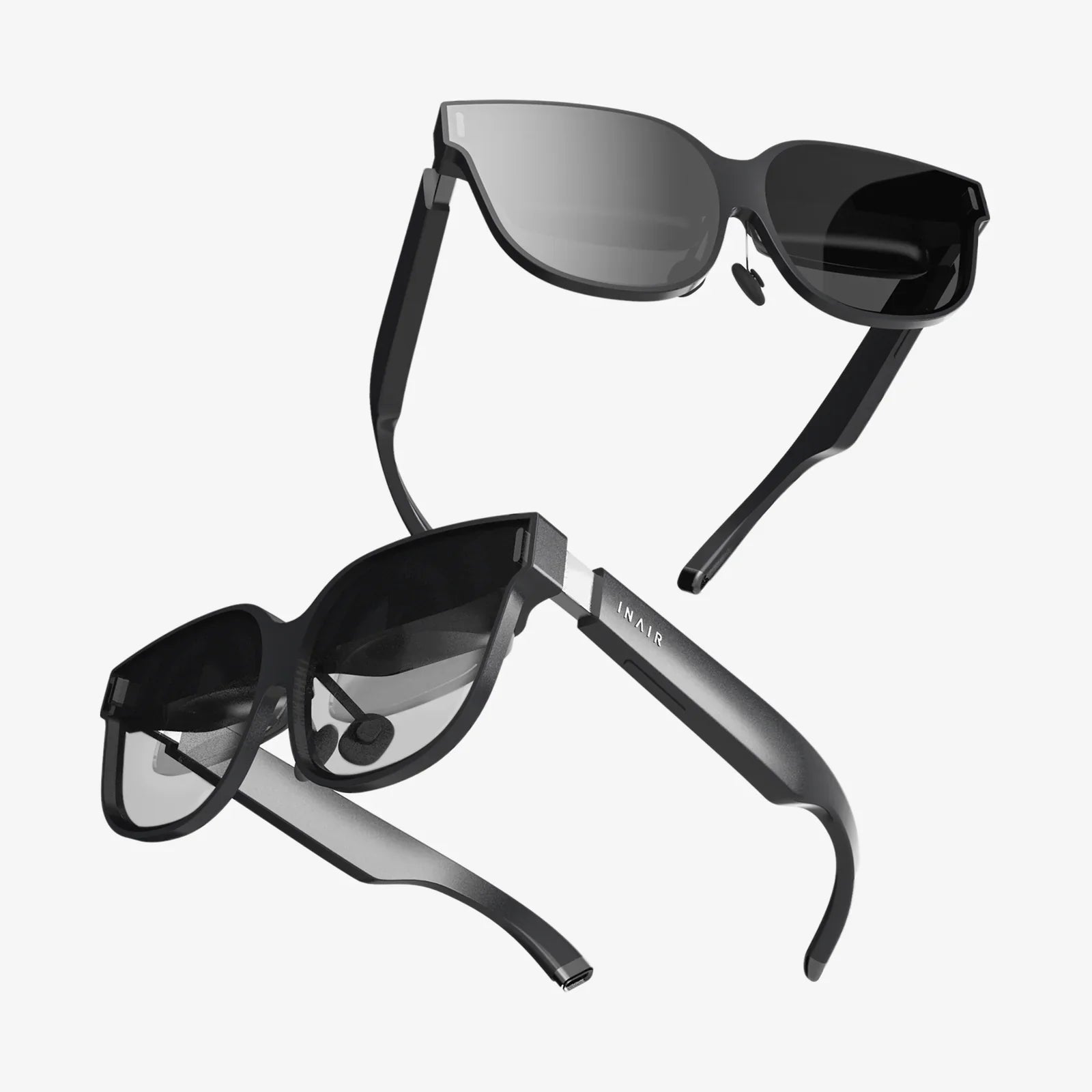
Imagine slipping on a pair of glasses you built with your own hands and watching digital information seamlessly overlay your physical reality. The world of augmented reality, once confined to research labs and high-budget tech companies, is now accessible to makers, hobbyists, and curious technologists willing to embark on an ambitious DIY journey. Creating your own AR glasses isn't just about saving money; it's about understanding the fundamental technology that will shape our future, customizing a device to your exact specifications, and experiencing the profound satisfaction of interacting with a digital world through a window you crafted yourself. This project represents the pinnacle of maker culture—blending optics, electronics, software, and mechanical design into a single, wearable work of functional art.
Understanding the Core Components of AR Glasses
Before you solder a single wire or write a line of code, it's crucial to understand what you're building. At its heart, a pair of AR glasses is a sophisticated wearable computer with a visual output system. The magic happens when these components work in harmony to project digital images onto transparent lenses, allowing you to see both the real world and computer-generated graphics simultaneously.
The essential hardware components include:
- Microdisplay: This is the tiny screen that generates the image. Common types include Liquid Crystal on Silicon (LCoS), Organic Light-Emitting Diode (OLED), and Digital Light Processing (DLP) microdisplays. Each has trade-offs in terms of resolution, brightness, power consumption, and cost.
- Optical Combiner: This is the core optical component that merges the digital image with your view of the real world. It can be a simple beamsplitter, a waveguide (which pipes light through a transparent material), or more complex free-form optics. This component largely determines the field of view and image clarity.
- Projection System: This consists of lenses that take the image from the microdisplay and prepare it for the combiner. It must be precisely aligned to focus the image correctly for your eyes.
- Computing Unit: This can be a miniature computer like a single-board computer (SBC) or a smartphone that handles the processing, graphics rendering, and sensor data interpretation.
- Sensors: At a minimum, you'll need an inertial measurement unit (IMU) containing accelerometers and gyroscopes to track head movement. More advanced setups might include cameras for computer vision, depth sensors, and GPS.
- Power System: Typically a lithium-polymer battery pack with a charging circuit, sized to balance weight and usage time.
- Frame and Mounting: The physical structure that holds all components securely and comfortably on your head.
Selecting the Right Hardware for Your DIY Project
The choices you make here will define your project's capabilities, complexity, and cost. For a first-time builder, prioritizing availability and simplicity is wise.
Display and Optics Options
The display and optical system present the greatest challenge. You have several paths:
- Smartphone-Based: Use your smartphone's screen as the display. By placing a beamsplitter (a semi-transparent mirror) at a 45-degree angle between your eye and a smartphone mounted on the temple of the glasses, you can overlay the phone's screen onto your vision. This is the simplest and cheapest entry point, though bulky and with a limited field of view.
- Microdisplay with Simple Optics: Source a small microdisplay (often salvaged from viewfinders or purchased new) and pair it with a simple magnifying lens and a beamsplitter glass or pellicle mirror. This creates a more integrated look but requires careful optical alignment.
- Waveguide Experimentation: For the advanced maker, creating or sourcing a waveguide is the holy grail, leading to sleek, glasses-like form factors. This often involves using a transparent material like acrylic or glass and injecting the image into the edge using a projection module.
For microdisplays, look for modules with driver boards that accept standard inputs like HDMI or MIPI. A common starting point is a 0.5-inch display with a resolution of 1280x720 or higher.
Choosing the Compute Platform
Your computing choice dictates what your glasses can do. Popular options include:
- Raspberry Pi: The Raspberry Pi Zero 2 W or Raspberry Pi 4 offer a great balance of compute power, size, and community support. They can run full operating systems and have GPIO pins for connecting sensors.
- ESP32: If you're creating a simpler display that only shows basic information (like notifications), a microcontroller like the ESP32 might suffice, especially if leveraging a smartphone's processing power via Bluetooth.
- Smartphone: The most powerful option is to use an Android smartphone as the brain, connecting to the display via a USB to HDMI adapter and communicating with sensors over Bluetooth or USB OTG. This provides immense processing power for computer vision but can create a tether.
Sensors and Tracking
Start with a 9-DOF (Degree of Freedom) IMU sensor board that combines an accelerometer, gyroscope, and magnetometer. These are widely available and can be connected to your chosen compute platform via I²C or SPI. For positional tracking (6-DOF), you'll need to add cameras and implement SLAM (Simultaneous Localization and Mapping) algorithms, a significant software challenge best tackled after mastering the basics.
The Step-by-Step Assembly Process
This guide outlines a project using a microdisplay and a single-board computer, a robust middle ground for DIYers.
Phase 1: Prototyping on a Bench
Never solder anything directly to your final frame first. Begin by connecting all your components on a breadboard or by using jumper wires.
- Connect the Display: Wire your microdisplay to your SBC. If it uses HDMI, use a mini-HDMI to HDMI adapter if necessary. If it uses parallel RGB or MIPI, you may need to configure the OS drivers, which can be complex.
- Integrate the IMU: Connect your IMU sensor to the I²C or SPI pins on your SBC. Write a simple script to read the raw data and confirm it's working.
- Test the Power System: Connect a 5V battery pack to your SBC and display. Measure the current draw to estimate battery life. A typical setup might draw 1.5-2A, meaning a 3000mAh battery would last roughly 1.5 hours.
- Software Setup: Install an operating system on your SBC. For Raspberry Pi, Raspberry Pi OS is a standard choice. Install any necessary libraries for your display and sensors.
Phase 2: Optical Assembly and Mechanical Design
This is the most iterative and hands-on phase. You'll be aligning optics and designing mounts.
- Create the Optical Path: Mount your microdisplay onto a stable surface. Place your projection lens (a simple convex lens) at its focal length away from the display. Then, place your beamsplitter (a half-silvered mirror or even a piece of clear acrylic at a 45-degree angle) so that it intersects the path of the projected image. Your eye should be on the other side of the beamsplitter. Adjust distances and angles until the virtual image appears clear and overlays the real world correctly. This process requires immense patience.
- 3D Design the Mounts: Using CAD software like Fusion 360 or Tinkercad, design brackets and housings for your display, optics, and computer. Design a frame or a harness that can attach to an existing pair of glasses or a VR headset strap. Print these parts using a 3D printer, using black PETG or ABS to prevent light leaks.
- Assemble and Align: Secure all optical components into their 3D-printed mounts. The alignment must be perfect and stable. Use setscrews for fine adjustments. Once aligned, you can secure lenses in place with a UV-curing optical adhesive.
Phase 3: Final Integration and Calibration
Bring everything together into a wearable form factor.
- Secure the Electronics: Solder all components onto perfboards or custom-designed PCBs for a permanent and robust connection. Neatly pack the battery, SBC, and any other boards into their 3D-printed enclosures and attach them to the arms or back of the frame/harness. Use cable channels or braided sleeves to manage wires.
- Calibrate the Display: This is a critical software step. You must create a distortion mesh to correct for the optical imperfections of your DIY lenses. This often involves displaying a calibration grid and writing a shader that warps the image in the opposite way of your lens distortion, resulting in a clear picture.
- Calibrate the IMU: Implement sensor fusion algorithms (like a Kalman or complementary filter) to combine the data from the accelerometer and gyroscope into a stable orientation reading. This will prevent jitter and drift in your augmented reality view.
Developing the Software Experience
The hardware is useless without software to bring it to life. You have several approaches here.
- Native Application: Write a C++ or Python application using a graphics API like OpenGL ES to render simple graphics (text, shapes, 3D models) locked to your head movement using the IMU data.
- WebXR: A powerful and accessible option is to use a web browser that supports WebXR. You can create AR experiences using JavaScript and HTML, which can be easier to prototype and iterate on.
- Leveraging AR Frameworks: For advanced projects, you can attempt to port frameworks like OpenXR or ARCore for embedded devices. This is a monumental task but opens the door to much more sophisticated applications.
Start by writing a simple "Hello World" program that displays text in the center of your view. Then make it so the text stays locked in a fixed position in the real world as you move your head. This alone is a monumental achievement!
Challenges, Safety, and Ethical Considerations
Building AR glasses is fraught with challenges. The optics will frustrate you. The software will have bugs. The device will be heavier and have a smaller field of view than you imagined. Embrace this as part of the learning process.
Safety is paramount:
- Eye Safety: Never look directly into a laser or a high-power LED. The displays used are low-power and generally safe, but always be cautious.
- Battery Safety: Lithium polymer batteries are volatile if punctured, overcharged, or short-circuited. Use a protected battery pack and a reliable charging circuit.
- Physical Safety: Do not wear your DIY glasses while driving, cycling, or operating machinery. Your peripheral vision and attention may be impaired.
Consider the ethical implications of your device. If you add a camera, be mindful of privacy concerns and laws regarding recording in public. The goal is to build responsibly and respectfully.
Your first pair of homemade AR glasses will not be sleek, lightweight, or all-day comfortable. It might be held together with tape and hope, a testament to sheer will and technical curiosity. But the moment you see a digital clock floating on your wall or a virtual arrow guiding you through your hallway, every frustrating hour spent will feel worth it. You haven't just assembled a gadget; you've pieced together a portal to a new layer of reality, opening up a world of possibilities limited only by your imagination and your next iteration. The future of spatial computing isn't just something you can buy—it's something you can build, understand, and shape with your own hands, starting today.
Share:
Latest AR Glasses: Blurring the Lines Between Digital and Physical Realms
3D Reality Modeling: The Digital Replication of Our World