


Imagine pointing your smartphone at a static product catalog and watching a fully animated, three-dimensional model spring to life right before your eyes. This is the magic of augmented reality (AR), a technology that superimposes digital information onto our physical world, creating immersive, interactive experiences that were once the stuff of science fiction. For developers, designers, and businesses, the ability to create these experiences is no longer a distant dream but an accessible reality. The journey from concept to a functioning AR application, however, can seem daunting. Where does one even begin? The process involves a series of crucial decisions and technical steps, from selecting the appropriate development toolkit to understanding the nuances of environmental tracking and user interaction. This guide will walk you through the entire process, providing a clear, actionable roadmap for how to set up augmented reality projects that are both technically robust and captivating for the end-user.
Laying the Groundwork: Defining Your AR Vision
Before a single line of code is written, a successful AR project begins with a clear and well-defined vision. This foundational stage is critical, as the choices made here will dictate the tools, techniques, and complexity of your entire development process.
1. Identifying the Use Case and Experience Type
The first question to answer is: What problem am I solving or what experience am I creating? AR is a medium, not a product in itself. Your application could be anything from a furniture placement tool for retail to an interactive learning module for education or a complex assembly guide for industrial maintenance. The nature of the experience will determine the type of AR you need to build. The two primary categories are:
- Marker-Based AR (Image/Object Recognition): This approach relies on a predefined visual marker, such as a printed image or a specific object, to trigger the digital overlay. The AR application uses the device's camera to identify the marker and anchor the digital content to it precisely. This is excellent for controlled environments, like magazine ads, business cards, or specific product packaging.
- Markerless AR (World Tracking/SLAM): This more advanced form uses Simultaneous Localization and Mapping (SLAM) technology to understand and map the environment in real-time without predefined markers. It allows digital objects to be placed on horizontal surfaces like tables and floors or attached to vertical walls. This is the technology behind popular furniture apps and immersive games.
2. Choosing the Target Platform and Hardware
The next critical decision is choosing your delivery platform. The hardware your users will employ drastically affects the development approach.
- Mobile AR (Smartphones & Tablets): This is the most accessible and widespread platform. Developing for mobile devices typically means creating a native application for iOS, Android, or both. The advantage is a massive potential audience; the challenge is dealing with varying hardware capabilities and ensuring a consistent experience.
- WebAR (Browser-Based): This approach allows users to experience AR directly through a web browser without downloading a dedicated app. It lowers the barrier to entry significantly but often has limitations in tracking stability, graphical fidelity, and the complexity of interactions compared to native applications.
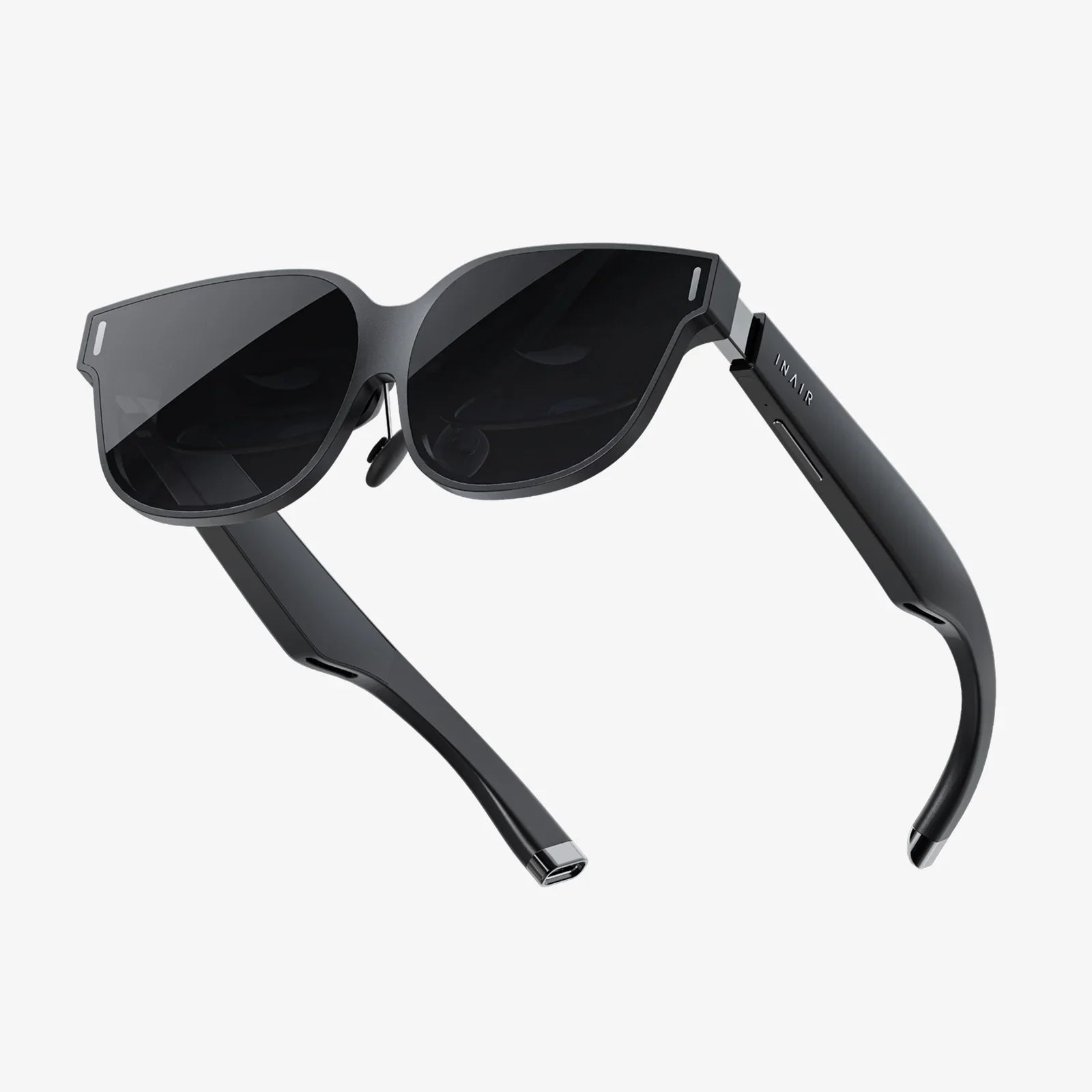
- Specialized AR Headsets/Wearables: For the most immersive and hands-free experiences, dedicated AR glasses and headsets offer a superior field of view and persistent AR. Development for these platforms is more specialized and often targets enterprise or niche enthusiast markets.
The Developer's Toolkit: Choosing an AR Software Development Kit (SDK)
The heart of any AR development setup is the Software Development Kit (SDK). An SDK provides the core technologies—computer vision, environmental understanding, rendering engines, and device API access—that make AR possible. Selecting the right one is paramount. Here’s a breakdown of key considerations and popular categories.
Key Features to Evaluate in an SDK
- Cross-Platform Support: Does the SDK support both iOS and Android from a single codebase? Some are platform-specific, while others offer cross-platform development, often integrating with game engines.
- Tracking Capabilities: Evaluate the quality and robustness of its marker tracking, plane detection (horizontal/vertical), image recognition, and object recognition.
- Ease of Use: Consider the learning curve, quality of documentation, and availability of sample projects and community support.
- Licensing and Cost: SDKs range from free and open-source to enterprise-grade with subscription models. Understand the pricing structure, especially for commercial deployment.
Categories of AR SDKs
SDKs generally fall into two camps: those designed for native app development and those integrated into powerful 3D game engines.
Native SDKs
- Platform-Specific SDKs: These are offered by the operating system creators themselves and are deeply integrated into the platform, offering cutting-edge features and performance. They are the gold standard for developing high-performance, native AR applications on their respective platforms.
- Cross-Platform Native SDKs: These SDKs allow developers to write code once and deploy it to multiple mobile operating systems. They abstract the underlying platform-specific APIs, simplifying the development process for teams familiar with specific programming languages.
Game Engine Integration
For most developers, especially those creating rich 3D experiences, using a game engine is the preferred path. These engines provide a powerful, unified environment for creating complex 3D scenes, animations, and interactions.
- Unity with AR Foundation: Unity is arguably the most popular engine for AR development. Its AR Foundation framework provides a unified, cross-platform API that allows developers to build once and deploy to both iOS and Android. It acts as a layer that communicates with the native AR SDKs on each device, giving you the power of the native tools within the familiar Unity environment.
- Unreal Engine: Known for its high-fidelity graphics, Unreal Engine is a powerful choice for AR experiences that demand the highest level of visual realism. Its AR development workflow also leverages similar cross-platform abstraction, though its ecosystem for AR is historically more focused on specific high-end partners.
The Technical Blueprint: A Step-by-Step Development Workflow
With your tools selected, it's time to dive into the actual process of setting up your AR project. While the specifics will vary based on your chosen SDK and engine, the general workflow remains consistent.
Step 1: Environment Setup and Installation
This involves installing your chosen game engine (e.g., Unity Hub and a version of Unity) or native IDE (e.g., Xcode or Android Studio). Next, you must import and configure your chosen AR SDK plugin or package. This usually involves downloading a package from the SDK's provider and importing it into your project, followed by configuring player settings and permissions (most critically, camera access).
Step 2: Creating the AR Session and Scene Setup
At the core of any AR application is the AR Session. This component is responsible for managing the entire AR lifecycle. It controls the device's camera, gathers sensor data, and processes the real world. You'll add an AR Session object to your main scene. Alongside it, you add an AR Session Origin, which defines the virtual coordinate system of your AR world. It's the parent object for all the digital content you will place, ensuring it moves and scales correctly relative to the real world.
Step 3: Implementing Tracking and Raycasting
This is where the magic of spatial awareness happens. You need to configure components that allow the system to understand the environment.
- Plane Detection: You add an AR Plane Manager component. This tells the AR system to look for flat, horizontal, or vertical surfaces like floors and tables. As the user moves the device, detected planes will be visualized (often as a semi-transparent grid) and tracked.
- Raycasting: This is the primary method for user interaction. When a user taps the screen, a ray is projected from the camera into the real world. An AR Raycast Manager checks if this ray intersects with any detected real-world geometry (like a plane). This intersection point is where you can instantiate or move your digital object, creating the illusion that the user is placing it on a real surface.
Step 4: Importing and Placing 3D Content
Your AR experience is defined by its digital content. Using your 3D modeling software of choice, create or acquire your models, animations, and textures. These assets are imported into your project. When a raycast hits a real-world surface, your code will instantiate a Prefab (a predefined bundle of 3D assets and components) at that location and rotation. You must ensure your assets are optimized for mobile—high poly counts and complex shaders can cripple performance.
Step 5: Adding Interactivity and Logic
Basic placement is just the start. You will write scripts (e.g., in C# for Unity) to add behaviors. This can include:
- Scaling and rotating placed objects with pinch and twist gestures.
- Triggering animations when a user looks at or selects an object.
- Creating UI buttons that change the color or style of the AR object.
- Implementing physics so virtual objects can collide with each other.
Step 6: Testing, Testing, and More Testing
AR is profoundly affected by its environment. You must test your application extensively on all target devices and in various lighting conditions. Low light can break tracking. Textured surfaces are easier to track than blank, monochrome ones. Test on different tables, floors, outdoors, and indoors. Performance profiling is also crucial to ensure a smooth frame rate and avoid overheating the device.
Step 7: Building and Deployment
Finally, you build your project. For iOS, this means creating an Xcode project and archiving an .ipa file for distribution via the App Store. For Android, you build an .apk or .aab file for upload to the Google Play Store. Each store has specific requirements and guidelines for AR applications that must be followed.
Beyond the Basics: Advanced Considerations for a Polished Experience
Creating a technically functional AR experience is one thing; creating a polished, user-friendly, and compelling one is another.
User Experience (UX) Design for AR
AR UX is a unique discipline. Users are physically moving in space, and their attention is divided between the screen and the real world. Design principles include:
- Clear Onboarding: Guide users on how to interact with the AR experience. Use simple text and icons to indicate they need to "move the phone to scan the room" or "tap to place."
- Minimalist UI: Keep on-screen interface elements to a minimum and place them at the edges of the screen to avoid obscuring the AR view.
- Visual Feedback: Provide immediate feedback for user actions. If a surface is not trackable, show an icon indicating that. When an object is placed, play a subtle sound or particle effect.
- Managing Expectations: Handle errors gracefully. If tracking is lost, don't just crash; show a message asking the user to move back to the original area or point the camera at a more textured surface.
Optimization and Performance
AR is computationally expensive. To maintain a high frame rate (ideally 60fps or higher), you must be ruthless with optimization:
- Use texture atlases and compressed texture formats.
- Keep polygon counts low (often in the range of 10k-50k triangles for a main object).
- Minimize the number of real-time lights and use baked lighting whenever possible.
- Use object pooling to avoid expensive Instantiate and Destroy calls during runtime.
The Future: Cloud AR and Persistent Experiences
The next frontier involves experiences that are shared across multiple users or persist in a specific location over time. This requires a backend cloud service to synchronize the state of the AR world across devices or to save the digital coordinates of placed objects. This allows one user to place virtual furniture in their room and another user to see it days later from a different device, or for multiple users to play a collaborative AR game in the same park.
The world of augmented reality is waiting to be shaped by your ideas. While the technical path involves careful planning and a methodical approach, the tools available today have democratized creation, putting immense power into the hands of developers and designers. By understanding the fundamentals of how to set up augmented reality, from selecting the right SDK to mastering spatial tracking and user interaction, you unlock the potential to blend the digital and physical in ways that can educate, assist, entertain, and astonish. The real world is your canvas; it's time to start painting.
Share:
Augmented Reality 4K: The Unprecedented Clarity Revolutionizing Our Digital and Physical Worlds
Importance of AR and VR: Reshaping Reality for a Better Tomorrow