


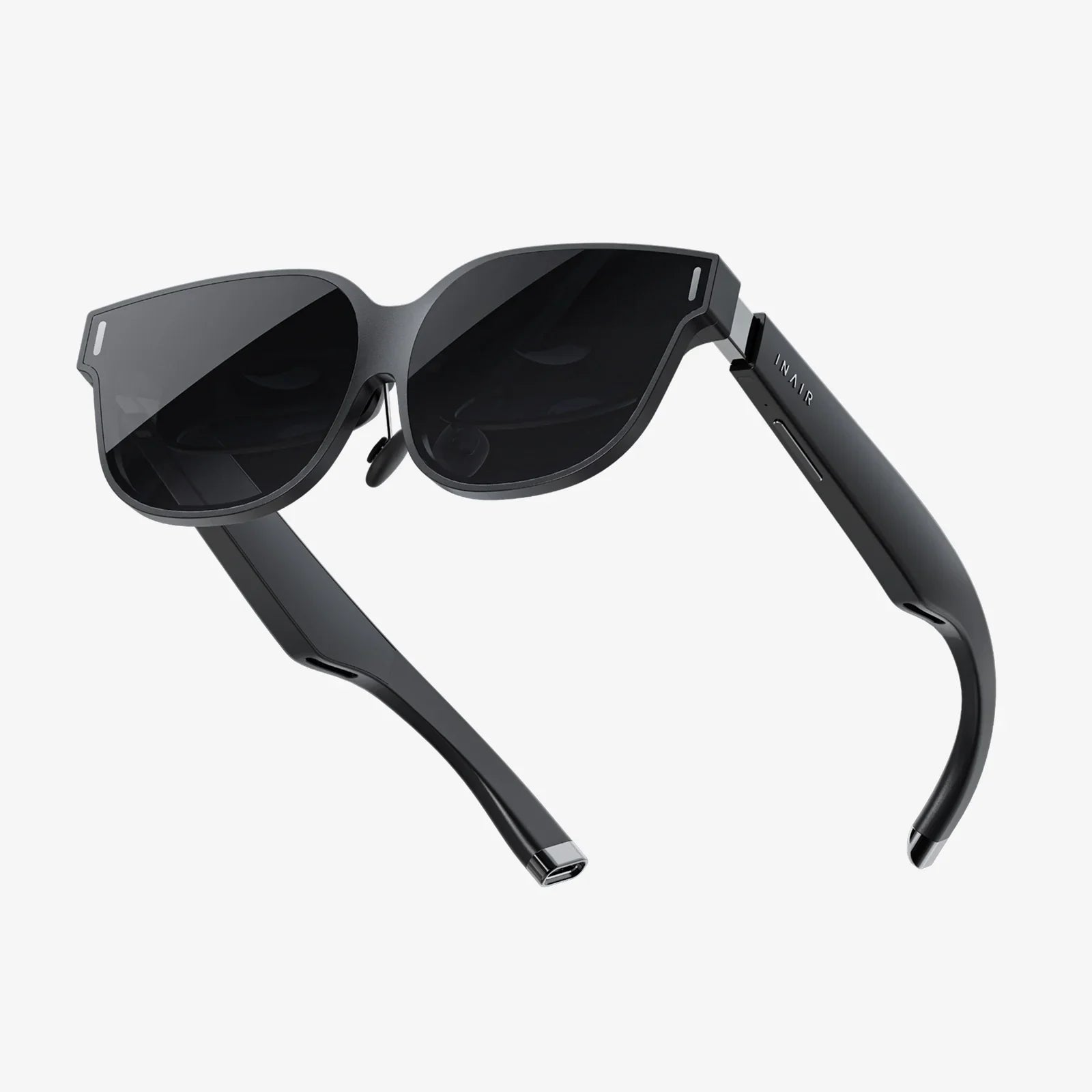
You’ve just powered on your headset, selected your adventure, and are about to step into another world when a hazy, frustrating veil descends over your vision. Lens fogging is the single most common immersion-breaker in virtual reality, but conquering this misty menace is easier than you think. This ultimate guide will arm you with the knowledge and techniques to banish fog for good, ensuring every journey into the virtual is as sharp and clear as the real world.
The Science Behind the Steam: Why VR Lenses Fog Up
Before we can defeat the enemy, we must understand it. Fogging isn't a design flaw; it's simple, unavoidable physics. The phenomenon is known as condensation, and it occurs when two conditions are met:
- A Temperature Difference: The internal surface of your VR lenses is cool, often at room temperature.
- Humidity: Your face, particularly around your eyes and forehead, is warm and emits moisture through perspiration.
When the warm, moist air from your skin meets the cooler surface of the lens, the air rapidly cools down. Cool air cannot hold as much moisture as warm air. This forces the excess water vapor to transition from a gas to a liquid, forming countless tiny water droplets on the lens surface. It’s identical to how a cold glass of water &"sweats&" on a hot day or how a bathroom mirror fogs during a shower. In the enclosed, body-heated environment of a VR headset, this process is accelerated dramatically.
Building Your Anti-Fog Arsenal: Proactive Prevention Strategies
The best way to handle fog is to stop it from ever forming. These strategies focus on creating an environment within your headset that is hostile to condensation.
Master the Pre-Heat: Warming the Headset
Since the core issue is a temperature differential, the most effective method is to eliminate it. By warming your headset to near body temperature before putting it on, you drastically reduce the shock of warm air meeting a cold surface.
- The Low-Wattage Heater Method: Place your headset near (not on) a gentle heat source for 5-10 minutes before use. A radiator set on low, a warm AV receiver, or even a cable box can work. Crucial Warning: Never overheat it. The goal is warmth, not hot. Avoid direct sunlight or high-heat appliances entirely.
- The Microfiber Magic: Vigorously rub the lenses with a clean, dry microfiber cloth for 60 seconds before your session. The friction generated from this rubbing creates a surprising amount of heat, warming the glass or plastic sufficiently.
Optimize the Fit and Environment
How you wear the headset and where you play are critical factors.
- Find the &"Sweet Spot&" for Fit: A headset strapped too tightly against your face creates a perfect seal, trapping all heat and moisture inside. Conversely, a headset that’s too loose will let light in and fail to function properly. Adjust the top strap, side straps, and often the IPD (Interpupillary Distance) to find a secure but comfortable fit that allows for a minuscule amount of air exchange around the nose area without sacrificing visual immersion.
- Play in a Cool, Dry Room: If your play space is already hot and humid, you’re fighting a losing battle. Air conditioning is your best friend. A cool, dry room provides cooler air to circulate into the headset. A dehumidifier in the room can also work wonders if you live in a particularly humid climate.
- Utilize a Fan: This is one of the oldest and most effective VR user tips. Point a standing or desk fan directly at your play space. This serves two purposes: it provides crucial orientation (you can feel which direction is &"forward&") to prevent nausea, and it constantly pushes cool, dry air across your face and into the bottom of the headset, flushing out warm, moist air.
Employ Specialized Anti-Fog Products
For persistent foggers, products designed for this exact purpose can be a game-changer.
- Anti-Fog Wipes and Sprays: These products apply a hydrophilic or hydrophobic coating to the lens. Some work by causing moisture to spread out into an invisible film instead of beading up as droplets. Others repel moisture entirely. Extreme caution is advised: Only use products specifically certified as safe for coated optical lenses. Harsh chemicals can permanently damage the anti-reflective and other specialized coatings on your VR lenses. Always apply to a microfiber cloth first, not directly onto the lens.
- VR-Specific Comfort Accessories: Many third-party companies manufacture interface covers made from materials like pleather or silicone. These are less absorbent than the standard foam and are easier to wipe clean. More importantly, some are designed with improved facial ergonomics to enhance airflow.
In-the-Moment Maneuvers: Quick Fixes for Active Fogging
So the fog has appeared mid-game. Don’t take the headset off in frustration. Try these immediate solutions.
- The Temporary Gap Technique: Carefully lift the bottom of the headset away from your cheeks just for a moment—one or two seconds is enough. This allows a large volume of cooler, drier room air to rush in, equalizing the temperature and humidity inside and instantly clearing the fog. Resettle the headset. You may need to do this once or twice at the start of a session until temperatures stabilize.
- Adjust the IPD Slider: Sometimes, slightly moving the lenses closer together or farther apart can change the airflow dynamics just enough to disrupt the fogging process without negatively impacting your view.
Advanced Considerations and Long-Term Care
For those who spend extended time in VR or stream professionally, more involved solutions might be necessary.
- Active Ventilation Mods: The dedicated VR modding community has created solutions involving tiny, silent USB-powered fans that are installed inside the headset's facial interface. These fans create a constant, gentle flow of air across the lenses, actively preventing the conditions for fogging. This is considered an advanced modification and should only be attempted by those comfortable with electronics and voiding their warranty.
- The &"Breathable&" Face Cover: If you are a heavy sweater, consider the material of your interface. Standard foam absorbs moisture and holds it against your skin. Upgrading to a leather or silicone cover not only wipes clean easily but can sometimes be designed in a way that promotes slightly better air circulation than absorbent foam.
- Lens Hygiene is Paramount: Never use harsh chemicals, window cleaner, or alcohol-based solutions on your lenses. Always use the provided microfiber cloth. If you need to clean them more deeply, a pre-moistened lens wipe designed for high-end eyeglasses is a safe bet. Dirty lenses can actually exacerbate fogging issues.
What Not to Do: Common Mistakes to Avoid
In the quest for clear lenses, some well-intentioned methods can cause real harm.
- Never Use Abrasive Cloths: Paper towels, shirt sleeves, or rough tissues can microscopically scratch the lenses.
- Avoid Harsh Chemicals: As stated, these will destroy anti-glare coatings permanently, leading to a blurrier view overall.
- Don't Breathe Directly on the Lenses to &"Clean&" Them: This is literally the cause of the problem—adding more warm, moist air is counterproductive.
- Don't Overtighten the Straps: This worsens the seal and traps more heat, making fogging inevitable.
Foggy lenses are a solvable puzzle. It requires a bit of experimentation to find the right combination of techniques that work for your unique physiology, headset model, and play environment. Start with the simplest solutions: warm the headset beforehand, play in a cool room with a fan, and perfect your fit. For most users, this trio of strategies will eliminate about 95% of fogging issues. Remember, the goal is to manage the microclimate inside your headset. By controlling temperature and airflow, you reclaim a crystal-clear window into your virtual worlds, ensuring that the only thing you’re focused on is the experience itself, not the physics of condensation trying to ruin it. Your next adventure awaits, and now, nothing will be blurring the view.
Share:
VR Headset for iPhone 11 Pro Max: Your Ultimate Portal to Immersive Reality
What Is XR Extended Reality? The Ultimate Guide to the Blended Future of Digital and Physical Worlds