


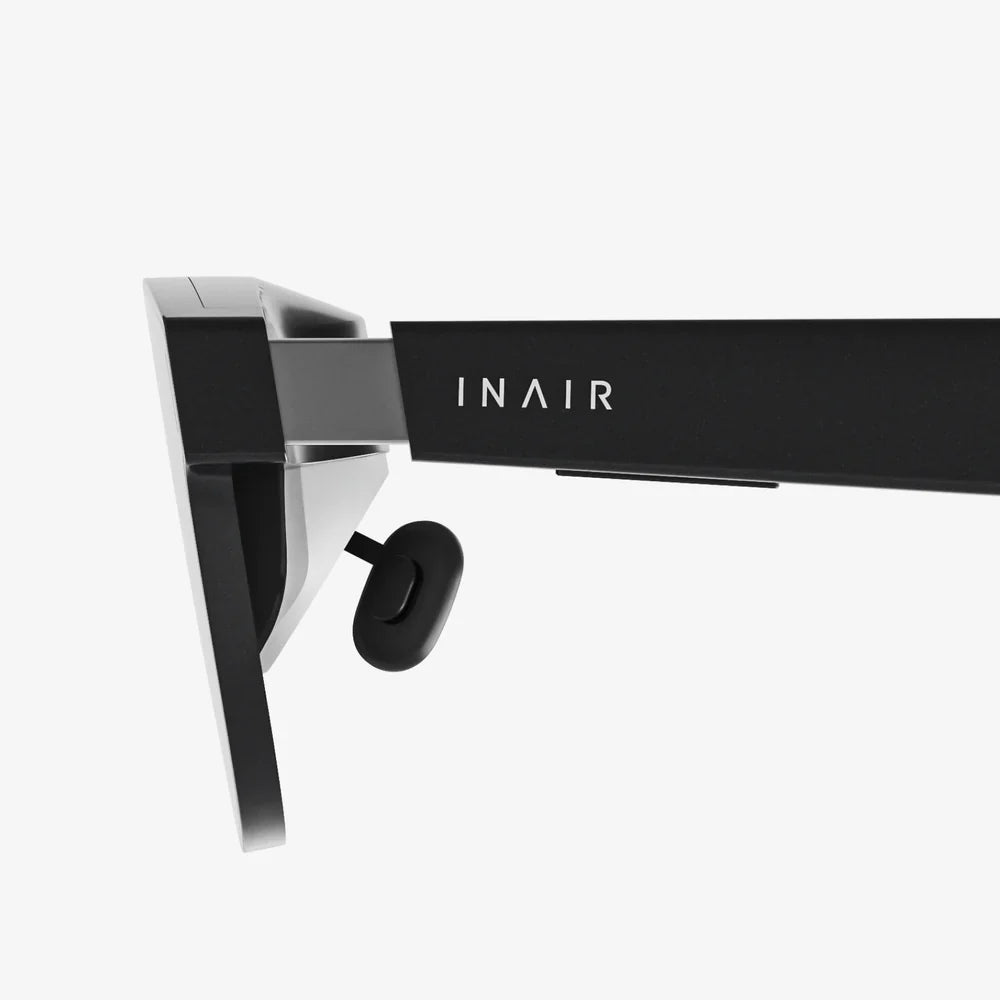
Imagine holding an entire universe in the palm of your hand, a portal to distant worlds, thrilling adventures, and immersive learning experiences, all powered by the device you already own. The combination of a high-quality VR headset and the iPhone 11 Pro Max isn't just a piece of tech; it's a key to unlocking dimensions of entertainment and productivity you never thought possible from a smartphone. This isn't a glimpse into the far future—it's an experience available right now, waiting for you to dive in headfirst.
The Perfect Match: Power and Precision
At its core, virtual reality is a demanding discipline. It requires immense processing power to render two separate, high-resolution images in perfect sync, all while tracking the subtle movements of your head in real-time to maintain immersion and prevent discomfort. This is where the iPhone 11 Pro Max truly shines as a foundation for mobile VR.
The device’s A13 Bionic chip was a marvel of its time, and it remains a incredibly capable processor for rendering complex virtual environments. Its neural engine and powerful GPU work in tandem to ensure smooth frame rates, which is the single most important factor in creating a comfortable and believable VR experience. Paired with the stunning 6.5-inch Super Retina XDR OLED display, the visual fidelity is exceptional. The OLED technology offers perfect blacks and vibrant colors, while the high pixel density ensures that the dreaded "screen door effect"—where you can see the gaps between pixels—is minimized, allowing you to forget you're looking at a screen and simply lose yourself in the virtual world.
Choosing Your Gateway to Virtual Worlds
Not all headsets are created equal. When selecting a headset for your iPhone, you'll primarily encounter two distinct categories, each offering a different level of immersion and convenience.
The Basic Viewer: Simplicity and Affordability
These are the most common and accessible options. They consist primarily of a plastic or cardboard housing with a pair of high-quality lenses. Your iPhone 11 Pro Max acts as both the screen and the computer. The headset itself has no electronics; its sole purpose is to hold the phone close to your face and use the lenses to warp the image into a wide, stereoscopic field of view. Controls are typically handled via a simple Bluetooth gamepad or through gaze-based navigation within the VR experience itself. This is a fantastic, low-cost way to dip your toes into the waters of virtual reality and explore a vast library of content.
The Advanced Holder: Enhanced Comfort and Interactivity
A step up from the basic viewers, these headsets often feature more robust construction, improved comfort with better padding and adjustable head straps, and integrated control systems. Some models may include additional features like adjustable focal lengths (useful for those who wear glasses) or even basic built-in speakers for spatial audio. While they still rely on the iPhone's processing power and display, they significantly enhance the comfort for longer sessions and often provide a more secure and immersive fit.
A Universe of Experiences at Your Fingertips
The true value of this setup is realized in the incredible diversity of content available on various app stores. The iPhone 11 Pro Max can deliver a rich and varied VR portfolio.
- Gaming: From pulse-pounding horror titles and exhilarating roller coaster simulators to intricate puzzle games and peaceful exploration adventures, mobile VR gaming is vast. You can step into the shoes of a starfighter pilot, defend a castle from invading orcs, or simply enjoy a game of virtual chess on a table in front of you.
- 360-Degree Videos and Films: Platforms dedicated to VR content offer thousands of 360-degree videos. You can stand on the surface of Mars, swim with sharks on a coral reef, attend a live concert from the best seat in the house, or travel to iconic global landmarks—all from your living room. The iPhone 11 Pro Max's excellent screen makes these experiences vividly real.
- Educational and Travel Applications: Many institutions have developed VR apps for learning. You can take a guided tour through ancient Roman ruins, explore the human body at a cellular level, or practice public speaking in front of a virtual audience. It’s an powerful tool for immersive education.
- Social VR: Connect with friends and strangers in virtual spaces. Attend meetings, watch movies together in a virtual cinema, or simply hang out and chat in fantastical environments, all represented by personalized avatars.
Setting Up Your Virtual Reality
Getting started is a straightforward process, but a few key steps will ensure the best possible experience.
- Find a Safe Space: Clear an area large enough to allow for some movement. While many experiences are stationary, it's always best to have a buffer zone to avoid bumping into furniture.
- Prepare Your iPhone: Ensure your phone is fully charged or plugged in. VR is power-intensive and can drain your battery quickly. Close any background apps to free up processing power for a smoother experience. Enable Airplane Mode to prevent notifications from popping up and breaking your immersion.
- Insert the Phone: Carefully secure your iPhone 11 Pro Max into the headset's tray or clamp, ensuring it is centered. Any misalignment can cause a blurry or distorted image.
- Adjust the Headset: Put on the headset and adjust the straps for a snug but comfortable fit. Use the adjustable lenses (if available) to focus the image. Many headsets have a slider to match the distance between your eyes (interpupillary distance) for a clearer picture.
- Calibrate: Some apps may require a quick calibration where you look at a series of dots or follow an on-screen prompt to optimize head tracking.
Maximizing Your Immersion: Pro Tips
To go from a novice to a savvy VR user, keep these tips in mind.
- Mind Your Session Length: If you're new to VR, start with sessions of 15-20 minutes. Your brain needs time to adjust to the sensory disconnect. You can gradually increase your time as you become more accustomed to the feeling.
- Prioritize Comfort: If you feel any discomfort, dizziness, or eyestrain, take a break immediately. Looking away from intense motion within the game and focusing on a stationary virtual object can help. Adjusting the headset's fit often resolves these issues.
- Explore with Audio: Using a good pair of headphones dramatically increases immersion. Spatial audio cues are crucial in VR for knowing where sounds are coming from, which is essential for games and immersive videos.
- Keep it Clean: Regularly clean your iPhone's screen and the headset's lenses with a soft, microfiber cloth. Smudges and dust can significantly degrade the visual quality.
The Future is Mobile and Accessible
The landscape of virtual reality is constantly evolving. While dedicated, high-end systems continue to push the boundaries of fidelity and interaction, the accessibility and convenience of mobile VR powered by smartphones remain its greatest strength. The iPhone 11 Pro Max, with its flagship-level specs, is perfectly positioned to deliver premium mobile VR experiences for years to come. Developers continue to create new and innovative content for this platform, ensuring that your library of experiences will only grow.
This approach to VR democratizes the technology. It removes the barriers of expensive dedicated hardware and complicated setup processes, offering a compelling and affordable entry point for millions of users. It proves that you don't need a supercomputer strapped to your face to enjoy the magic of virtual worlds; sometimes, the powerful computer in your pocket is more than enough.
You are standing at the threshold of a new digital frontier, and the ticket is already in your pocket. That powerful iPhone 11 Pro Max is yearning to be more than a communication device—it's desperate to become your window to concerts on the other side of the planet, your training simulator for new skills, and your spaceship to uncharted galaxies. Don't just watch the future happen; strap on a headset and step right into it. Your next great adventure is waiting, and it’s only a click away.
Share:
Can You Watch Movies on a VR Headset? The Ultimate Immersive Cinema Experience
How to Stop VR Headset from Fogging Up: The Ultimate Guide to a Clear View