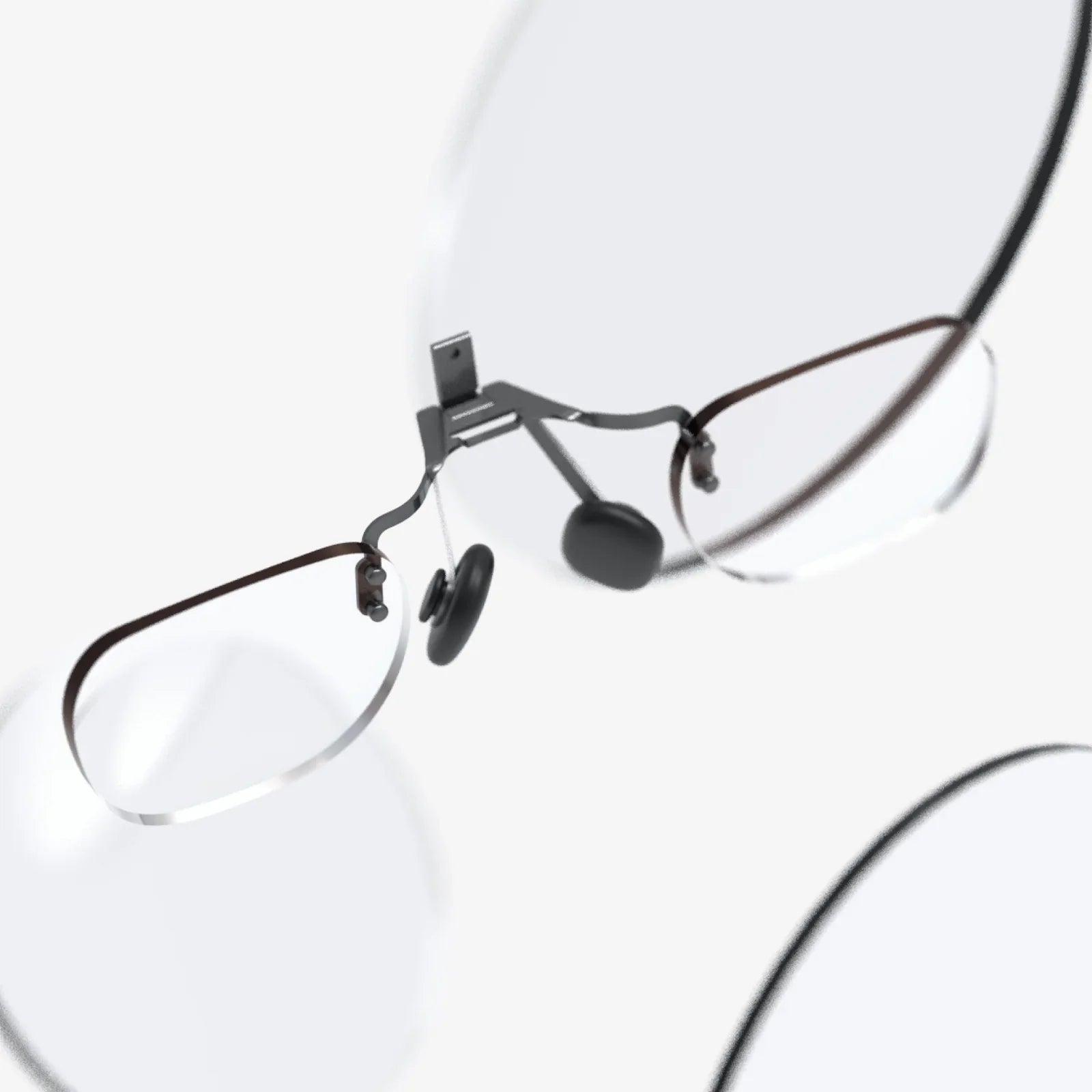
Stepping into a breathtaking virtual world, only to be met with the constant nag of your glasses digging into the bridge of your nose or the frustrating blur of a lens pressed awkwardly against your frame—it’s a jarring experience that pulls you right back into the less-than-ideal reality of technical difficulties. For the millions of us who rely on corrective lenses, the dream of seamless virtual immersion can often feel just out of focus. But what if you could unlock the full, awe-inspiring potential of your headset without compromising on comfort or visual clarity? The truth is, enjoying virtual reality with glasses is not only possible, it can be an exceptionally comfortable experience with the right knowledge and preparation. This definitive guide is designed to transform your VR sessions from a frustrating chore into a flawless adventure, ensuring your view of other worlds is always pin-sharp.
Understanding the Core Challenge: Why Glasses and VR Can Clash
Before diving into solutions, it's crucial to understand the fundamental physics and design constraints at play. A VR headset works by placing two magnifying lenses very close to your eyes, with a high-resolution screen positioned behind them. This optical system creates the illusion of a vast, distant world.
When you wear glasses inside this tightly engineered space, several issues can arise:
-
Physical Contact: The most immediate problem is the risk of your glasses' frames or lenses scratching the expensive, precision-coated lenses of the VR headset. This damage is permanent and can create blurry spots or light flares in your view.
-
Reduced Field of View (FOV): The headset's lenses are designed to fill your entire peripheral vision. Glasses act as a barrier, often forcing you to see the edges of your frames or preventing you from getting your eyes close enough to the lenses, effectively putting "binoculars" on your immersive experience.
-
Pressure and Discomfort: VR headsets are designed to create a light-seal around your face, which often requires a snug fit. This pressure is typically distributed across your forehead and cheeks. With glasses, this pressure is transferred to the delicate bones on the sides of your head and the bridge of your nose, leading to headaches and soreness during extended play.
-
Light Leakage: Glasses can prevent the headset's facial interface from forming a complete seal, allowing external light to bleed in and break your sense of immersion.
The First Step: Crucial Pre-Use Measurements
Not all glasses are created equal, and not all VR headsets offer the same internal space. Your journey to comfort starts with a tape measure.
Measuring Your Glasses
You need two key dimensions:
-
Width: Measure the entire horizontal width of your frames at their widest point, typically from one hinge to the other. This is often between 130mm and 150mm.
-
Height: Measure the vertical height of the lenses, including the frames. This is crucial as tall frames are more likely to contact the headset's lenses.
Understanding Your Headset's Specifications
Every major headset has a published "glasses space" or "eye relief" specification. This is the distance between the headset's lenses and your eyes when worn. You can often find this information in the technical specs on the product's website or in user manuals. Compare this to the depth of your glasses. Furthermore, many headsets now come with a removable spacer included in the box, designed specifically to create more room for glasses wearers. Always check for this first.
Method 1: Wearing Your Glasses Inside the Headset (The Direct Approach)
For many, using their everyday glasses is the most straightforward solution. To do it correctly and safely, follow this meticulous process:
Step-by-Step Guide for Safe Insertion
-
Utilize the Spacer: If your headset came with a glasses spacer (a rubber or plastic ring), install it. This small accessory is the single most important tool for preventing lens scratches.
-
Adjust the Head Straps: Fully loosen the side and top straps. You want to open the headset as wide as possible.
-
The Two-Handed Technique: Hold the headset with one hand on the front and the other on the strap. Tilt the headset forward and gently guide it onto your face, carefully sliding your glasses into place as you go. Avoid pushing the headset straight back onto your face, as this will jam your glasses into your nose.
-
Secure the Fit: Once the headset is positioned, tighten the straps starting from the top, then the sides. The headset should feel secure but not crushing. The weight should be supported by the strap system on your head, not by pressure on your face.
-
Fine-Tune the Focus: Most headsets have an IPD (Interpupillary Distance) adjustment, either physical or software-based. This slider moves the lenses closer together or further apart to match the distance between your pupils. Adjust this while wearing your glasses until the image is sharp across the entire view.
Protecting Your Investment: Lens Protectors
Even with a spacer, accidental contact can happen. For absolute peace of mind, invest in a set of aftermarket lens protectors. These are typically made of polycarbonate or hydrogel and attach via static cling or a thin adhesive ring around the lens housing. They are inexpensive insurance against costly repairs.
Method 2: The Superior Solutions for Dedicated Users
If you plan to spend significant time in VR, moving beyond wearing your standard glasses will dramatically improve your experience. Here are the most effective alternatives.
Prescription Lens Inserts: The Gold Standard
This is, without question, the best solution for clarity, comfort, and convenience. Prescription lens inserts are custom-made magnetic adapters that clip or lock into place directly over the headset's built-in lenses.
Advantages:
-
Perfect Fit: They effectively become part of the headset, eliminating all issues of space, pressure, and light leak.
-
Optimal Clarity: Designed specifically for the headset's optical system, they often provide a wider, clearer field of view than wearing glasses.
-
Scratch Protection: They permanently protect the headset's original lenses from dust, sweat, and scratches.
-
Convenience: You can pop the inserts on and off in seconds, making it easy to share your headset with others who don't need correction.
Ordering these inserts is simple. You provide your precise prescription (including PD, or Pupillary Distance) to a specialized manufacturer, and they create the lenses for your specific headset model. The magnetic versions are particularly popular for their ease of use.
Contact Lenses: The Simple Switch
For those who already wear contacts, this is an effortless solution. It combines the natural field of view and comfort of not wearing glasses with the perfect correction for your eyes. Simply put your contacts in before your VR session. This eliminates every physical compatibility issue and is often the preferred method for competitive gamers who demand every possible millisecond of immersion and clarity.
Optimizing Your Experience: Pro Tips and Tricks
Beyond the hardware, a few simple habits can make a world of difference.
-
Start with a Clean Slate: Always use a microfiber cloth to clean both your glasses and the headset's lenses before every use. Dust particles can act like sandpaper when pressed together.
-
Mind the Arms: If your glasses have thick or bulky arms, they can be bent slightly by an optician to create a tighter fit against your head, reducing the pressure from the headset's side straps.
-
Take Regular Breaks: This is good advice for all VR users but is especially important if you're experiencing any discomfort from your glasses. Use these breaks to readjust the headset and relieve any pressure points.
-
Upgrade the Interface: Some third-party companies manufacture wider, deeper facial interfaces (the foam or rubber part that touches your face) designed specifically to accommodate glasses. These can greatly enhance comfort.
What to Absolutely Avoid
In your quest for comfort, steer clear of these common mistakes:
-
Forcing the Headset: If you feel extreme pressure, hear scraping, or see your glasses frames bending, stop immediately. You are risking damage to both your glasses and the headset.
-
Using Large or Decorative Frames: Very wide, square, or heavily decorated frames are the most likely to cause problems. If you have an older, smaller pair of glasses, they might be a better fit for VR.
-
Using Paper Towels or Shirts to Clean Lenses: These materials can scratch the delicate coatings on the lenses. Only use the provided microfiber cloth.
-
Assuming One Size Fits All: Just because a friend can use their glasses with a certain headset doesn't mean yours will fit. Always rely on your own measurements.
The gate to virtual worlds should swing open freely for everyone, regardless of their prescription. By taking the time to measure, accessorize, and adjust, you can shatter the barrier that stands between you and a perfectly clear metaverse. The path to flawless immersion is now clearly in view—no squinting required. Your next adventure, in stunning high definition, awaits.