


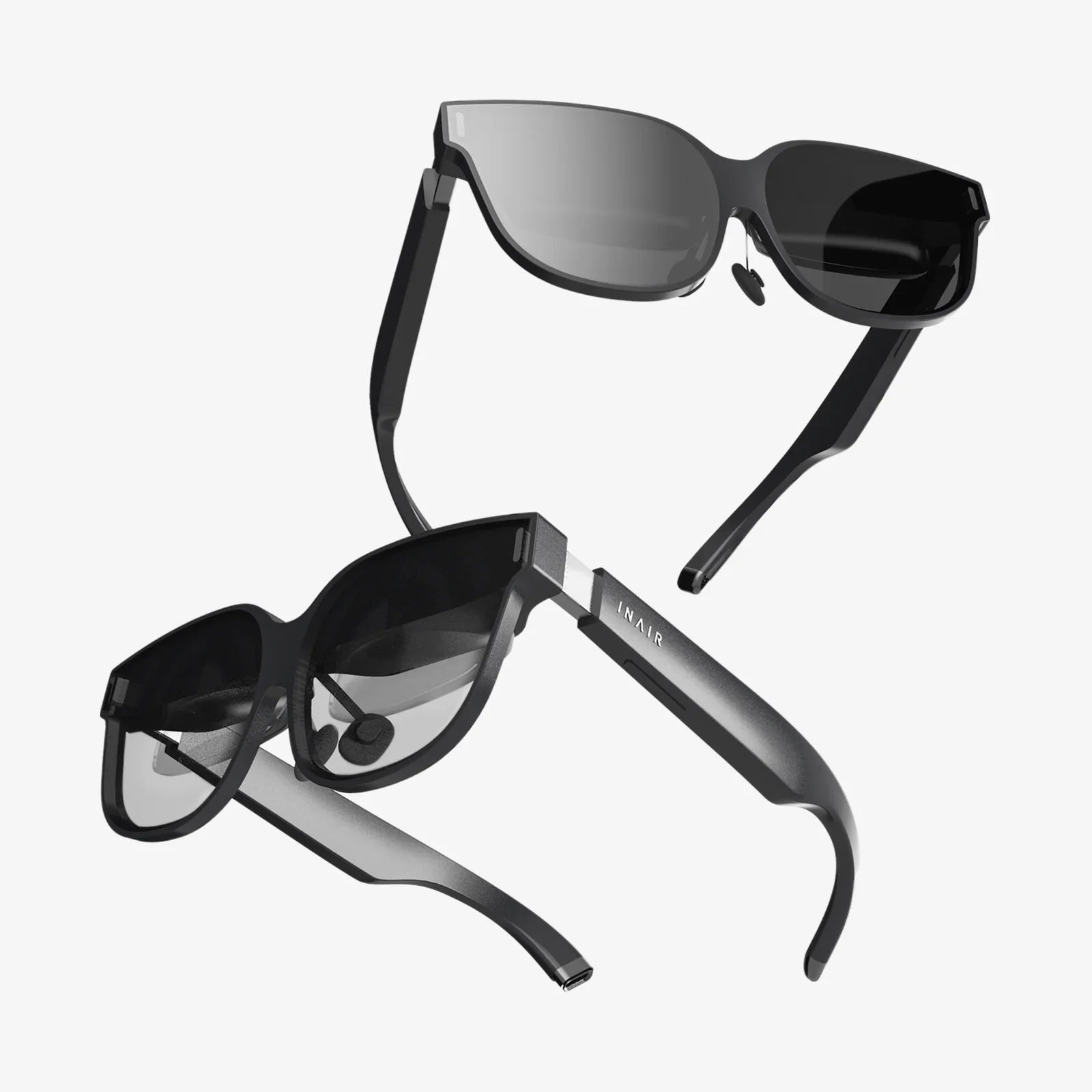
Have you ever wondered how a simple device strapped to your face can so completely hijack your senses, convincing you that you're walking on Mars, standing on a skyscraper ledge, or dodging alien laser fire? The magic of virtual reality is one of the most compelling technological feats of our time, a complex symphony of engineering, software, and perceptual psychology working in perfect harmony. It’s a portal to another existence, and it all begins with understanding the intricate dance happening inside that headset.
The Core Principle: Tricking the Human Brain
At its most fundamental level, a VR headset is a masterclass in illusion. Its primary goal is to deceive your brain into accepting a digitally rendered world as reality. This is achieved by exploiting the fundamental ways we perceive our environment. Our sense of reality is built on constant feedback from our eyes, ears, and even our sense of balance. A VR headset meticulously controls the visual and auditory stimuli you receive, creating a convincing, immersive, and interactive simulation.
The Hardware: A Closer Look at the Components
To create this illusion, a VR headset is packed with an array of sophisticated hardware. Each component plays a critical role in building and maintaining the virtual experience.
1. The Display Panels: Your Digital Windows
Inside the headset, mere centimeters from your eyes, are two high-resolution screens (or one screen divided for each eye). These displays are the source of all the visual information you see. Unlike a television or monitor, these screens are magnified through special lenses to fill your entire field of view, eliminating the real world and replacing it with the digital one. Key display technologies include:
- LCD (Liquid Crystal Display): Common and cost-effective, offering good brightness and minimal screen-door effect (seeing the fine lines between pixels) on high-resolution models.
- OLED (Organic Light-Emitting Diode): Prized for their perfect black levels and incredibly fast response times, which are crucial for reducing motion blur.
- Resolution and Refresh Rate: A high resolution (e.g., 1920x2160 per eye or more) is vital for clarity, while a high refresh rate (90Hz, 120Hz, or even 144Hz) ensures smooth motion, which is essential for preventing simulator sickness and maintaining immersion.
2. The Lenses: Focusing the Digital World
If the displays are the canvas, the lenses are the frame that makes it viewable. Placed between your eyes and the screens, these are not simple magnifying glasses. They are precision-engineered Fresnel lenses or newer pancake lenses designed to solve a critical problem: your eyes cannot focus on something placed just inches away. These lenses bend the light from the screens to make the image appear at a comfortable focal distance, often mimicking the way our eyes naturally focus at infinity, reducing eye strain. They also enable a wide field of view (typically 90-120 degrees), further selling the illusion of being inside the world.
3. Tracking Systems: Knowing Where You Are
This is arguably the most crucial technological feat for immersion. For the virtual world to feel solid and responsive, the headset must know its precise position and orientation in physical space, updating the view in real-time as you move your head. There are two primary methods:
Outside-In Tracking
This method uses external sensors or cameras placed around the room. These devices constantly "look" at the headset (and controllers), tracking infrared LEDs or distinct patterns on its surface. By triangulating the position from multiple fixed points, the system can calculate the headset's location and rotation with extremely high precision and low latency. Think of it like a satellite GPS system, where the satellites (sensors) are tracking your position.
Inside-Out Tracking
A more modern and convenient approach, inside-out tracking embeds the cameras directly onto the headset itself. These outward-facing cameras act as "eyes," continuously observing the surrounding environment. By tracking the movement of static features in your room (like furniture, walls, and pictures), the headset's internal processor can calculate its own movement through space without any external hardware. This is similar to how you intuitively know you're moving forward when you walk—you see the world moving past you.
4. Audio: The Unsung Hero of Immersion
3D spatial audio is what turns a 360-degree video into a true VR experience. It’s the difference between hearing a spaceship fly by and feeling it scream past your left ear and disappear behind you. VR headsets use advanced audio algorithms to simulate how sound waves interact with the shape of your head, ears, and shoulders (Head-Related Transfer Functions or HRTF). This allows them to create convincing, localized sounds that appear to come from specific points in the 3D space around you, making the environment feel alive and tangible.
5. Processors and Sensors: The Brain and Nervous System
All this data needs to be processed instantly. Standalone headsets have a powerful mobile System-on-a-Chip (SoC) inside the unit itself, handling everything from rendering graphics to processing tracking data. PC-powered headsets offload the heavy rendering work to a powerful external computer. Both types are packed with an array of micro-sensors that are constantly feeding data:
- Gyroscope: Measures the rate and direction of rotational movement (tilting, turning).
- Accelerometer: Measures linear acceleration and movement (moving forward, backward, up, down).
- Magnetometer: Acts as a digital compass, detecting the Earth's magnetic field to correct for drift in the other sensors and establish a fixed horizon.
The Software: Weaving the Illusion Together
Hardware is nothing without the software that orchestrates it. The operating system of a VR headset is responsible for a monumental task: stitching all these inputs and outputs together with imperceptible latency.
Low Latency: The Need for Speed
Latency is the enemy of VR. It is the delay between when you move your head and when the image on the screen updates to reflect that movement. Even a delay of 20 milliseconds (ms) can break immersion and cause discomfort or nausea. The entire software pipeline is ruthlessly optimized to keep this motion-to-photon latency below that critical threshold, often aiming for under 15ms. This involves predicting your motion, rendering frames at blinding speeds, and ensuring not a single millisecond is wasted.
Render Pipelines and Foveated Rendering
Rendering two high-resolution, high-frame-rate views is incredibly demanding. To manage this, VR software uses sophisticated techniques. A key innovation is foveated rendering. This technology uses eye-tracking (available in some high-end headsets) to determine where your fovea—the central, high-resolution part of your retina—is looking. The software then renders the area you're directly looking at in full, crisp detail, while subtly reducing the detail in your peripheral vision. Since you can't perceive the lower detail there anyway, this saves a massive amount of processing power without any perceptible loss in quality.
Choreographed Reality: A Seamless Experience
The VR runtime software is the conductor of this orchestra. It takes the tracking data from the cameras and sensors, updates the virtual camera's position in the 3D world, instructs the GPU to render the new perspective, warps the image to account for the lens distortion, and sends it to the displays—all in the blink of an eye. It also manages the boundary system (the guardian or chaperone grid that keeps you from walking into walls), handles controller input, and mixes the 3D spatial audio.
Beyond Sight and Sound: Haptics and Future Feedback
The next frontier of VR immersion is engaging the rest of the body. This is achieved through haptic feedback. Simple vibrations in the controllers provide tactile confirmation when you pull a trigger or touch a virtual object. Advanced haptic suits can use arrays of actuators to simulate sensations like rain, wind, or even the impact of a punch, further blurring the line between the virtual and the real by engaging your sense of touch.
Challenges and Considerations
The technology is incredible, but not without its hurdles. Simulator sickness, caused by a disconnect between what the eyes see and what the inner ear feels, still affects some users. The form factor of headsets continues to shrink, aiming for a comfortable, all-day wearable device rather than a heavy face computer. Furthermore, creating truly photorealistic virtual worlds in real-time remains the holy grail, pushing the limits of computing power and graphics technology.
So the next time you strap on a headset and find yourself transported to another realm, take a moment to appreciate the staggering amount of technology at play. It’s not just a screen on your face; it’s a high-speed tracking system, a binaural audio engine, a rendering powerhouse, and a perceptual trickster, all working in flawless unison to craft your new reality. This intricate ballet of hardware and software is a testament to human ingenuity, offering a glimpse into a future where our digital and physical lives may become beautifully, and seamlessly, intertwined.
Share:
Best Mobile VR Headset: Your Ultimate Guide to Smartphone-Powered Immersion
Wireless VR Headset for PC: The Ultimate Guide to Cutting the Cord