


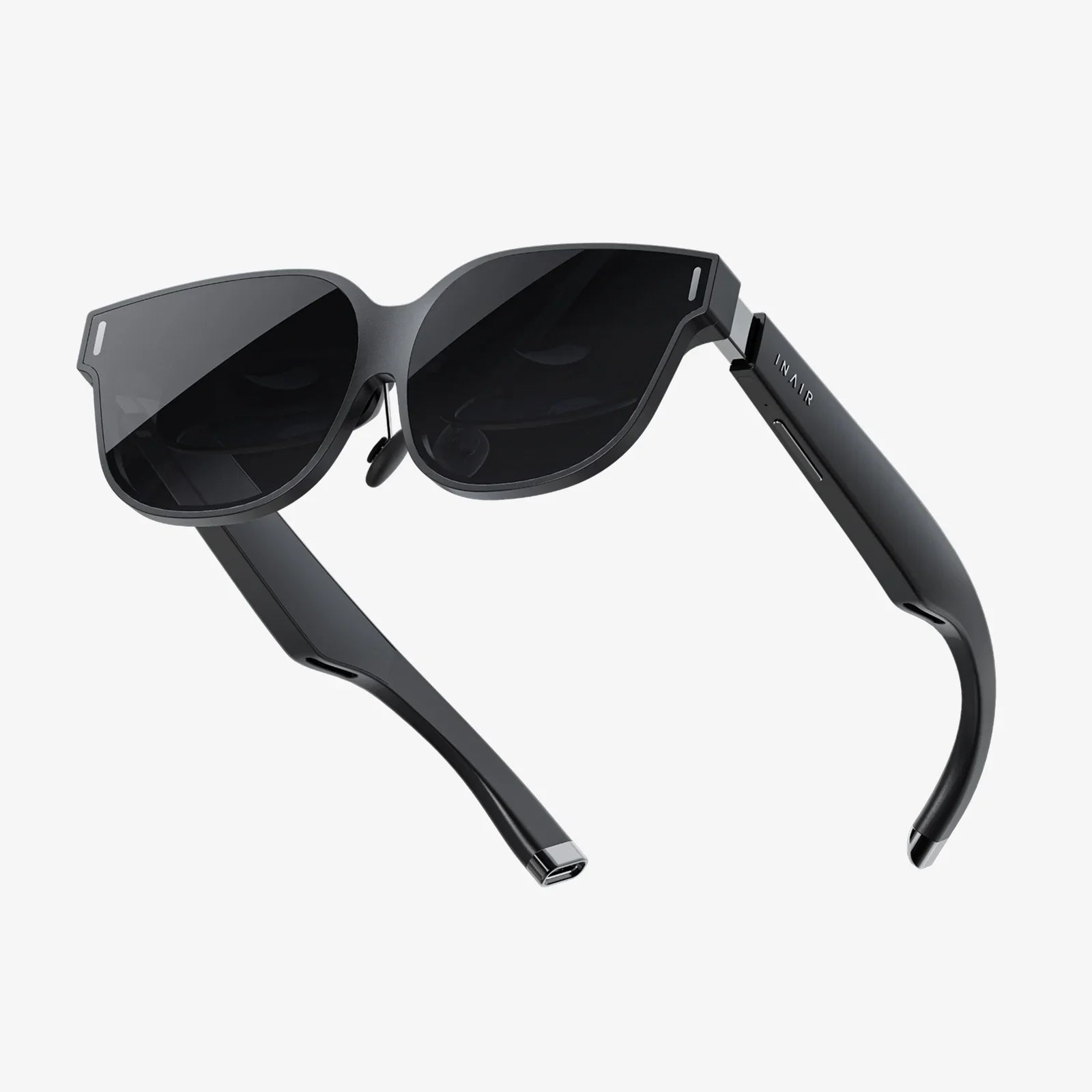
Imagine stepping into a vast, digital landscape, sword in hand, ready to battle a dragon. You spin around to hear the beast swooping from behind, duck under its fiery breath, and leap to the side to avoid a crushing tail swipe—all without a single thought about tripping over a cable. This is the promise, the sheer liberating magic, of a wireless VR headset for your PC. It’s not just an accessory; it’s a fundamental shift from being a spectator tied to a machine to becoming an active, unencumbered inhabitant of virtual worlds. The cord has been the single most persistent tether to reality, a constant reminder of the physical world’s limits. Now, cutting that cord unlocks a level of immersion and freedom that feels nothing short of revolutionary. Ready to dive in? Let’s explore everything you need to know about embracing a wireless PC VR future.
The Evolution of PC VR: From Wires to Wireless Wonder
The journey of PC-based virtual reality began with a nest of cables. Early adopters will remember the intricate dance of managing HDMI, USB, and often separate power cables, all connected to a powerful desktop computer. This tether, while necessary, was the Achilles' heel of immersion. It limited physical movement, posed a constant tripping hazard, and could even become a dangerous garrote during intense gameplay sessions. The desire for wireless freedom was immediate and universal.
Initial attempts at wireless solutions often involved cumbersome external battery packs and proprietary wireless protocols that struggled with latency and compression. The technology simply wasn't ready to handle the massive bandwidth required to transmit high-resolution, low-latency video and audio data without a physical connection. However, as wireless technology advanced, particularly with the introduction and maturation of high-bandwidth standards, a new era dawned. The development of dedicated wireless adapters and, later, headsets with native wireless capabilities marked a critical turning point. Today, wireless PC VR is not a compromised alternative; for many, it is the preferred and most immersive way to experience high-fidelity virtual reality.
How Wireless PC VR Technology Actually Works
Understanding the magic behind the wireless experience demystifies the technology and helps set realistic expectations. It’s not pure magic; it’s a brilliantly engineered solution to a complex data problem.
The Core Components
At its heart, a wireless VR system for a PC consists of three key parts:
- The PC Transmitter: This is a small device, often a PCIe card or a USB dongle, that you install in or connect to your computer. Its job is to take the audio and video signal generated by your PC's powerful graphics card and encode it into a compressed data stream suitable for wireless transmission.
- The Wireless Protocol: This is the digital highway the data travels on. Most modern solutions utilize a dedicated band in the 5 GHz or, more effectively, the 60 GHz Wi-Fi spectrum (specifically WiGig or 802.11ad/ay). The 60 GHz band offers immense bandwidth, which is crucial for the huge amount of data being sent, but it has a shorter range and requires a clear line of sight. Some systems use highly optimized 5 GHz protocols to offer more flexibility at a slight cost to maximum fidelity.
- The Headset Receiver: Integrated into the headset itself or a attached module, this receiver catches the wireless signal from the transmitter, decodes the compressed data stream, and translates it back into the images you see in the headset's displays. This entire process, from encoding to transmission to decoding, must happen in mere milliseconds to avoid perceptible latency, which is the enemy of comfort in VR.
Conquering the Latency Dragon
Latency—the delay between your movement and the visual update on screen—is critically important. High latency can lead to disorientation, motion sickness, and a broken sense of presence. Wireless systems employ several techniques to keep latency imperceptibly low:
- Advanced Compression Codecs: They use sophisticated algorithms to drastically reduce the size of the video data without a noticeable loss in visual quality.
- Dedicated Channels: Using a dedicated wireless channel or band prevents interference from other household Wi-Fi devices, ensuring a stable and consistent data flow.
- Custom Hardware: Many solutions use specialized chipsets in both the transmitter and receiver designed specifically for the task of low-latency video transmission.
The Unmatched Benefits of Going Wireless
Why make the switch? The advantages extend far beyond simply avoiding a tripping hazard.
1. Total Freedom of Movement
This is the most significant and immediate benefit. Without a cable, you are free to:
- Turn and rotate 360 degrees, naturally and endlessly.
- Crouch, lie down, crawl, and roll on the floor without entanglement.
- Utilize a larger play area to its absolute maximum potential.
- Engage in active experiences, rhythm games, and room-scale adventures with complete physical abandon.
2. Enhanced Safety
The removal of the tripping hazard is a major safety improvement. It protects not only you from falls but also your expensive PC hardware from being yanked off a desk. It also removes the risk of strangling oneself with the cable during frantic movements.
3. Increased Immersion and Presence
When the last physical tether is cut, your brain is more easily fooled. The constant subconscious awareness of the cable vanishes, allowing you to become fully absorbed in the virtual environment. This heightened sense of "presence" is the ultimate goal of VR, and wireless technology is one of the most effective ways to achieve it.
4. Convenience and Aesthetics
The setup process becomes cleaner without a cable snaking across your room. It’s easier to get in and out of the experience. Furthermore, for spectators or content creators, watching someone move naturally without a cable is far more visually appealing and less cumbersome for recording mixed-reality footage.
Setting Up Your Wireless PC VR Ecosystem
Preparing for a wireless experience requires a bit more planning than a wired one. Here’s a breakdown of what you’ll need to consider.
1. The Headset and Wireless Solution
Your first decision is choosing your path to wireless. Some headsets are designed from the ground up to be wireless, with the technology built-in. Others require a separate wireless adapter that must be purchased and attached to a compatible headset. Research compatibility carefully.
2. PC Hardware Requirements
Wireless VR does not reduce the computational demands of VR; your PC still needs to render complex scenes at high resolutions and frame rates. In fact, you may need a more powerful system:
- GPU (Graphics Card): This is the most critical component. You will need a high-end card not only to run the VR content itself but also to handle the additional overhead of encoding the video stream for wireless transmission without introducing latency.
- CPU (Processor): A modern, multi-core processor is essential to manage the game, the VR runtime, and the wireless encoding process simultaneously.
- RAM: 16GB is the recommended minimum, with 32GB providing comfortable headroom.
- OS and Ports: Ensure you have an available PCIe slot if your chosen wireless solution requires an internal card, or a free USB port for an external transmitter.
3. The Play Environment
Your physical space is now your entire VR world. Optimize it:
- Clear Line of Sight: For systems using 60GHz technology, ensuring a clear, unobstructed path between the PC transmitter and your headset is crucial. Reflective surfaces can sometimes help, but walls and large objects will block the signal.
- Play Area Size: The recommended size for room-scale VR is at least 6.5 x 5 feet (2 x 1.5 meters), but bigger is always better. Clear the area of furniture, pets, and other hazards.
- Router Considerations (if using a 5GHz solution): If your system uses your home network, dedicate a high-quality, high-speed 5GHz router to your VR space. Place it in the same room for the best performance and connect your PC to it via Ethernet cable to avoid network congestion.
4. Power Management: The Invisible Tether
While you cut the video cable, you often gain a different one: power. Wireless headsets require their own power source, typically a rechargeable battery pack. This is the new limiting factor, but it’s a far more manageable one.
- Battery Life: Most solutions offer 2-4 hours of continuous use on a single charge, which is ample for most gaming sessions.
- Hot-Swapping: Many battery packs are hot-swappable, meaning you can connect a fresh battery without shutting down your experience.
- placement: Users often place the battery in a rear pocket or use a belt-clip to balance the headset's weight, actually improving comfort.
Addressing the Trade-offs and Considerations
No technology is perfect, and wireless VR does come with its own set of compromises to be aware of.
1. Potential for Signal Interference
Even with dedicated channels, wireless signals can be susceptible to interference from other electronic devices, thick walls, or even a cluttered Wi-Fi environment. This can rarely manifest as occasional visual artifacts, stuttering, or signal dropouts if the environment isn't optimized.
2. The Battery Life Limitation
You are now on the clock. For marathon sessions, you need to plan for battery swaps or take breaks. While not a dealbreaker, it is a consideration that doesn't exist with a wired headset.
3. A Slight Latency and Compression Overhead
While modern systems have reduced this to near imperceptible levels, purists with extremely sensitive vision may notice a minuscule amount of added latency or very subtle compression artifacts in complex, high-motion scenes compared to a pristine digital wired signal. For the vast majority of users, this is not noticeable.
4. Cost
Wireless capability, whether built-in or as an add-on, represents an additional cost on top of the headset and the powerful PC required to run it. It is a premium feature for a premium experience.
The Future of Wireless PC VR
The trajectory is clear: the future of VR is untethered. The technology will continue to evolve rapidly, driven by several key trends:
Integration and Standardization
Wireless functionality will become a standard, integrated feature in most PC VR headsets, not a costly add-on. This will streamline the user experience and reduce costs over time.
Next-Generation Wireless Standards
As Wi-Fi 6E and future standards like Wi-Fi 7 become commonplace, they will offer even more robust, low-latency, and interference-resistant connections, potentially eliminating the need for dedicated transmitters and making setup as simple as connecting to a network.
Advanced Compression and Foveated Rendering
The combination of eye-tracking (foveated rendering) and smarter compression algorithms will drastically reduce the bandwidth needed. The headset will only transmit full detail exactly where the user is looking, making wireless transmission even more efficient and enabling higher resolutions without increasing latency.
Inside-Out Tracking and Standalone Convergence
The line between standalone and PC VR headsets will continue to blur. Future headsets might function as powerful standalone devices for mobile VR but also seamlessly connect to a PC wirelessly for high-fidelity experiences, all with flawless inside-out tracking that requires no external base stations.
The feeling of absolute freedom is something that must be experienced to be truly understood. It transforms VR from a fantastic tech demo into a truly believable portal to other worlds. The slight compromises of today are rapidly fading into obsolescence, overshadowed by the sheer transformative power of movement without limits. The cord has been holding VR back, and cutting it is the final step into a future we’ve only dreamed of. Your virtual self is waiting, unshackled and ready to explore.
Share:
How VR Headset Works: A Deep Dive Into The Magic of Virtual Reality
VR Headset Buying Guide: Your Ultimate Handbook to Choosing the Perfect Virtual Reality System