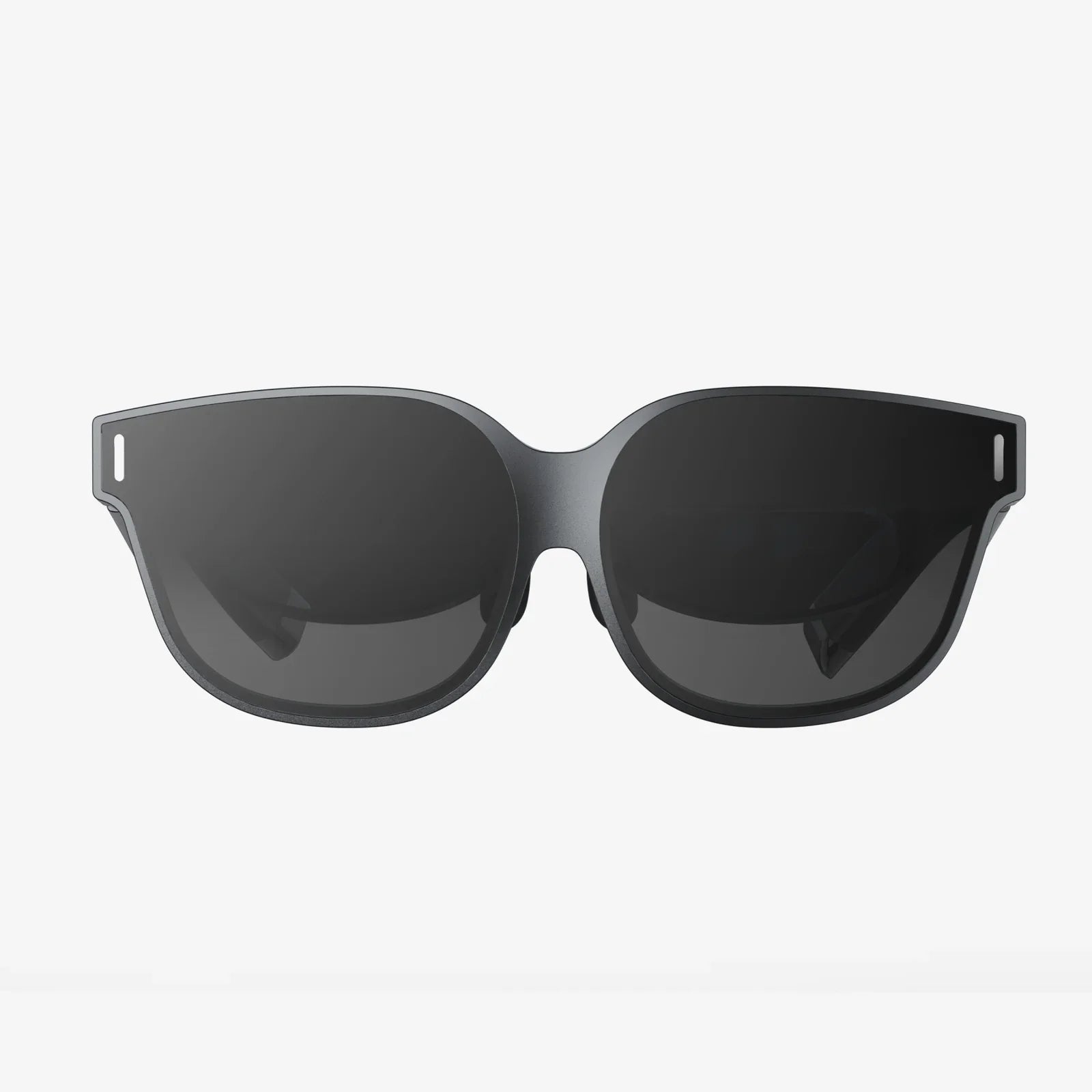
You've seen the future, and it's a breathtaking, immersive landscape of limitless possibilities. The promise of virtual reality has finally matured from a sci-fi fantasy into a tangible, awe-inspiring technology you can hold in your hands and experience in your living room. But with so many options, specs, and technical jargon, the path to finding your perfect portal to another dimension can feel more daunting than a boss fight on the highest difficulty setting. Fear not. This definitive guide is your trusted companion, designed to cut through the noise and equip you with the knowledge to select a VR headset that doesn't just meet expectations but completely shatters them, transforming your reality in ways you never thought possible.
Laying the Groundwork: Understanding Your VR Profile
Before diving into specifications and technical comparisons, the most critical step is to look inward. Your ideal VR system is a deeply personal choice, dictated by your unique circumstances, desires, and environment. Asking a few foundational questions will provide the essential framework for your entire decision-making process.
What is Your Primary Use Case?
How do you envision yourself using this technology? Your answer will heavily influence the type of headset you need. Are you a dedicated gamer seeking the most intense, high-fidelity experiences with complex motion controls? Perhaps you are a fitness enthusiast looking for a fun way to break a sweat with rhythm and movement applications. Maybe your interest lies in social VR, connecting with friends and communities in virtual spaces, or you're a creative professional exploring 3D design, virtual tourism, or immersive media consumption. Defining your "why" is the first and most important step.
What is Your Budget?
The price range for VR hardware is vast. Establishing a clear budget early on will immediately narrow your options. Remember to consider not just the cost of the headset itself, but also potential additional expenses. These can include the necessary computing hardware (a powerful gaming computer or a specific games console), proprietary accessories like additional motion controllers, battery packs, specialized facial interfaces, and, of course, the software and experiences you'll want to purchase.
What is Your Available Space?
Virtual reality experiences can be broadly categorized into three types of movement: seated, standing stationary, and room-scale. Room-scale VR allows you to physically walk around a designated play area, which requires a clear, unobstructed space free of furniture, pets, and other hazards. Measure your available space honestly. If you only have a small area, a headset that excels at seated and standing experiences might be a better fit than one designed for large-scale room exploration.
What is Your Technical Background?
Be honest about your comfort level with technology. Are you eager to tinker with settings, update drivers, and optimize performance for the best possible experience? Or do you prefer a simple, plug-and-play device that "just works" without any hassle? This will help you decide between a more complex PC-based system and a streamlined, all-in-one device.
Decoding the Technology: Key Specifications Explained
Once you have a clear picture of your needs, it's time to decipher the alphabet soup of technical specifications. Understanding what these terms mean for your actual experience is crucial.
Display Resolution and Lens Quality
Often the most advertised spec, resolution refers to the number of pixels on the internal displays. A higher resolution (e.g., 1832 x 1920 per eye or more) generally means a sharper, clearer image with less of the "screen door effect" (where you can see the faint lines between pixels). However, resolution is only part of the story. The quality of the lenses between your eyes and those displays is equally important. Modern headsets use Fresnel or pancake lenses to focus light and provide a wide, clear field of view. Look for headsets with improved lens technology that offer edge-to-edge clarity and minimal god rays (those hazy artifacts you see around high-contrast objects).
Refresh Rate: The Key to Comfort
Measured in Hertz (Hz), the refresh rate is how many times per second the image on the screen is updated. A higher refresh rate (90Hz, 120Hz, and now even 144Hz) leads to smoother motion, which is critical for both immersion and comfort. A low refresh rate can contribute to eye strain, discomfort, and simulator sickness for some users. For fast-paced games and active experiences, a high refresh rate is a significant advantage.
Field of View (FoV)
This is the extent of the observable world you can see at any given moment, measured in degrees. A wider field of view (around 110 degrees is common, with some headsets offering more) increases the feeling of immersion, making the virtual world feel more natural and less like you're looking through a pair of binoculars. A narrow FoV can create a tunnel vision effect.
Tracking Systems: Inside-Out vs. Outside-In
This is how the headset understands its position in your physical space and tracks the movement of your head and controllers.
-
Inside-Out Tracking: Cameras mounted on the headset itself look outward to track your environment. This system requires no external sensors to set up around your room, making it incredibly convenient and portable. It is the standard for modern standalone and PC headsets. Performance can sometimes be challenged if your controllers are held directly outside the field of view of the headset's cameras (e.g., behind your back).
-
Outside-In Tracking: External sensors or base stations placed in the corners of your room track the position of the headset and controllers. This method is often considered the gold standard for precision and reliability, especially for competitive gaming and experiences that require precise controller tracking behind the user's back. The trade-off is a more complex setup process and being tethered to a specific, pre-calibrated space.
Audio: Integrated vs. External
Sound is half the immersion. Many headsets come with built-in directional audio solutions that pipe spatialized sound toward your ears without actually covering them, preserving comfort and allowing you to remain aware of your real-world surroundings. Others may require you to use your own headphones or offer high-quality, built-in over-ear headphones. The quality of spatial audio can make a dramatic difference in feeling truly present in a virtual world.
The Three Pillars: Types of VR Headsets
The market primarily revolves around three distinct categories of headsets, each with its own strengths, weaknesses, and ideal user.
Standalone VR Headsets
These are all-in-one devices with a built-in processor, storage, battery, and tracking system. They are completely wireless and self-contained.
Pros: Ultimate convenience and portability. No wires, no external PC or console required. Typically the most affordable entry point. Easy to set up and use instantly. Perfect for casual gaming, fitness, social apps, and media consumption.
Cons: Processing power is limited compared to a high-end PC, meaning graphics are less complex and detailed. Battery life is a constraint, typically lasting 2-3 hours per charge. The performance and graphical fidelity, while impressive for a mobile chip, cannot compete with a tethered experience.
PC-Powered VR Headsets
These headsets act as a display and sensor hub but rely on a powerful gaming desktop computer to render the complex visuals. They connect via a cable (or sometimes wirelessly with an optional accessory).
Pros: Access to the highest-fidelity VR experiences with the best graphics, most complex worlds, and most detailed textures. The largest and most diverse library of premium content, often on open platforms. Ideal for hardcore gamers, simulation enthusiasts (flight, racing), and professional applications.
Cons: High cost, as you need both an expensive headset and a high-end gaming PC. You are tethered by a cable, which can limit freedom and be a tripping hazard (though wireless adapters exist). Setup is more complex. You are confined to the space where your PC is located.
Console-Powered VR Headsets
These are specialized headsets designed to work exclusively with a specific video game console.
Pros: Offers a great middle ground between standalone and PC VR. Provides high-quality, curated experiences that are optimized to run perfectly on the console hardware. Significantly simpler setup than a PC VR system. More affordable than investing in a gaming PC and headset.
Cons: You are locked into a single, closed ecosystem. Your content library is limited to what is available on that platform. You cannot upgrade the console's hardware to get better performance. The technology may lag behind the cutting-edge innovations seen in the PC VR space.
Beyond the Hardware: The Ecosystem and Comfort
The headset itself is only part of the equation. The digital world it connects to and how it feels on your head are just as important.
The Content Library and Platform
A headset is useless without compelling software. Research the platform it uses. Is it an open platform like SteamVR, which gives you access to a massive storefront of content that can often be used with different headsets? Or is it a closed, walled-garden ecosystem exclusive to that brand? Check to see if the headset supports the specific games and applications you are most excited about. The longevity of your device depends on a steady stream of new and interesting content.
Ergonomics and Comfort
Comfort is king in VR. A headset that feels like a headache-inducing brick after 20 minutes will never be used. Pay attention to the design:
-
Weight and Balance: Lighter is generally better, but a well-balanced headset can make even a slightly heavier device feel comfortable.
-
Head Strap Design: Basic elastic straps are common on entry-level devices but often lack support. Rigid, customizable straps with a rear counterweight are far superior for long-term comfort and stability during active experiences.
-
Facial Interface: The material that touches your face (called the gasket) should be soft, breathable, and easy to clean. Many companies offer optional interfaces made of materials like silicone, especially for fitness users.
-
IPD Adjustment: Interpupillary Distance (IPD) is the distance between your pupils. A physical IPD adjustment (sliding the lenses) is crucial for achieving a clear, comfortable image and avoiding eye strain. Software-only IPD adjustment is a compromise.
Controllers and Haptics
Your hands in VR are represented by the controllers. Their design dictates how you interact with the virtual world. Some are simple wands, while others are sophisticated ergonomic controllers that track individual finger movement, increasing expressiveness and immersion. High-quality haptic feedback (precise vibrations) can make interactions like pulling a trigger, catching a ball, or touching a virtual surface feel startlingly real.
Making Your Decision: A Practical Checklist
Armed with all this knowledge, use this checklist to evaluate any headset you are considering:
-
My Budget: $______ (Include headset + any required hardware/accessories)
-
My Use Case: (e.g., Gaming, Fitness, Social, Creative Work)
-
My Space: (Seated/Stationary/Room-Scale: ______ ft x ______ ft)
-
Required Hardware: Do I already own a capable gaming PC or the required console? Yes/No
-
Tracking: Is the convenience of inside-out tracking sufficient, or do I need the precision of outside-in tracking?
-
Content: Does this headset have access to the specific games/apps I want to use?
-
Comfort: Based on reviews, is this headset known to be comfortable for extended sessions?
-
Key Specs: Resolution (________), Refresh Rate (________ Hz), FoV (________°)
Compare your checklist against the headsets on your shortlist. The device that ticks the most boxes for your specific priorities is the one for you. Remember, there is no single "best" headset for everyone—only the best headset for *you*.
The door to countless worlds is waiting to be opened, and the key is now in your hand. This isn't just about purchasing a piece of technology; it's about choosing a passport to adventures yet unimagined, from scaling mythical mountains to creating art in three dimensions. By prioritizing your needs and understanding the technology that brings it all to life, you're no longer just a consumer—you're an explorer on the verge of a personal revolution. Your perfect virtual reality experience is out there, ready to redefine your perception of play, work, and connection. Take a deep breath and step through.