


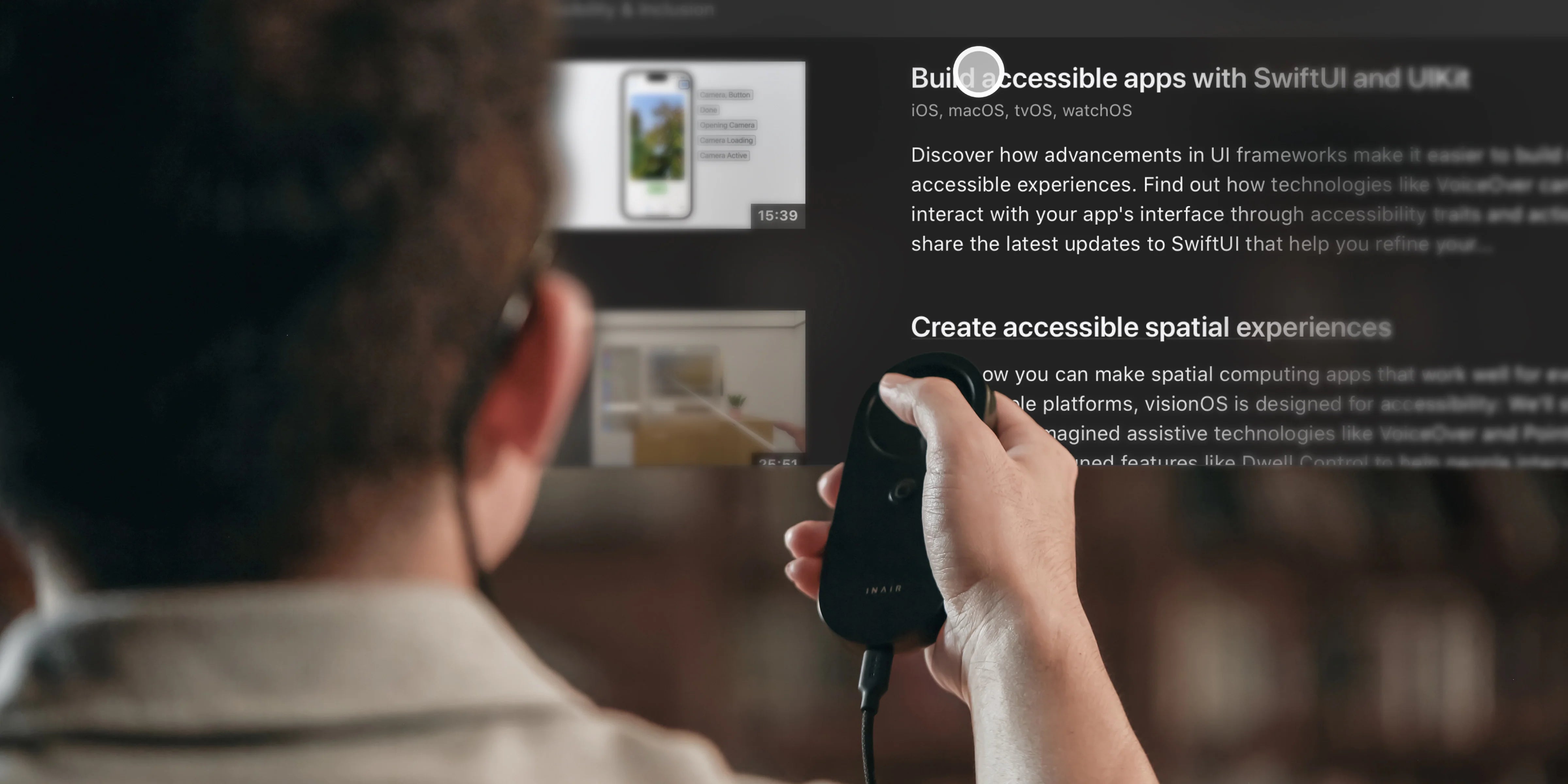
INAIR Space Windows 11 Connection Issues: Bypassing Antivirus Blocks
How do you fix INAIR Space connection issues blocked by Windows 11 Security?
If you are experiencing INAIR Space Windows 11 connection issues—specifically, the application refusing to open, frequent disconnections, or a warning that ddprobe.exe is a virus—you are encountering an antivirus false positive. To fix this, you must download the latest "Firewall-Friendly" version from our official website, temporarily disable your Windows Defender or third-party antivirus during installation, and manually add INAIR Space to your firewall's allowed applications list.
The `ddprobe.exe` "Virus" Panic Explained
We completely understand the panic when you see this message: "My PC says INAIR Space is infected with a Trojan and deleted the file!"
Please don't worry; your PC is safe. To project your computer's screen into an AR 3D space with ultra-low latency, the INAIR Space software uses a component called ddprobe.exe to capture screen data at a deep system level. Highly aggressive antivirus software (like Windows Defender, Norton, or corporate IT security) often misinterprets this screen-capturing behavior as malicious malware.
The Official Workaround & Permanent Fix
- The Immediate Fix: Turn off your real-time antivirus protection temporarily. Install the INAIR Space software. Go into your antivirus settings and add the INAIR Space folder to the "Exclusions" or "Exceptions" list. Then, turn your antivirus back on.
- The Corporate IT Barrier: If you are using a company laptop, your IT department may block the installation entirely. If you cannot get IT approval, we recommend using the INAIR Pod as a standalone Android workstation instead.
- The Permanent Solution: Our development team has fully optimized a "Firewall-Friendly" version of the INAIR Space app (released in our late March/April update) that has been submitted for whitelisting with major antivirus vendors to stop these false alarms.
Share:
INAIR User Feedback Rewards: Report Bugs, Get Gear
INAIR Pod Offline Video Playback: Managing Local Media