


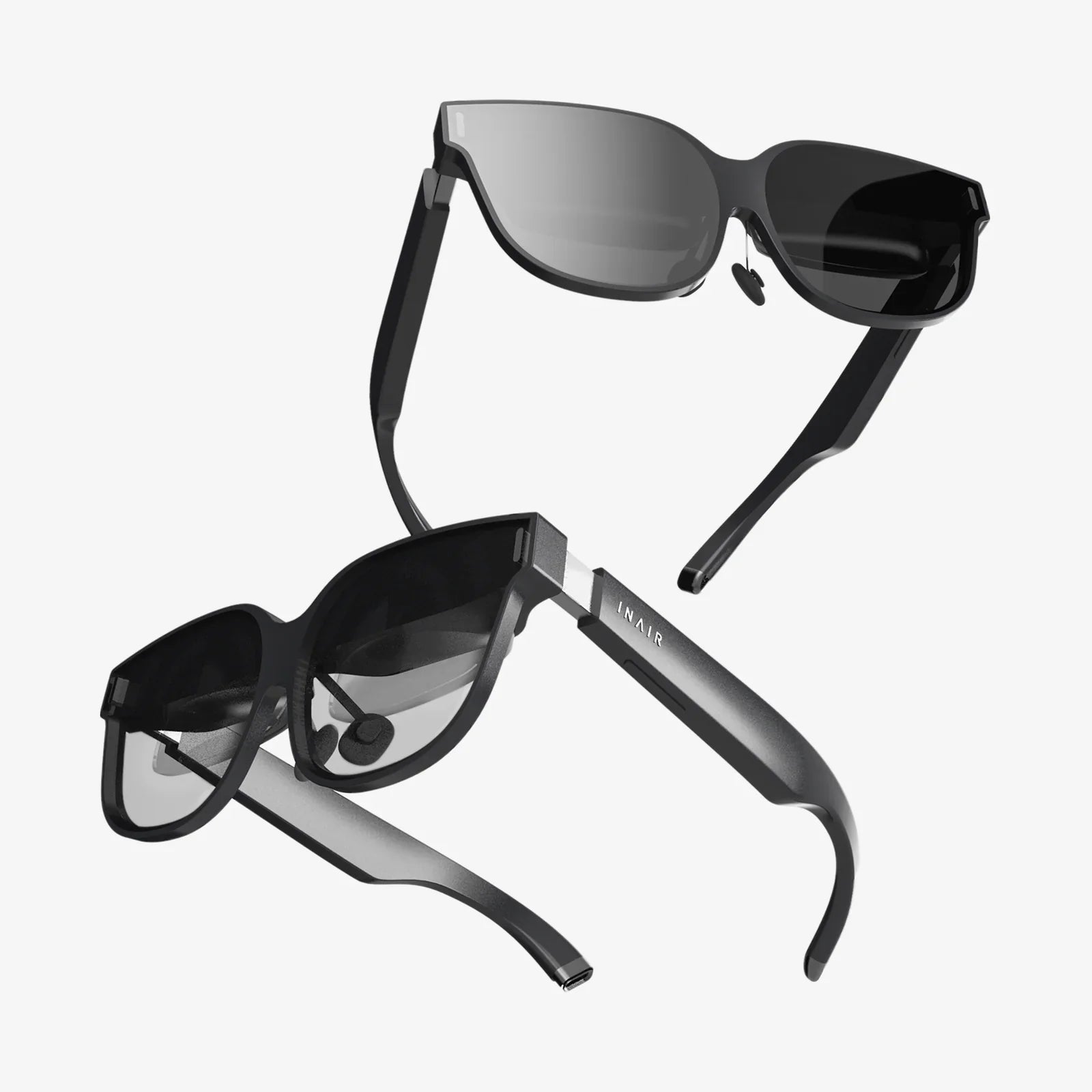
Imagine stepping through a portal into another world, where the boundaries of reality dissolve and every sight, sound, and interaction feels tangibly authentic. This is the promise of high-fidelity virtual reality, a promise fulfilled not by standalone devices, but by the raw, untethered power of PC VR systems. For those who seek the absolute zenith of immersion, where graphical fidelity and processing muscle combine to create truly breathtaking experiences, the path leads directly to a powerful computer and a premium headset. This isn't just gaming; it's transportation to realms limited only by imagination, and it all begins with understanding the ecosystem that makes it possible.
The Engine Room: Understanding the PC Hardware Requirements
At the heart of every exceptional PC VR experience lies a capable computer. Unlike their standalone counterparts, PC VR systems offload the intense computational workload to a dedicated gaming rig. This division of labor is what allows for the stunning visuals, complex physics, and vast, detailed worlds that define the premium VR segment.
The Graphics Card: The Cornerstone of VR
The most critical component in a VR-ready PC is undoubtedly the graphics processing unit (GPU). This component is responsible for rendering two high-resolution displays (one for each eye) at a very high frame rate—typically 90 frames per second (FPS) or higher. This is non-negotiable; a low frame rate is the fastest way to break immersion and can induce discomfort. A capable GPU ensures smooth, fluid motion and renders the complex textures and lighting that make virtual worlds believable.
The Central Processing Unit and Memory
While the GPU does the heavy lifting for visuals, the central processing unit (CPU) is the master coordinator. It handles the game's logic, artificial intelligence, physics calculations, and audio processing. A modern, multi-core processor is essential to prevent bottlenecks that could stutter the experience. Paired with this is sufficient RAM, the system's short-term memory. Ample RAM ensures that assets can be loaded quickly and efficiently, preventing pop-in and lag during gameplay.
The Portal: A Deep Dive into VR Headsets and Tracking Technology
The headset is your window into the virtual world and the most tangible part of any PC VR system. Modern PC-tethered headsets are marvels of engineering, packed with displays, lenses, and sensors designed to trick your senses.
Display and Visual Fidelity
The quality of the display is paramount. Key specifications include:
- Resolution: Higher resolutions, often expressed in pixels-per-inch (PPI) or a total per-eye figure, dramatically reduce the "screen door effect" (the visible gap between pixels), making the image crisp and clear.
- Refresh Rate: Measured in Hertz (Hz), a higher refresh rate (90Hz, 120Hz, 144Hz) translates to smoother motion, which is crucial for comfort and immersion, especially in fast-paced experiences.
- Field of View (FoV): This is the extent of the observable world seen at any given moment. A wider FoV feels more natural and immersive, reducing the sensation of looking through binoculars.
- Lens Technology: Advanced lens designs, like Fresnel or pancake lenses, focus the image correctly for your eyes and are crucial for minimizing god rays and glare from high-contrast scenes.
Precision Tracking: Inside-Out vs. Outside-In
For your movements to be reflected accurately in the virtual space, the system must constantly track the position and orientation of your headset and controllers. There are two primary methods:
- Outside-In Tracking: This method uses external sensors or base stations placed around the room. These devices emit lasers or light that is picked up by sensors on the headset and controllers, triangulating their precise position in 3D space. This method is renowned for its exceptional accuracy and low latency, especially for tracking complex movements behind the user's back.
- Inside-Out Tracking: This more modern approach embeds cameras directly onto the headset itself. These cameras observe the physical environment, using it as a reference point to track the headset's movement relative to the room. Controllers are tracked by the headset's cameras. This system is more convenient and portable, as it requires no external hardware setup, though it can sometimes struggle if controllers are held outside the headset's field of view.
Setting the Stage: Preparing Your Physical Space
Unlike traditional gaming, VR is a physical medium. Your real-world environment becomes the foundation for your virtual adventures.
Room-Scale vs. Seated/Standing Experiences
PC VR systems typically support different play styles:
- Room-Scale VR: This is the gold standard for immersion. It requires a clear, defined space—recommended to be at least 2m x 1.5m (6.5ft x 5ft). You physically walk, crouch, and dodge within this area, with your movements mirrored one-to-one in the game. Setting up room-scale involves defining a "Guardian" or "Chaperone" boundary—a virtual wall that appears when you get too close to the edge of your play area, preventing collisions with real-world objects.
- Seated/Standing Experiences: Many simulations (racing, flight) and some games are designed for a seated position. Others allow you to stand in one spot and move virtually via thumbsticks. This requires much less physical space but can still offer deeply engaging experiences.
The Software Ecosystem: Platforms and Experiences
The hardware is nothing without the software that brings it to life. The PC VR landscape is served by several robust digital storefronts and platforms that act as a gateway to thousands of experiences.
Digital Storefronts and Content Libraries
These platforms are where you browse, purchase, and launch your VR content. They often provide social features, friends lists, and achievement tracking. The library of available content is vast and diverse, encompassing far more than just games.
The Spectrum of VR Content
The types of experiences available on PC VR systems are breathtakingly varied:
- AAA Gaming: Large-scale, graphically intensive games built from the ground up for VR or featuring full VR support. These titles offer dozens of hours of gameplay with deep mechanics and narratives.
- Simulations: This is where PC VR truly shines. Ultra-realistic racing sims with force feedback wheels, intricate flight simulators with full HOTAS (Hands-On Throttle and Stick) support, and detailed space sims offer unparalleled authenticity that demands high-end hardware.
- Creative and Social Applications: Sculpt in 3D with virtual clay, paint in a 3D space, or design architecture. Social platforms allow you to meet with friends as stylized avatars in virtual worlds to watch movies, play games, or simply chat, making physical distance irrelevant.
- Educational and Experiential Content: Travel to the surface of Mars, walk through a human heart, or experience a historical event firsthand. PC VR is a powerful tool for education and empathy, offering experiences that are impossible in the real world.
Weighing the Commitment: Advantages and Considerations
Choosing a PC VR system is a significant decision, and it's important to balance its incredible potential with the practicalities involved.
The Unmatched Advantages
- Superior Visuals and Performance: The single biggest draw. The graphical fidelity, texture detail, draw distances, and effects are in a different league compared to mobile solutions.
- Larger, More Complex Games: The processing power allows for bigger, more physically complex worlds with more advanced AI and deeper gameplay systems.
- Future-Proofing and Upgradability: You can upgrade individual PC components (like the GPU) to enhance your VR experience with new headsets down the line, without replacing the entire system.
- Precision Tracking: Especially with outside-in systems, the tracking is often considered the most accurate available, crucial for competitive play and professional applications.
Practical Considerations
- Higher Cost of Entry: The combined cost of a VR-ready PC and a high-end headset represents a significant investment.
- Complexity of Setup: The initial setup, involving PC software, headset drivers, and room calibration, can be more involved than with a plug-and-play device.
- The Tether: Most PC VR headsets are connected to the computer with a cable. This can be a minor immersion breaker and requires careful cable management to avoid tangling. However, wireless adapter kits are available for some headsets, adding to the cost but freeing the user.
- Space Requirement: To fully utilize room-scale VR, you need to dedicate a clear, safe space in your home.
Gazing into the Crystal Ball: The Future of PC VR
The trajectory of PC VR systems points toward a future of even greater immersion and accessibility. Several key technologies are poised to redefine the experience. Eye-tracking technology, once a niche feature, is becoming more prevalent. It enables foveated rendering, where the GPU focuses its resources on rendering the precise area where the user is looking in high detail, while subtly reducing the detail in the peripheral vision. This massive efficiency gain could allow for even more complex visuals without a corresponding increase in hardware demands. Furthermore, the pursuit of visual perfection continues with improvements in micro-OLED displays offering higher resolutions, better contrast, and High Dynamic Range (HDR). We are also moving towards more ergonomic and lightweight headset designs, making long sessions more comfortable. The potential for varifocal displays, which adjust focus based on the virtual object you're looking at, could finally solve the vergence-accommodation conflict, a key factor in eye strain. Ultimately, the PC will remain the testing ground and launchpad for these cutting-edge technologies, pushing the boundaries of what is possible in a virtual space and continuously raising the bar for immersive fidelity.
The journey into high-fidelity virtual reality demands more than just a passing curiosity; it requires a commitment to quality and a passion for technological excellence. PC VR systems represent the culmination of that commitment, offering a gateway to experiences so rich and compelling that the line between the simulated and the real begins to beautifully blur. This is where you pilot a starfighter with every button on a custom cockpit, where you feel the palpable tension of a horror game in photorealistic detail, and where you create art in a medium unbounded by physical laws. The initial setup and investment are not hurdles, but rather a rite of passage for those who refuse to compromise on immersion. The ultimate virtual reality isn't just found—it's built, piece by piece, with a powerful PC at its heart, waiting to transport you.
Share:
What Language AR Technology is Using to Reshape Our Reality
Is It a Good Idea to Have a Virtual Office? The Ultimate Guide to Remote Work