


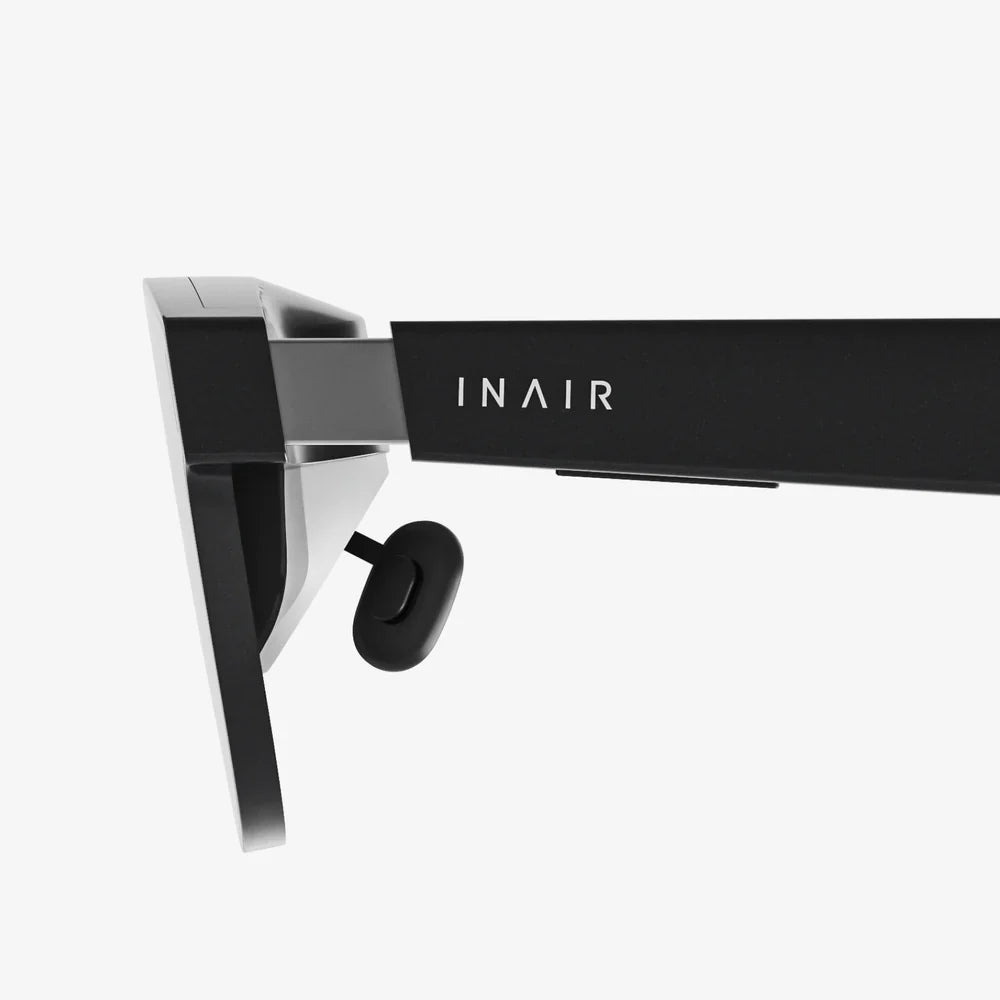
Imagine holding a portal to another world in your pocket. Your iPhone, a marvel of modern technology, is more than just a communication device; it's a gateway to immersive virtual realities, and all you need are the right goggles to unlock its potential. The quest for the top VR goggles for iPhone isn't just about finding a headset; it's about discovering the perfect companion to transform your powerful device into a personal IMAX theater, a thrilling gaming arena, or an educational journey across the cosmos. This guide will navigate you through everything you need to know to make an informed decision and step confidently into the metaverse.
Understanding the iPhone VR Ecosystem
The beauty of using an iPhone for virtual reality lies in its simplicity and power. Unlike dedicated VR systems that require bulky external computers or internal hardware, iPhone-compatible VR goggles operate on a simple principle: the headset provides the lenses, housing, and controls, while the iPhone itself serves as the high-resolution display and processing brain. This symbiotic relationship means you are leveraging the incredible screen quality, powerful chipset, and vast app ecosystem of your Apple device to deliver a seamless and surprisingly high-quality VR experience.
Key Features to Look For in iPhone VR Goggles
Not all headsets are created equal. When searching for the top VR goggles for your iPhone, several critical factors will determine your level of immersion, comfort, and enjoyment.
Optical Quality and Lens Design
The lenses are the windows to the virtual world. High-quality, precision-ground lenses are paramount for a clear, sharp image without distortion, blurriness, or the dreaded "screen door effect" where you can see the gaps between pixels. Look for headsets that feature adjustable lenses, specifically:
- Interpupillary Distance (IPD) Adjustment: This allows you to physically shift the lenses closer or further apart to match the distance between your eyes, ensuring a single, clear image and reducing eye strain.
- Focus Dials: Crucial for users who wear glasses or have less-than-perfect vision, these dials let you fine-tune the focus for each eye individually, often eliminating the need to wear glasses inside the headset.
Field of View (FoV)
Measured in degrees, the Field of View is how much of the virtual world you can see at any given moment. A wider FoV (typically above 90 degrees is considered good for mobile VR) creates a more immersive and believable experience, making you feel like you're "inside" the game or video rather than looking at a screen. A narrow FoV can feel like viewing the world through binoculars, which quickly breaks immersion.
Build Quality, Materials, and Comfort
You'll likely be wearing your VR headset for extended periods, so comfort is non-negotiable. Top-tier headsets prioritize:
- Weight Distribution: A well-designed headset uses padding and straps to distribute its weight evenly across your face and head, preventing pressure points.
- Breathable Materials: Foam padding should be soft, hypoallergenic, and removable for cleaning. Vents or breathable fabrics help reduce lens fogging and keep you comfortable during active experiences.
- Adjustable Head Straps: A robust, triple-strap design (top strap and two side straps) offers the most secure and comfortable fit, especially for dynamic experiences.
Input Methods and Controllers
How you interact with the virtual world is just as important as how you see it. Most modern iPhone VR solutions include a dedicated wireless controller. When evaluating, consider:
- Ergonomics: Does the controller feel good in your hand? Is it intuitive to use?
- Functionality: Look for controllers with a touchpad, analog stick, triggers, and buttons to ensure compatibility with a wide range of apps and games.
- Headset Integration: Some higher-end headsets may include additional sensors or input methods built into the headset itself for more advanced interactions.
iPhone Compatibility and Integration
This is the most crucial factor. Ensure the headset you choose is explicitly designed to fit your specific iPhone model. Considerations include:
- Size and Fit: The headset must accommodate your iPhone's dimensions, including any protective case you might use (though most recommend removing it).
- Connectivity: How does the headset connect to the phone? Most use a simple slot, but some may utilize a physical Lightning or USB-C connection for data transfer and power, enabling features like positional tracking.
- iOS App Support: The headset should be supported by a dedicated app or be fully compatible with major VR platforms on the App Store.
Setting Up Your VR Experience
Once you've chosen your ideal headset, setting it up is straightforward. The process typically involves a few key steps to ensure optimal performance.
Step 1: Preparing Your iPhone
First, ensure your iPhone is ready for its new role. Close all background applications to free up processing power and RAM. A VR experience is demanding, and you want all your phone's resources dedicated to delivering smooth, immersive content. Fully charge your iPhone; VR apps can drain the battery quickly. Finally, disable notifications or enable Do Not Disturb mode to prevent alerts from popping up and breaking your immersion.
Step 2: Installing the Necessary Software
Before placing your phone in the headset, download the companion app for your goggles and any key VR platforms from the App Store. Popular hubs offer access to thousands of games, 360-degree videos, and experiences. Having these apps ready to go will allow you to jump right in after the physical setup is complete.
Step 3: Calibrating for Your Eyes
This is the most important step for visual clarity. Take your time to adjust the IPD slider and focus dials. Many apps will display a calibration image to help you achieve the perfect setting. A properly calibrated headset is the difference between a blurry, nauseating experience and a crystal-clear, comfortable one.
The Best Content for iPhone VR
Your headset is a vessel, but the content is the journey. The App Store is filled with incredible VR experiences tailored for the iPhone.
Gaming and Interactive Experiences
From heart-pounding action games and intricate puzzles to peaceful exploration titles, mobile VR gaming has something for everyone. You can wield a lightsaber, defend a castle from zombies, or solve intricate mysteries—all from your living room. The quality of these games has skyrocketed, with many offering console-like production values and deeply engaging gameplay.
360-Degree Videos and Virtual Travel
One of the most magical applications of VR is the ability to travel anywhere. You can stand on the surface of Mars, swim with great white sharks, attend a live concert from the front row, or walk through the streets of ancient Rome. Major media companies and dedicated VR studios produce breathtaking 360-degree content that makes you feel truly present in these incredible locations.
Educational and Productivity Apps
VR is a powerful tool for learning and focus. Explore human anatomy in 3D, conduct virtual chemistry experiments, or practice public speaking in front of a virtual audience. For productivity, some apps allow you to create massive virtual workspaces, projecting multiple screens around you in a distraction-free environment, perfect for working on the go.
Overcoming Common Challenges
As with any technology, mobile VR has its hurdles. Being aware of them will help you have a better experience.
Managing Battery Life and Heat
Running high-fidelity VR content is intensive and will drain your battery faster than normal use. It's also common for your iPhone to get warm. For longer sessions, consider connecting a portable power bank. Avoid covering your iPhone while it's in the headset to allow for passive cooling, and take regular breaks to let both you and your device rest.
Avoiding Motion Discomfort
VR-induced motion sickness, or "cybersickness," affects some users. It occurs when your eyes perceive motion that your body doesn't feel. To combat this, start with stationary experiences like 360° videos before moving to games with full locomotion. Use teleportation movement options in games when available, always take breaks at the first sign of discomfort, and use a fan blowing on you to help reorient your senses.
Creating a Safe Play Space
When you're immersed in VR, it's easy to forget about the real world. Always clear a sufficient play area free of furniture, tripping hazards, and other people. Be mindful of cables if you are using a wired headset. Using a small rug or mat can help you tactilely know you're centered in your safe space.
The Future of iPhone-Powered VR
The landscape of mobile VR is constantly evolving. With each new iPhone release featuring more powerful processors, better displays, and advanced sensors, the potential for higher-quality VR experiences grows exponentially. The line between standalone VR headsets and phone-powered ones continues to blur, with future headsets likely leveraging the iPhone's processing power for even more advanced features like improved inside-out tracking and augmented reality (AR) integration. Investing in a quality headset now means you're ready to embrace these advancements as they arrive, future-proofing your entry into the virtual world.
Your iPhone is a ticket to adventure, waiting for you to claim your seat. The right VR headset doesn't just play videos; it unlocks a new dimension of entertainment, learning, and connection, transforming the device you use every day into something truly extraordinary. The journey into virtual reality is more accessible and awe-inspiring than ever—all you have to do is take the first step and see for yourself.
Share:
How to Turn On Your VR Headset: The Ultimate Setup and Troubleshooting Guide
Best VR Headset You Can Buy: The Ultimate 2024 Guide to Immersive Technology