


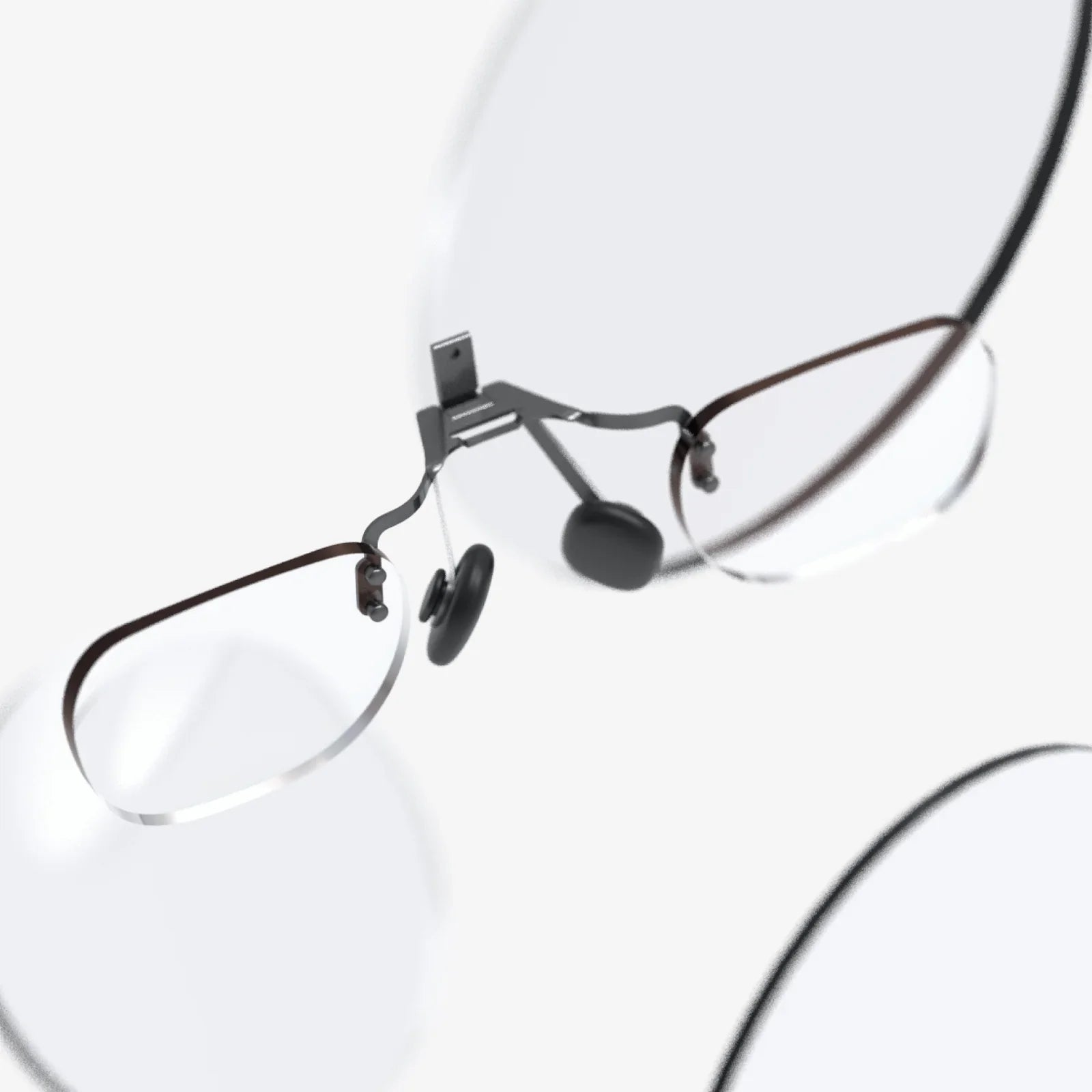
Imagine a world where digital information seamlessly overlays your physical reality, where your eyewear is not just for vision correction but a portal to a richer, more interactive existence. This is the promise of virtual glasses, a technology rapidly evolving from science fiction to an accessible consumer product. The journey to find the perfect pair, however, can be daunting. This definitive guide is designed to demystify the process, equipping you with the knowledge to make a truly informed and optimal purchase, ensuring your entry into augmented reality is nothing short of spectacular.
Understanding the Virtual Glasses Landscape
The term 'virtual glasses' often encompasses a spectrum of devices, primarily falling into two categories: Augmented Reality (AR) glasses and Virtual Reality (VR) headsets. While VR headsets fully immerse you in a digital environment, AR glasses, the focus of this guide, project digital information onto the real world. This allows you to see notifications, navigate with directions floating on the street, or visualize 3D models on your table, all while maintaining a connection to your surroundings. The market is burgeoning with options, each promising a unique blend of functionality and style, making it crucial to understand what truly matters before you commit to a purchase.
Key Features to Consider for Your Best Buy
Identifying the right pair is less about finding a single 'best' model and more about matching the device's capabilities to your specific needs and lifestyle. Scrutinizing these core features will lead you to your personal best buy.
Display Technology and Visual Fidelity
The heart of any virtual glass is its display. Key aspects include:
- Field of View (FoV): This measures the angular extent of the virtual image you can see. A wider FoV creates a more immersive experience, making digital objects feel larger and more present in your world. A narrow FoV can feel like looking through a small window.
- Resolution and Brightness: High resolution ensures text and graphics are sharp and legible, not pixelated. Brightness is critical for outdoor use; a dim display will be washed out by sunlight, rendering it useless.
- Waveguides vs. Micro-LED: Different technologies project the image. Waveguides are thin, transparent components that light travels through, often allowing for sleeker designs. Micro-LED displays are incredibly bright and efficient, offering excellent image quality.
Design, Form Factor, and Comfort
These devices are worn on your face, so aesthetics and comfort are non-negotiable.
- Style: Do they look like traditional eyeglasses, bulkier tech goggles, or something in between? Your comfort with their appearance in social and professional settings is a major factor.
- Weight and Fit: Lightweight materials are essential for all-day wear. Adjustable nose pads and temple arms ensure a secure and comfortable fit for various face shapes.
- Prescription Lenses: For those who need vision correction, the ability to integrate prescription lenses—either through custom inserts or by fitting lenses into the frame—is a paramount consideration.
Audio and Input Methods
Interaction is key to the experience.
- Spatial Audio: Built-in speakers that project sound directly into your ears without headphones, often allowing you to still hear ambient noise. Privacy can be a concern, so look for models with directed audio technology.
- Voice Commands: Hands-free control via voice assistants is a common and intuitive method for navigation and issuing commands.
- Touch Controls: Swiping or tapping on the temple of the glasses provides a discreet and quick way to interact.
- Companion Device: Many glasses rely on a connected smartphone for processing, using it as a touchpad and powerhouse, which helps keep the glasses themselves light and efficient.
Battery Life and Performance
There's always a trade-off between capability and endurance.
- All-Day vs. Task-Based Use: Some glasses aim for a full day of intermittent use (e.g., notifications, photos), while others, designed for intensive tasks like streaming video, may last only a few hours. Your usage patterns will dictate your needs.
- Charging Case: A portable charging case, similar to those for wireless earbuds, can significantly extend usability throughout the day, making it a highly valuable accessory.
- Processing Power: Is the computing done on-device (requiring more power and potentially generating heat) or offloaded to a companion device? On-device processing allows for more advanced, standalone applications.
Defining Your Primary Use Case
Your 'best buy' is entirely dependent on what you plan to do with your glasses. Aligning the device's strengths with your intended use is the most critical step.
For the Productivity Power User
If your goal is to enhance work, prioritize glasses that excel at:
- Multitasking: Floating virtual screens for emails, documents, and calendars.
- Video Conferencing: High-quality built-in cameras for clear video calls and real-time collaboration on digital models.
- App Ecosystem: Robust support for professional software and productivity suites.
- Comfort for Long Sessions: Lightweight design is crucial for wearing during an entire workday.
For the Fitness and Outdoor Enthusiast
For running, cycling, or hiking, your needs shift dramatically:
- Ruggedness and Security: A secure fit that won't fall off during intense movement, and often, a tougher build quality.
- Outdoor Readable Display: Exceptional brightness to combat direct sunlight.
- Health Tracking: Integration with heart rate monitors, pace, and route mapping overlayed onto your view.
- Action Camera Capabilities: Hands-free first-person video recording with high stability.
For the Media Consumer and Gamer
Immersive entertainment demands a different set of features:
- High-Resolution Media Playback: A wide field of view and crisp display for watching movies or playing games on a massive virtual screen.
- Immersive Spatial Audio: High-fidelity sound that creates a theater-like experience.
- Low Latency: To avoid motion sickness and ensure gameplay feels responsive.
Navigating the Purchase Process
With your needs defined, a strategic approach to purchasing will ensure satisfaction.
Where to Research and Shop
Begin with in-depth reviews from reputable technology publications and video reviews that show the device in action. Use major online retailers that aggregate user reviews, but read them critically—look for patterns in complaints or praise. Official manufacturer websites are essential for detailed spec sheets and information on warranty and support.
The Importance of a Generous Return Policy
This cannot be overstated. Virtual glasses are a highly personal experience based on fit, comfort, and visual perception. A 30-day no-questions-asked return policy is ideal. It allows you to wear them in your daily life, test the battery, and see if the display works for your eyes, ensuring you don't get stuck with an expensive product that doesn't meet your expectations.
Setting a Realistic Budget
Prices vary widely. Establish a budget early on, but be prepared for the reality that advanced technology commands a premium. Consider it an investment in a new computing platform. Also, factor in the potential cost of prescription lens inserts, a premium carrying case, or any additional accessories you might need.
The Future is Now, But Choose Wisely
We are on the cusp of a revolution in personal computing, where digital and physical realities converge on our faces. The perfect pair of virtual glasses can unlock new levels of efficiency, creativity, and fun. Yet, this nascent market is filled with both incredible innovation and overhyped promises. The power to cut through the noise and find your ideal match lies in a disciplined focus on the features that matter most to you, a clear understanding of your primary use case, and a shrewd approach to the purchasing process. Your window into the augmented world awaits; make sure you open it with the right key.
Share:
How to Create Augmented Reality Video: A Comprehensive Guide for Beginners and Pros
Augmented Reality Display Technology is Redefining Our Visual and Interactive Experience with the Digital World