


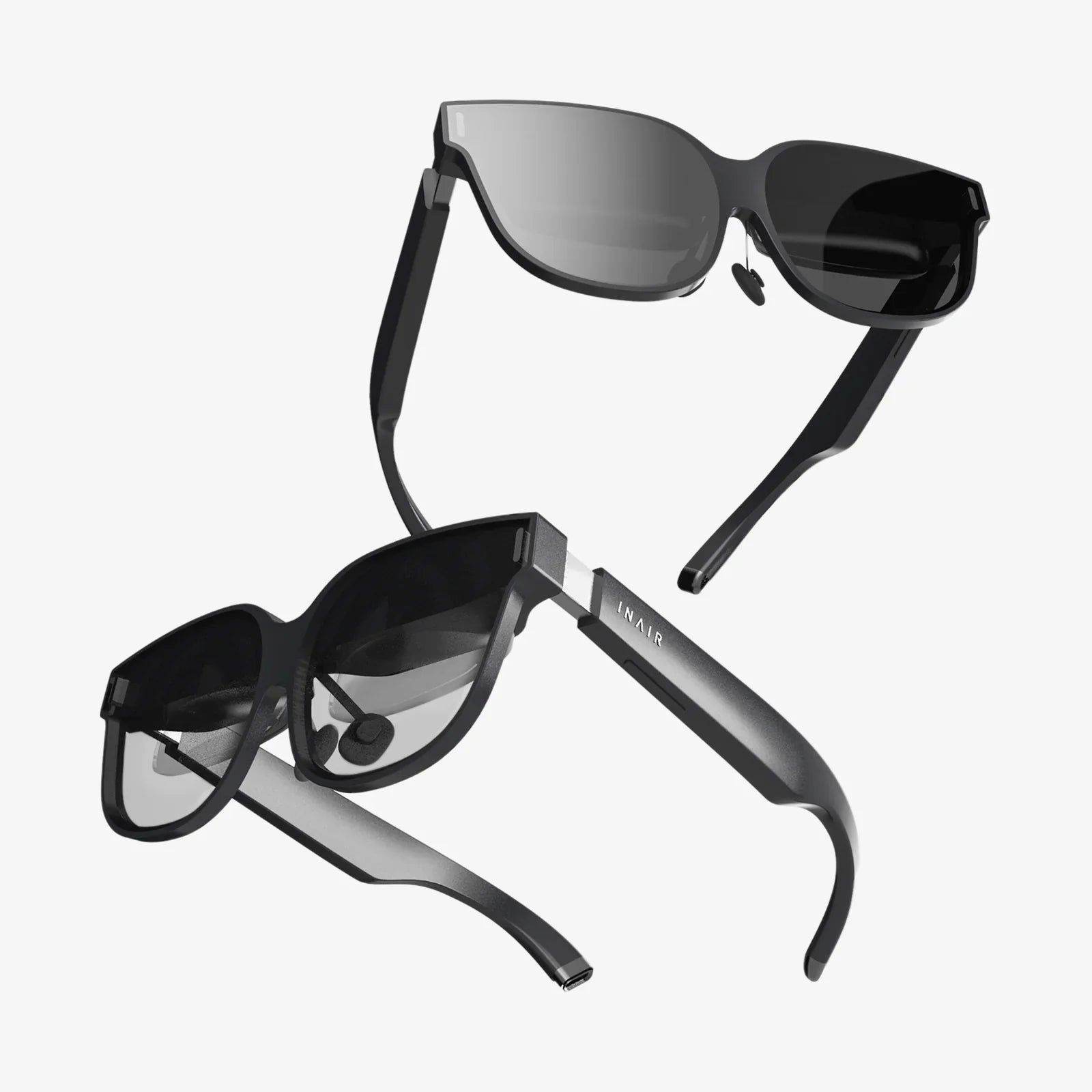
Imagine a workspace that bends to your will, where your commute is a click away, and your environment is tailored precisely to your focus, creativity, and comfort. This is the promise and potential of the virtual office layout, a concept that has exploded from a niche necessity into a mainstream imperative. But far too many organizations have merely transplanted their physical processes into a digital void, creating a chaotic landscape of overlapping tabs, fragmented communication, and digital fatigue. The true power isn't in the technology itself, but in its intentional design. Crafting an effective virtual office layout is the modern architect's blueprint for productivity, culture, and well-being in a distributed world. It’s the difference between a mere collection of apps and a cohesive, high-functioning digital headquarters. This ultimate guide will delve into the core principles, strategic components, and human-centric considerations for building a virtual workspace that doesn’t just function, but thrives.
The Foundation: Understanding the Virtual Office Ecosystem
A virtual office layout is not a single platform or tool; it is an integrated ecosystem of digital spaces, communication protocols, and cultural norms that replicate and enhance the functions of a physical office. Its primary purpose is to facilitate seamless collaboration, maintain operational clarity, and preserve organizational culture, regardless of geographical location. Unlike a physical building with fixed walls and floors, a virtual office is fluid and dynamic. Its architecture is defined by software choices, workflow design, and behavioral guidelines.
The core challenge it solves is the problem of proximity. In a physical office, information flows through casual desk drop-bys, overheard conversations, and visible body language. The virtual office must replicate these informal yet critical information channels intentionally, as they are the lifeblood of innovation and team cohesion. A poorly designed layout leads to siloed information, communication bottlenecks, and a sense of isolation among team members. Conversely, a well-designed layout creates a sense of shared presence, enables asynchronous productivity, and empowers every individual to do their best work.
Architecting Your Digital HQ: Core Components and Tools
Just as a physical office has meeting rooms, break areas, and filing cabinets, a virtual office requires dedicated spaces for specific activities. The layout is constructed from a stack of interoperable tools, each serving a distinct purpose.
The Central Hub: Communication and Presence
This is the heart of your virtual office, the equivalent of the building's main lobby and hallways. Its primary function is to facilitate real-time and near-real-time communication.
- Team Chat Applications: These platforms provide channels or rooms for team-based discussions, replacing project-based email chains. They are for quick questions, updates, and sharing files in context. Key features to utilize include threaded conversations, clear channel naming conventions, and integration with other tools.
- Video Conferencing: This is your virtual meeting room. It is essential for everything from daily stand-ups and client calls to virtual social events. The layout consideration here involves background etiquette, lighting, and the strategic use of features like virtual backgrounds or breakout rooms to structure interactions.
- Status Indicators: A critical feature often overlooked, statuses (Available, Busy, Do Not Disturb, Out to Lunch) act as the digital equivalent of a closed office door or headphones on. They are fundamental for establishing focus time and respecting deep work.
The Information Repository: Document and Knowledge Management
If the communication hub is the hallway, this is the library and filing system. A chaotic mess of files scattered across individual desktops and email attachments is a primary source of virtual office inefficiency.
- Cloud Storage and Shared Drives: This serves as the central server for all company documents. A logical folder structure, mirroring organizational departments or projects, is crucial. Permissions and access levels must be clearly defined.
- Collaborative Workspaces: These are dynamic documents—like word processors, spreadsheets, and whiteboards—that allow multiple people to edit and comment in real-time. They eliminate the confusion of version control and create a single source of truth for projects.
- Internal Wikis or Knowledge Bases: This is the institutional memory of your company. It’s where processes, policies, project retrospectives, and best practices are documented. A well-maintained wiki prevents information from being trapped in individual inboxes and silos, making onboarding new hires dramatically faster.
The Operational Nerve Center: Project and Task Management
This component provides visibility and clarity on who is doing what and by when. It replaces physical tools like whiteboards, sticky notes, and daily huddles around a desk.
- Project Management Software: These tools visualize workflows, assign tasks, set deadlines, and track progress. They create transparency across the team, allowing everyone to see the bigger picture and how their work contributes to it. The "layout" here involves setting up projects, columns, and labels in a consistent, intuitive way that everyone understands.
- Company Calendars: A shared calendar for deadlines, company-wide events, vacations, and milestones helps everyone stay synchronized. It prevents scheduling conflicts and ensures the entire team is aware of important dates.
Designing for Productivity and Well-being: The Human Element
The most sophisticated tool stack is worthless if it leads to burnout and frustration. The human experience must be at the forefront of your virtual office design.
Combating Digital Fatigue and Promoting Deep Work
The constant pings and notifications of a digital workspace can be incredibly disruptive. A key part of the layout is designing protocols for communication that protect focus.
- Asynchronous-First Mindset: Not every question needs an immediate answer. Encourage team members to default to async communication (detailed messages in chat or comments in documents) unless the matter is truly urgent. This allows people to batch their communication checks instead of being constantly interrupted.
- Defined Communication Channels: Establish clear guidelines for what type of communication belongs where. For example, urgent issues go in a specific channel or via a direct call; project discussions stay in the project channel; non-urgent announcements go in a general announcements channel. This reduces noise and helps people prioritize their attention.
- Mandatory Focus Blocks: Encourage, or even mandate, blocks of time on the calendar for deep work where team members can set their status to "Do Not Disturb." This signals respect for uninterrupted productivity.
Fostering Serendipity and Social Connection
The "watercooler moment"—the unplanned interactions that spark ideas and build friendships—is a major casualty of remote work. Your virtual office must intentionally design for it.
- Dedicated Social Spaces: Create channels in your chat app for non-work topics like #pets, #music, or #weekend-plans. These are the virtual equivalent of the office kitchenette.
- Virtual Coffee Chats: Use apps that randomly pair team members for a brief video chat to mimic running into a colleague. This builds cross-team relationships and strengthens culture.
- Organized Virtual Events: Schedule regular online social events like game nights, trivia, or happy hours. The key is to make them optional and focused on fun, not mandatory fun.
Implementing and Evolving Your Layout: A Continuous Process
Designing your virtual office is not a one-time project. It is an ongoing process of implementation, feedback, and iteration.
Establishing a Clear Set of Norms and Etiquette
Document how your virtual office operates in a living document. This should cover:
- Expected response times for different channels.
- Video meeting etiquette (e.g., camera-on expectations, muting when not speaking).
- File naming conventions and folder structure guidelines.
- Core hours for real-time collaboration across time zones.
This "employee handbook" for the digital space eliminates ambiguity and sets clear expectations for everyone.
Soliciting Feedback and Iterating
Regularly check in with your team. What's working? What's frustrating? Which tools feel clunky? The people using the space every day are the best source of insight for how to improve it. Be prepared to adapt your tools and norms based on this feedback. The technology and best practices are always evolving, and so should your virtual office.
The Future is Flexible and Human-Centric
The shift to distributed work is permanent, and the companies that succeed will be those that master the art and science of the virtual office layout. This goes far beyond subscribing to the right software. It demands a strategic and thoughtful approach to how digital spaces are structured and how people interact within them. It requires leaders to act as digital architects, consciously designing for clarity, connection, and well-being. The payoff is immense: a more agile, inclusive, and resilient organization that attracts top talent from anywhere in the world and empowers them to do their most impactful work. The canvas is blank, and the tools are powerful; it's time to design a workspace worthy of your team's potential.
Your digital headquarters is waiting to be built, not as a pale imitation of a physical space, but as something entirely new and more powerful. By moving beyond basic tool adoption and embracing the strategic design of a holistic virtual office layout, you unlock unprecedented levels of autonomy, transparency, and global collaboration. This is no longer a temporary fix for a disrupted world—it is the competitive advantage for the future of work. Stop just using apps and start architecting an environment where your culture can flourish and your business can thrive, unconstrained by physical walls and defined by intentional, human-centric design.
Share:
Spectacles for Screen Protection: The Essential Defense for the Digital Age
Are VR Goggles Worth It? An In-Depth Look at the Pros, Cons, and Future of Virtual Reality