


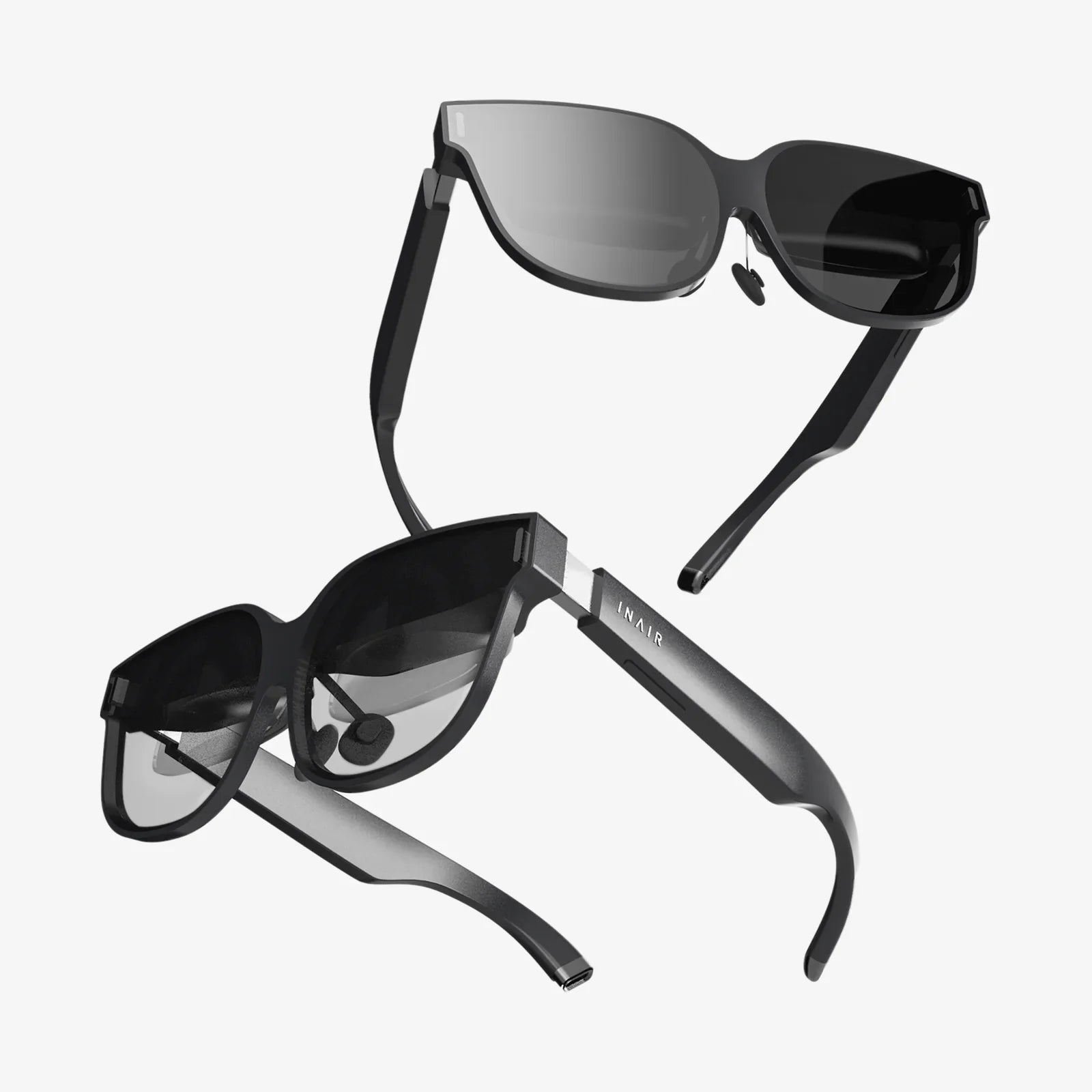
The digital frontier is expanding at a breathtaking pace, and at the very edge of this new territory lies virtual reality—a realm of limitless potential where the only true constraint is the quality of the experience itself. For creators, developers, and innovators, the allure of crafting these immersive worlds is undeniable. Yet, the path to a truly compelling and successful VR application is fraught with unique challenges that traditional 2D design principles simply cannot address. Navigating this complex landscape requires a deep understanding of a new set of rules, a blueprint for success built not on guesswork, but on proven, user-centric methodologies. The difference between an experience that captivates and one that causes discomfort is often a matter of millimeters in design, milliseconds in performance, and a profound respect for the user's psychological and physical well-being. This is not just about technology; it's about pioneering a new form of human-computer interaction. Mastering these principles is the key to unlocking the full, awe-inspiring power of virtual reality and leaving a lasting impact on every user who steps into your world.
The Foundational Pillar: Prioritizing User Comfort Above All
The single most critical factor determining the success or failure of any virtual reality experience is user comfort. Unlike any other medium, VR has the direct potential to induce physical discomfort, from mild unease to severe nausea, a phenomenon often referred to as simulator sickness. This occurs due to a conflict between the visual system, which perceives motion, and the vestibular system in the inner ear, which reports that the body is stationary. Adhering to best practices in this area is non-negotiable.
Mastering Movement and Locomotion
How a user moves through a virtual space is a primary contributor to discomfort. Best practices dictate offering users a choice of locomotion options whenever possible.
- Teleportation: This remains the gold standard for comfort. The user selects a destination and is instantly moved there without the perception of continuous movement. It is highly effective at eliminating nausea for the vast majority of users.
- Continuous Movement: While using a thumbstick to move forward, backward, and strafe (often called "smooth locomotion") is familiar to gamers, it is a significant source of discomfort for many. If implemented, it must be an option, not the default. Crucially, it should be paired with a vignetting effect—a subtle, temporary darkening or reduction of the field of view at the periphery during movement—which has been proven to reduce nausea by providing a stable visual reference point.
- Comfort Mode Turning: Abrupt turning using the thumbstick can be particularly disorienting. Instead of a smooth rotation, best practice is to implement "snap turning," where the view rotates in fixed, discrete increments (e.g., 30 or 45 degrees) with a brief blackout or blur effect between snaps. This eliminates the conflicting visual cues of turning while the inner ear feels stillness.
Maintaining a High and Stable Frame Rate
Performance is not a feature; it is a fundamental requirement for comfort. A low or inconsistent frame rate is a direct ticket to user discomfort. The universally accepted benchmark is a consistent 90 frames per second (FPS), with higher-end headsets now pushing for 120Hz refresh rates. Dropping below this threshold, even momentarily, can cause judder and break presence. Achieving this requires aggressive optimization: using efficient lighting models (baked lighting instead of real-time where possible), implementing level-of-detail (LOD) systems for 3D models, and carefully managing draw calls and texture sizes. The experience must be buttery smooth to be believable and comfortable.
Respecting User Physicality and Space
The virtual world must intelligently interact with the real one. This means robust and intuitive implementation of two key systems:
- Guardian/Boundary Systems: Clearly and consistently visualizing the user's physical play area is essential for safety. The boundary should appear seamlessly and predictably when a user approaches it, using a clear visual grid or wall. This prevents users from accidentally walking into a physical wall or tripping over furniture.
- Calibration and Accessibility:
A comfortable experience is one tailored to the individual. Forcing a one-size-fits-all approach is a cardinal sin. Best practices demand providing users with easy access to key adjustments:
- Interpupillary Distance (IPD) Adjustment: This physical adjustment on many headsets aligns the lenses with the user's pupils. An incorrect IPD setting can cause eye strain, headaches, and a blurred image. Software should guide users to calibrate this correctly upon setup.
- User Height and Floor Calibration: The virtual world's floor must align perfectly with the user's perception of the real floor. An incorrect calibration, making the user feel too tall or like they are floating, instantly breaks immersion. A simple, quick calibration step at the start of a session is essential.
- Seated and Standing Modes: Not all users can or want to stand for an experience. Offering both seated and standing play options, with appropriate adjustments to the virtual camera height and interaction mechanics, dramatically increases accessibility and comfort.
Crafting Intuitive and Believable Interactions
In virtual reality, the user's hands are their primary interface with the world. The goal is to make interactions feel natural, direct, and satisfying, moving beyond abstract button presses to meaningful physical actions.
The Principles of Natural Interaction
Leverage the user's innate understanding of physics and real-world manipulation. If an object looks like it should be picked up, it should be pick-up-able. If a lever looks like it should be pulled, it should respond to a pulling motion. This is achieved through physics-based interaction systems. Objects should have appropriate weight and momentum. Throwing an object should feel natural, based on the controller's real-world velocity and release point. Haptic feedback is crucial here; a subtle vibration on contact, on grab, and on release provides essential tactile confirmation that an action has been registered, bridging the gap between the visual and the physical.
Designing a Diegetic and Minimalist User Interface
The worst thing you can do in VR is plaster 2D menus and HUD elements across the user's view. This shatters immersion and often leads to discomfort as the eyes struggle to focus on UI elements fixed in world space or screen space. The best practice is a diegetic interface—UI elements that exist within the world itself.
- World-Space UI: Menus should appear as virtual objects on a virtual tablet, a control panel on a wall, or a holographic display emanating from the user's wrist. This allows users to interact with it naturally, by pointing or touching, reinforcing their presence in the world.
- Minimalist Feedback: Instead of a health bar, show a cracked visor or a bloody screen edge. Instead of a text prompt, use spatialized audio cues or subtle visual highlights on interactive objects. Information should be conveyed through the environment and its changes, not through traditional UI overlays.
Building Worlds That Feel Real: Audio and Visual Fidelity
Immersion, the feeling of "being there," is the ultimate goal of VR. This is achieved through a symphony of visual and auditory cues that trick the brain into accepting the virtual as real.
The Critical Role of 3D Spatial Audio
Audio is arguably half of the experience. The human auditory system is a powerful tool for spatial awareness. Best practices require the implementation of high-quality 3D spatial audio. A sound should change volume and timbre based on its distance from the user and its position relative to the head. Hearing an enemy creeping up behind you, or locating a barking dog in a yard just by sound, is a profoundly immersive experience. It provides essential contextual information and is a powerful tool for guiding user attention without intrusive visual arrows or prompts.
Consistent Scale and Lighting
The human brain is exceptionally good at detecting inconsistencies in scale. A doorknob that is too large, a ceiling that is too low, or a character whose eyes are the wrong size will feel "off" and undermine presence. Use real-world units (meters, feet) during the 3D modeling process to ensure everything is to scale. Similarly, lighting must be consistent and believable. The direction of shadows should match the primary light source. Abrupt or unnatural changes in lighting can be jarring. Using techniques like baked global illumination can create realistic and performant lighting that grounds the user in the space.
Onboarding and User Guidance in a Borderless Medium
You cannot assume users know how to interact with your specific virtual world. Throwing them into a complex environment with no guidance is a recipe for frustration. The onboarding process must be seamless, interactive, and conducted entirely within the headset.
The Interactive Tutorial
The best tutorials are not text-based manuals. They are interactive experiences that guide the user through core mechanics step-by-step. Have them physically practice grabbing an object, throwing it, using a tool, and moving around. Provide positive, haptic, and auditory feedback for successful actions. This "muscle memory" learning is far more effective than reading instructions.
Environmental Storytelling and Guidance
Use the environment itself to guide the user. A well-placed path, a beam of light, a strategically placed sign, or the direction a character is looking can all naturally pull the user through the experience without the need for an artificial arrow or minimap. The world should feel designed to be explored, not a series of obstacles requiring explicit instruction.
Ethical Considerations and the Future of Presence
As creators of these powerful immersive experiences, we must acknowledge the profound ethical responsibility that comes with this technology. VR has a unique ability to create strong emotional responses and memories.
User Safety and Psychological Well-being
Best practices extend beyond physical comfort to psychological safety. Experiences involving intense horror, simulated heights, or socially intimate situations can be profoundly affecting. It is imperative to provide users with clear content warnings and, more importantly, robust comfort settings that they can adjust on the fly. This includes the ability to instantly "nope out" of a situation, perhaps by fading to a calming environment or pausing the experience entirely. Informed consent and user agency are paramount.
Data Privacy and Security
VR applications can collect a unprecedented amount of sensitive biometric and behavioral data: precise eye gaze, hand tremors, voice recordings, physical reaction times, and even emotional responses. A best practice framework demands transparent data collection policies. Users must be clearly informed about what data is being collected, how it is being used, and how it is being protected. This data is incredibly personal and must be treated with the highest levels of security and ethical consideration.
The journey into virtual reality is one of the most exciting technological adventures of our time, but its true potential will only be realized by those who approach it with meticulous care, profound respect for the user, and a commitment to these foundational best practices. This is not merely about avoiding discomfort; it is about engineering wonder, crafting connection, and building worlds that feel as real and meaningful as our own. The blueprint for success is here, offering a clear path to creating experiences that don't just show users a new world, but truly make them believe they are living in it. The next era of human experience awaits, and it will be built by those who master these essential principles of immersive design.
Share:
What Are the Advantages of Virtual Reality: A Deep Dive Into a Digital Revolution
Mixed Reality Design: The Ultimate Guide to Crafting the Future of Digital Interaction