


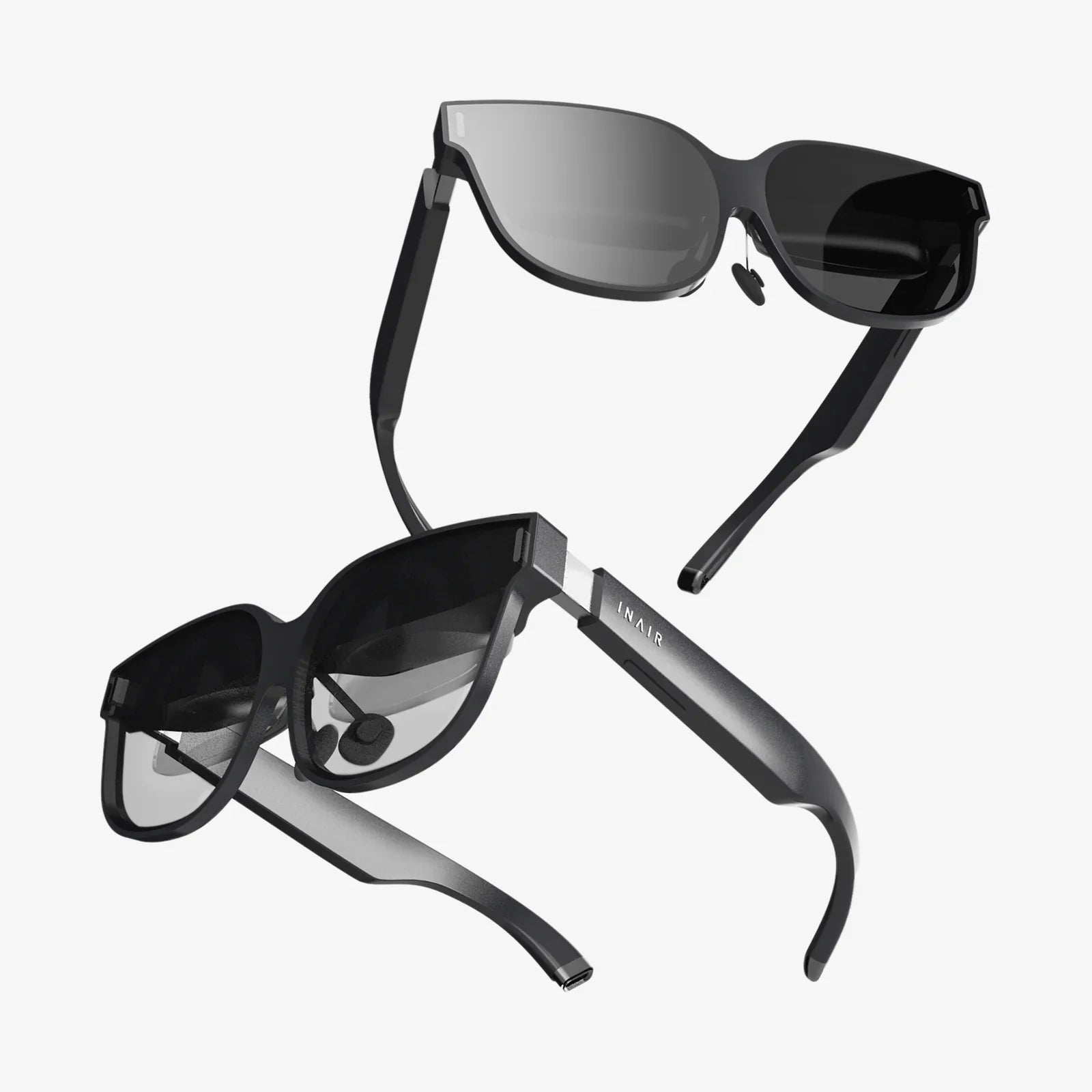
Imagine stepping through your screen into a world limited only by imagination, where the boundaries between the digital and the physical dissolve into pure, unadulterated experience. This is the promise of virtual reality for PC, a technological frontier that has evolved from science fiction fantasy into a powerful, accessible, and utterly transformative reality. The raw computational power of the modern personal computer has become the engine for the most immersive and breathtaking virtual experiences available today, offering a gateway to worlds unknown, professional tools of unparalleled depth, and social connections that feel tangibly real. This isn't just about playing games; it's about redefining your relationship with technology itself.
The Foundation: Understanding PC VR Hardware
At its core, a PC VR setup is a symphony of sophisticated components working in perfect harmony. Unlike self-contained systems, PC-powered VR leverages the immense processing power of a desktop computer to generate hyper-detailed, vast, and complex virtual environments. This partnership between headset and computer is what defines the high-end of the virtual reality spectrum.
The Head-Mounted Display (HMD)
The Head-Mounted Display, or HMD, is your window into the virtual world. It's the most visible and personal component of the setup. Modern PC VR headsets are engineering marvels, featuring:
- High-Resolution Displays: Boasting crisp, dual OLED or LCD screens with resolutions that meet or exceed 4K per eye, eliminating the "screen door effect" of early models and delivering stunning visual clarity.
- High Refresh Rates: With refresh rates of 90Hz, 120Hz, or even higher, these displays ensure buttery-smooth motion, which is critical for maintaining immersion and preventing motion discomfort. This fluidity makes virtual objects feel solid and real.
- Precision Tracking: Advanced inside-out or external sensor tracking systems monitor your head's position and orientation in real-time, with sub-millimeter accuracy. This means when you lean in to examine a virtual object, duck under a low-hanging beam, or peek around a corner, the world responds with one-to-one precision.
- Advanced Optics: Custom-designed Fresnel or pancake lenses provide a wide field of view (often 100 degrees or more), edge-to-edge clarity, and adjustable IPD (Interpupillary Distance) to ensure a sharp and comfortable image for a wide range of users.
The Controllers: Your Virtual Hands
VR controllers are far more than simple gamepads; they are sophisticated instruments of interaction. They translate your real-world hand movements, gestures, and even individual finger positions into the virtual space. Equipped with haptic feedback motors, they can simulate the sensation of touching different surfaces—from the gentle buzz of a virtual object to the sharp recoil of a weapon. This haptic feedback, combined with precise motion tracking, completes the illusion of presence, making you believe you are truly manipulating the digital world with your own hands.
The PC: The Unseen Engine
The computer is the silent, powerful heart of the operation. Rendering two high-resolution perspectives at a exceptionally high and stable frame rate is one of the most demanding tasks for any GPU. A capable PC VR rig requires:
- A Powerful Graphics Card (GPU): This is the single most important component. A robust GPU is responsible for rendering the complex 3D environments twice over (once for each eye) without dropping frames, which can break immersion and cause discomfort.
- A Fast Processor (CPU): The CPU handles the physics simulations, artificial intelligence for characters, and overall logic of the virtual world, ensuring it reacts believably to your actions.
- Ample RAM: Sufficient system memory (16GB is often considered a comfortable starting point) allows for the seamless loading and management of large, detailed virtual assets.
- Connectivity: Most modern headsets connect via a single high-bandwidth USB-C cable that carries both data and display signal, though some older models may use a combination of HDMI and USB. Wireless adapter kits also exist for certain headsets, cutting the cord for ultimate freedom, though often at a slight cost to visual fidelity and latency.
A Universe of Experiences: Beyond Gaming
While gaming is the most famous application for virtual reality, the capabilities of PC VR extend far beyond. The power of a PC unlocks experiences that are richer, deeper, and more practical.
Gaming and Interactive Entertainment
PC VR is the pinnacle of virtual gaming. The library is vast and diverse, encompassing every genre imaginable. You can:
- Wield a lightsaber in a climactic battle against dark forces.
- Command the bridge of a starship, managing systems and crew in a tense sci-fi adventure.
- Solve intricate physics-based puzzles in mysterious, otherworldly landscapes.
- Feel the tension of a horror game as you navigate dark corridors, where sounds come from all around you and dread feels palpable.
- Experience unparalleled racing and flight simulators, where the sense of speed, G-force, and spatial awareness is unmatched by any flat-screen monitor.
The depth and graphical fidelity of these titles, powered by high-end PCs, create a level of immersion that is simply unattainable elsewhere.
Social VR and Metaverse Platforms
The concept of the "metaverse" finds one of its most mature expressions in PC VR. Social VR platforms allow you to create a digital avatar and interact with people from across the globe in shared virtual spaces. You can attend live concerts, watch movies together in a virtual cinema, play social games, visit user-created worlds, or simply hang out and chat around a virtual campfire. The sense of shared presence—making eye contact, reading body language, and feeling like you are truly in the same room with someone thousands of miles away—is a profound shift from traditional video calls and represents a new frontier for human connection.
Professional and Creative Applications
The value of VR extends deep into professional fields. Architects and designers walk clients through photorealistic 3D models of unbuilt structures. Medical students practice complex surgical procedures in a risk-free virtual operating room. Artists use VR as a new medium, painting and sculpting in three-dimensional space with tools that defy physical limitations. Corporate teams use VR for immersive training simulations and collaborative design reviews. The ability to visualize and interact with data or models at a 1:1 scale provides insights and understanding that are impossible to gain from a 2D screen.
Setting Up Your Virtual Playground
Preparing for PC VR requires some consideration of your physical space. There are generally two modes of play:
- Seated/Stationary Experience: Perfect for flight sims, racing games, or cockpit-based experiences where movement is limited.
- Room-Scale VR: The ultimate expression of VR. This requires a cleared area (recommended is at least 6.5 x 5 feet). The system maps your physical playspace into the virtual world, allowing you to walk around, duck, dodge, and interact physically within its boundaries. Setting up room-scale involves defining a "Guardian" or "Chaperone" system—a virtual wall that appears when you get too close to the edge of your safe zone, preventing you from bumping into real-world furniture.
The Future is Now, and It's Connected
The journey of PC virtual reality is one of relentless innovation. We are already seeing the emergence of new technologies that will define the next generation:
- Eye-Tracking and Foveated Rendering: This technology tracks where you are looking and renders that specific area in high detail while subtly reducing the rendering load on your peripheral vision. This massively improves performance without any perceptible loss in quality, allowing for even more complex scenes.
- Varifocal Displays: Prototypes are exploring lenses that can dynamically adjust focus based on the distance of the virtual object you're looking at, mimicking the natural behavior of your eyes and solving the vergence-accommodation conflict that can cause eye strain.
- Haptic Suits and Gloves: The next step in immersion is full-body haptics. Imagine feeling rain on your skin, the impact of a punch, or the texture of a virtual wall through a specialized suit or gloves, adding a powerful new layer of tactile feedback.
Virtual reality for PC represents the cutting edge of personal technology, a fusion of raw computational power and human-centric design that is constantly pushing the boundaries of what is possible. It is a portal to adventure, a canvas for creation, a tool for innovation, and a new square for social gathering. The door to these infinite worlds is waiting; all you need is the courage to put on the headset and step through. The question is no longer if you will try it, but what you will do first when you realize everything is possible.
Share:
AR Market and VR Market: A Deep Dive into the Converging Futures of Immersive Technology
Wearable AI Glasses News Today: The Dawn of a New Augmented Reality Era