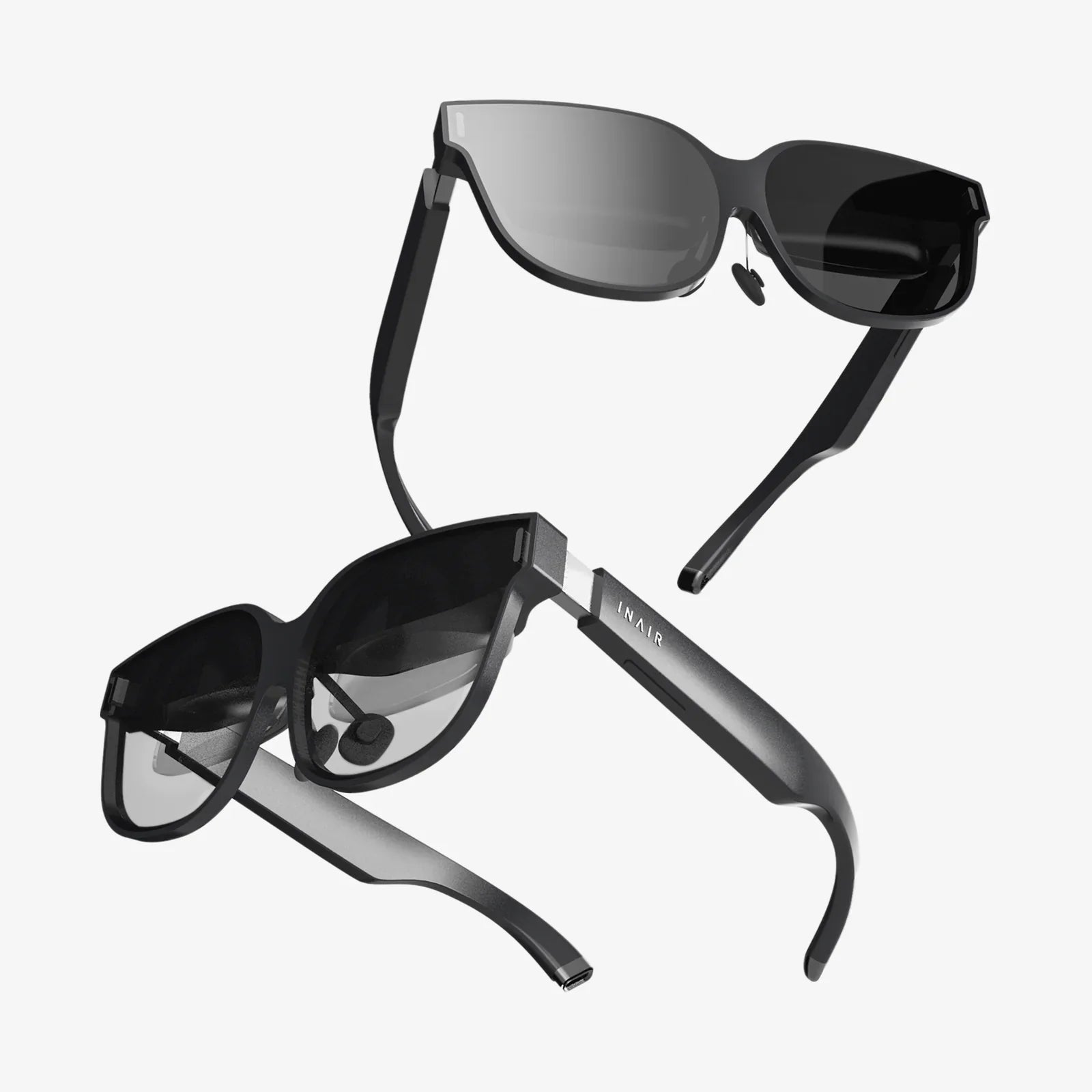
You've seen the breathtaking trailers, heard the excited chatter, and maybe even tried a demo at a friend's house. Virtual reality is no longer a distant sci-fi fantasy; it's a tangible, awe-inspiring technology sitting on the cusp of mainstream adoption. But where do you even begin? The world of VR can feel overwhelming, a labyrinth of technical specs, unfamiliar hardware, and a seemingly infinite digital universe waiting to be explored. This feeling is exactly why you're here. This definitive guide is your gateway, your personal mentor, and your roadmap to not just entering the virtual world, but mastering it. Forget the confusion and the intimidation; we're about to demystify it all, from unboxing your headset to crafting your own virtual experiences. Prepare to step through the looking glass.
Laying the Foundation: Understanding the VR Landscape
Before you can dive in, it's crucial to understand the different paths into virtual reality. Not all experiences are created equal, and the hardware you choose will define your journey.
How to Choose the Right VR System for You
The first and most critical decision is selecting your platform. The market primarily offers three distinct types of systems, each with its own strengths, weaknesses, and price points.
-
Standalone VR Headsets: These are all-in-one devices. They require no wires, no external sensors, and no powerful computer. The processing power is built directly into the headset itself. This is the easiest and most accessible way to get into VR. They are wireless, portable, and incredibly user-friendly, making them perfect for beginners, families, and anyone who values convenience and a clutter-free experience. The trade-off is that their graphical fidelity and processing power are not on par with more advanced systems, limiting the complexity of some applications and games.
-
PC-Connected VR Headsets: This category represents the high-end of consumer virtual reality. These headsets must be connected via a high-speed cable to a powerful gaming computer that meets specific technical requirements. The PC does all the heavy graphical lifting, allowing these devices to deliver stunning, photorealistic visuals, incredibly detailed environments, and the most immersive and complex experiences available. This is the domain of serious gamers, professional designers, and hardcore enthusiasts who demand the absolute best performance and are willing to invest in the necessary hardware.
-
Console-Based VR Systems: This option offers a middle ground. A specific headset is designed to work exclusively with a particular video game console. It provides a plug-and-play experience that is simpler than a PC setup but typically offers higher performance and more curated content than most standalone systems. It leverages the power of the console to deliver a premium experience without the need to build or maintain a high-end gaming PC.
Your choice should be based on your budget, your technical comfort level, and your desired experience. Do you prioritize ease of use or graphical supremacy?
How to Set Up Your Virtual Reality Space
Once you have your hardware, the next step is preparing your physical environment. This is not just about convenience; it's about safety and immersion.
-
Clear the Area: This is the most important rule of VR. Before you put on the headset, physically walk around the area you intend to use. Move coffee tables, chairs, lamps, and any other potential hazards. You will be moving around blindly in the physical world while engaged in the virtual one. A clean, open space is non-negotiable.
-
Define Your Play Area: Most VR systems will guide you through setting up a "Guardian System" or "Chaperone Boundary." This is a digital wall that appears inside your headset when you get too close to the edge of your safe space. You trace the boundaries of your cleared area with your controller, and the system will remember it. Never disable this feature.
-
Consider Your Flooring: A small rug or mat in the center of your play space can be a fantastic tactile indicator. Feeling the rug under your feet lets you know you are safely in the center of your designated area without having to break immersion to look for the digital boundary.
-
Manage Cables (For Wired Headsets): If you're using a PC-connected headset, a dangling cable is a tripping hazard and a constant immersion-breaker. Look into simple overhead pulley systems that suspend the cable from the ceiling, keeping it safely out of the way.
-
Lighting and Reflections: Some systems that use external sensors or inside-out tracking can be disrupted by excessive bright light (like direct sunlight) or large, reflective surfaces (like mirrors or glass tables). Ensure your play space has consistent, moderate lighting.
Your First Steps in a New World
The setup is complete. The headset is on. Now what? Your first session should be a careful, comfortable introduction.
How to Calibrate for Maximum Comfort
A poorly fitted headset is the fastest way to a bad experience. Take your time with this.
-
IPD Adjustment: The Inter-Pupillary Distance (IPD) is the distance between the centers of your pupils. Many headsets have a physical slider or software adjustment to match the lenses to your specific IPD. Getting this right is critical for visual clarity and reducing eye strain. The world should look sharp, not blurry or cross-eyed.
-
Head Straps: Don't just plop the headset on. Adjust the top strap to take most of the weight, then tighten the side straps so the headset is snug but not painfully tight. It should not shift when you move your head quickly.
-
Finding the Sweet Spot: Gently move the headset up, down, left, and right on your face until the center of the view is at its absolute clearest. This "sweet spot" is where the lenses are perfectly aligned with your eyes.
How to Overcome VR Motion Sickness
This is a common hurdle for many new users. Your eyes are telling your brain you're moving, but your inner ear says you're standing still. This sensory conflict can cause discomfort, dizziness, or nausea. The good news is that most people can overcome this with practice, a process often called "getting your VR legs."
-
Start Slow: Begin with stationary experiences or games where you teleport to move instead of using analog stick locomotion (often called "smooth locomotion").
-
Short Sessions: Play for 10-15 minutes at first. Stop before you feel any discomfort. Your goal is to end on a positive note. Gradually increase your playtime as you feel more comfortable.
-
Use a Fan: Having a gentle fan blowing on you can help provide a physical spatial reference and keep you cool, both of which can significantly reduce feelings of motion sickness.
-
Ginger is Your Friend: Chewing ginger gum or drinking ginger ale before a session can help settle your stomach.
-
Never Push Through: If you start to feel unwell, stop immediately. Taking off the headset is the fastest cure. Pushing through the discomfort will only train your brain to associate VR with feeling sick, making the problem worse.
Mastering the Virtual Realm
You're comfortable, you're safe, and you're ready to explore. The virtual world is vast, encompassing far more than just gaming.
How to Navigate Social VR Platforms
One of the most revolutionary aspects of VR is social connection. Platforms exist that are less like games and more like virtual conventions, movie theaters, or hangout spots.
-
Create Your Avatar: This is your digital body. Spend time customizing it to represent yourself. This is your identity that others will see and interact with.
-
Understand Social Cues: VR communication is profoundly different. It uses spatial audio (people's voices get louder as they get closer to you) and full body or hand-tracking avatars. Making eye contact, using hand gestures to wave or point, and respecting personal space are all part of the etiquette.
-
Find Your Community: Join groups or events based on your hobbies. You can attend a live comedy show, a educational lecture, or a dance party with people from all over the world, all from your living room.
How to Utilize VR for Productivity and Creativity
VR is transforming how we work and create.
-
Virtual Workspaces: Imagine having three massive, high-resolution monitors floating in a serene virtual environment. Productivity applications allow you to do just that, creating a distraction-free digital office.
- 3D Modeling and Sculpting: Applications allow you to sculpt, model, and paint in three dimensions as if you were working with virtual clay. Architects can walk through their building designs, and artists can create sculptures that would be impossible in the physical world.
-
Data Visualization: Step inside a complex data set. Instead of looking at a spreadsheet, you can stand in the middle of a 3D graph, seeing trends and patterns in an intuitive, immersive way.
How to Stay Safe and Maintain Your Hardware
Virtual reality is a significant investment. Protecting yourself and your equipment ensures it provides enjoyment for years to come.
- Hygiene: If multiple people use the headset, consider using disposable VR face mask covers. Regularly clean the foam facial interface and controllers with manufacturer-approved antiseptic wipes to prevent the spread of germs.
- Lens Care: The lenses are delicate and can be easily scratched. Never clean them with a rough cloth or chemical cleaners. Use only the provided microfiber cloth and gently wipe in a circular motion. Store the headset in a case or out of direct sunlight to prevent lens damage.
- Taking Breaks: Even after you've gotten your VR legs, it's wise to take a 5-10 minute break every hour. Hydrate, rest your eyes, and reorient yourself to the physical world.
- Be Mindful of Your Surroundings: No matter how immersive the experience, a small part of your brain must always remember you are in a physical space. Be aware of the cable (if present) and listen for audible cues from the real world.
The Horizon of Possibility
The technology is advancing at a breathtaking pace. The future of VR is moving towards greater realism, deeper immersion, and seamless integration with our daily lives. We are moving towards headsets that are smaller, lighter, and more powerful, with resolutions so high the virtual world is indistinguishable from the real one. Haptic feedback suits will allow us to feel virtual objects and sensations, and advancements in brain-computer interfaces may one day allow us to control experiences with our thoughts. The line between the digital and the physical will continue to blur, opening up new frontiers in communication, medicine, education, and entertainment that we can only begin to imagine.
The door to these incredible worlds is unlocked, and the headset is the key you now hold. This guide has armed you with the knowledge to step through with confidence, but your journey is just beginning. Every game, every social app, every creative tool is a new continent to explore. The initial wonder of putting on the headset for the first time is a feeling that can be rediscovered again and again as you find new experiences that challenge, delight, and inspire you. Don't just be a spectator in the VR revolution; be an active citizen. Create, connect, and explore. An infinite universe of experiences is waiting for you to hit ‘play’. What are you going to do first?