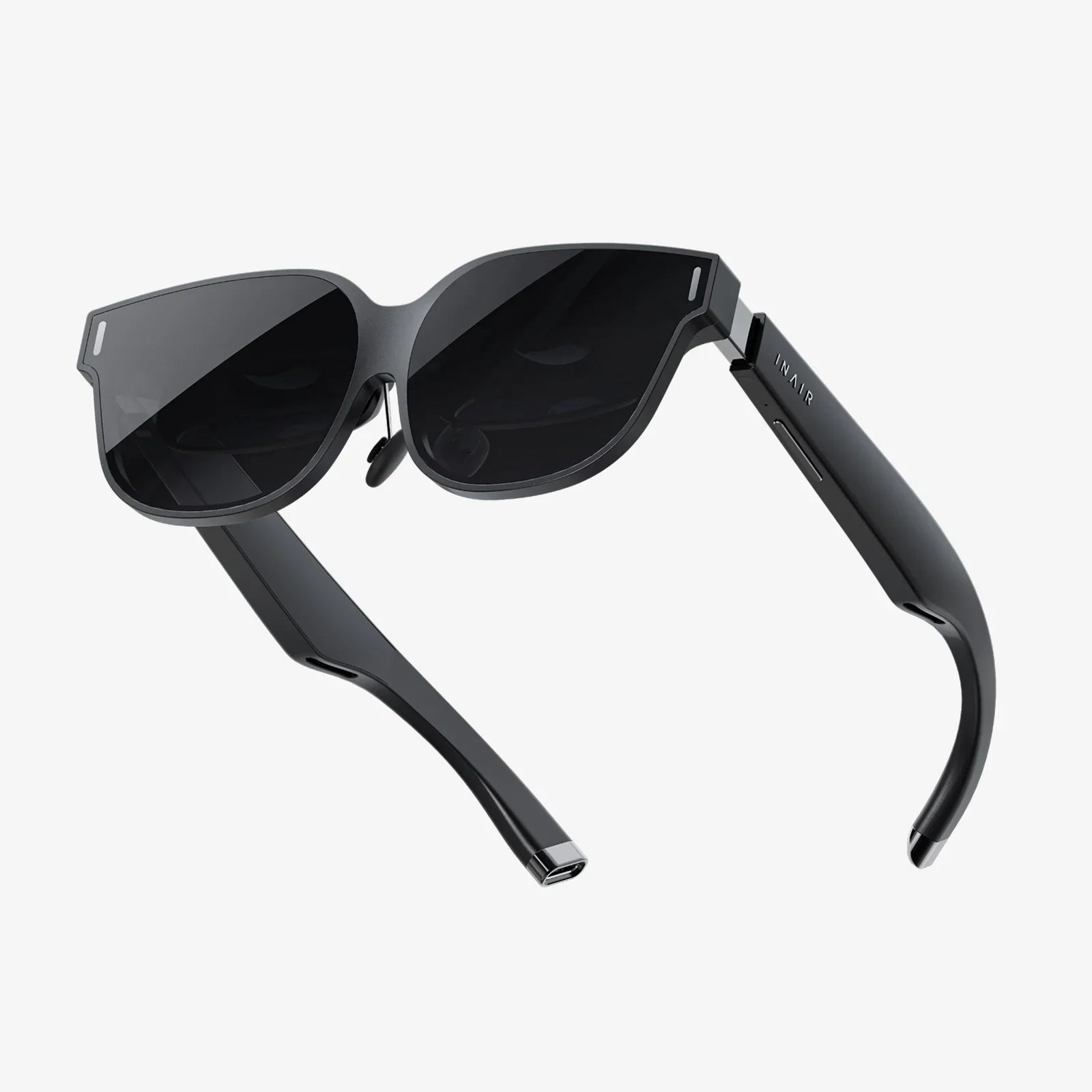
You strap on the headset, the real world fades away, and suddenly you're standing on the edge of a skyscraper, exploring an alien planet, or wielding a magical sword. The thrill of virtual reality is undeniable, a portal to experiences beyond the limits of our physical reality. But as you lose yourself in these digital realms, have you ever stopped to consider the very real, unseen dangers that might be lurking within the simulation? The question of virtual reality safety extends far beyond the obvious trip hazard, weaving a complex web of physical, psychological, and digital risks that every user must understand before taking the plunge into the metaverse.
The Physical Realm: Navigating the Real World While in a Virtual One
The most immediate and apparent safety concerns in VR are physical. When your vision and hearing are completely dominated by a synthetic environment, your physical body becomes vulnerable to its real-world surroundings.
Establishing a Safe Play Area
The foundational pillar of physical VR safety is the Guardian System or play boundary. This is a digitally rendered wall that appears in your virtual view when you approach the edge of your designated safe space. Setting this up correctly is non-negotiable.
-
Clear the Area: This cannot be overstated. The designated play space must be free of all obstacles: furniture, toys, pets, loose rugs, and especially staircases. A single step in the wrong direction can lead to a serious fall or collision.
-
Size Appropriately: Ensure the boundary is set with a comfortable buffer from walls and objects. If an experience requires room-scale movement, your physical space must accommodate it. Never use VR in a space that is too small for the intended activity.
-
Respect the Boundary: The system is only effective if the user heeds its warnings. Consciously make a habit of pausing when the boundary grid appears and reorienting yourself.
Understanding and Mitigating Cybersickness
Cybersickness, a form of simulator sickness, is a common physiological response to VR. It occurs when there's a disconnect between what your eyes see (movement) and what your vestibular system in your inner ear feels (stationary). Symptoms can include dizziness, nausea, sweating, pallor, headaches, and eye strain.
To combat this:
-
Start Slow: Begin with short sessions of 10-15 minutes and gradually increase duration as your "VR legs" develop.
-
Use Comfort Settings: Most applications offer comfort options like "snap turning" (instantaneous turns in increments instead of smooth rotation), teleportation movement instead of analog stick locomotion, and reducing the field of view during movement. These can dramatically reduce nausea for new users.
-
Take Breaks: At the first sign of discomfort, stop immediately. Remove the headset, focus on a distant stationary object, and hydrate. Pushing through cybersickness will only make it worse and prolong recovery.
-
Optimize Hardware: Ensure your headset can maintain a high, stable frame rate (90Hz or higher is ideal). Stuttering, lag, or low frame rates are significant triggers for sickness.
Ergonomics and Physical Strain
VR is a physical medium. Long sessions can lead to muscle fatigue, especially in the neck, shoulders, and arms. The weight of the headset, though decreasing with new models, is still a factor.
-
Proper Fit: Adjust the headstrap, top strap, and side straps to distribute the weight evenly across your head, not just on your face. The device should feel secure but not painfully tight.
-
Posture Awareness: Be mindful of your posture. Avoid hunching over or holding your arms in an elevated position for extended periods. Take moments to stretch and relax your muscles.
-
Hydration: Strenuous activity in a warm room, combined with the enclosed nature of the headset, can lead to overheating and dehydration. Keep water nearby and take regular hydration breaks.
The Psychological Frontier: The Impact of Immersion on the Mind
The psychological effects of VR are profound and, in some cases, unpredictable. The brain processes highly immersive virtual experiences differently than it does flat-screen content, leading to unique safety considerations.
Managing Emotional and Psychological Responses
VR's power to induce presence—the genuine feeling of "being there"—means emotional responses can be intense. A horror game can feel terrifyingly real, and a social experience can trigger genuine social anxiety. For some users, especially younger ones or those with pre-existing conditions, these experiences can be overwhelming and lead to heightened anxiety, fear, or stress.
It's crucial to:
-
Know Your Limits: Choose content that is appropriate for your emotional and psychological comfort level. Read content ratings and user reviews that mention intensity.
-
Use the "Nope Button": Remember that you can always quit. The exit button or simply removing the headset is an immediate off-ramp from any distressing situation.
-
Debrief: After a particularly intense session, take a moment to reacclimatize to the real world. Talking about the experience can help contextualize it and separate the virtual from the real.
The Reality Blur: Dissociation and After-Effects
A strange but common phenomenon reported by new VR users is a brief period of dissociation after a session. They might feel like their hands aren't their own, or that the real world has a slightly unreal, dreamlike quality. This is sometimes called the "VR hangover" and is typically temporary, fading within a few hours as the brain readjusts.
While usually harmless, it's a powerful reminder of VR's impact on our neural pathways. Users should avoid activities like driving or operating machinery immediately after a long VR session until they feel fully grounded back in reality.
Content Matters: Age Appropriateness and Trauma
The immersive nature of VR makes content ratings more critical than ever. An experience rated for mature audiences can contain themes, language, and visuals that are far more impactful in VR than on a television screen. Parents must be exceptionally vigilant, not just about violent content, but also about social interactions and data privacy for children.
The Digital Landscape: Protecting Your Data and Privacy
Modern VR systems are data collection powerhouses. To function, they require access to a staggering amount of personal and biometric information, raising monumental privacy and security concerns.
The Biometric Data Goldmine
VR headsets don't just track where you look; they can potentially gather:
-
Eye Tracking Data: Where you look, how long your gaze lingers, your pupil dilation (which can indicate arousal, interest, or cognitive load). This is incredibly valuable for advertisers and can reveal unconscious biases.
-
Body Tracking: Your precise movements, gestures, posture, and gait. This data is unique enough to potentially serve as a biometric identifier, like a fingerprint.
-
Voice Audio: Everything you say in social spaces can be recorded and analyzed.
-
Room Data: The 3D map of your home created by the headset's sensors to enable tracking.
The question of who owns this data, how it is stored, who it is sold to, and how it is used is one of the most pressing issues in virtual reality safety.
Securing Your Virtual Identity
To protect yourself:
-
Review Privacy Settings Meticulously: Go through every privacy setting on your headset and associated accounts. Disable data sharing for analytics and advertising wherever possible. Limit the permissions of individual applications.
-
Be Wary of Social Engineering: The sense of presence in VR social platforms can lower inhibitions and make users more susceptible to phishing attempts or social engineering scams. Be as cautious about sharing personal information in VR as you would on any other online platform.
-
Understand the Platform's Policy: Read the privacy policy of your VR platform. Know what data is collected and for what stated purpose. This is a tedious but vital task.
Vulnerable Users: Special Considerations for Children
Children are particularly susceptible to both the physical and psychological effects of VR. Most major headset manufacturers specify a minimum age of 10-13 for users, and these guidelines should be strictly adhered to.
-
Developing Vision: The vergence-accommodation conflict—where the eyes focus on a fixed-distance screen but must converge on objects at varying virtual distances—could potentially impact developing visual systems. While research is ongoing, limiting session length and ensuring regular breaks is essential.
-
Psychological Development: Children may have a harder time distinguishing intense virtual experiences from reality, and the emotional impact can be more significant. Parental supervision and co-play are highly recommended.
- Strict Parental Controls: Use built-in parental controls to restrict content, disable social features, and manage spending. Monitor your child's activity and have open conversations about their experiences.
Building a Culture of Safety: Protocols and Best Practices
Adopting a proactive safety mindset is key to enjoying VR responsibly. Here is a consolidated checklist of essential protocols:
-
Pre-Flight Check: Always clear your play space of people, pets, and obstacles. Check that your headset's boundary is correctly configured.
-
Start Slow and Listen to Your Body: Begin with short, comfortable experiences. Stop immediately at any sign of nausea, dizziness, eye strain, or fatigue.
-
Stay Hydrated and Take Breaks: Aim for a 10-15 minute break every 30 minutes to rest your eyes and reorient yourself.
-
Guard Your Data: Audit your privacy settings regularly. Assume that your movements and interactions are being recorded.
-
Supervise Children: Do not exceed manufacturer age guidelines. Actively manage and monitor children's VR use.
-
Maintain Hardware: Keep lenses clean with appropriate cloths to ensure visual clarity and prevent eye strain. Ensure all software is updated for the latest security and performance patches.
The boundless potential of virtual reality is unfolding before us, offering new dimensions of entertainment, connection, and productivity. Yet, this incredible power demands a proportional level of respect and awareness. By understanding the multifaceted nature of virtual reality safety—from the physical trip wires in our living rooms to the silent data collection happening behind the scenes—we empower ourselves to navigate these new worlds not as vulnerable passengers, but as informed and vigilant captains of our own experience. The future of VR is bright, but only if we choose to look at it with both eyes wide open to the risks as well as the rewards.