


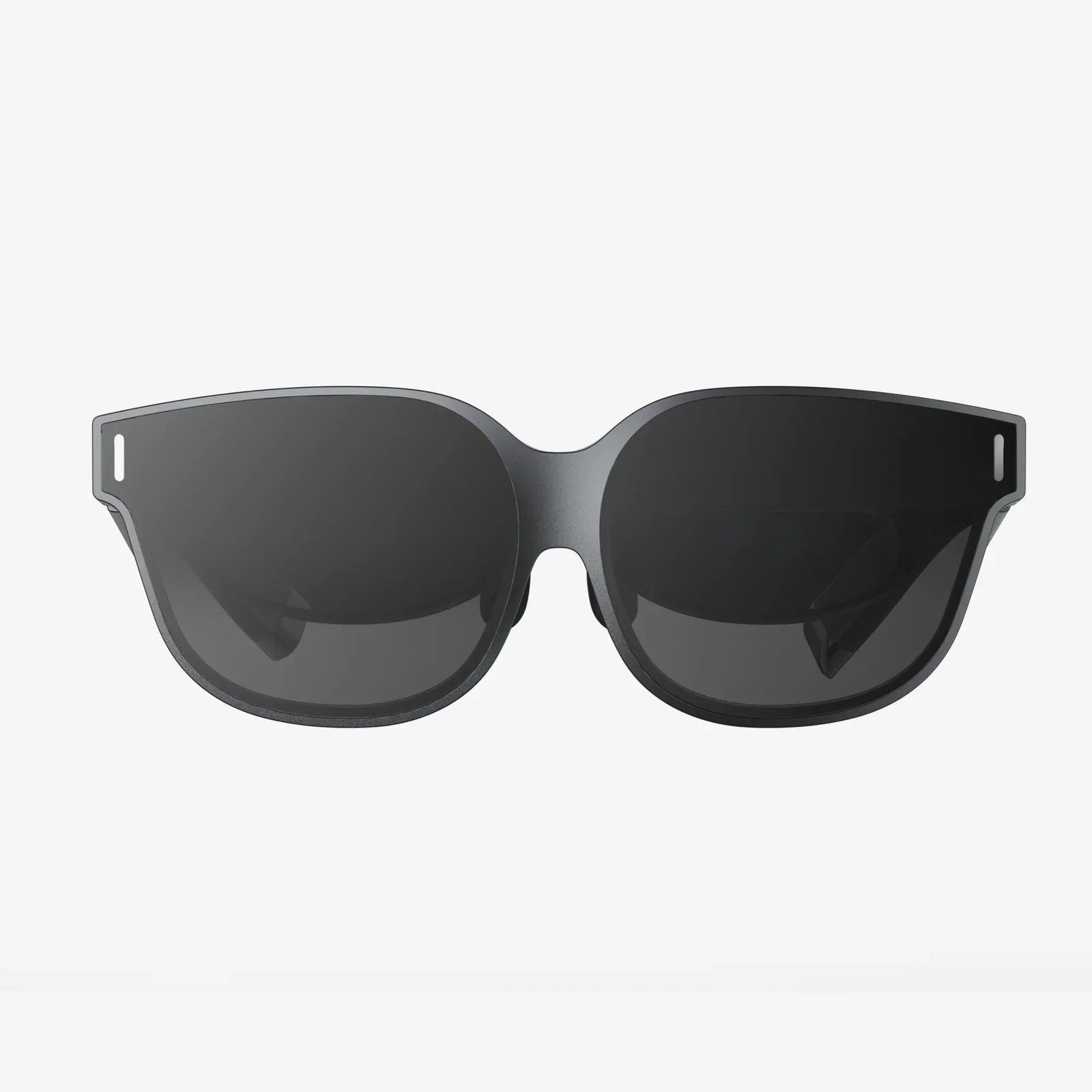
Imagine stepping into a new dimension, where the boundaries of reality blur and the only limit is your imagination. This is the promise of virtual reality, a technology that has evolved from science fiction fantasy to a mainstream entertainment and productivity powerhouse. For millions of curious consumers, the journey into this digital frontier begins not in a specialized lab, but in the familiar aisles of a major electronics retailer. The quest to find the perfect VR system is a modern adventure, and knowing where to start is half the battle.
The VR Landscape: More Than Just Games
Virtual reality has exploded beyond its gaming origins to become a multifaceted tool for work, education, social connection, and creative expression. The market now offers an impressive array of hardware designed to cater to different needs, preferences, and budgets. Understanding this ecosystem is the first step toward making an informed decision.
Headsets generally fall into three categories. Standalone systems are all-in-one units that require no external computer or console, offering maximum convenience and portability. These are perfect for newcomers who want a plug-and-play experience without technical complexity. Then there are PC-powered headsets, which connect to a powerful gaming computer to deliver the highest-fidelity visuals and most immersive experiences available to consumers. These cater to enthusiasts and hardcore gamers who demand cutting-edge performance. Finally, console-powered headsets are designed to work exclusively with specific video game consoles, offering a curated but high-quality library of VR content optimized for that ecosystem.
Defining Your Virtual Reality Needs
Before stepping into a store or browsing online, it's crucial to conduct a self-assessment. What do you truly want from your VR experience? Are you primarily interested in gaming, hoping to be transported into the worlds of your favorite titles? Perhaps you're a fitness enthusiast looking for engaging workout programs that make exercise fun. Maybe you're a professional seeking VR solutions for architectural visualization, virtual meetings, or data manipulation. Or you could be a parent looking for educational and creative experiences for your family.
Your available space is another critical consideration. Some experiences require a large, clear area for room-scale movement, while others are designed for stationary use while sitting or standing in one spot. Measuring your play area beforehand will help narrow down your options. Don't forget to consider who will be using the headset. If multiple family members of different ages will be sharing the device, comfort adjustability and content appropriateness become important factors.
The In-Store Advantage: Trying Before You Buy
One of the most significant advantages of purchasing VR equipment from a physical retailer is the opportunity to experience the technology firsthand. Many locations feature demo stations where you can don a headset and controllers to get a taste of virtual reality. This hands-on experience is invaluable.
When testing a headset, pay attention to several key factors. Note the visual clarity—can you read text easily, or do you notice a screen-door effect? Assess the comfort—how does the weight feel on your face and head, and is the padding comfortable? Test the controllers—do they feel intuitive and responsive? Consider the setup process—does it seem straightforward or complicated? Store associates trained in the VR department can be excellent resources, offering insights into popular choices, compatibility questions, and upcoming promotions. Don't hesitate to ask them about their experiences with different models and what customers typically prefer for uses similar to yours.
Navigating the Technical Specifications
VR technology comes with its own language of technical specifications that can seem daunting to the uninitiated. Understanding a few key terms will empower you to make confident comparisons between different systems.
Resolution refers to the number of pixels displayed per eye, with higher numbers generally providing sharper, clearer images. The refresh rate, measured in hertz (Hz), indicates how many times per second the image refreshes—higher rates (90Hz and above) contribute to smoother motion and reduced potential for motion sickness. The field of view (FOV) describes how much of your vision the headset covers, with wider fields creating a more immersive experience. Tracking technology determines how the system follows your movements—inside-out tracking uses cameras on the headset itself, while outside-in tracking relies on external sensors placed around your room.
Additionally, consider storage capacity for standalone headsets, battery life for wireless models, and compatibility requirements for PC-powered systems, which often need specific graphics cards and processors to function properly.
Beyond the Headset: Essential Accessories
The headset itself is just the beginning of your VR journey. Various accessories can enhance your experience, improve comfort, and protect your investment. These additional items are often available at the same retailer where you purchase your headset.
For hygiene and comfort, consider additional face interfaces, especially if multiple people will be using the device. These can be easily swapped out and cleaned. prescription lens inserts are a game-changer for glasses wearers, allowing you to experience VR without cramming your frames into the headset. For extended play sessions, external battery packs can provide additional power to wireless headsets, effectively doubling your playtime. Protective cases help safeguard your equipment during storage or transport, while dedicated controller grips and straps can improve security and comfort during active games.
Setting Up Your Virtual Reality System
Once you've made your selection and brought your new VR system home, proper setup is crucial for optimal performance and enjoyment. The process varies by headset type but generally follows similar principles.
For standalone headsets, you'll typically need to charge the device, download a companion app on your smartphone, create an account, connect to Wi-Fi, and follow the on-screen instructions for controller pairing and guardian system setup (which creates virtual boundaries to keep you from bumping into real-world objects). PC-powered systems require installing software on your computer, connecting the headset via appropriate cables, setting up base stations or sensors around your play area, and going through room setup calibration. Console-based systems generally involve connecting the headset to the console, updating firmware, and configuring play space.
Take your time with this process, ensuring your play area is clear of obstacles, lighting conditions are appropriate for your headset's tracking system (most work best in well-lit rooms without direct sunlight), and you've adjusted the headset straps and lens spacing (IPD) for maximum clarity and comfort.
Exploring the Virtual Marketplace
With your hardware ready, the next step is discovering content. Most VR systems have their own digital storefronts where you can browse, purchase, and download games, applications, and experiences. These platforms typically offer both free and paid content, with regular sales and promotions.
Beyond games, explore other VR categories. Fitness applications can turn your workout into an engaging adventure, while social platforms allow you to meet people from around the world in virtual spaces as customizable avatars. Creative tools enable painting and sculpting in three dimensions, educational experiences transport you to historical events or scientific phenomena, and cinematic applications let you watch movies on a virtual big screen. Many traditional flat-screen games and applications also offer VR modes or compatibility, expanding your library of potential experiences.
Staying Safe in the Virtual World
As with any technology, responsible use of VR is essential. The immersive nature of the experience requires some special considerations for safety and health. Always use the guardian or boundary system to avoid real-world collisions, and ensure your play area remains clear of pets, young children, and obstacles that might not be visible while wearing the headset.
Be mindful of VR fatigue—start with shorter sessions (15-30 minutes) and gradually increase your time as you acclimate. If you experience motion sickness, try experiences with teleportation movement rather than smooth locomotion, use a fan blowing on you to maintain orientation, and stop immediately if discomfort arises. Regular breaks are recommended, especially for children, whose usage should be supervised and time-limited. From a digital safety perspective, be cautious about sharing personal information in social VR applications and utilize privacy settings to control your online interactions.
The Future is Virtual
The VR landscape is evolving at a breathtaking pace, with new hardware and software innovations emerging regularly. The technology is becoming lighter, more powerful, more comfortable, and more affordable with each generation. What begins as a novel entertainment device often evolves into an indispensable tool for communication, creativity, and exploration.
Starting your journey at a major retailer provides not just immediate access to technology, but ongoing support through extended warranties, return policies, and future upgrade opportunities. The community of VR enthusiasts continues to grow, with online forums, social media groups, and in-person meetups offering opportunities to share experiences, troubleshoot issues, and discover new content.
Your adventure into virtual reality represents more than just a purchase—it's an investment in tomorrow's technology today. The perfect system is waiting to transport you to worlds beyond imagination, connect you with others in meaningful new ways, and expand your understanding of what's possible. That first moment you put on the headset and find yourself somewhere else entirely—that's the moment the future becomes your present, and your reality expands in ways you never thought possible.
Share:
Collaborative Work Spaces: The Future of Productivity and Innovation
Wearable Devices Technology: The Unseen Revolution Reshaping Our Daily Lives