


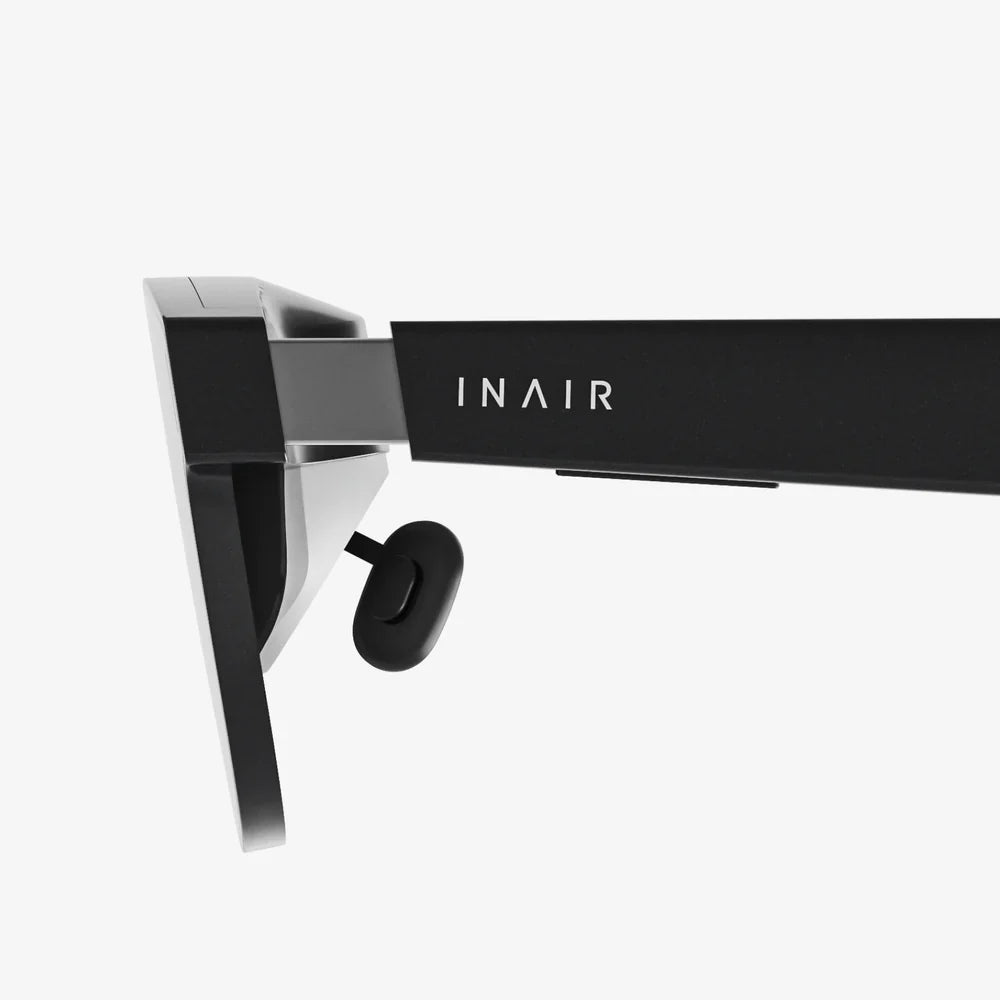
Imagine stepping through your computer screen. One moment you’re sitting at your desk, the familiar glow of your monitor in front of you. The next, you’re standing on the surface of Mars, surveying a vast, rust-colored canyon, or sitting in the cockpit of a starfighter, gazing into the infinite black of deep space. This is the promise, the magic, and the sheer transformative power of VR glasses for PC. This isn't just another peripheral; it's a passport to entirely new realities, and it’s more accessible and awe-inspiring than ever before. If you’ve ever wondered what lies beyond the flat, two-dimensional confines of your desktop, prepare to have your perception of computing fundamentally altered.
The Bridge Between Realities: How PC-Powered VR Works
At its core, a VR headset for a computer is a high-tech display worn on your head, but its genius lies in the symbiotic relationship it shares with your PC. Unlike standalone variants that have all their processing power built-in, these devices act as a dedicated window into a virtual world, while your desktop or laptop acts as the engine that generates that world.
The process is a marvel of modern engineering:
- The PC's Role (The Brain): Your computer's CPU and, most critically, its GPU are tasked with rendering two distinct, high-resolution images—one for each eye—at a incredibly high frame rate (typically 90Hz or more). This is an immensely demanding task, requiring serious graphical horsepower to create a smooth, convincing experience and avoid the nausea-inducing effects of lag or stutter.
- The Headset's Role (The Senses): The VR glasses themselves contain the specialized displays for each eye, lenses that focus and reshape the image to fill your field of view, and a constellation of sensors. These sensors—including gyroscopes, accelerometers, and often external lasers or cameras—constantly track the orientation and position of your head in real-time. This data is continuously fed back to the PC, which instantly adjusts the rendered perspective. This creates the essential illusion: when you turn your head, the world turns with you.
- The Connection (The Lifeline): A high-speed, often proprietary cable tethering the headset to the PC serves as the conduit for all this data. It delivers the vast amount of visual and audio information from the PC to the headset and sends the constant stream of positional data from the headset back to the PC. Some systems are now embracing wireless adapters, but a wired connection remains the gold standard for delivering the highest fidelity experience with zero compression or latency.
A Universe in Your Headset: Beyond Gaming
While gaming is the most famous and visceral application for PC-driven virtual reality, the potential of this technology stretches far beyond entertainment. It is reshaping entire industries and creating new forms of human interaction.
The Gaming Revolution
This is where VR glasses for PC truly shine. Games are transformed from something you watch on a screen to something you inhabit. The sense of "presence"—the undeniable feeling of actually being in the game world—is unparalleled.
- Total Immersion: You don't just control a character; you are the character. You physically duck behind cover, lean over a cliff edge, and aim your weapon with your own hands. The adrenaline rush is real.
- Unprecedented Scale and Detail: Leveraging the power of a high-end PC, developers can create worlds of staggering detail and complexity. You can appreciate the true scale of a towering enemy or the intricate details of a ancient ruin in a way a flat screen can never convey.
- New Genres and Experiences: VR has spawned entirely new types of games built around physics-based interaction, social presence, and unique mechanics that would be impossible with a traditional controller.
Productivity and Design
Professionals are using VR to visualize complex data and designs in three-dimensional space. Architects can walk clients through unbuilt homes. Engineers can examine full-scale 3D models of machinery before a single piece of metal is cut. Medical students can practice intricate procedures on virtual patients. The ability to manipulate and exist within your creation provides a profound understanding that a 2D monitor cannot match.
Social Connection and Travel
Platforms exist that allow you to meet friends, family, or colleagues in virtual spaces as customizable avatars. You can watch a movie together on a giant virtual screen, attend a live concert, or simply hang out in a fantastical environment. Furthermore, through 360-degree videos and photogrammetry, you can take virtual tours of the world's greatest museums, natural wonders, and historical sites, offering a taste of travel from your living room.
Choosing Your Portal: What to Look For in PC VR Glasses
Selecting the right headset is a balance of performance, comfort, and budget. Here are the key specifications and features to consider.
Display Resolution and Clarity
This is often the most advertised spec. Measured in pixels per eye, a higher resolution means a sharper, clearer image with less visible "screen door effect" (the faint grid lines between pixels). Look for terms like per-eye resolution and subpixel arrangement. However, remember that a higher resolution requires a more powerful GPU to run effectively.
Refresh Rate
Measured in Hertz (Hz), the refresh rate determines how many times the image updates per second. A higher refresh rate (90Hz, 120Hz, or even 144Hz) leads to smoother motion, which is critical for comfort and immersion. Low refresh rates can cause motion sickness for some users.
Field of View (FoV)
This is how much of the virtual world you can see at once, measured diagonally like a camera lens. A wider FoV (around 100 degrees or more) feels more natural and immersive, as it more closely matches human vision. A narrow FoV can feel like looking through binoculars.
Tracking Systems
How does the headset know where it is? There are two primary methods:
- Outside-In Tracking: Uses external sensors or base stations placed around the room to precisely track the position of the headset and controllers. This is known for being extremely accurate and reliable.
- Inside-Out Tracking: Uses cameras embedded on the headset itself to look at the room and track its own position. This eliminates the need to set up external sensors, making the system more portable and easier to set up, though it can sometimes be less accurate at the very edges of its tracked volume.
Controllers and Haptics
The controllers are your hands in the virtual world. Look for ergonomic designs that feel natural to hold, with intuitive button layouts. Advanced haptic feedback, which provides precise vibrations and force feedback, can dramatically increase immersion, allowing you to feel the virtual objects you interact with.
Comfort and Ergonomics
You'll be wearing this device on your head for potentially hours at a time. Weight distribution, padding quality, and adjustability are paramount. A poorly balanced headset can become uncomfortable quickly, pulling you out of the experience. Consider the type of strap system (standard, Deluxe Audio Strap, etc.) and the material of the facial interface.
The Hardware Hurdle: Is Your PC Ready?
The breathtaking worlds of PC VR don't come without demands. Your existing computer may need an upgrade to power the experience adequately.
The Graphics Card (GPU)
This is the single most important component. You will need a dedicated, modern graphics card from a major manufacturer. Integrated graphics will not suffice. Manufacturers provide minimum and recommended specifications for their headsets, but for a truly smooth and high-fidelity experience, aiming for the recommended spec or higher is advised.
Processor (CPU) and Memory (RAM)
A capable multi-core CPU is necessary to handle the physics calculations, AI, and game logic running behind the scenes. Similarly, having sufficient RAM (16GB is a good modern standard) ensures the system doesn't bottleneck when loading complex environments.
Ports and Connectivity
Most PC VR headsets require a specific type of video connection, often a DisplayPort or a specific version of HDMI. Ensure your PC has the correct, available port for the headset you choose. For wireless adapters, a clear line of sight to a compatible router is essential.
The Future is Now, and It's Virtual
The trajectory of PC-based virtual reality is pointing towards even greater immersion. We are rapidly approaching the era of photorealistic graphics powered by ever-more powerful GPUs and techniques like eye-tracking and foveated rendering, which concentrate processing power only where you are looking. Haptic feedback suits and gloves are in development to let you feel the virtual world, and advancements in inside-out tracking are making setup easier than ever. The line between the real and the virtual is not just blurring; it's being deliberately and wonderfully redrawn.
The journey into virtual reality begins with a single step—a step through the looking glass of your PC. It’s a leap from being a spectator to an active participant in digital realms of unimaginable scope and creativity. The hardware is here, the software is thriving, and the experiences waiting on the other side are quite literally mind-expanding. Your desk is no longer just a workspace; it’s a launchpad. Your computer is no longer just a tool; it’s a gateway. All that remains is to put on the headset and take that first, breathtaking look around.
Share:
Perfect Match AI Glasses: The Dawn of Personalized Augmented Reality
XR AR VR News Today: The Metaverse Is Closer Than You Think