


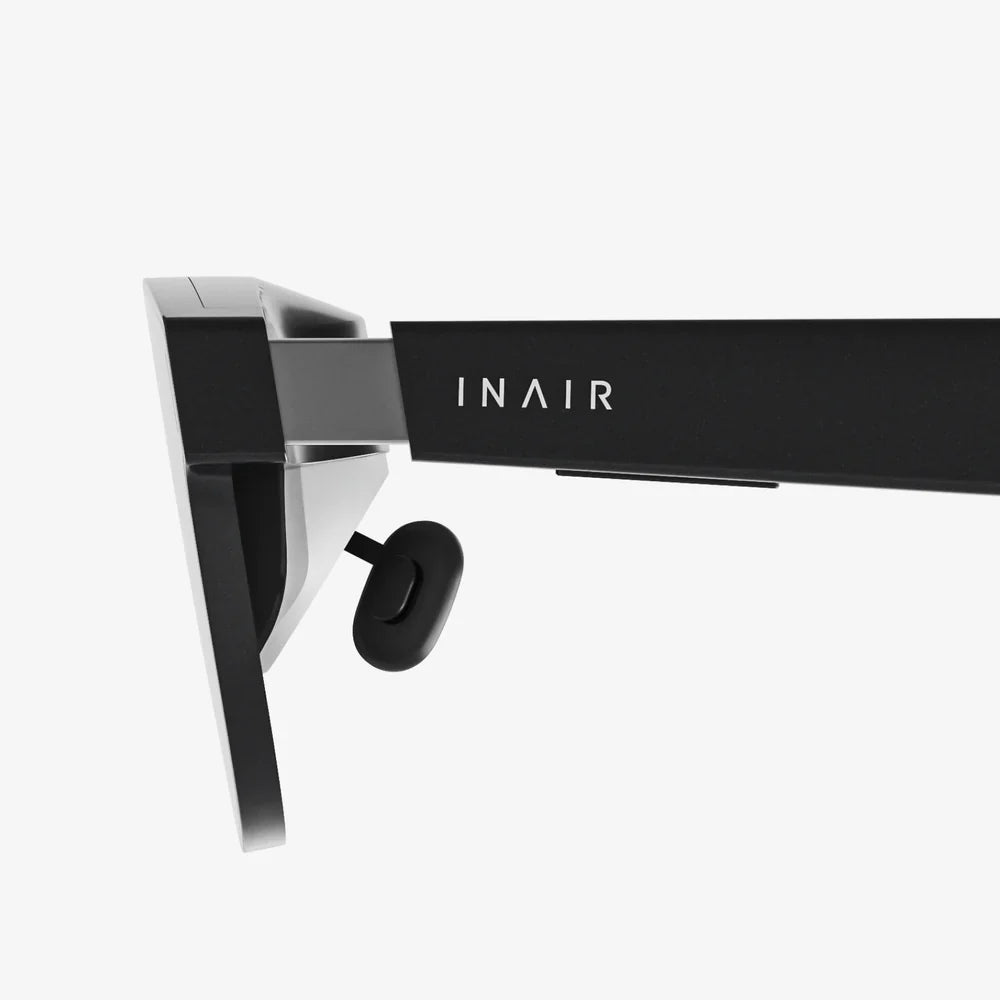
Imagine stepping through a portal into another world, your physical surroundings dissolving into a meticulously crafted digital reality where you are no longer a spectator but an active participant. This is the promise, and now the reality, of modern VR goggles for PC. This technology has evolved from a futuristic fantasy into a powerful tool for entertainment, creativity, and productivity, offering an unparalleled level of immersion that standalone or mobile-based systems simply cannot match. The raw processing power of a personal computer unlocks breathtaking visuals, complex simulations, and deeply interactive experiences that define the cutting edge of virtual reality. If you're ready to dive into the high-end of immersive computing, the journey begins here.
The Heart of the Experience: Understanding PC-Powered VR
At its core, a PC-connected VR system is a symbiotic relationship between two powerful pieces of hardware. The goggles themselves, often referred to as head-mounted displays (HMDs), are responsible for creating the visual and auditory illusion. They contain high-resolution displays (one for each eye), precise motion sensors, and integrated headphones. However, unlike their standalone counterparts, they lack a built-in computer. Instead, they act as a sophisticated peripheral, tethered to a personal computer that acts as the engine room.
This division of labor is crucial. The PC handles the immense computational load: rendering two high-frame-rate, high-resolution images simultaneously, processing complex physics simulations, running advanced artificial intelligence for characters and environments, and managing intricate user interactions. This allows the goggles to focus on what they do best: delivering that processed information to your senses with extreme precision and minimal latency. The result is a visual fidelity characterized by stunning texture detail, expansive draw distances, realistic lighting and shadows, and highly stable environments that feel truly solid and present.
What You'll Need: The Hardware Ecosystem
Embarking on a PC VR journey requires more than just the headset. Building a compatible system is key to a smooth and enjoyable experience.
The Computer Itself
The computer is the non-negotiable foundation. While minimum specifications exist to get a system running, they often provide a bare-bones experience that may struggle with more demanding applications. For a truly compelling and future-proof setup, aiming for recommended or even enthusiast-grade specs is advisable.
- Graphics Processing Unit (GPU): This is the single most important component. It must be powerful enough to render complex 3D scenes at resolutions often exceeding 4K and at a constant 90 frames per second (FPS) or higher. A dropped frame or laggy performance is the fastest way to break immersion and can cause discomfort.
- Central Processing Unit (CPU): A capable CPU is essential for feeding data to the GPU, handling game logic, physics, and input/output operations. A modern multi-core processor ensures the entire system runs smoothly without bottlenecking the powerful graphics card.
- Memory (RAM): VR applications and environments can be vast and complex, requiring significant system memory. 16GB is considered the comfortable standard for most high-end experiences.
- Ports: Connectivity is critical. Most modern headsets utilize a high-speed USB port for data and power and a DisplayPort or HDMI 2.0+ connection for video. Ensuring your PC has the correct, high-quality ports available is a often-overlooked prerequisite.
The Peripherals: Controllers and Tracking
Your hands are your primary tool for interaction in VR, and this is facilitated through motion-tracked controllers. These ergonomic devices are packed with buttons, analog sticks, triggers, and haptic feedback motors. More importantly, they are tracked in 3D space, allowing the virtual world to replicate your real-world hand and arm movements with astonishing accuracy.
Tracking is achieved through one of two primary methods:
- Outside-In Tracking: This method uses external sensors or base stations placed around the play area. These devices emit lasers or infrared light that is detected by sensors on the headset and controllers, triangulating their exact position and orientation. This method is renowned for its exceptional precision and stability, especially for experiences requiring quick, refined movements.
- Inside-Out Tracking: A more recent development, this method builds the sensors directly into the headset itself. Using a series of cameras, the headset observes the physical environment and tracks the controllers relative to itself and the room. This eliminates the need for external sensors, simplifying setup and increasing portability, though it can sometimes be less precise for actions happening outside the headset's field of view.
A Universe of Experiences: What Can You Actually Do?
The software library available for PC-powered VR is vast and diverse, pushing the boundaries of what is possible.
Gaming and Entertainment
This remains the most popular driver for adoption. PC VR gaming is a generational leap from traditional flat-screen gaming. You are inside the game.
- Full-Length Titles: Experience sprawling, narrative-driven adventures built from the ground up for VR. Wield a lightsaber, command a starship, or solve intricate puzzles in worlds that feel tangibly real.
- Simulations: The fidelity of PC VR makes it the perfect platform for simulators. Take to the track in a hyper-realistic racing sim, where you can look into an apex and feel the scale of the vehicle. Fly a commercial airliner or a fighter jet, interacting with every switch and dial in a meticulously recreated cockpit. This level of detail is a hallmark of the platform.
- Social and Cooperative Experiences: VR is increasingly social. Platforms exist as persistent virtual spaces where you can meet friends, watch movies together on a giant screen, attend live events, or simply hang out. Playing cooperative games with friends, where you can see their avatar's gestures and movements, creates a powerful sense of shared presence.
Productivity and Creation
Beyond entertainment, PC VR is a revolutionary tool for work and creativity.
- 3D Design and Modeling: Artists and engineers can step inside their creations. Sculpt 3D models as if they were physical clay, design architecture and walk through it at full scale before a single brick is laid, or examine complex mechanical assemblies from every angle.
- Virtual Desktops and Remote Work: Applications allow users to project their traditional computer desktop into VR. You can work with multiple massive, virtual monitors in a distraction-free environment, regardless of your physical location. This concept of the "infinite office" is a compelling use case for professionals.
Education and Training
The ability to simulate dangerous, expensive, or impossible scenarios makes VR a powerful educational tool. Medical students can practice complex surgical procedures, history students can walk through ancient Rome, and mechanics can train on virtual engines. The emotional and cognitive impact of learning through experience in VR is profound.
Setting Up Your Virtual Playground
A proper setup is key to comfort and safety. The process generally involves three steps:
- Software Installation: Installing the necessary platform software on your PC is the first step. This software acts as the hub for your VR experiences, managing device drivers, storing your library of applications, and providing a home environment from which to launch everything.
- Hardware Setup: This involves connecting the headset to your PC, positioning external sensors (if applicable) for optimal coverage of your intended play area, and ensuring all controllers are charged.
- Room Setup: This is a critical software-guided process. You define your play area by tracing its boundaries on the floor. This creates a "Guardian" or "Chaperone" system—a virtual wall that becomes visible when you get too close to the physical boundaries of your room, preventing collisions with furniture and walls.
Gazing into the Crystal Ball: The Future of PC VR
The technology is advancing at a breakneck pace. Several key trends are shaping the next generation of headsets.
- Higher Resolution and Pancake Lenses: Displays will continue to push towards "retina" quality, where the screen door effect is completely eliminated. New lens technology is making headsets significantly smaller and lighter while improving visual clarity.
- Varifocal Displays and Eye-Tracking: Current headsets have a fixed focal depth, which can cause a conflict between where your eyes converge and where they focus, leading to eye strain. Varifocal displays, coupled with eye-tracking, will dynamically adjust the focal plane to match what you are looking at, creating a much more natural and comfortable experience. Eye-tracking also enables foveated rendering, a technique that maximizes performance by rendering only the area you are directly looking at in full detail.
- Full-Body Tracking and Haptics: The future of immersion lies beyond the hands. Consumer-grade full-body tracking suits and advanced haptic feedback vests and gloves are emerging, promising to let you feel the virtual world and be fully represented within it, deepening the connection between your physical and digital selves.
- The Path to Wireless:
While tethered connection provides the highest bandwidth and most stable experience, wireless adapters that use technologies like Wi-Fi 6E are becoming more capable, offering a high-fidelity experience without the cable. This represents a significant leap in freedom and convenience for PC VR, blurring the line between the power of a desktop and the freedom of a standalone device.
The world of VR goggles for PC is one of immense power and potential. It represents the pinnacle of consumer virtual reality, a platform where the only real limits are the imagination of developers and the capabilities of your hardware. It’s an invitation to explore new worlds, master new skills, and experience digital content in a way that was once the stuff of science fiction. The cable may tether you to your computer, but it unleashes you into infinite possibilities.
Share:
VR Options: A Comprehensive Guide to Navigating the Virtual Landscape
VR Options: A Comprehensive Guide to Navigating the Virtual Landscape