


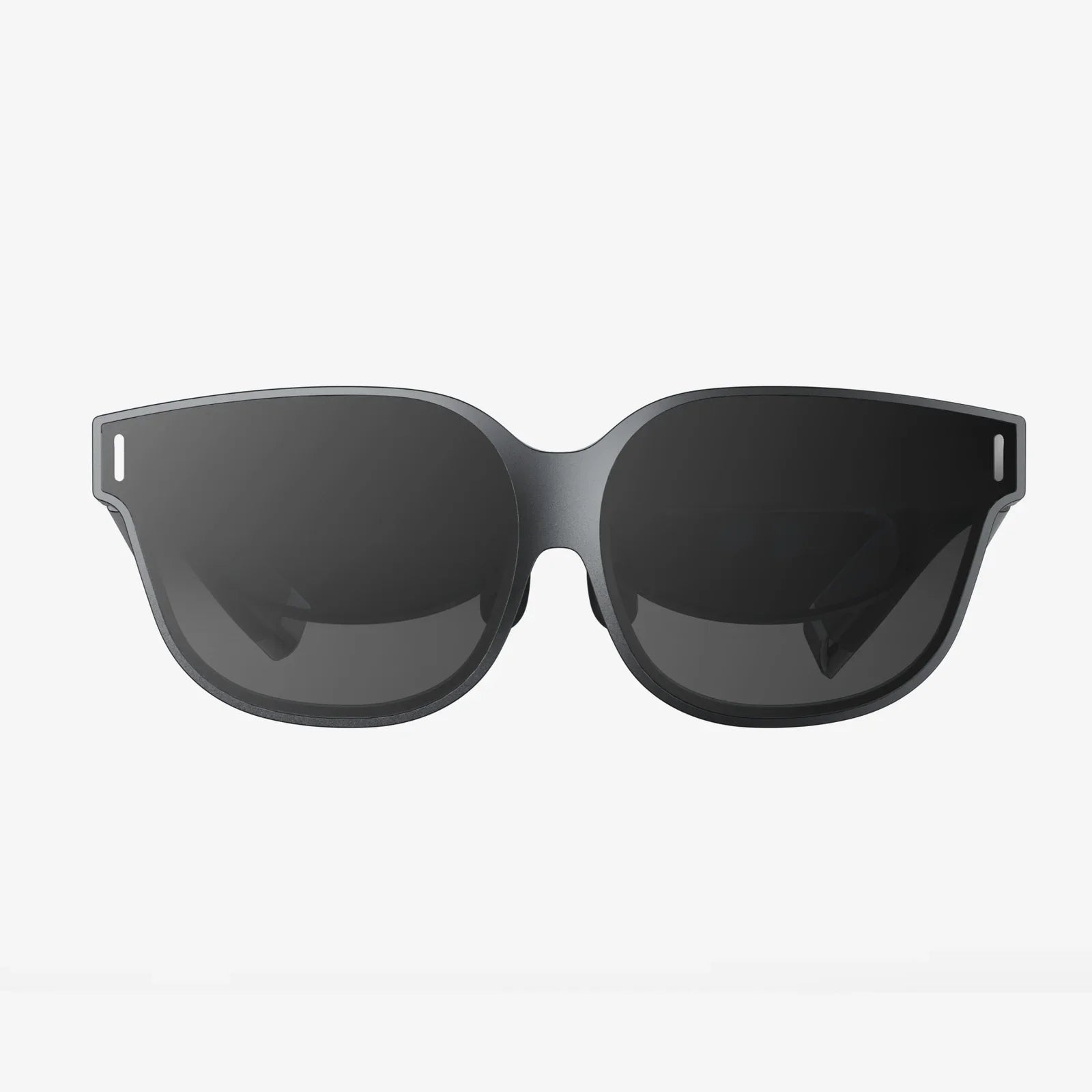
You've seen the future, and it's immersive, breathtaking, and utterly captivating. You're ready to dive headfirst into virtual worlds, to explore fantastical landscapes, and to experience entertainment in a way that was once the stuff of science fiction. But before you can claim your passport to these digital realms, there's a critical, often overlooked, and potentially frustrating gatekeeper you must confront: VR headset compatibility. Navigating this complex web of requirements isn't just a technicality; it's the fundamental key that unlocks a seamless and truly magical experience, or conversely, a costly and disappointing one. Understanding compatibility is the difference between soaring effortlessly through the metaverse and being grounded by a tangle of cables and incompatible error messages.
The Foundation: Hardware and Platform Ecosystems
At its core, VR headset compatibility refers to the intricate dance between three primary components: the headset itself, the computing hardware that powers it, and the software platform that delivers the content. Getting this triumvirate to work in perfect harmony is the first and most crucial step.
The Great Divide: Standalone vs. Tethered Systems
The most significant compatibility fork in the road is the choice between a standalone headset and a tethered (or PC-connected) system. This decision fundamentally dictates everything that follows.
Standalone Headsets: These all-in-one devices have the necessary computing power, battery, and sensors built directly into the headset. Their primary compatibility concern is with the software ecosystem. They operate within a walled garden, meaning you can only access applications and games available in their specific proprietary store. Cross-platform compatibility is typically non-existent; an application purchased on one standalone platform will not work on a competitor's device. The advantage is simplicity—no complex setup, no worries about your computer's specifications.
Tethered Headsets: These devices act as high-resolution displays and sensor arrays but rely entirely on an external computer to do the heavy graphical lifting. Here, compatibility is a two-part challenge. First, the headset must be compatible with your computer's operating system (e.g., Windows). Second, and more critically, your computer's hardware must meet or exceed the very specific and often demanding minimum and recommended specifications set by the headset manufacturer. This includes the GPU (Graphics Processing Unit), CPU (Central Processing Unit), available USB ports (and their version, e.g., USB 3.0), and video outputs (like DisplayPort or HDMI). Falling short of these specs can result in poor performance, nausea-inducing lag, or a complete failure to operate.
Demystifying System Requirements
For tethered headsets, ignoring system requirements is the most common and costly compatibility mistake. It's not enough to think, "I have a gaming computer." You must scrutinize the details.
- GPU (Graphics Card): This is the single most important component. Not just any GPU will do. The requirements will specify a minimum level of performance (e.g., equivalent to a specific model or higher). Integrated graphics found on most standard laptops are almost universally insufficient for a quality tethered VR experience.
- CPU (Processor): While less critical than the GPU, a capable CPU is necessary to handle the physics, audio, and logic of the virtual world. Modern multi-core processors are generally recommended.
- Ports and Connectivity: This is a frequent stumbling block. Many modern laptops, especially ultrabooks, have moved to solely USB-C ports. A tethered headset may require a full-size DisplayPort connector and specific USB-A ports. This can necessitate the purchase of additional dongles and adapters, introducing another potential point of failure and compatibility headache.
- RAM and Storage: Sufficient system memory (RAM) is crucial for smooth operation, and ample storage space is needed for often very large VR application files.
Failing to meet these requirements doesn't just mean lower graphics settings; it can break the fundamental promise of presence—the feeling of actually being inside the virtual world—and replace it with a choppy, uncomfortable experience.
The Software Labyrinth: Stores, Platforms, and Exclusives
Once you've ensured your hardware can communicate, the next compatibility layer is software. The VR software market is fragmented across several competing storefronts and platforms. These ecosystems are often mutually exclusive.
An application purchased on one store cannot be used with a headset that is locked to another store. This is a critical consideration when choosing a headset, as it determines your entire library of available software. Some platforms have begun to support a degree of interoperability through third-party software, but this often involves unofficial workarounds and can violate terms of service. The safest approach is to assume your software library is permanently tied to the platform you choose at the outset.
The Controllers of Your Reality: Input Compatibility
Your hands are your primary interface in VR, and the controllers are their digital proxies. Controller compatibility is a nuanced issue. While most headsets come with their own designed-for-purpose controllers, some enthusiasts and professionals look to use alternative input devices, such as advanced motion trackers or haptic feedback gloves.
This level of compatibility is highly advanced and often requires significant technical know-how, custom drivers, and community-supported software. For the average user, it's essential to understand that the bundled controllers are a core part of the system and are guaranteed to work. Straying from this path is venturing into experimental territory where compatibility is not assured.
Tracking: Inside-Out vs. Outside-In
How a headset tracks your movement through physical space is another major differentiator with compatibility implications.
Outside-In Tracking: This traditional method uses external sensors or base stations placed around your room to track the position of the headset and controllers. The compatibility concern here is with your physical space. You need a dedicated, clear area with the ability to mount these sensors permanently or semi-permanently. The headset is compatible only within the field of view of these sensors.
Inside-Out Tracking: Modern headsets increasingly use this method, where cameras on the headset itself look outward to track its position relative to the room. This eliminates the need for external sensors, making setup easier and the system more portable. The compatibility question shifts to the environmental conditions. Inside-out tracking requires adequate lighting—it struggles in a dark or strobe-lit room. It also needs visual features on your walls and furniture to track against; a completely blank, white room can be as problematic as a dark one.
Future-Proofing Your Virtual Journey
Technology evolves at a breakneck pace, and VR is no exception. When considering compatibility, it's wise to think about the future.
- Platform Longevity: Is the company behind your chosen ecosystem committed to VR for the long term? Investing in a platform that might be abandoned in a few years could render your software library inaccessible.
- Hardware Upgrades: If you choose a tethered headset, your computer will eventually become obsolete. Choosing a headset with requirements that are well within your current PC's capabilities provides a longer performance runway before an upgrade is necessary.
- Backward Compatibility: As new headsets are released, will they support the software you purchased for the old one? Most major platforms guarantee backward compatibility, but it's a question worth asking, especially with smaller players.
A Checklist for Perfect Harmony
Before you commit to a purchase, run through this compatibility checklist:
- Define Your Use Case: Are you a casual gamer, a fitness enthusiast, or a professional designer? This will guide your hardware and platform choice.
- Choose Your Ecosystem (Standalone vs. Tethered): Decide between the simplicity of standalone or the high-fidelity power of tethered VR.
- Audit Your Hardware (For Tethered VR): Meticulously compare your computer's GPU, CPU, ports, and RAM against the headset's official minimum and recommended specs. Don't guess; check.
- Research the Software Library: Ensure the headset's platform has the applications and games you want to use.
- Assess Your Play Space: Ensure you have a room-scale area clear of obstacles if required, and that your environment is suitable for your headset's tracking technology (good lighting, non-reflective surfaces, etc.).
- Budget for Extras: Remember to account for potential costs beyond the headset: PC upgrades, adapter dongles, additional face interfaces for hygiene, and software itself.
The path to virtual reality is more complex than simply buying a headset. It's an ecosystem of interdependent technologies. VR headset compatibility is the intricate map that guides you through this new frontier. By taking the time to understand the relationship between hardware, software, and your own environment, you transform a potential minefield of technical frustrations into a straightforward journey. You move from wondering if it will work to knowing exactly how it will work, ensuring your first step into the virtual world is one of awe and excitement, not confusion and disappointment. Your adventure awaits—just make sure your ticket is valid for the ride.
Share:
Best VR Headset for PCVR: Your Ultimate Guide to High-Fidelity Immersion
Custom VR Headset: The Ultimate Guide to Personalized Immersive Technology