


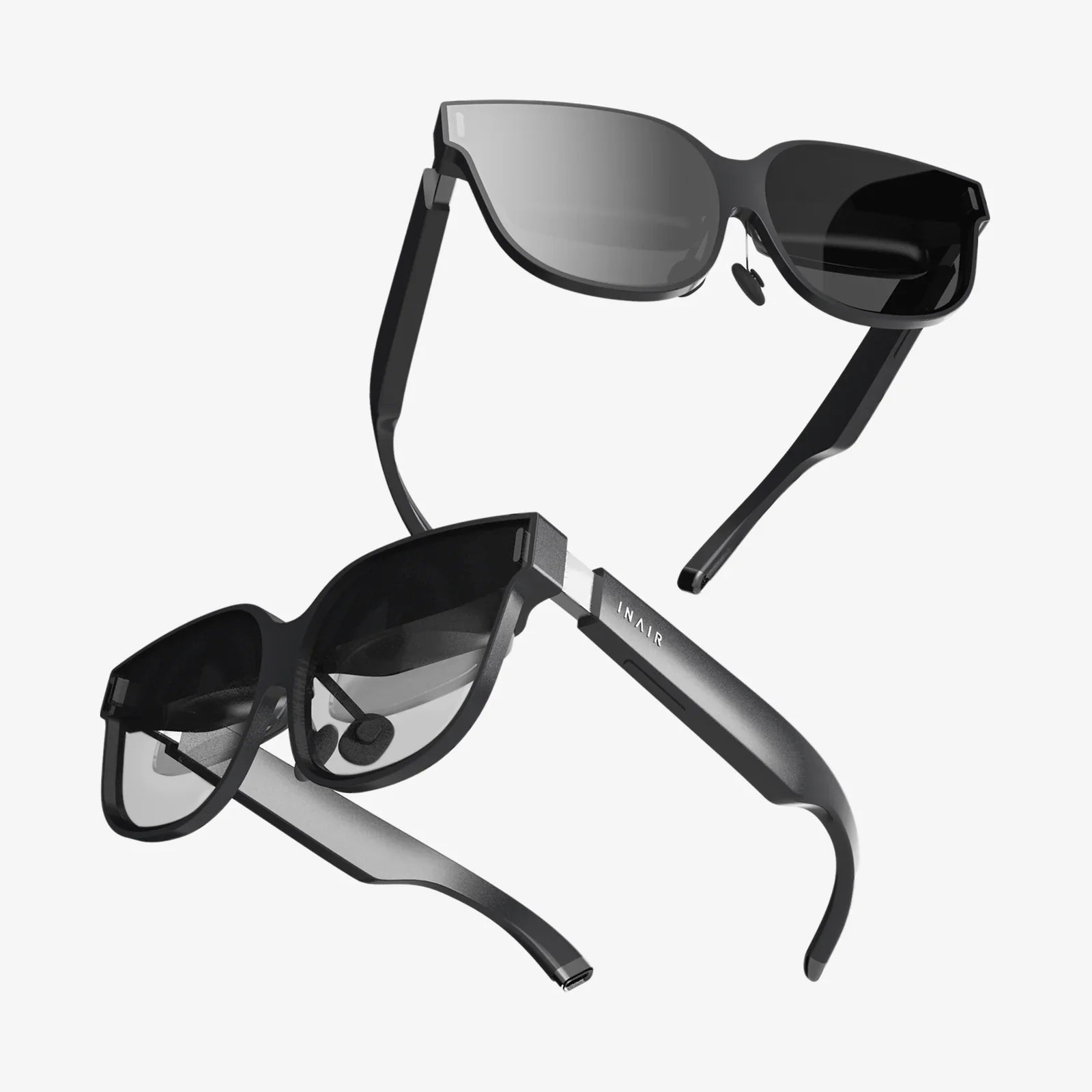
Imagine holding a portal to another world in the palm of your hand. That’s the incredible promise and potential power you unlock when you pair a sophisticated VR headset with the advanced technological marvel that is your iPhone X. This isn't just about watching videos; it's about stepping inside them, about transforming your living room into a battlefield, a museum, a distant planet, or a master sculptor's studio. The fusion of a high-quality mobile headset and the powerful A11 Bionic chip, stunning Super Retina HD display, and precise motion tracking of the iPhone X creates an accessible gateway to immersive experiences that were once the domain of expensive, tethered desktop systems. This guide is your key to understanding and navigating this exciting frontier, ensuring you find the perfect headset to unleash the hidden virtual reality powerhouse in your pocket.
The iPhone X: A Surprisingly Capable VR Machine
When the iPhone X launched, its focus was on the revolutionary Face ID and the edge-to-edge OLED screen. Few likely envisioned it as a cornerstone of a personal virtual reality system. Yet, beneath its sleek exterior lie several key features that make it an exceptional device for mobile VR.
The Super Retina HD Display: Your Window to Another World
The foundation of any compelling VR experience is the visual fidelity of the display. The iPhone X’s 5.8-inch Super Retina HD (OLED) display is a critical asset. With a resolution of 2436 x 1125 pixels and a pixel density of 458 ppi, it offers exceptional sharpness, reducing the "screen door effect"—that distracting grid of visible lines between pixels—that plagued earlier mobile VR. Furthermore, OLED technology provides perfect blacks, incredible contrast ratios, and vibrant colors, all essential for creating a believable and immersive virtual environment. This high-quality screen is the very canvas upon which virtual worlds are painted.
The A11 Bionic Chip with Neural Engine: The Brain of the Operation
Virtual reality is computationally intensive. It requires rendering two distinct, high-frame-rate views (one for each eye) simultaneously, while also processing data from multiple gyroscopes, accelerometers, and other sensors to track your head movements with imperceptible latency. The iPhone X’s A11 Bionic chip, a six-core CPU powerhouse coupled with a three-core GPU, is more than capable of handling this load for a vast library of mobile VR content. Its neural engine also facilitates advanced features like positional tracking in some more sophisticated headsets, making the experience more stable and intuitive.
Precision Motion Tracking: Keeping the Virtual World Steady
A core tenet of comfortable VR is low latency and high-fidelity head tracking. The iPhone X is equipped with a sophisticated array of gyroscopes and accelerometers that work in tandem to detect the slightest tilt, turn, or rotation of your head. This data is processed instantaneously by the A11 chip, updating the view in the headset in real-time. This seamless synchronization between your physical movement and the virtual world's response is what sells the illusion of presence—the feeling that you are truly "there." Without this precise tracking, VR can quickly lead to disorientation and motion sickness.
Understanding Mobile VR Headset Design
Not all VR headsets designed for smartphones are created equal. They generally fall into a few distinct categories, each with its own advantages and limitations. Understanding these differences is the first step to making an informed purchase.
The Basic Cardboard Viewer: A Taste of VR
At the most fundamental level are viewers made from literal cardboard or simple plastic. These are essentially holders for your phone, featuring a pair of lenses but lacking any additional integrated hardware. They rely entirely on the iPhone X’s internal sensors for tracking. While incredibly affordable and a fun introduction to the concept of VR, their limitations are significant. They often have poor comfort, limited adjustability, no input controls, and a generally low-quality experience that fails to showcase the true potential of the iPhone X.
The Advanced Plastic Shell: The Mainstream Choice
This category represents the sweet spot for most users seeking a quality experience without breaking the bank. These headsets are constructed from more durable plastics and fabrics, featuring adjustable head straps for comfort during extended use, and precision lenses with adjustable focus and often interpupillary distance (IPD) dials to align with your eyes. Many also include a basic input mechanism, typically a single button or touchpad on the side of the headset that interacts with your phone's screen through a magnetic or capacitive connection. This allows for simple interactions within VR apps, such as selecting menu items or firing a weapon.
The Hybrid Headset with Additional Tracking: The Premium Experience
Pushing the boundaries of what’s possible without external sensors are headsets that incorporate their own additional tracking technology. These premium models may include extra sensors or cameras that, when paired with a dedicated app, provide a form of "inside-out" positional tracking. This means the headset can not only track the rotation of your head but also its movement through space—leaning forward, crouching down, or stepping sideways. This dramatically increases immersion by allowing for full six degrees of freedom (6DoF) movement, a feature once exclusive to high-end PC VR systems. For the iPhone X user, this represents the most advanced and immersive mobile VR experience available.
Key Features to Look For in Your Headset
When sifting through the myriad of options, several specific features will determine your satisfaction with the headset. Prioritize these to ensure compatibility and comfort.
Perfect Fit and Comfort
The iPhone X is not a light phone, and placing it at the front of a headset creates a significant amount of weight. A high-quality headset will counteract this with a robust and well-padded head strap system. Look for adjustable top straps and side straps that allow you to securely and comfortably balance the weight on your head. Generous foam padding around the eyes and nose bridge is essential to block out ambient light and prevent pressure points during longer sessions.
Lens Quality and Adjustability
The lenses are arguably the most important hardware component of the headset itself. High-quality, aspherical lenses will provide a clear, sharp image across the entire field of view, with minimal distortion or chromatic aberration (color fringing) around the edges. Crucially, the headset must have adjustable focus dials. This allows you to compensate for your own eyesight, ensuring a clear image even if you don't have 20/20 vision. Some models also offer IPD adjustment, which aligns the lenses with the distance between your pupils for a more natural and comfortable view.
Ventilation and Fog Resistance
An often-overlooked feature is ventilation. When your face is enclosed in a plastic shell, heat and moisture can build up quickly, leading to lens fogging and discomfort. Well-designed headsets incorporate clever venting channels that allow air to circulate without letting external light leak in, significantly improving comfort for extended exploration.
Integrated Audio and Input
While you can always use your favorite wired or wireless headphones, some headsets offer integrated audio solutions for greater convenience. For input, consider how you will interact with the virtual world. A basic magnetic or capacitive button is standard, but some headsets may offer a small wireless controller for more complex games and applications.
The World of Experiences: What Can You Actually Do?
The hardware is merely the vessel; the software is the journey. The App Store hosts a vast and diverse library of VR content perfectly suited for the iPhone X’s capabilities.
Gaming and Interactive Entertainment
From pulse-pounding horror games where you must fend off nightmares to serene puzzle games that take place on a molecular scale, mobile VR gaming is a thriving genre. You can pilot starfighters, defend a castle wall from invading orcs, or experience narrative-driven adventures that place you directly in the story. The power of the A11 Bionic chip enables surprisingly rich and visually complex worlds that are a joy to explore.
360-Degree Videos and Virtual Travel
This is one of the most immediate and awe-inspiring applications. Platforms dedicated to VR video allow you to stand on the surface of Mars, swim with great white sharks, attend a live concert from the best seat in the house, or walk through the streets of ancient Rome. It’s a powerful tool for empathy and education, transporting you to places and situations you could never otherwise experience.
Educational and Cultural Exploration
Museums and cultural institutions have embraced VR. You can take a private, guided tour of the Louvre, examine famous sculptures from every angle, or step inside a human heart to understand its workings. Educational apps cover topics from astronomy to human anatomy, transforming abstract concepts into tangible, interactive models.
Social VR and Virtual Meetings
While more advanced on dedicated platforms, mobile VR still offers social apps where you can meet friends in a virtual space, watch videos together, or play simple social games. It represents a fascinating glimpse into the future of remote communication and collaboration.
Setting Up and Optimizing Your Experience
To ensure the best possible performance, a little preparation goes a long way.
- Close Background Apps: Before launching a VR experience, close all other applications running in the background on your iPhone X. This frees up maximum processing power and RAM for a smooth, stutter-free VR session.
- Enable Do Not Disturb: There are few things more immersion-breaking than a notification banner sliding into your field of view while you're exploring a alien planet. Enable Do Not Disturb mode to prevent interruptions.
- Adjust Brightness: The OLED screen can get very bright. Adjust the brightness to a comfortable level to save battery life and reduce eye strain.
- Ensure Ample Storage: High-quality VR apps and 360-degree videos can be large files. Make sure you have sufficient free storage space on your device.
- Clean Your Screen: Any smudges or dust on your iPhone X’s screen will be magnified by the headset's lenses. Always use a microfiber cloth to give it a thorough clean before docking it.
Navigating the Limitations
While powerful, the iPhone X and mobile VR as a platform have inherent constraints that are important to acknowledge.
The most significant is battery consumption. Running the display, GPU, and sensors at full tilt is a massive drain on the battery. For longer sessions, you will likely need to connect to a power source, which some headsets accommodate with a pass-through charging port. Additionally, while the A11 Bionic is powerful, it cannot match the graphical fidelity or complexity of experiences designed for high-end PC-powered headsets with dedicated graphics cards. Finally, the potential for thermal throttling exists. During extended, intensive use, the iPhone may reduce its processor speed to manage heat, which can momentarily affect performance.
Your iPhone X is a dormant gateway to countless adventures, waiting for the right key to turn. By choosing a headset that prioritizes comfort, lens clarity, and robust construction, you are not just buying a piece of plastic; you are investing in a new way to play, learn, and see the world around you. The perfect blend of the iPhone's sleek technology and a thoughtfully designed viewer doesn't just simulate reality—it redefines it, offering a breathtaking glimpse into the future of personal technology that is available to you right now. The only question that remains is which world you will choose to step into first.
Share:
What Is The Best VR Headset - A Definitive Guide to Finding Your Perfect Match
Mobile VR Headset: The Ultimate Portal to Accessible Virtual Worlds