


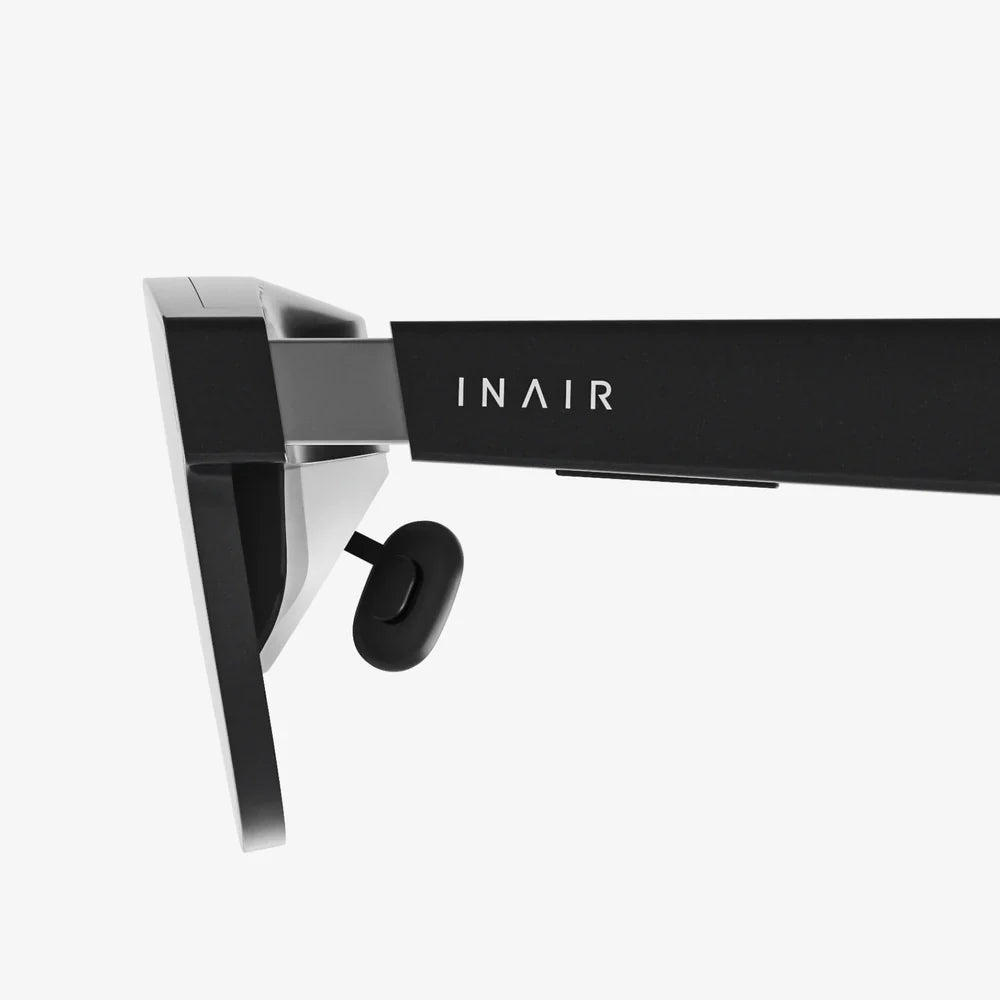
Imagine stepping into another world, exploring fantastical landscapes, and experiencing digital realms firsthand—all without spending a fortune. The dream of affordable virtual reality is more tangible than ever, and the hunt for a capable VR headset for your PC for under $100 is a quest many are embarking on. While it requires savvy shopping and managed expectations, the gateway to immersion is within reach, promising to unlock a new dimension of gaming, social interaction, and creative exploration from the comfort of your home office. This isn't about compromising; it's about smart entry into a revolution that no longer demands a king's ransom.
The Landscape of Budget-Friendly Virtual Reality
The VR market has matured significantly since the first consumer devices hit the shelves. Initially, high-end offerings commanded prices that placed them firmly in the enthusiast-only category. However, as technology evolves and production scales, components become cheaper, and innovation trickles down. This has created a vibrant and often confusing secondary market and a niche for entry-level devices specifically designed for the cost-conscious user. Understanding this ecosystem is the first step to a successful purchase.
When we talk about VR headsets for PCs under $100, we are primarily operating in two distinct spaces: the used and refurbished market for older, high-quality hardware, and the new market for simpler, often smartphone-based devices that have been adapted for PC use. Each path offers a different set of advantages and trade-offs between performance, convenience, and reliability.
Defining "VR for PC": What Does It Really Mean?
Not all VR headsets are created equal, especially when it comes to their connection to a computer. A true PC VR headset acts as a display and tracking system, offloading the intense graphical processing to your desktop or laptop computer. This is distinct from standalone headsets, which have all the necessary computing power built into the device itself. For a sub-$100 budget, you are looking exclusively at PC-dependent solutions.
This dependency means your experience is inextricably linked to your PC's capabilities. The headset itself is just a window; the world it shows is rendered by your computer's graphics card (GPU) and central processing unit (CPU). Before you even begin your search for a headset, you must ensure your PC is VR-ready. The minimum specifications typically include a modern multi-core processor, a sufficient amount of RAM (usually 8GB minimum, 16GB recommended), and, most critically, a capable GPU. While exact requirements vary, an older mid-range card from the past few generations can often handle less demanding VR titles, which is perfect for pairing with a budget headset.
The Refurbished and Second-Hand Gold Rush
This is where the most compelling value lies for the sub-$100 budget. Earlier generations of PC VR headsets from major players, which originally retailed for several hundred dollars, can now be found within your price range if you are patient and diligent. Websites offering used goods, auction sites, and electronics refurbishers are the primary hunting grounds.
What to Look For:
- First-Generation Wired Headsets: These devices pioneered modern PC VR. While they lack the resolution and features of their modern successors, their core immersion—head tracking, motion controllers, and software library—remains excellent. Finding a complete kit (headset, sensors, controllers) in good working condition for under $100 is the ultimate goal.
- Condition is Everything: Scrutinize listings for any mention of "screen door effect" (visible lines between pixels), dead pixels, lens scratches, or faulty tracking. These issues can ruin the experience. Purchasing from a reputable refurbisher that offers a warranty is always preferable to a private seller with no returns.
- Complete Kits: Ensure the package includes all necessary components: the headset itself, external tracking sensors (if required), motion controllers, and all necessary cables. Buying missing parts separately can quickly push you over budget.
Potential Pitfalls:
- Aging Technology: Older headsets may have lower-resolution displays, which can make text harder to read and visuals less sharp.
- Driver and Software Support: Ensure the headset is still supported by its manufacturer's software on modern PC operating systems. Some older models may have community-supported drivers, but this adds complexity.
- Hygiene: For used headsets, factor in the cost of replacement foam facial interfaces and head straps for hygiene and comfort.
The New, Low-Cost Alternative: Smartphone VR Adaptations
The other avenue involves headsets originally designed to hold a smartphone. These are abundantly available new for well under $100. However, they are not natively PC VR headsets. They require additional software and configuration to function with a PC, creating a more DIY experience.
The process typically involves installing a receiver app on the smartphone, a transmitter program on the PC, and using the phone's internal sensors and display to create a VR experience. The headset itself is essentially a housing with lenses.
The Reality of This Approach:
- Lower Performance: This method often introduces latency (a delay between your movement and the visual update) and compression artifacts, which can lead to a less smooth experience and even motion sickness.
- Limited Tracking: Without external sensors, tracking is usually limited to rotational head movement (3 degrees of freedom), meaning you can look around but not lean or move your head through space. This severely limits immersion and compatibility with many games designed for full positional tracking.
- Technical Hurdles: Setting up the necessary software can be fiddly and may require a powerful smartphone and a very stable Wi-Fi network if going wireless.
While this path is not recommended for those seeking a seamless, high-quality VR experience, it represents the absolute lowest cost of entry and can be a fascinating tech project for tinkerers.
Key Features to Evaluate at This Price Point
Even with a limited budget, you should still assess any potential headset against key criteria to avoid disappointment.
- Display Resolution: Measured in pixels per eye. Higher is better for clarity. For under $100, 1080x1200 per eye or similar is common in older wired models.
- Refresh Rate: Measured in Hertz (Hz). A higher rate (90Hz and above) provides a smoother image and reduces the likelihood of motion sickness.
- Field of View (FoV): The angular extent of the visible world. Most consumer headsets offer between 90 and 110 degrees. A narrower FoV can feel like looking through binoculars.
- Tracking System: Outside-in (using external sensors) vs. inside-out (using cameras on the headset). Outside-in tracking, found on older wired headsets, is often very accurate but requires setup. Inside-out is more convenient but may have blind spots.
- Comfort: Consider weight distribution, padding, and adjustability. A heavy, uncomfortable headset will pull you out of the experience quickly.
- Controller Quality: For refurbished kits, the ergonomics and battery life of the included motion controllers are crucial for interaction.
Setting Up Your Budget VR Rig for Success
Once you've acquired your headset, proper setup is key to a great experience. Dedicate a clean, clear space for VR play. Even a few square meters of obstacle-free area can significantly enhance safety and enjoyment. Carefully follow the setup instructions for the headset's tracking sensors, ensuring they are placed securely and have a clear view of your intended play area. Take the time to properly adjust the headset's straps and the distance between the lenses (interpupillary distance or IPD) to match your eyes. This small step is critical for visual clarity and comfort. Finally, start with comfortable, curated experiences. Begin with games and applications known for their gentle introduction to VR to acclimatize yourself before jumping into intense, fast-moving titles.
The Software Library: Experiences That Shine on Budget Hardware
Your under-$100 headset will grant you access to the entire PC VR software ecosystem, but some experiences will run better than others on older or less powerful hardware. Focus on well-optimized titles and experiences that are not overly demanding.
Excellent starting points include social platforms that allow you to meet friends in virtual spaces, watch videos, and play simple games. These worlds are often designed to be accessible on a wide range of hardware. Many classic puzzle games and atmospheric exploration games are less demanding on a system than fast-paced action titles, making them perfect for a budget setup. Don't overlook non-gaming applications. Virtual desktop environments, 360-degree video players, and creative tools like sculpting and painting apps can provide hundreds of hours of immersive engagement without requiring a top-tier GPU.
The journey to finding a VR headset for your PC for under $100 is an adventure in itself, blending the thrill of the hunt with the promise of digital worlds waiting to be discovered. It demands a strategic mind, a willingness to explore the second-hand market, and a clear understanding of the trade-offs involved. But for those who succeed, the reward is immense: a passport to the vast and growing universe of virtual reality, proving that the next frontier of computing doesn't have to come with a premium price tag. Your journey into the virtual realm starts now, and it's far more affordable than you ever thought possible.
Share:
How to Set a VR Headset: The Ultimate Step-by-Step Guide for a Flawless Virtual Reality Experience
Android AR News: The Convergence of Mobile and Augmented Reality