


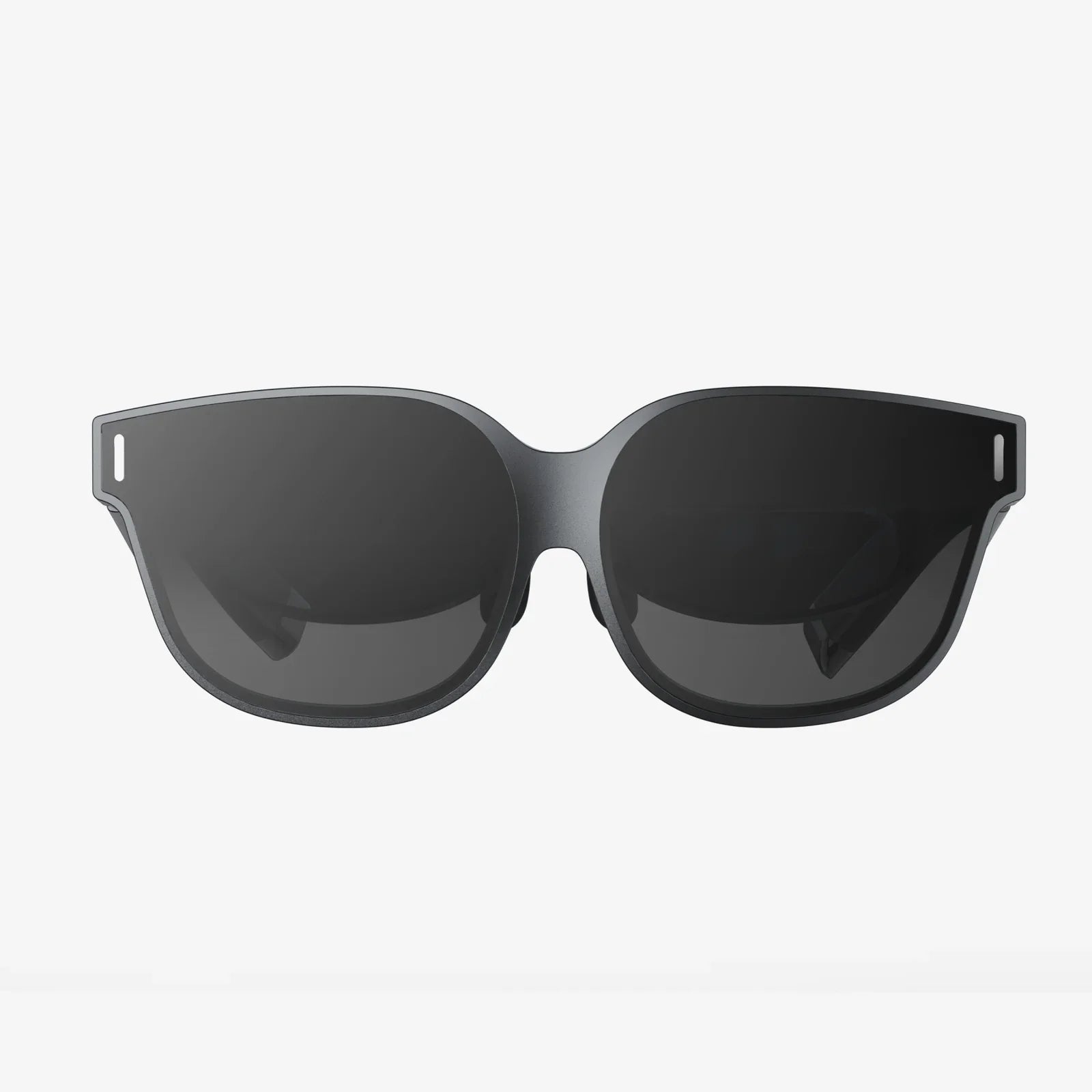
The line between our physical reality and the digital realm is blurring at an unprecedented rate, and at the forefront of this revolution is the powerful, accessible combination of Virtual Reality and modern web development. For decades, VR was the domain of high-end hardware, proprietary software, and complex, native-only development pipelines. It was an experience cordoned off, requiring specialized downloads and powerful machines. Today, that paradigm has been shattered. The emergence of robust web standards like WebXR, coupled with the declarative power of JavaScript frameworks, has flung open the doors to immersive experiences, making them available to anyone with a modern browser and a VR headset—or even just a smartphone. This is not just an evolution in technology; it's a democratization of experience. Developers now have the tools to build worlds that are not only breathtaking but also instantly accessible, shareable via a simple URL, and seamlessly integrated into the fabric of the web we use every day. This is the new frontier, and it's being built with a powerful duo: VR React.
The Convergence of Two Worlds: Why React and VR?
At first glance, a library for building user interfaces and a technology for creating fully immersive, 3D environments might seem like an odd couple. However, their core philosophies align in a way that makes them a perfect match for tackling the unique challenges of VR development. React's fundamental principle is a declarative approach to building UIs. Instead of manually manipulating the Document Object Model (DOM)—instructing it to create, update, and delete elements step-by-step—developers declare what the UI should look like for any given state. React then takes care of the complex calculations to efficiently update the view. This abstraction is a monumental advantage.
Now, translate this to a 3D VR environment. Instead of a flat DOM, you have a vast, three-dimensional scene graph containing geometries, materials, lights, and cameras. Manually managing the state of every object in this graph—spawning, transforming, and destroying them in response to user input—is a recipe for complex, error-prone, and poorly performing code. React's component-based model elegantly solves this. A 3D object, a light source, or even an entire interactive environment can be encapsulated into a reusable component. The state of the VR experience—the user's position, the score in a game, which object is selected—drives the rendering of the entire 3D world. Changing the state automatically and efficiently re-renders the necessary parts of the scene. This drastically simplifies development, making it easier to reason about complex VR applications, manage state across a sprawling digital world, and build reusable libraries of VR components, much like we have for 2D web UIs.
Foundational Technologies: WebXR and Three.js
Before a single line of React code is written, it's crucial to understand the underlying technologies that make browser-based VR possible. React provides the structure and logic; these technologies provide the canvas and the bridge to the hardware.
WebXR: The Gateway to Immersion
WebXR Device API is the modern, cross-browser standard that has replaced the older WebVR API. It is the critical piece of the puzzle that allows web pages to access and communicate with VR (and AR) hardware directly. It handles the core, low-level functionalities that are essential for any immersive experience:
- Pose Tracking: WebXR continuously provides the position and orientation (the “pose”) of the user's headset and controllers in 3D space. This data is what makes the virtual world respond naturally to your physical movements—looking around, leaning in, or walking across a room (in room-scale setups).
- Rendering: It manages the stereoscopic rendering required for VR. It presents two slightly different images—one for each eye—to create a convincing sense of depth and stereoscopy.
- Input Control: WebXR standardizes input from VR controllers, translating button presses, trigger pulls, thumbstick movements, and even hand-tracking data into a consistent API that developers can use.
Without WebXR, a web app would have no way of knowing you were wearing a headset. It is the essential protocol that turns a browser window into a portal to another world.
Three.js: The 3D Engine Powerhouse
While WebXR provides the bridge to the hardware, it is a relatively low-level API. Building a complex 3D scene from scratch using only WebXR and raw WebGL would be an immense, tedious task. This is where a 3D graphics library like Three.js becomes indispensable. Three.js is a powerful, flexible, and immensely popular library that abstracts away the immense complexity of WebGL. It provides a sane, object-oriented API for creating and manipulating 3D objects, scenes, cameras, lights, materials, and textures. It handles the rendering loop, shaders, and much more. In the context of VR React development, Three.js does the heavy lifting of managing the 3D scene graph. React then manages the state and composition of that scene, telling Three.js what to create, destroy, or change.
Architecting a VR React Application: A Practical Approach
So, how do these pieces fit together in practice? The most effective and common architecture involves using React as the orchestrator of the application's state and logic, which then controls a Three.js scene that is rendered to the WebXR display. This is typically achieved using a React renderer for Three.js, the most prominent being React Three Fiber.
React Three Fiber: The Glue That Binds
React Three Fiber (R3F) is a renderer for Three.js in React. Think of it as React-DOM, but for the WebGL canvas instead of the HTML DOM. It allows developers to declare Three.js objects and scenes using JSX, the familiar syntax of React. This is the magic ingredient that fully unlocks the declarative model for 3D.
Without R3F, you would be manually creating Three.js objects and adding them to a scene inside lifecycle methods, a very imperative process. With R3F, a simple VR scene might look like this:
import { Canvas } from '@react-three/fiber';
import { VRButton, XR } from '@react-three/xr';
function MyVRScene() {
return (
<>
This code is profoundly powerful. The component creates a WebGL context and a Three.js scene. The
Core Considerations for VR Development
Building for VR is not just 3D web development. It imposes a unique set of constraints and requirements that developers must respect to create comfortable, compelling, and effective experiences.
Performance: The Non-Negotiable Priority
In traditional web development, a drop below 60 frames per second (FPS) is undesirable. In VR, maintaining a high and stable framerate (often 90Hz or 120Hz) is absolutely critical to prevent user discomfort, motion sickness, and simulator sickness, a condition known as cybersickness. The penalty for poor performance is not a frustrated user but a physically ill one. Every optimization trick is vital:
- Efficient Rendering: Strictly limit the number of draw calls and polygon count. Use level of detail (LOD) systems to show simpler models at a distance.
- Mindful Re-renders: Leverage React's performance features like `React.memo`, `useMemo`, and `useCallback` to prevent unnecessary re-renders of your 3D components, which could trigger costly Three.js object updates.
- Asset Optimization: Compress textures, use modern geometry formats, and keep asset sizes small for faster loading.
User Experience and Interaction Design
VR UX is a discipline in itself. The rules of 2D design do not apply.
- Comfort First: Avoid forced camera movement that the user does not control. Provide comfort options like “vignetting” (reducing the field of view during movement) and teleportation-based locomotion instead of analog stick movement for users prone to sickness.
- Spatial UI: Interfaces must exist in 3D space. Buttons need to be large enough to select with a controller ray or finger, and feedback (visual, auditory) is crucial to confirm interactions.
- Accessibility: Consider users with different abilities. Provide alternative control schemes and ensure experiences aren't solely reliant on, for example, the ability to stand.
State Management in a 3D World
As applications grow in complexity, managing state becomes paramount. Where is the user? What are they holding? What is the state of the game world? The good news is that React's state management patterns translate perfectly. You can use React's built-in `useState` and `useReducer` hooks for local component state. For complex global state across your entire VR experience—like player inventory, game scores, or multiplayer data—libraries like Zustand or Redux work flawlessly with React Three Fiber. The state drives the 3D world, and user interactions within that world update the state, creating a clean, predictable data flow.
Beyond the Basics: Advanced Patterns and the Future
The VR React ecosystem is rapidly evolving, offering solutions for increasingly sophisticated use cases.
Physics and Realism
To make worlds feel solid and real, they need physics. Libraries like `use-cannon` (now updated for R3F) allow developers to add physics bodies to their React Three Fiber components, handling collisions, gravity, and forces declaratively. A cube can fall, a ball can bounce, and a door can swing open realistically, all managed through React props.
Multiplayer and Social VR
The true potential of VR is often realized socially. Technologies like WebSockets and WebRTC can be integrated into a VR React app to create shared experiences where multiple users, represented by avatars, can interact in the same virtual space in real-time. This opens up incredible possibilities for remote collaboration, virtual events, and social games.
The Path Ahead: Augmented Reality and the Metaverse
The same WebXR API and React Three Fiber stack used for VR is also the foundation for Web-Based Augmented Reality (WebAR). The principles are identical: React components declare digital content that is composited with the real world through the device's camera. As the concept of the metaverse—a persistent network of shared, real-time virtual spaces—continues to evolve, the web-based, link-sharing model championed by VR React is positioned to be a fundamental pillar. It offers an open, interoperable, and low-friction alternative to walled-garden platforms.
The journey into virtual reality no longer requires a rocket ship; it just requires a web link. By harnessing the declarative power of React and the vast potential of WebXR, developers are crafting the next dimension of human-computer interaction not as a separate destination, but as a natural extension of the web itself. These immersive worlds, built with components and state, are waiting to be explored, and they are closer than you think. The next click could transport you anywhere.
Share:
Virtual Virtual Reality for All Clients: The Ultimate Guide to Immersive Business Transformation
AR Glasses Industry News: The Next Computing Platform Emerges From the Shadows