


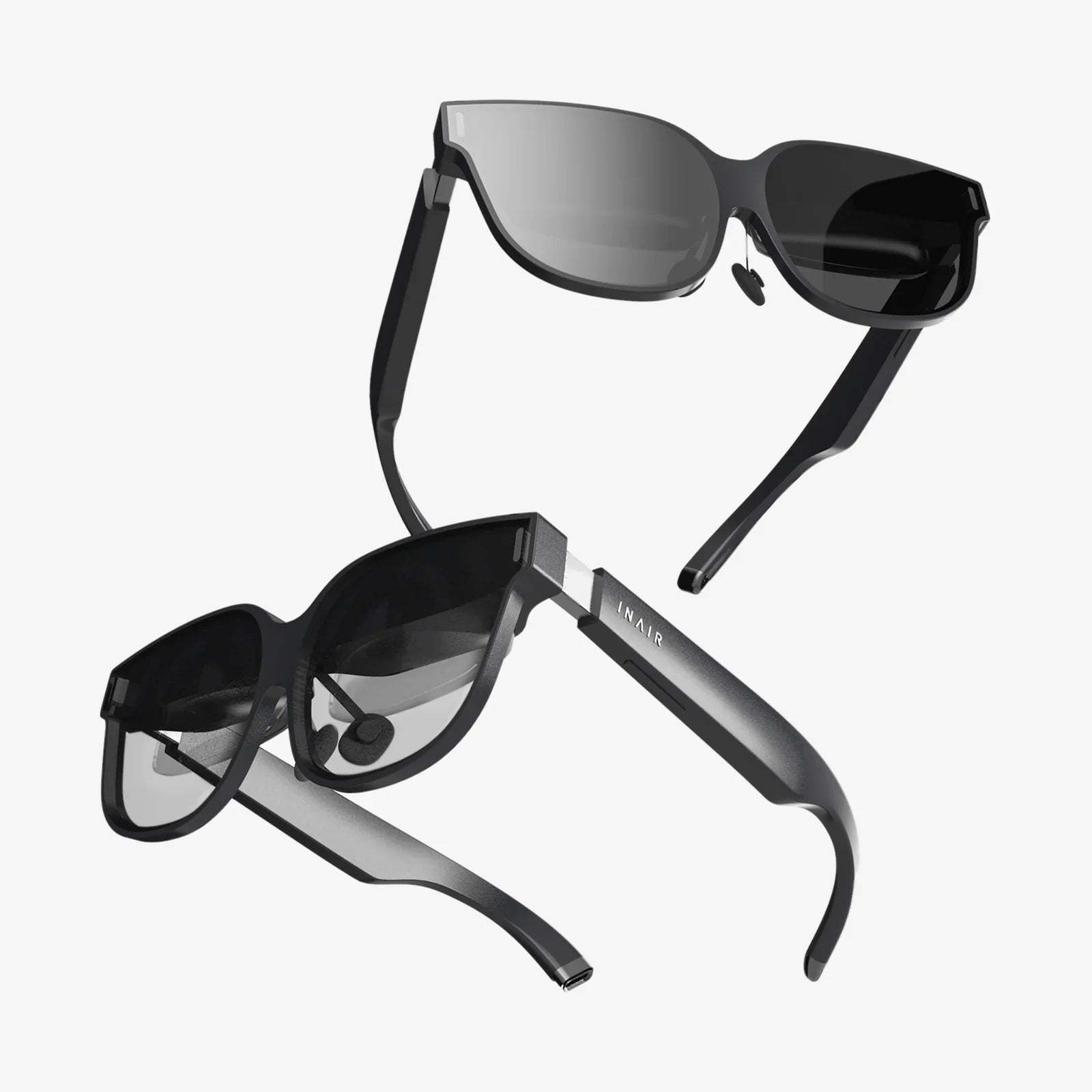
Imagine slipping a powerful portal to other worlds right into your pocket. No bulky wires, no dedicated gaming rig, just the smartphone you already own and a gateway to immersive experiences. This is the promise of VR that works with Android, a rapidly evolving segment of the virtual reality landscape that has democratized access to this transformative technology. It’s more accessible than ever, but navigating the options can feel like a maze. This definitive guide will cut through the complexity, showing you exactly how to unlock breathtaking virtual adventures, educational journeys, and cinematic experiences with the Android device in your hand.
The Android Advantage: Why Your Phone is a VR Powerhouse
The synergy between Android and VR is no accident. Android, as the world's most popular mobile operating system, offers a fertile ground for VR development. Modern Android smartphones are technological marvels, packing high-resolution displays, powerful processors, precise gyroscopes, and accelerometers—all the essential ingredients for compelling virtual reality. This ubiquity means developers are incentivized to create a vast and diverse library of VR content specifically optimized for the platform. Unlike closed ecosystems, Android offers a degree of flexibility, allowing users to choose from a wider range of hardware and software options to tailor their experience. From budget-friendly entry points to high-end mobile marvels, the ecosystem of VR that works with Android is designed to meet a variety of needs and budgets.
Understanding the Hardware Spectrum: From Viewers to Standalones
Not all VR for Android is created equal. The hardware landscape is broadly divided into two categories, each offering a distinct level of immersion and convenience.
Mobile VR Viewers (Cardboard and Beyond)
This is where many begin their VR journey. These viewers, often made from plastic or even cardboard, are essentially sophisticated holders for your smartphone. They use lenses to transform your phone's screen into a stereoscopic 3D experience. The simplest versions rely on your phone's built-in sensors for head tracking. Setting them up is typically a matter of downloading a compatible app, inserting your phone, and putting on the viewer. Their primary advantage is incredible affordability and accessibility. However, the experience is often more basic, with limited interactivity (usually just a magnetic switch or touch button on the viewer itself) and a higher potential for motion discomfort due to less refined tracking.
Self-Contained VR Headsets with Android Integration
This category represents a significant leap forward. These are all-in-one (AIO) or standalone headsets that run on a customized version of the Android operating system. While they have their own internal screens, processors, and batteries, their deep integration with the Android ecosystem is a key feature. Many allow you to access content from the Google Play Store, stream media from your Android phone, or even use your phone as a controller. They offer a much more robust and comfortable experience with dedicated motion controllers for full 6 degrees of freedom (6DoF) tracking, meaning you can move freely and interact naturally within the virtual space. They provide a console-like VR experience without the need for a PC, but they are a separate purchase from your smartphone.
Setting Up Your Android VR Experience: A Step-by-Step Guide
Getting started is surprisingly straightforward, though the process varies slightly depending on your chosen hardware.
For Mobile VR Viewers
- Check Compatibility: Ensure your Android phone fits the viewer's dimensions and has a gyroscope sensor (most modern phones do).
- Download a VR Platform: Install apps like Google Cardboard or similar VR launchers from the Play Store. These serve as hubs for finding content.
- Insert Your Phone: Secure your smartphone into the headset's compartment.
- Calibrate (If Needed): Some apps may require a quick calibration to ensure accurate tracking.
- Explore: You're ready to dive in. Start with apps labeled as compatible with your viewer type.
For Standalone Headsets with Android Integration
- Charge the Headset: Ensure the device is fully charged before first use.
- Power On & Pair Controllers: Follow the on-screen instructions to power up the headset and pair the motion controllers.
- Connect to Wi-Fi: A stable internet connection is crucial for downloading apps and updates.
- Sign In with Your Account: Log in with your Google account to access the Play Store and other services.
- Update Software: Install any available system updates for the best performance and latest features.
- Pair with Your Phone (Optional): Download the companion app on your Android phone to enable features like casting, notifications, and easier setup.
The Content Universe: What Can You Actually Do in Android VR?
The true value of any platform lies in its content. The ecosystem of VR that works with Android is rich and varied, offering experiences that cater to entertainment, education, productivity, and social connection.
Gaming and Interactive Experiences
This is a massive draw. The Google Play Store and dedicated VR stores are filled with titles ranging from simple roller coaster simulators and puzzle games to full-fledged action-adventure titles and rhythm games. You can wield lightsabers, solve intricate mysteries, paint in 3D space, or experience thrilling horror scenarios. The quality has increased dramatically, with many titles offering gameplay depth and visual fidelity that rival traditional gaming experiences.
360-Degree Videos and Cinematic Viewing
VR is arguably the ultimate way to consume immersive video. Platforms offer thousands of 360-degree videos, allowing you to stand on the edge of a volcano, swim with whales, attend a concert from the front row, or watch a short film where you control the camera. Furthermore, you can use your headset as a personal cinema screen, watching traditional 2D or 3D movies on a virtual screen that feels dozens of feet wide.
Social and Educational Applications
VR is becoming increasingly social. Apps allow you to meet friends in virtual spaces, play games together, attend live events, or simply hang out as customizable avatars. Educationally, the potential is staggering. Students can take virtual field trips to historical sites, explore the human body from the inside, or interact with complex molecular structures in a hands-on way that textbooks could never provide.
Optimizing Performance: Getting the Most from Your Android Device
To ensure a smooth and comfortable VR experience, a few optimizations are essential, especially for mobile viewers.
- Close Background Apps: Before launching VR, close any unnecessary applications running in the background to free up RAM and processing power for a smoother experience.
- Enable Do Not Disturb: Nothing shatters immersion like a phone call or notification popping up in your headset. This mode is your best friend.
- Manage Storage: VR apps and 360 videos can be large. Ensure you have ample free storage space to avoid performance hiccups.
- Brightness and Battery: Set your screen brightness to a comfortable level (often high for viewers) and ensure your phone is adequately charged; VR is a power-intensive activity.
- Keep It Cool: Extended VR sessions can cause your phone to heat up. If it gets too hot, take a break to prevent thermal throttling (which reduces performance) and protect your battery's longevity.
Overcoming Common Challenges and Limitations
While incredible, mobile VR is not without its hurdles. Understanding them helps set realistic expectations.
Battery Life and Heat
As mentioned, rendering two high-resolution screens and running constant sensor tracking is demanding. It will drain your phone's battery significantly faster than normal use and generate heat. Planning for shorter sessions or having an external power bank handy is a good strategy for mobile viewers.
Potential for Motion Discomfort
VR-induced nausea, or simulator sickness, is a real phenomenon for some users. It occurs when your eyes perceive motion that your inner ear does not. It's more common in experiences with artificial locomotion (using a joystick to move). It's best to start with stationary experiences, take frequent breaks, and stop immediately at the first sign of discomfort. Your "VR legs" will develop over time.
Visual Fidelity and the Screen Door Effect
While phone screens are sharp, magnifying them through lenses can sometimes make the gaps between pixels visible, creating a faint "screen door" overlay. This is less of an issue on newer phones with higher-resolution displays and is largely absent from dedicated standalone headsets with optimized screens.
The Future of Android VR: Where is This All Heading?
The trajectory of VR that works with Android is pointed firmly toward a more seamless and integrated future. We are moving towards a paradigm where the distinction between your phone and your VR headset will blur. Imagine a future where your smartphone seamlessly docks into a more advanced headset, providing the computational power for a high-end experience without being permanently tethered. Advancements in 5G connectivity will enable cloud-based VR, streaming incredibly complex experiences directly to simpler headsets, bypassing hardware limitations altogether. Furthermore, the lines between VR and Augmented Reality (AR) are dissolving, with passthrough cameras allowing headsets to blend virtual objects with your real environment. The Android ecosystem, with its openness and scale, is perfectly positioned to be the bedrock upon which this mixed-reality future is built.
Your Android phone is no longer just a communication device; it's a key to countless other dimensions. The world of VR that works with Android is vast, affordable, and waiting to be explored. Whether you're a curious newcomer or a seasoned tech enthusiast looking to leverage the power in your pocket, there has never been a better time to take the plunge. The next great adventure isn't just on your phone—it's all around you.
Share:
Can I Use My VR Headset While Charging? The Ultimate Safety & Performance Guide
Is VR Headset Worth Buying? An In-Depth Look at the Pros and Cons