


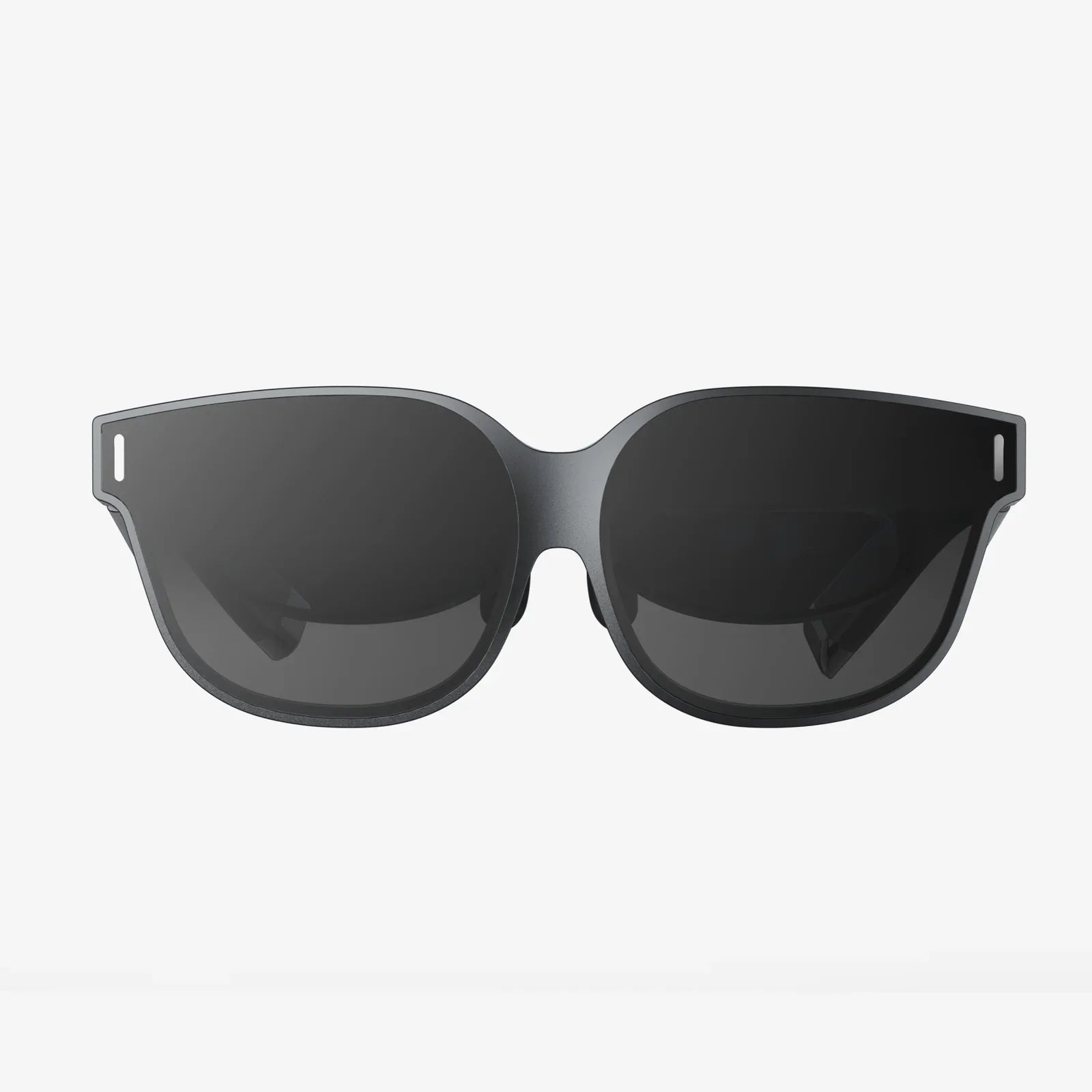
Have you ever stopped to marvel at the sheer effortlessness of scrolling through your smartphone, the intuitive click of a mouse, or the simple voice command that dims your lights? This invisible dance between human and machine, so seamless it feels like second nature, is the product of a profound and evolving discipline. It’s the art and science of a conversation where we speak with gestures, glances, and words, and technology listens, responds, and adapts. The magic you experience daily has a name, and its applications are woven into the very fabric of our modern existence.
The Foundational Pillars of HCI
At its core, Human-Computer Interaction (HCI) is a multidisciplinary field of study focusing on the design of computer technology and, crucially, the interaction between humans (the users) and computers. It sits at the intersection of computer science, behavioral psychology, design, media studies, and several other fields. The ultimate goal of HCI is not just to make systems that work, but to create user experiences that are efficient, intuitive, accessible, and even enjoyable.
HCI is built upon several key principles:
- Usability: This is the cornerstone. Can users achieve their goals effectively, efficiently, and with satisfaction?
- Accessibility: Ensuring that interactive systems are designed for people with the widest range of abilities, including those with disabilities.
- Affordances & Signifiers: An affordance is a perceived action a user can take (e.g., a button looks pushable). A signifier is a cue that indicates where that action should be taken (e.g., the word "Submit" on the button).
- Feedback: The system must provide clear and immediate feedback in response to user actions (e.g., a button changing color when clicked).
- Error Prevention and Recovery: Good HCI design prevents errors from happening in the first place and offers simple, constructive solutions when they do occur.
Everyday Encounters: Ubiquitous HCI Examples
The most powerful examples of HCI are often the ones we no longer notice. They have become so integrated into our daily routines that their brilliance is in their invisibility.
The Smartphone: A Masterclass in Multi-Modal Interaction
The modern smartphone is arguably the most pervasive HCI product on the planet. It seamlessly blends multiple interaction modalities:
- Touchscreen Gestures: Pinching to zoom, swiping to navigate, and tapping to select are all intuitive gestures that leverage our natural dexterity.
- Virtual Keyboards: Adaptive software that offers predictive text and auto-correction, learning from our individual typing patterns.
- Voice Assistants: Using natural language processing (NLP) to understand spoken commands and questions, turning speech into a primary input method.
- Haptic Feedback: The subtle vibration that confirms a button press or an incoming notification provides tactile confirmation.
Desktop and Laptop Computing: The Traditional Powerhouse
The graphical user interface (GUI) was a revolutionary HCI breakthrough. Common examples include:
- The Point-and-Click Paradigm: Using a mouse or trackpad to manipulate on-screen objects like windows, icons, and menus (WIMP).
- Contextual Menus: Right-clicking to reveal a list of options relevant to the specific item selected.
- Keyboard Shortcuts: Allowing expert users to bypass GUI elements for faster command execution (e.g., Ctrl+C for copy).
The Domestic Sphere: The Rise of the Smart Home
HCI has moved beyond personal screens and into our living environments:
- Voice-Controlled Interfaces: Speaking to a smart speaker to play music, control thermostats, or get a news update.
- Touch Control Panels: Wall-mounted panels or appliance interfaces for controlling lighting, security, and entertainment systems.
- Mobile App Remotes: Using a smartphone app as a universal remote for all connected devices in the home.
Specialized and Emerging HCI Frontiers
Beyond consumer gadgets, HCI drives innovation in specialized fields, pushing the boundaries of how we interact with digital information.
Virtual and Augmented Reality (VR/AR)
VR and AR represent a paradigm shift from observing a screen to being immersed inside a digital environment.
- Motion Tracking Controllers: These controllers map our hand and arm movements into the virtual world, allowing us to grab, throw, paint, or manipulate digital objects with astonishing precision.
- Hand-Tracking Technology: Advanced cameras allow users to interact with virtual elements using just their bare hands, making the interaction even more natural and intuitive.
- Spatial UI: Interfaces are no longer confined to a flat screen but can be pinned to real-world locations or exist as 3D holograms that users can walk around and inspect.
Gesture and Gaze Control
This area focuses on using our bodies and eyes as input devices.
- Microsoft Kinect (Historical Example): This device used depth-sensing cameras to track full-body movement, allowing users to play games without any controller.
- Eye-Tracking in Accessibility: For individuals with limited mobility, eye-tracking systems allow them to control a cursor and communicate by simply looking at different parts of a screen.
- Automotive Applications: Some modern vehicles use cameras to detect driver drowsiness by monitoring eyelid movement and blink rate.
Tangible User Interfaces (TUIs) and Haptics
TUIs bridge the gap between the physical and digital worlds by giving digital information a physical form.
- DJ Control Surfaces: Using physical knobs, sliders, and pads to manipulate digital music files provides tactile feedback that a purely screen-based interface cannot.
- Force Feedback Joysticks: In flight simulators or gaming, these joysticks push back against the user to simulate G-forces or resistance, creating a deeply immersive experience.
- 3D Modeling with Haptic Devices: Designers can use specialized pens and arms that provide resistance, allowing them to virtually "feel" the surface of a 3D model they are sculpting.
Brain-Computer Interfaces (BCIs)
Perhaps the most futuristic frontier of HCI, BCIs aim to create a direct communication pathway between the brain and an external device.
- Medical Rehabilitation: BCIs are being developed to help paralyzed individuals control robotic limbs, wheelchairs, or communicate through a computer by merely thinking about the action.
- Non-Invasive Headsets: Consumer-grade headsets that measure electroencephalography (EEG) can already be used for basic control of games or applications, focusing on states of concentration or meditation.
The Invisible Hand: HCI in Public and Critical Systems
The principles of HCI are critically important in systems where error can have severe consequences.
Automotive User Interfaces
Modern car dashboards, or digital cockpits, are complex information systems. Good HCI is vital for driver safety.
- Touchscreens with Tactile Feedback: Providing physical "clicks" or vibrations to confirm input so drivers don't have to look away from the road.
- Voice Commands: For navigation, calling, and climate control to minimize distraction.
- Heads-Up Displays (HUDs): Projecting crucial information like speed and navigation directions onto the windshield, keeping the driver's focus on the road ahead.
Industrial Control Systems
Control rooms for power plants, air traffic control, and manufacturing rely on HCI to present vast amounts of complex data clearly and intuitively. The design of these interfaces can prevent catastrophic errors and improve operational efficiency.
Healthcare Technology
From the interface of an MRI machine to the software doctors use to access patient records, HCI plays a life-saving role. Clear information architecture, legible data presentation, and intuitive workflows are essential to reduce clinical errors and improve patient outcomes.
The Future of the Conversation
The evolution of HCI is moving towards more natural, contextual, and anticipatory interactions. We are heading towards a future of ambient computing, where technology recedes into the background of our lives, and interactions become a seamless blend of voice, gesture, gaze, and touch, all orchestrated by artificial intelligence that understands our context and intent. The focus will shift from explicit commands to implicit, continuous dialogue. The question is no longer just "What is human computer interaction examples?" but "How will this invisible, intelligent fabric of interaction enhance human potential without overshadowing our humanity?" The next time your device seems to read your mind or your car helps you avoid danger, remember the immense field of study working tirelessly to make that moment of flawless connection possible. The conversation has just begun, and its future is limited only by our imagination.
Share:
Why Are My VR Goggles Blurry? The Ultimate Guide to Crystal Clear Immersion
Wearable Video Screen: The Dawn of a New Visual Communication Era