


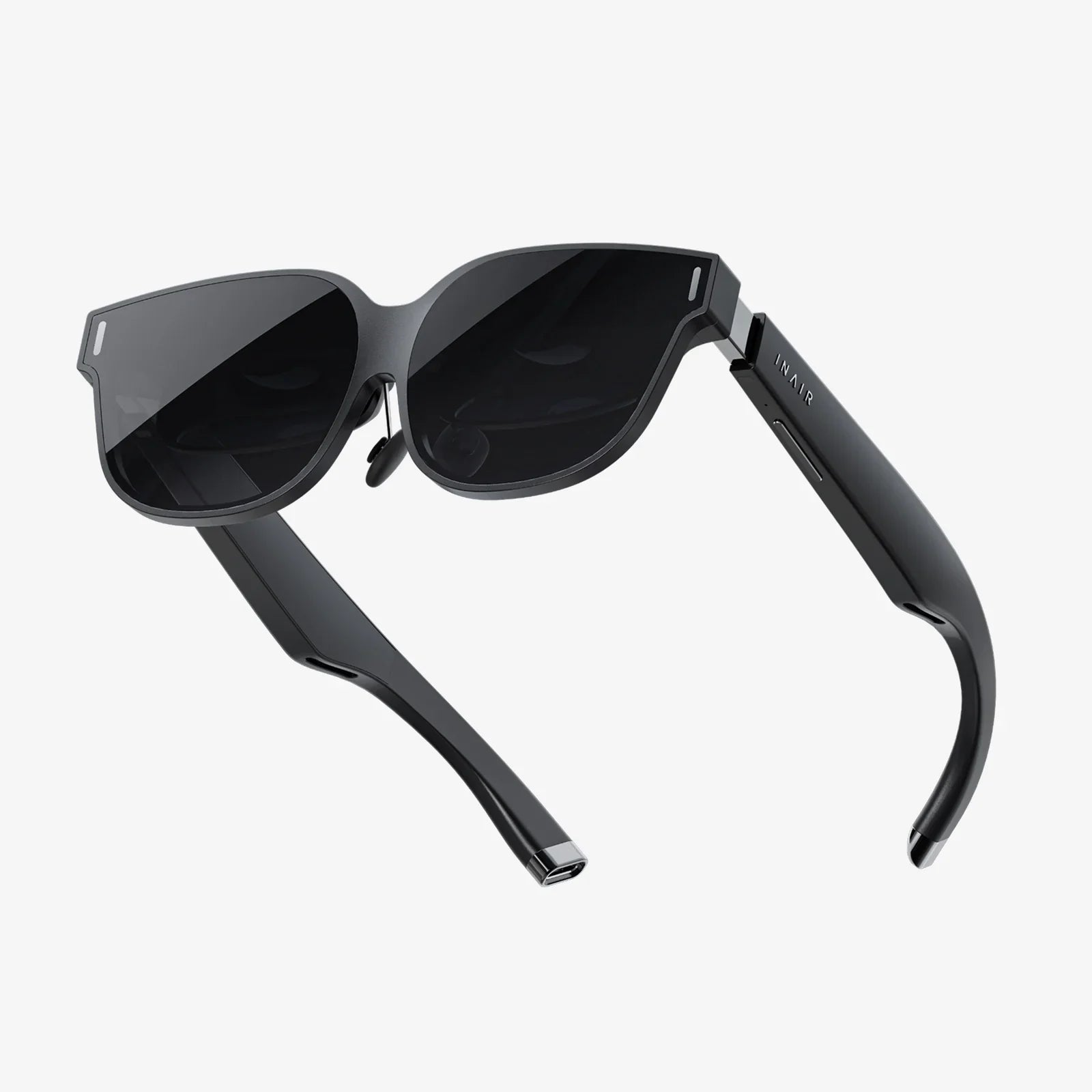
Stepping into the virtual realm for the first time is a moment of pure, unadulterated magic—a leap from the flat confines of a monitor into a boundless, interactive universe. But that magic hinges on a single, crucial decision: choosing the right gateway. The market is flooded with options, each boasting a dizzying array of specs and features. For the aspiring PC virtuoso, the question isn't just about entering VR; it's about finding the perfect vessel to do it justice. Your powerful gaming rig is the engine, but the headset is the steering wheel, the windshield, and the entire chassis of your adventure. So, before you take the plunge, let's demystify the process and arm you with the knowledge to find the headset that doesn't just work, but truly transforms your reality.
The Bedrock of Immersion: Display and Visual Fidelity
When you strap a screen mere centimeters from your eyes, every pixel, every refresh, and every degree of vision counts. The visual specifications of a headset are the most direct contributors to the feeling of "presence"—that elusive sensation of truly being somewhere else.
Resolution and Pixel Density: The War on Screen Door Effect
This is often the first spec everyone looks at, and for good reason. Resolution dictates the clarity of the image you see. Early VR was plagued by the "screen door effect" (SDE), where you could see the faint lines between pixels, like looking through a mesh door. Modern headsets combat this with high-resolution displays and clever optical tricks.
Look for headsets with a high per-eye resolution (e.g., 2160x2160 or higher). Combined with a high pixels-per-degree (PPD) rating, this ensures text is sharp, distant objects are discernible, and the virtual world feels solid and real, not like a low-res video game.
Refresh Rate: The Guardian of Smoothness
Measured in Hertz (Hz), the refresh rate is how many times the image on the screen updates per second. A higher refresh rate is critical for comfort and immersion.
- 90Hz: Considered the absolute minimum for a comfortable, stable experience for most users.
- 120Hz/144Hz: The sweet spot for high-end PC VR. This dramatically reduces motion blur and makes fast-paced action feel incredibly smooth, almost lifelike.
A higher refresh rate also lowers motion-to-photon latency (the delay between your movement and the screen updating), which is a key factor in preventing VR-induced nausea.
Lens Technology and Field of View (FoV)
The lenses are what focus the image from the screens onto your eyes. Their quality is paramount.
Field of View (FoV) is measured in degrees and represents how much of the virtual world you can see at once. A wider FoV (110 degrees or more) feels more natural and immersive, like scuba diving rather than looking through binoculars. A narrow FoV can constantly remind you that you're wearing a headset.
Many premium headsets now use Fresnel or advanced Pancake lenses. Pancake lenses are a newer technology that allows for a much slimmer headset design and often provides a larger "sweet spot"—the area where the image is perfectly in focus—reducing the need to constantly adjust the headset.
Panel Type: LCD vs. OLED
This is a classic trade-off:
- LCD: More common in modern headsets. Offers higher resolution and reduced SDE for the price. Can achieve very high refresh rates. The downside is typically lower contrast, meaning blacks appear more as dark grays.
- OLED: Traditionally praised for its perfect, inky blacks and vibrant colors, which is a huge advantage in dark game scenes. However, it has sometimes struggled with higher resolutions and can have a slight "mura" effect (a slight unevenness in the black levels).
Newer technologies like Mini-LED and local dimming on LCD panels are starting to bridge this gap, offering deep blacks without some of OLED's drawbacks.
The Architecture of Experience: Tracking and Controllers
How you move and interact in VR is just as important as how you see. The tracking system is the invisible hand that maps your real-world actions into the digital space.
Inside-Out vs. Outside-In Tracking
This is the biggest philosophical divide in headset tracking technology.
Inside-Out Tracking: Cameras on the headset itself look outward to track your position in the room and the movement of the controllers. This is the modern standard for consumer VR.
- Pros: Extremely convenient and portable. No need to set up external sensors or base stations around your play area. It's a more plug-and-play experience.
- Cons: Tracking can sometimes be lost if the controllers are held directly outside the field of view of the headset's cameras (e.g., behind your back for too long). The technology has advanced tremendously and this is rarely a major issue for most games.
Outside-In Tracking (Base Stations): External sensors (called base stations or lighthouses) are placed in the corners of your room. They emit lasers that sweep the room, which are picked up by sensors on the headset and controllers to pinpoint their location with extreme precision.
- Pros: Widely considered the gold standard for absolute, millimetre-accurate tracking. It's incredibly robust, with no line-of-sight issues for controllers.
- Cons: Less portable. Requires mounting or placing the base stations in your play space, which involves more cables and setup time. It's also generally a more expensive system.
Controller Design and Haptics
Your controllers are your hands in the virtual world. Their design matters.
Look for controllers that feel ergonomic and natural to hold for long periods. They should have a full complement of inputs: analog sticks, buttons, triggers, and grip buttons/sensors. Haptic feedback is crucial; a simple rumble when you fire a virtual gun or pick up an object adds a massive layer of tactile immersion. High-end controllers are now incorporating features like finger tracking, which can detect individual finger movements for more expressive and natural interactions.
The Human Factor: Comfort and Ergonomics
You can have the highest-resolution display ever made, but if the headset is a pain to wear, you'll never want to use it. Comfort is a performance feature.
Weight and Weight Distribution
A lighter headset is generally more comfortable, but how the weight is distributed is often more important. A well-designed headset uses a counter-balancing strap system (like a rigid halo strap or a well-padded top strap) to pull the weight from your face onto your forehead and the crown of your head. This prevents the dreaded "VR face" and allows for longer, more enjoyable sessions.
Strapping Systems and Facial Interface
The standard elastic straps of old are being replaced by more sophisticated systems. Halo straps (a rigid ring that encircles your head) are popular for their comfort and easy adjustability. The material of the facial interface (the part that touches your face) is also key. Look for plush, breathable foam or silicone covers that are removable and washable—a critical feature for hygiene, especially if you plan to share the experience.
IPD Adjustment
Interpupillary Distance (IPD) is the distance between the centers of your pupils. Headsets have a lens separation adjustment (either physical via a slider or software-based) to match this measurement. Getting this right is non-negotiable. An incorrect IPD setting will result in a blurry image, eye strain, and headaches. A physical IPD adjustment is universally preferred as it mechanically moves the lenses to align perfectly with your eyes.
Powering the Dream: PC Requirements and Connectivity
PC VR is not a standalone island; it's a symbiotic relationship with your computer. Understanding the connection is vital.
The Graphics Card (GPU): Your Workhorse
This is the most important component in your PC for VR. Rendering two high-resolution views at a high, stable framerate is incredibly demanding. While less intensive experiences can run on mid-range cards, to truly leverage a high-end headset you will need a powerful, modern graphics card. Always check the headset manufacturer's recommended and minimum specifications for the GPU.
Connectivity: The Data Lifeline
How does the headset connect to your PC? There are two primary methods, each with pros and cons.
DisplayPort (or DisplayPort over USB-C) + USB: This is the traditional, wired method. A dedicated DisplayPort cable offers the highest possible bandwidth, ensuring a pristine, uncompressed video signal with the lowest latency. This is the preferred method for maximum visual fidelity, especially on high-resolution headsets.
USB-C / USB-A: Some headsets use a single USB-C cable that carries both data and video. The video signal is often compressed. It's simpler, but pure bandwidth may be a limiting factor for the highest-end headsets.
Wireless Adapters: For some headsets, a wireless adapter accessory is available. This connects to a PCIe card in your PC and streams the video signal over a dedicated Wi-Fi 6/6E band. The freedom of untethered movement is a game-changer for room-scale VR, but it introduces slight latency and a tiny amount of visual compression. It's a trade-off between absolute fidelity and absolute freedom.
Software, Ecosystem, and Future-Proofing
The hardware is nothing without the software that brings it to life.
Platform Compatibility
Most PC VR headsets are designed to work with major VR platforms like SteamVR and OpenXR. This open compatibility gives you access to the vast library of games on Steam. However, some headsets may have their own proprietary software stores or launchers that offer exclusive content or optimized experiences. Ensure the headset you choose gives you access to the games and experiences you want.
Future-Proofing Your Investment
VR technology is advancing rapidly. While you can't future-proof completely, you can make a smarter investment by considering:
- Modularity: Can you replace the facial interface or controller straps? Are the controllers themselves upgraded separately from the headset?
- Lens and Display Tech: Investing in a headset with the latest lens technology (like Pancake lenses) and a high-resolution display will keep it feeling relevant for longer.
- Tracking System: Choosing a system with best-in-class tracking (like base stations) means you can keep your controllers and base stations for a future headset upgrade, saving money in the long run.
Your journey into virtual reality should begin with awe, not with buyer's remorse. By looking beyond the marketing hype and focusing on these core pillars—visual clarity, precise tracking, enduring comfort, and seamless integration with your powerful PC—you move from being a passive consumer to an empowered architect of your own digital destiny. The perfect headset isn't the one with the most buzzwords; it's the one that disappears on your face, leaving only the breathtaking wonder of a world limited not by technology, but only by the imagination of its creators.
Share:
PC VR Headset Comparison: The Ultimate Buyer's Guide for 2024
VR Headset Popularity: From Niche Novelty to Mainstream Revolution