


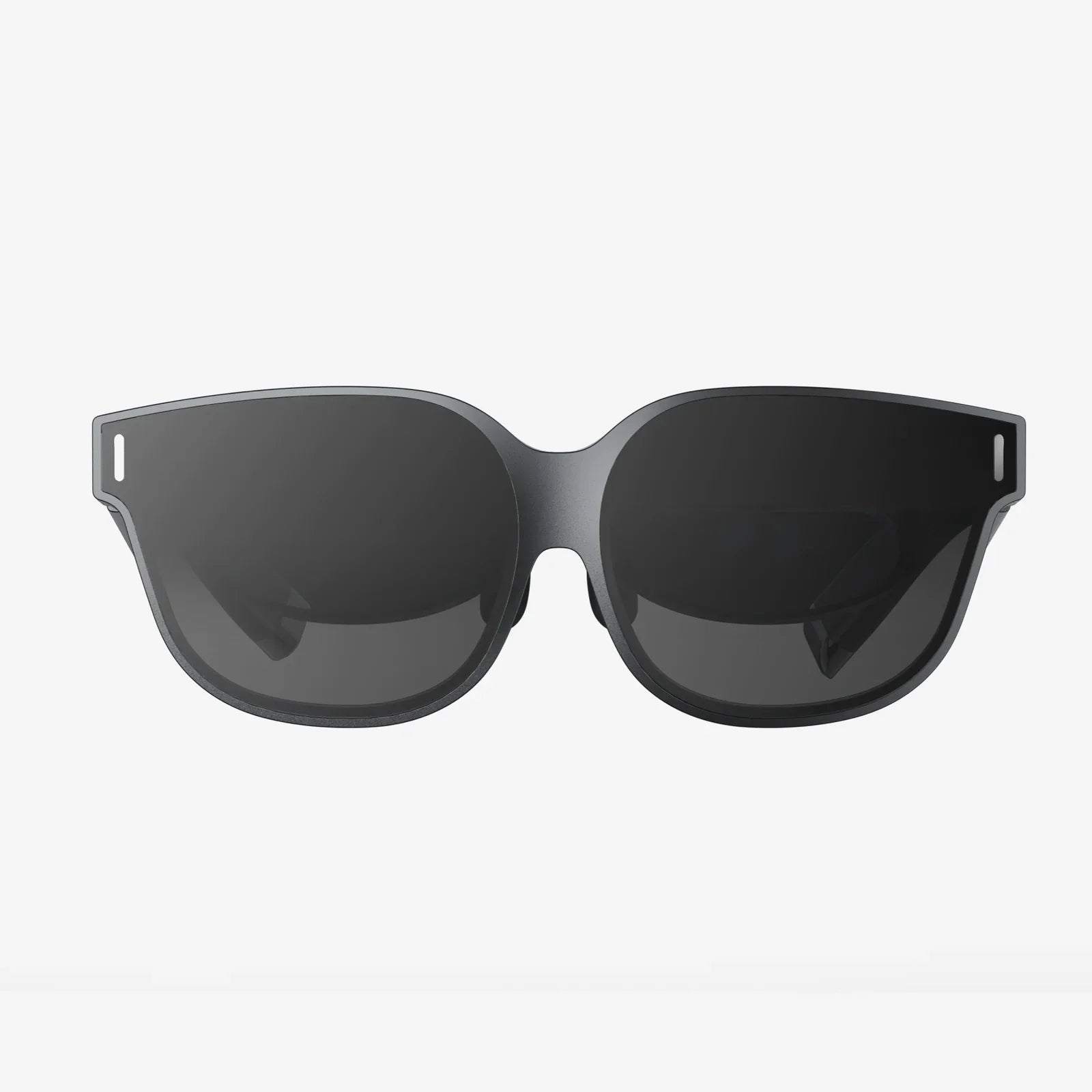
You've seen the breathtaking trailers, you've heard your friends rave about it, and now you're ready to take the plunge into the immersive, world-bending realm of PC-powered virtual reality. But with a market that's constantly evolving, a simple search for "what's a good VR headset for pc" can quickly become overwhelming. Fear not, aspiring reality-shifter, because this definitive guide is designed to cut through the noise and equip you with the knowledge to find your perfect portal to another dimension.
The Foundation: Understanding the Core Components of PC VR
Before diving into specific types of headsets, it's crucial to understand what makes a PC VR headset tick. Unlike standalone devices that have all their computing power built-in, a PC VR headset is essentially a sophisticated display and input device that leverages the immense power of your desktop computer. This symbiotic relationship is the key to the highest-fidelity VR experiences available today.
Display Resolution and Clarity: The Window to Your Virtual World
The most immediate factor affecting your immersion is the clarity of the image. This is primarily determined by the headset's resolution, often expressed as a single number (e.g., 2160 x 2160 per eye) or a combined figure.
- Entry-Level (approx. 1600x1400 per eye): Perfectly serviceable for getting started, but the "screen door effect" (the faint grid-like appearance between pixels) might be noticeable, especially when reading text or observing distant objects.
- Mid-Range (approx. 2000x2000 per eye): This is the current sweet spot for many users. The image is significantly sharper, the screen door effect is greatly reduced or eliminated, and text is much easier to read.
- High-End (2160x2160 per eye and above): Here, you're entering the realm of stunning clarity. Details are crisp, distant objects are well-defined, and the virtual world feels tangibly real. This level of resolution demands a powerful graphics card.
Another critical display technology is the panel type. Fast-switch LCDs are common and offer high resolutions and good reliability, but some premium headsets use OLED displays, which provide perfect blacks and incredibly vibrant colors, enhancing contrast and depth in dark scenes.
Refresh Rate and Field of View: Smoothness and Immersion
If resolution is about clarity, the refresh rate (measured in Hz) is about smoothness. A higher refresh rate means the image updates more frequently, leading to butter-smooth motion that is crucial for comfort and performance, especially in fast-paced games.
- 72Hz-90Hz: The standard for a comfortable, smooth experience. Most users will be perfectly happy in this range.
- 120Hz-144Hz: Offers an exceptionally smooth and responsive feel. This is a major advantage for competitive gaming and can further reduce motion sickness for susceptible users.
Field of View (FoV) is how much of the virtual world you can see at once, typically measured diagonally. A wider FoV (110 degrees or more) feels more natural and immersive, like scuba diving with a large mask, whereas a narrower FoV can feel like looking through binoculars.
Tracking Technology: How the Headset Knows You're Moving
Accurate tracking is what sells the illusion that you are truly inside the virtual space. There are two primary methods:
- Outside-In Tracking: This method uses external sensors or base stations placed around your play area. These devices constantly beam signals to the headset and controllers, providing extremely precise, millimetre-accurate positional data. It's considered the gold standard for competitive and professional use but requires more setup with cables and careful sensor placement.
- Inside-Out Tracking: This more modern approach uses cameras built directly into the headset itself to look outward and map your environment. It calculates its position by tracking fixed points in your room. The huge advantage is simplicity and portability—there are no external sensors to set up. While its precision has caught up tremendously, it can sometimes struggle in very low-light conditions or with controller tracking directly behind your back.
Controllers and Ergonomics: Your Hands in the Virtual World
Your controllers are your hands in VR. A good set of controllers feels natural, responsive, and intuitive. Look for ergonomic designs that fit comfortably in your hands during long sessions. Features like haptic feedback (subtle vibrations) and finger-tracking (where the headset can detect individual finger movements) can dramatically increase the sense of presence and interaction. Most ecosystems have their own proprietary controllers, so this is often a deciding factor based on the headset you choose.
Comfort and Fit: The Most Overlooked Spec
You can have the highest-resolution display on the planet, but if the headset is uncomfortable, you won't want to use it. Comfort is a spec. Key factors include:
- Weight Distribution: A well-designed headset uses a counter-balanced strap (like a halo design or a rigid strap with a rear counterweight) to pull weight off your face and onto your head.
- Facial Interface: The foam or material that rests on your face. It should be soft, breathable, and easy to clean. Many companies offer optional interfaces made of materials like silicone or faux leather for improved hygiene and comfort.
- IPD Adjustment: Interpupillary Distance (IPD) is the distance between your pupils. A physical IPD adjustment slider allows you to mechanically align the lenses with your eyes, which is critical for a clear, strain-free image. Software-based IPD adjustment is less ideal.
Matching a Headset to Your PC's Power
Your dream headset is only as good as the PC driving it. Pushing high resolutions at high frame rates is one of the most demanding tasks for a modern graphics card. Before you buy, check the recommended and minimum specifications for any headset you're considering. A headset with a very high resolution will require a powerful, modern GPU to run demanding games smoothly. Mismatching a high-end headset with a mid-range PC will lead to a subpar experience, often requiring you to lower the rendering resolution, negating the headset's advantage.
The Contenders: Breaking Down the VR Headset Categories
Now that you know the language, let's categorize the options available to you. The best headset isn't a single product; it's the one that best fits your budget, desired experience, and technical tolerance.
The High-Fidelity Enthusiast
This user wants the absolute best visual fidelity, tracking precision, and performance, no matter the cost or setup complexity. They have a powerful gaming rig and are willing to deal with external sensors for that extra edge.
- Defining Features: Highest resolution displays (often OLED or mini-LED), wide field of view, high refresh rates (120Hz+), and premium outside-in tracking systems for uncontested accuracy.
- Experience: This is the pinnacle of consumer PC VR. The image is breathtakingly sharp and fluid, the colors are deep and rich, and the tracking is so precise you'll forget it's not real. It's the ideal choice for hardcore flight simulators, racing sims, and competitive shooters.
- Considerations: This path is the most expensive, both for the headset itself and the PC required to run it. Setup is more involved due to the external base stations. It's a commitment to the highest-end experience.
The Versatile All-Rounder
This is arguably the most popular category for PC VR users. These headsets strike an excellent balance between high-end features and user-friendly convenience, often featuring inside-out tracking.
- Defining Features: Very good to excellent resolution displays (usually fast-switch LCDs), high refresh rates (90-120Hz), and robust inside-out tracking that eliminates the need for external sensors.
- Experience: You get a fantastic, clear picture that works beautifully for 95% of games and experiences. The setup is incredibly simple: plug in a cable (or even connect wirelessly) and you're done. It offers a tremendous amount of freedom and ease of use without a massive compromise on quality.
- Considerations: While tracking is excellent, purists may argue it's not quite as rock-solid as the best outside-in systems for competitive play. The balance between wired and wireless functionality can be a key differentiator here.
The Wireless Freedom Advocate
For some users, being tethered by a cable is the ultimate immersion-breaker. This user prioritizes complete freedom of movement above all else.
- Defining Features: The ability to connect to a PC via a high-speed wireless protocol, either native to the headset or through an optional accessory. They often double as capable standalone devices.
- Experience: Untethered PC VR is a revelation. The ability to spin, crouch, and move without a second thought about a cable tangling around your legs is incredibly liberating. It makes room-scale VR truly effortless and is a game-changer for active games.
- Considerations: Wireless streaming introduces very slight latency and compression, which, while barely noticeable to most, might bother competitive players. It also requires a strong, dedicated Wi-Fi 6/6E network for the best performance. Battery life is a new factor to manage.
The Budget-Conscious Starter
This path is all about accessing the world of high-quality PC VR without a monumental investment. It's about finding incredible value.
- Defining Features: Older or refreshed models that still offer a solid, compelling VR experience at a significantly reduced price point. The resolution and features are a generation behind but remain highly capable.
- Experience: Don't mistake "budget" for "bad." These headsets can still provide a truly awesome and immersive introduction to PC VR. You'll get a great sense of presence, solid tracking, and access to the entire library of VR games, just with a slightly softer image and more visible screen door effect.
- Considerations: You are compromising on the latest display technology, comfort, and features. It's a fantastic way to see if you love VR before upgrading later. The value proposition is their greatest strength.
Making Your Final Choice: A Checklist Before You Buy
- Audit Your PC: Be brutally honest about your computer's capabilities. Check the GPU/CPU against the recommended specs of your shortlisted headsets.
- Set Your Budget: Determine not just the headset cost, but also any potential accessory costs (better face foam, upgraded head strap, wireless adapter, etc.).
- Define Your Priorities: Rank what's most important: absolute visual fidelity, ease of setup, wireless freedom, or lowest cost.
- Consider the Ecosystem: Some headsets are tied to specific digital storefronts. Ensure you're comfortable with the platform you're buying into.
- Read User Reviews: Look for reviews that discuss long-term comfort and real-world use, not just technical specs.
The journey to find the perfect PC VR headset is a personal one, a quest to find the hardware that will disappear from your mind the moment you step into another world. It's about the thrill of looking down and seeing your virtual hands, the adrenaline of a perfectly aimed shot, and the awe of standing on a virtual mountaintop. By understanding the technology that makes it all possible, you're no longer just asking what's a good VR headset for your PC—you're armed with the knowledge to find the one that's great for you. Your gateway to countless new realities is waiting; all you have to do is choose the door.
Share:
What's the Difference Between AR and MR? A Guide to Blended Realities
$2000 VR Headset: Is the Ultimate Immersive Experience Worth the Price?