


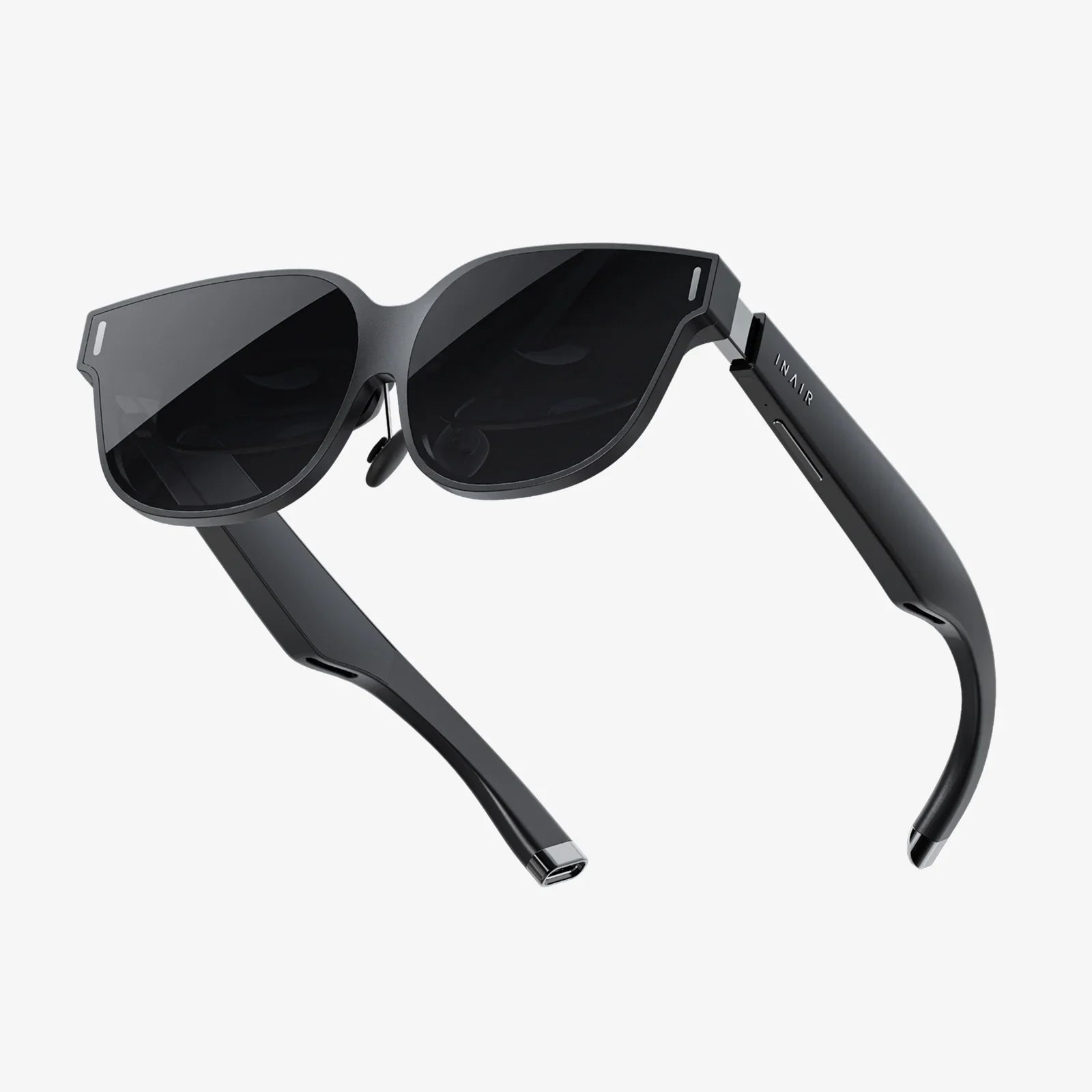
You hold a powerful portal to other worlds in your pocket. Your iPhone, a marvel of modern technology, is capable of far more than just social media and emails; it is your ticket to breathtaking virtual landscapes, heart-pounding interactive adventures, and mind-expanding educational journeys. But with a seemingly endless sea of applications vying for your attention, the burning question remains: which VR app will truly unlock this immersive potential and deliver an experience worth your time? The answer isn't as simple as a single name; it's a journey to find the perfect app that aligns with your curiosity, your desire for adventure, and your thirst for the extraordinary. Prepare to dive deep into the digital realm and discover the key that turns your device into a window to the unbelievable.
Demystifying the iPhone VR Experience
Before we embark on our quest to find the best application, it's crucial to understand the unique ecosystem of VR on iPhone. Unlike dedicated VR headsets with their own powerful processors and displays, iPhone-based VR relies on a combination of your phone's hardware and a compatible headset holder. This method, often called "mobile VR," uses the iPhone's high-resolution screen, its precise gyroscope and accelerometer, and its powerful GPU to create a convincing stereoscopic 3D experience.
The beauty of this system is its accessibility. For a relatively low entry cost, you can experience the core thrill of virtual reality. The applications available range from simple 360-degree video viewers to complex, interactive games and social platforms. Your choice will fundamentally shape your experience. Are you looking to be entertained, to learn, to create, or to connect with others in virtual spaces? Defining your goal is the first step in narrowing down the vast field of contenders.
The Contenders: A Category-by-Category Breakdown
Instead of crowning one single "best" app, a more practical approach is to identify the leaders in each major category of VR experience. The best app for a gaming enthusiast is vastly different from the best app for an architecture student.
For the Avid Gamer and Thrill-Seeker
This category is for those who want to be at the center of the action. The best gaming applications offer more than just a passive view; they provide intuitive motion controls, immersive environments, and compelling gameplay loops. Look for applications that have mastered the art of creating a sense of "presence"—that magical feeling where your brain is tricked into believing you are truly inside the game.
Top-tier gaming applications often feature:
- Engaging Narrative: A story that pulls you deeper into the world.
- Intuitive Control Schemes: Leveraging the iPhone's touch screen or connecting to external controllers for seamless interaction.
- High-Quality Graphics: Pushing the iPhone's hardware to its limits to create visually stunning worlds.
- Replayability: Content that encourages you to return again and again.
The champions in this space are often praised for their ability to minimize motion sickness through clever design choices like "comfort mode" settings and teleportation movement, ensuring a pleasant experience for even the most sensitive users.
For the Curious Mind and Lifelong Learner
Virtual reality is arguably one of the most powerful educational tools ever invented. It allows for experiential learning—you don't just read about ancient Rome, you walk its streets. You don't just watch a documentary about the human body, you travel through the bloodstream. The best educational applications are those that transform abstract concepts into tangible, explorable experiences.
Exceptional educational applications typically offer:
- Accurate Information: Content developed in collaboration with subject matter experts and institutions.
- Interactive Exploration: The ability to manipulate objects, trigger events, and learn by doing.
- Immersive Scale: Presenting information in a way that conveys true size and scope, from the microscopic to the galactic.
- Structured Learning Paths: Guided tours or curated experiences that ensure a coherent educational journey.
From virtual field trips to historical sites and natural wonders to intricate simulations of scientific phenomena, these applications turn your iPhone into a dynamic classroom without walls.
For the Social Butterfly and Connector
VR is rapidly evolving into a new frontier for social interaction. The best social applications allow you to meet people from around the globe in shared virtual spaces, not as a flat video call, but as embodied avatars. You can attend live concerts, watch movies together on a giant virtual screen, play social games, or simply hang out and chat in environments that defy the laws of physics.
A leading social application will excel in:
- Avatar Customization: Allowing you to express your identity through a unique digital representation.
- Spatial Audio: Making conversations feel natural, as audio volume and direction change based on where you and others are standing in the virtual room.
- A Variety of Spaces: Offering everything from public lobbies to private rooms for intimate gatherings.
- Cross-Platform Compatibility: Enabling you to connect with friends regardless of whether they are using a more advanced headset or their iPhone.
These platforms are redefining what it means to "spend time together" when physically apart, making them more relevant than ever.
For the Creative Visionary and Artist
This category unlocks a new dimension of creativity. Imagine painting in 3D space around you, sculpting virtual clay, or designing architectural models at a 1:1 scale that you can walk through. The best creative applications provide powerful, intuitive tools that feel natural and empowering, removing the traditional barriers between the idea in your mind and its digital manifestation.
Best-in-class creative applications are characterized by:
- Natural User Interfaces: Tools that mimic real-world art supplies, responding to the pressure and angle of your virtual brush or chisel.
- Multi-Dimensional Workspace: The freedom to create in a full 360-degree environment.
- Export and Sharing Capabilities: The ability to save your creations as 3D models, images, or videos to share with the world.
- Inspirational Templates and Guides: Features that help beginners get started and experts push their skills further.
For artists, designers, and hobbyists, these applications are not just games; they are powerful studios that fit in the palm of your hand.
Key Factors to Consider Before You Download
With these categories in mind, how do you make your final choice? Several critical factors will determine your satisfaction with any application you select.
- iPhone Model and Performance: Newer iPhone models with faster processors and better displays will provide a significantly smoother and more visually impressive experience. An app that runs flawlessly on the latest Pro model might stutter on an older device. Always check the application's performance requirements.
- Headset Compatibility: While some applications work with simple Google Cardboard-style viewers, others are designed for more advanced headsets with built-in controllers. The quality of your headset directly impacts comfort, immersion, and interactivity. Ensure your chosen headset is compatible with the application's control scheme.
- Content Library and Updates: An application is only as good as its content. Does it offer a robust and growing library of experiences? Are the developers actively supporting it with new updates and features? A stagnant application will quickly lose its appeal.
- User Reviews and Ratings: The collective wisdom of the user base is invaluable. Spend time reading recent reviews on the App Store. Look for consistent praise about performance, content quality, and developer responsiveness, and take note of any recurring complaints.
- Comfort and Accessibility Settings: As mentioned, VR can cause discomfort for some. The best applications offer a wide array of settings to customize your experience, including options to reduce motion blur, adjust field of view, and change movement styles to prevent nausea.
Beyond the App: Maximizing Your iPhone VR Experience
Choosing the right application is half the battle. To truly have the best possible experience, you need to optimize your setup.
- Invest in a Quality Headset: A comfortable, well-built headset with good lenses and proper padding is a game-changer. It makes longer sessions enjoyable and dramatically improves visual clarity.
- Ensure Ample Storage: High-quality VR experiences can be large files. Make sure you have enough free storage space on your iPhone to avoid constant deletions.
- Charge Your Device: VR is a power-intensive activity. Always start with a fully charged battery, or keep your phone plugged in during use to avoid an untimely shutdown in the middle of an adventure.
- Clear Your Play Area: Safety first! Ensure you have a clear, open space to stand and turn around without bumping into furniture or walls. Immersion is great until you trip over a coffee table.
- Start Slow: If you're new to VR, begin with shorter sessions of 15-20 minutes to acclimatize your brain and body to the experience before diving into multi-hour campaigns.
The journey to find the ultimate virtual reality application for your iPhone is a personal one, a fusion of your hardware's capability and your own imagination. It's about matching your thirst for adventure, knowledge, or connection with the digital tools that can satiate it. There is no single winner, but a spectrum of exceptional experiences waiting to be discovered. The perfect app is the one that resonates with you, that makes you forget you're holding a phone to your face and instead convinces you that you've stepped through a doorway into another reality. That power is already in your hand; now it's time to unlock it and see what wonders await on the other side.
Share:
VR Headset Models 2025: The Ultimate Guide to the Next Generation of Immersive Technology
How to Know If VR Headset Is Charging: The Ultimate Guide to Power Status and Troubleshooting