


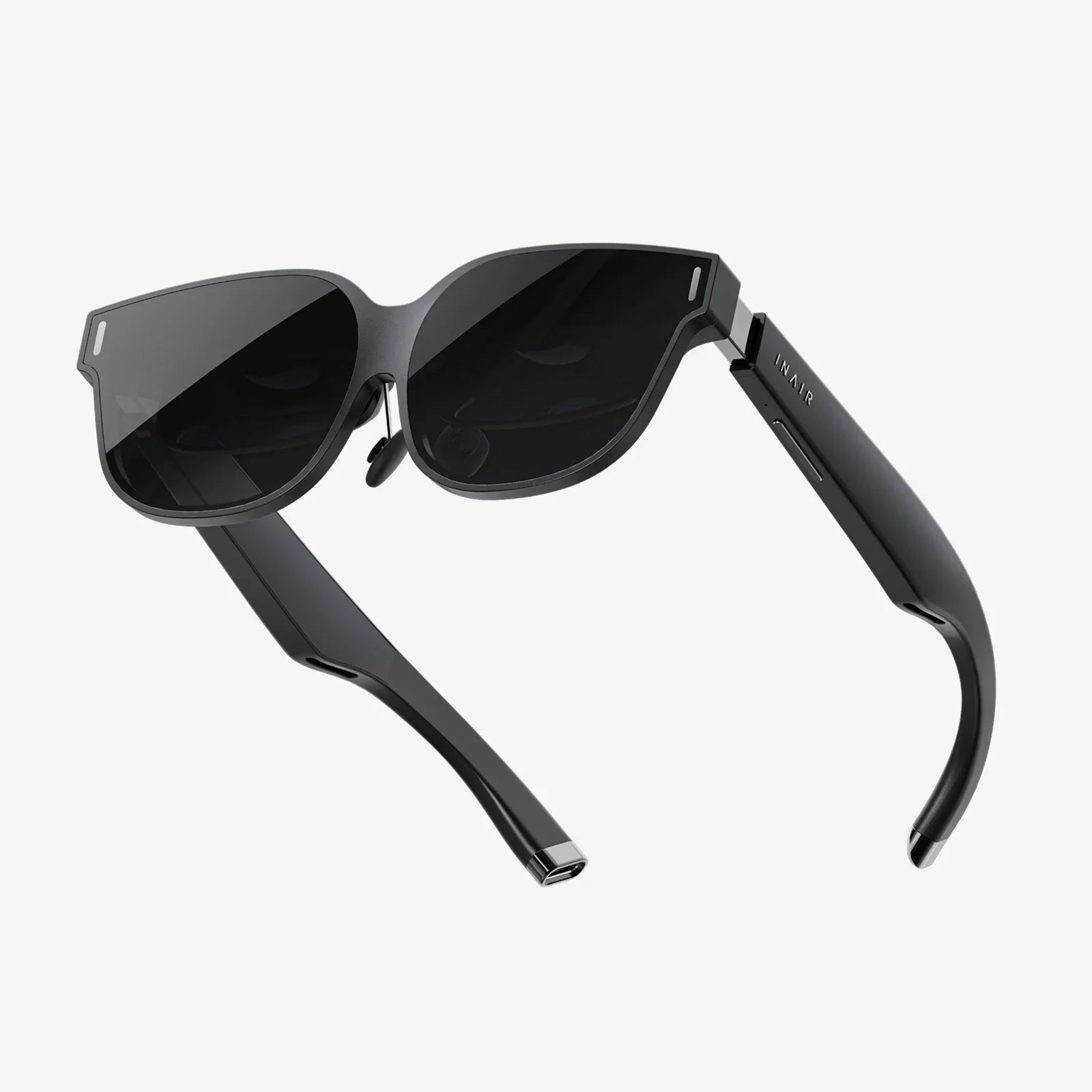
You've built a formidable gaming PC, a machine capable of rendering breathtaking worlds and processing complex physics at breakneck speeds. Now, you're ready to take the next logical step: stepping inside those worlds. The question isn't if you should get a virtual reality headset, but which VR headset for PC will unlock the full potential of your hardware and deliver the immersive experience you crave. The market is no longer a simple choice; it's a landscape of advanced technology with options catering to hardcore enthusiasts, sim racers, creative professionals, and everyone in between. Cutting through the specifications and marketing jargon is key to finding your perfect portal to another dimension.
Beyond the Hype: Core Considerations Before You Buy
Before diving into specific headset categories, it's crucial to understand the fundamental pillars that define a PC VR experience. Your choice will be a balancing act between these factors, often trading one strength for another based on your priorities and budget.
Visual Fidelity: The Window to Your Virtual Soul
The primary interface between you and the digital realm is the headset's display system. This isn't just about resolution.
- Resolution and PPD (Pixels Per Degree): Megapixel counts are a starting point, but PPD is a more accurate measure of clarity. It accounts for how those pixels are spread across your field of view. A higher PPD means a sharper, more "real" image with less visible screen door effect (the fine mesh-like grid between pixels).
- Lens Technology: Pancake lenses are a recent revolution. Compared to older Fresnel lenses, they are thinner, lighter, and provide a much larger "sweet spot"—the area where the image is perfectly in focus. They also drastically reduce god rays and glare, those distracting artifacts that appear around high-contrast elements.
- Field of View (FoV): Measured diagonally, FoV is how much of the virtual world you can see. A wider FoV (110 degrees and above) enhances immersion by making you feel like you're actually there, rather than looking through a pair of binoculars. However, wider FoVs often require more rendering power from your GPU.
- Refresh Rate: Expressed in Hertz (Hz), this is how many times the image refreshes per second. A higher refresh rate (90Hz, 120Hz, and even 144Hz) leads to smoother motion, reduced latency, and a significantly lower chance of motion sickness. This is especially critical for fast-paced games like first-person shooters or flight simulators.
Tracking: How the Headset Sees Your World (And You, In It)
Accurate tracking is the foundation of presence. It's what allows you to lean in to examine an object, duck behind virtual cover, or swing a sword with precision. There are two main paradigms.
- Inside-Out Tracking: Cameras on the headset itself observe your environment and controllers to track their position. The major advantage is simplicity and convenience—no external hardware to mount or calibrate. It's highly portable and perfect for smaller play spaces. The downside can be slightly less perfect tracking when controllers are held very close to the headset or directly behind your back.
- Outside-In Tracking (Base Stations): This system uses laser-emitting sensors placed in the corners of your room to track tiny sensors on the headset and controllers. It is widely considered the gold standard for precision, offering sub-millimeter accuracy, flawless 360-degree tracking, and is the preferred choice for competitive players and professional applications like motion capture. The trade-off is the need to set up, power, and calibrate the external sensors.
Comfort and Ergonomics: The Long-Haul Factor
A headset can have the best specs on paper, but if it's uncomfortable, your sessions will be short and frustrating. Comfort is subjective but hinges on a few key elements.
- Weight Distribution: Is the weight front-heavy? A good counter-balancing strap system is essential. Elite-style straps that cup the back of the head are generally superior to simple elastic bands.
- Facial Interface: The material that touches your face. Pleather, silicone, and foam all have different properties for breathability, comfort, and ease of cleaning. A good seal is necessary to block out external light, but it shouldn't cause excessive pressure.
- IPD (Interpupillary Distance) Adjustment: This is the distance between your pupils. Mechanical IPD adjustment allows you to physically shift the lenses to match your specific measurement, ensuring a clear, non-blurry image and reducing eye strain. Software-based IPD adjustment is less ideal.
The PC Connection: Wired vs. Untethered
How your headset connects to your powerful PC is a major differentiator.
- Wired (DisplayPort/USB): This traditional connection delivers the highest possible bandwidth, ensuring the absolute best visual fidelity with no compression artifacts and the lowest possible latency. It's the uncompromising choice for visual purists. The obvious drawback is the cable, which can be tripped over and reminds you that you're tethered to the real world.
- Wireless (Wi-Fi): Using a dedicated wireless adapter or a high-quality Wi-Fi 6/6E router, you can stream the video signal from your PC to the headset. The freedom of movement is transformative, making room-scale experiences truly cable-free. Modern compression technology is excellent, but purists may notice a slight quality loss in very dark scenes or fast-moving content compared to a direct cable.
- Standalone with PC Link: Some headsets are primarily standalone devices but can connect to a PC via a USB cable or wireless streaming software. This offers fantastic flexibility, allowing you to enjoy mobile content and PC content on one device. However, the video stream is compressed, so it may not match the pristine quality of a native PC headset.
Decoding the Market: Finding Your VR Archetype
With those core concepts in mind, we can categorize the current landscape of PC VR headsets. Think about which user profile best describes your primary goals.
The High-End Enthusiast & Simulator Pilot
This user has a top-tier GPU and refuses to compromise. The goal is maximum immersion through the highest fidelity, widest field of view, and most precise tracking available. Cost is a secondary concern to performance.
Defining Traits: These headsets typically feature dual high-resolution displays, pancake or custom aspheric lenses for edge-to-edge clarity, a wide FoV (often 120 degrees or more), and rely on outside-in base station tracking for flawless accuracy. They are almost exclusively wired to deliver an uncompressed signal. They are the dream for flight simulators like Microsoft Flight Simulator, racing sims like iRacing, and any experience where visual clarity and pinpoint accuracy are paramount. Be warned: they demand the most from your PC and your wallet.
The Balanced Power User
This user seeks a fantastic, high-fidelity PC VR experience but values a more streamlined setup. They want great visuals and solid tracking without the complexity of external sensors, often appreciating the option for wireless freedom.
Defining Traits: This category is dominated by headsets using inside-out tracking, eliminating the need for base stations. They feature high-resolution displays, often with modern pancake lenses that create a compact and comfortable form factor. A key feature here is the ability to choose your experience: connect via a single wire for top-tier PC VR, or use advanced wireless streaming to play untethered. This flexibility makes them incredibly popular for users who enjoy a mix of room-scale action games, seated experiences, and even standalone mobile content on the same device.
The Value-Seeking Adventurer
This user is eager to enter the world of PC VR but is mindful of the total investment. They are looking for a solid, reliable entry point that still delivers a compelling and enjoyable experience without breaking the bank.
Defining Traits: These are often older, discontinued models that can be found on the secondary market at attractive prices. While they may lack the latest lens technology or highest resolution screens, they were often the high-end champions of their day and remain perfectly capable of delivering fantastic VR experiences. They typically use older inside-out tracking systems or even outside-in tracking with included base stations. This path requires more research into driver support and compatibility, but it can offer incredible value for someone with a moderate PC setup.
The Unseen Hero: Your PC's Role in the VR Equation
Your headset is only half of the equation. Its potential is locked away until your PC can set it free. Pushing high resolutions at high frame rates is one of the most demanding tasks for any computer.
- GPU (Graphics Card): The single most important component. For modern high-resolution headsets, a powerful contemporary graphics card is non-negotiable. You'll want a card with ample VRAM and raw horsepower to not only hit the native resolution of the headset but to also maintain the target refresh rate (90Hz/120Hz/144Hz) without dropping frames. Dropped frames in VR are a primary cause of discomfort and motion sickness.
- CPU (Processor): While the GPU does the heavy lifting of rendering, the CPU is responsible for the game's logic, physics, and feeding instructions to the GPU. A modern, capable processor is essential to avoid bottlenecks, especially in complex simulation games.
- Ports and Connectivity: Check your PC's available ports. Does it have a DisplayPort 1.4 or later output? Does it have enough high-speed USB ports (preferably USB 3.2 Gen 1 or better) for the headset and its cameras or sensors? For wireless play, a PCIe Wi-Fi 6/6E card or a dedicated router in your play space is highly recommended.
The Future is Now: What Lies on the Horizon?
The technology is advancing at a staggering pace. While you're choosing a headset for today, it's worth glancing at the innovations already peeking over the horizon. Eye-tracked foveated rendering is a game-changing technology that uses internal cameras to track your eyes. It renders the spot you're directly looking at in full resolution while subtly reducing the detail in your peripheral vision. This can massively reduce the GPU performance required to run these demanding headsets, making high-fidelity VR more accessible. Similarly, advancements in inside-out tracking, varifocal lenses that adjust focus based on depth, and even smaller, lighter form factors are continuously being refined. The headset you buy today will be amazing, but the journey of VR is far from over.
Your ideal PC VR headset isn't the one with the highest number on a spec sheet; it's the one that disappears on your head and transports your mind. It's the tool that makes you forget the cable, the weight, and the technology, leaving only the exhilaration of standing on a virtual mountaintop, the tension of a firefight, or the awe of exploring a fantastical world. By honestly assessing your PC's power, your available space, your tolerance for setup complexity, and the experiences that call to you, the answer to the question of which VR headset for PC becomes clear. It's the one that feels less like a piece of hardware and more like a key—a key to the countless worlds your computer is already waiting to show you.
Share:
Top VR Headset for Android: Your Ultimate Guide to Mobile Virtual Reality
VR Headset Side Effects: Navigating the Physical and Psychological Impacts of Immersive Technology